
If you're looking to enhance your driving experience with an Android-powered car, Car Penguin is the head unit launcher you need. Designed to make your journeys more enjoyable and efficient, Car Penguin becomes your go-to interface for all your driving needs. From maps and navigation to media playback, phone calls, and more, this app ensures everything is accessible with ease. With support for multiple languages, various themes, and a bidirectional layout, Car Penguin caters to a wide range of preferences and needs.
Feature Summary
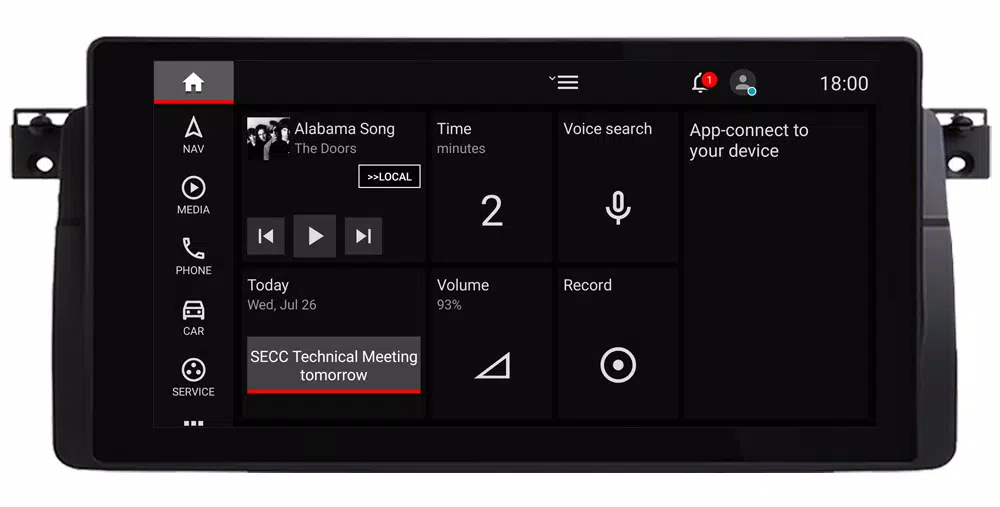
Customized Dashboard
Car Penguin's dashboard is meticulously crafted to provide quick access to essential features. You can customize the layout and content to suit your preferences, ensuring a personalized driving experience.
Important Note: Each page within Car Penguin comes with its own option menu. To access these options, simply press the menu icon (often referred to as the hamburger icon) while the page is open.
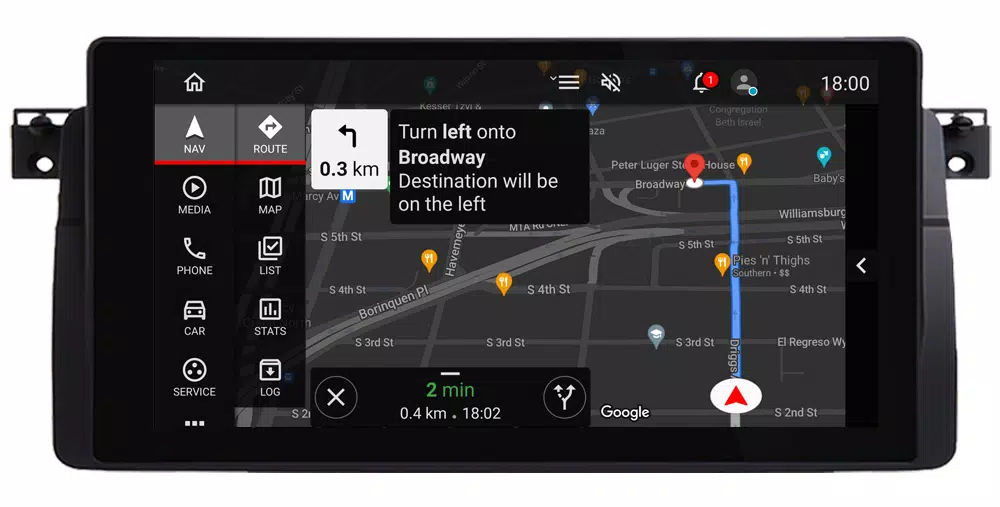
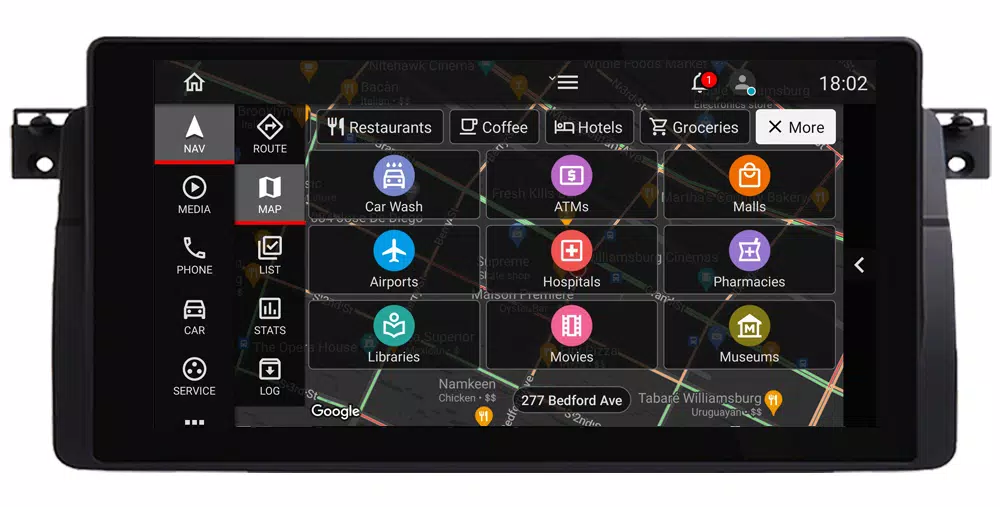
Maps, Search for Places, Points of Interest, and Turn-by-Turn Navigation
Navigate with confidence using Google Maps, which displays your current location, address, and traffic conditions. Car Penguin allows you to configure maps with various themes and layouts. You can search for places, save them to lists for easier future navigation, and use Google APIs for precise turn-by-turn directions. Additional navigation features include statistical trip information and logging for all your journeys.
Playing Music and Watching Videos
Enjoy your favorite tunes and videos on the go with Car Penguin's integrated media player. It offers media controls for local audio and video files, album lists, and shortcuts to other predefined apps. You can also integrate other popular media providers as external widgets on the dashboard or in the toggle bar.
Smartphone Integration
Stay connected with Car Penguin’s seamless smartphone integration. It displays your contacts and favorites lists, allowing you to dial numbers using the system's default dialer or transfer calls over Bluetooth to your cell phone. To enable Bluetooth call transfer, call log syncing, and SMS integration, you'll need to install the free Car Penguin Server app (available at http://carpenguin.com) on your mobile device.
Additional Features Include:
- Car Graphic/Photo and Device Information
- Real-time Weather Updates
- App Browsing and Shortcuts
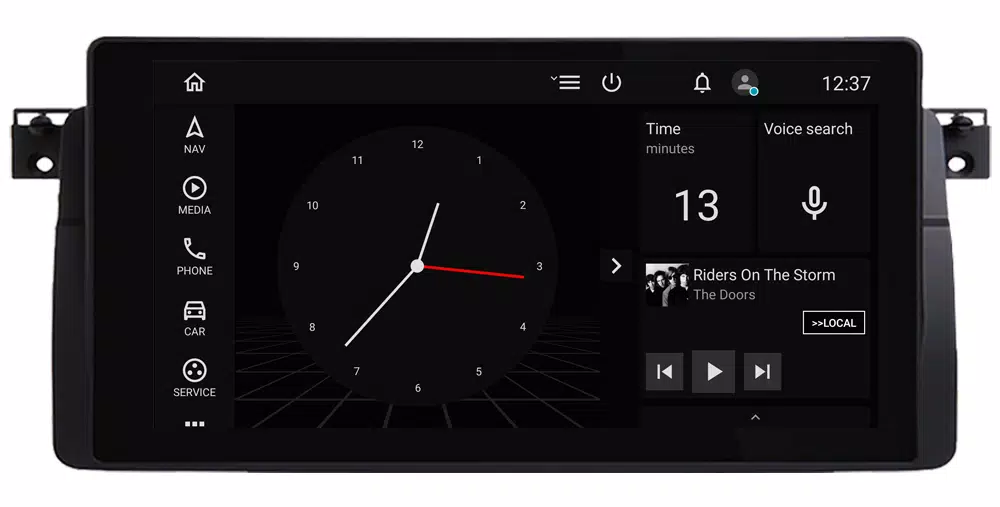
- Customizable Screen Saver
- Sound Recording Capabilities
- Built-in Speedometer
- Calendar Access
- Dynamic Volume Control Based on Speed
- Speed and Notification Alerts
Make Car Penguin your default head unit launcher and transform your driving experience into something truly exceptional.