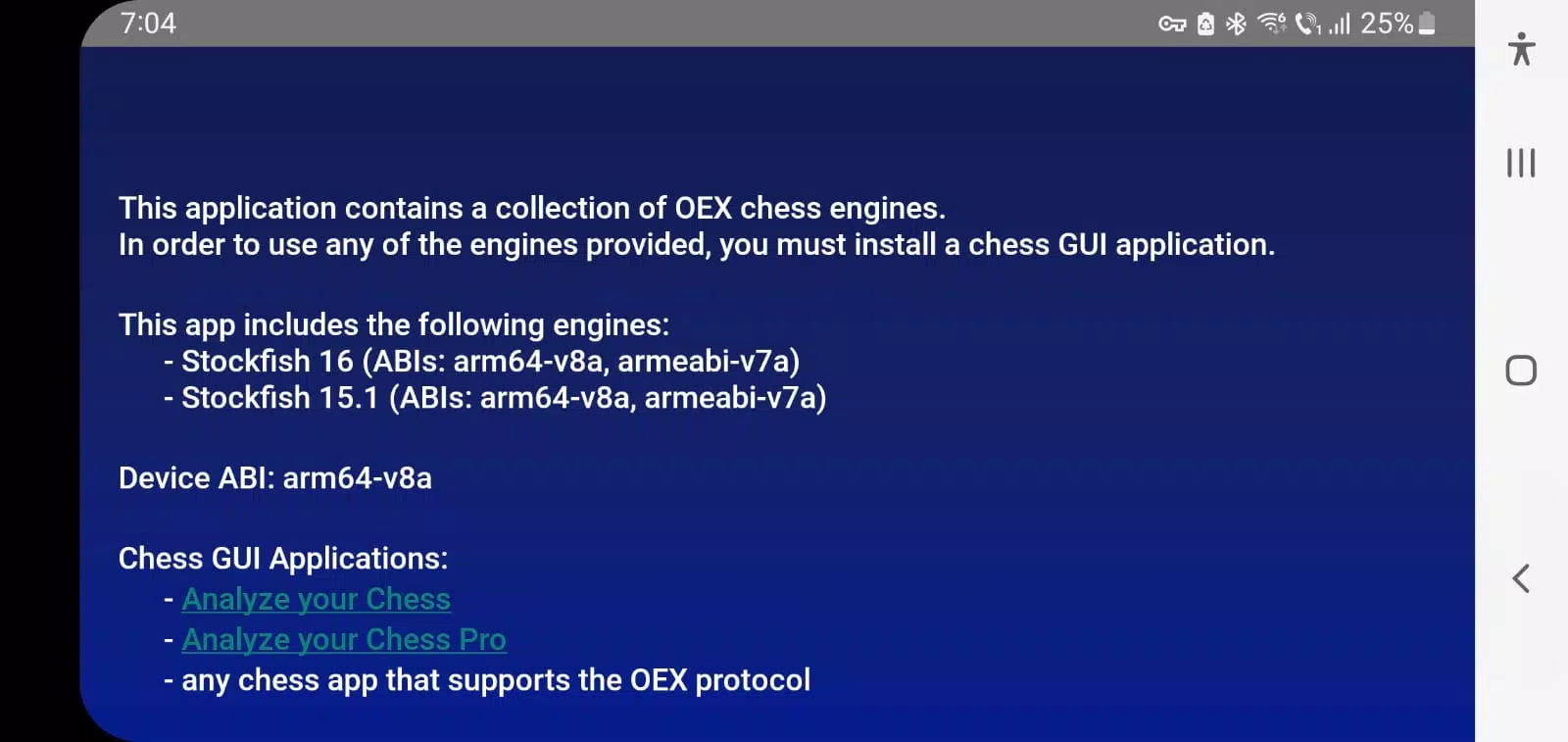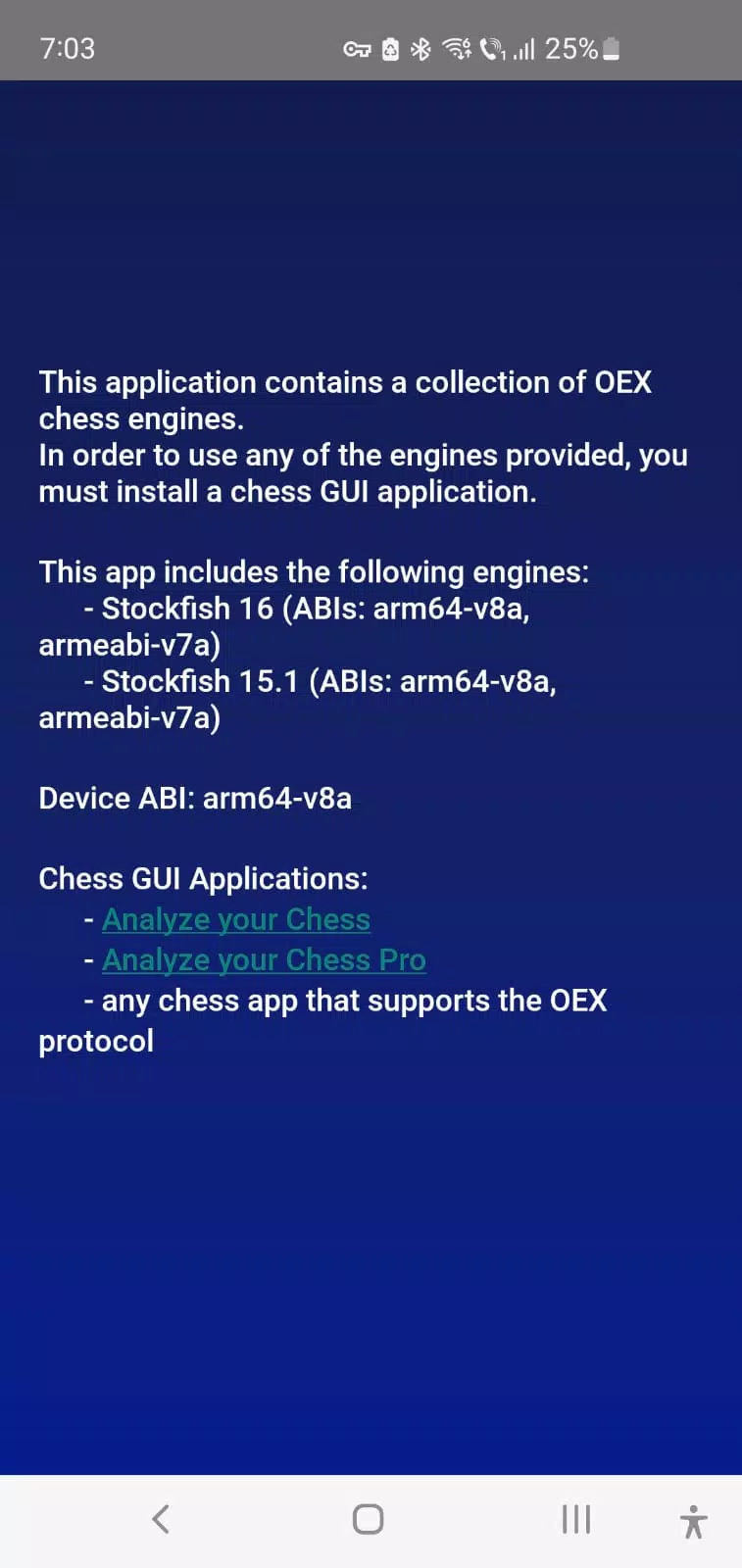
The Chess Engines application is designed to enhance your chess experience by providing a robust collection of open-source chess engines that can be seamlessly integrated into chess GUI applications on Android devices. This app does not feature a standalone graphical user interface; instead, it serves as a backend resource for chess GUIs that support the OEX (Open Exchange) protocol.
Key Features:
- Compatibility: The application is compatible with any Android chess application that utilizes the OEX protocol for engine integration.
- Bundled Engines: It includes native executables for the following renowned open-source chess engines:
- Stockfish 17: The latest iteration of the Stockfish engine, renowned for its exceptional performance and strategic depth. Learn more at Stockfish 17.
- Stockfish 16.1: A slightly earlier version of Stockfish, still highly effective for chess analysis and gameplay. Details available at Stockfish 16.1.
- Clover 7.0: Another strong open-source engine, offering unique analysis capabilities. Explore more at Clover 7.0.
Recommended Chess GUIs:
To fully leverage the power of these chess engines, we recommend the following chess GUIs that support OEX integration:
- Analyze your Chess (free): A user-friendly interface that allows you to analyze your chess games and improve your skills. Download from Google Play.
- Analyze your Chess Pro (paid): Offers additional features for a more comprehensive chess analysis experience. Available on Google Play.
How to Use:
To integrate these engines with the recommended GUIs, follow these steps:
- Open the Chess GUI.
- Navigate to the Engine Management Screen.
- Access the Overflow Menu and select Install Open Exchange Engine.
- Choose the desired chess engine(s) from the list provided by the Chess Engines application and proceed with the installation.
What's New in Version 1.4:
- Updated on September 8, 2024
- New Engines Included: Now features Stockfish 17, Stockfish 16.1, and Clover 7.0 for the latest and most diverse chess analysis capabilities.
By integrating these powerful engines into your preferred chess GUI, you can enhance your chess strategy, analyze games more deeply, and elevate your overall chess experience.