Home Apps Auto & Vehicles CL Theme S2
CL Theme S2

CL Theme S2

2.5
Application Description

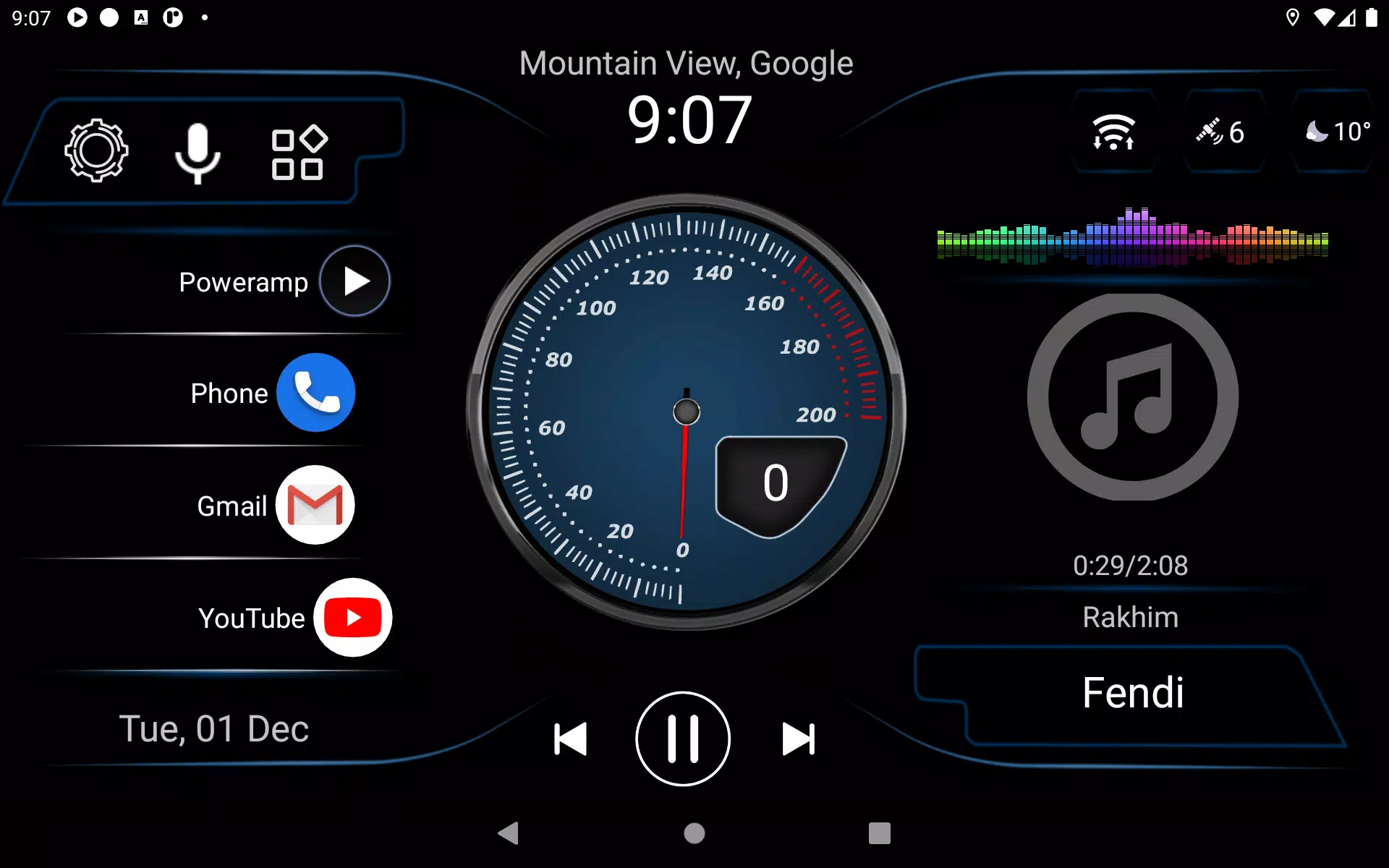
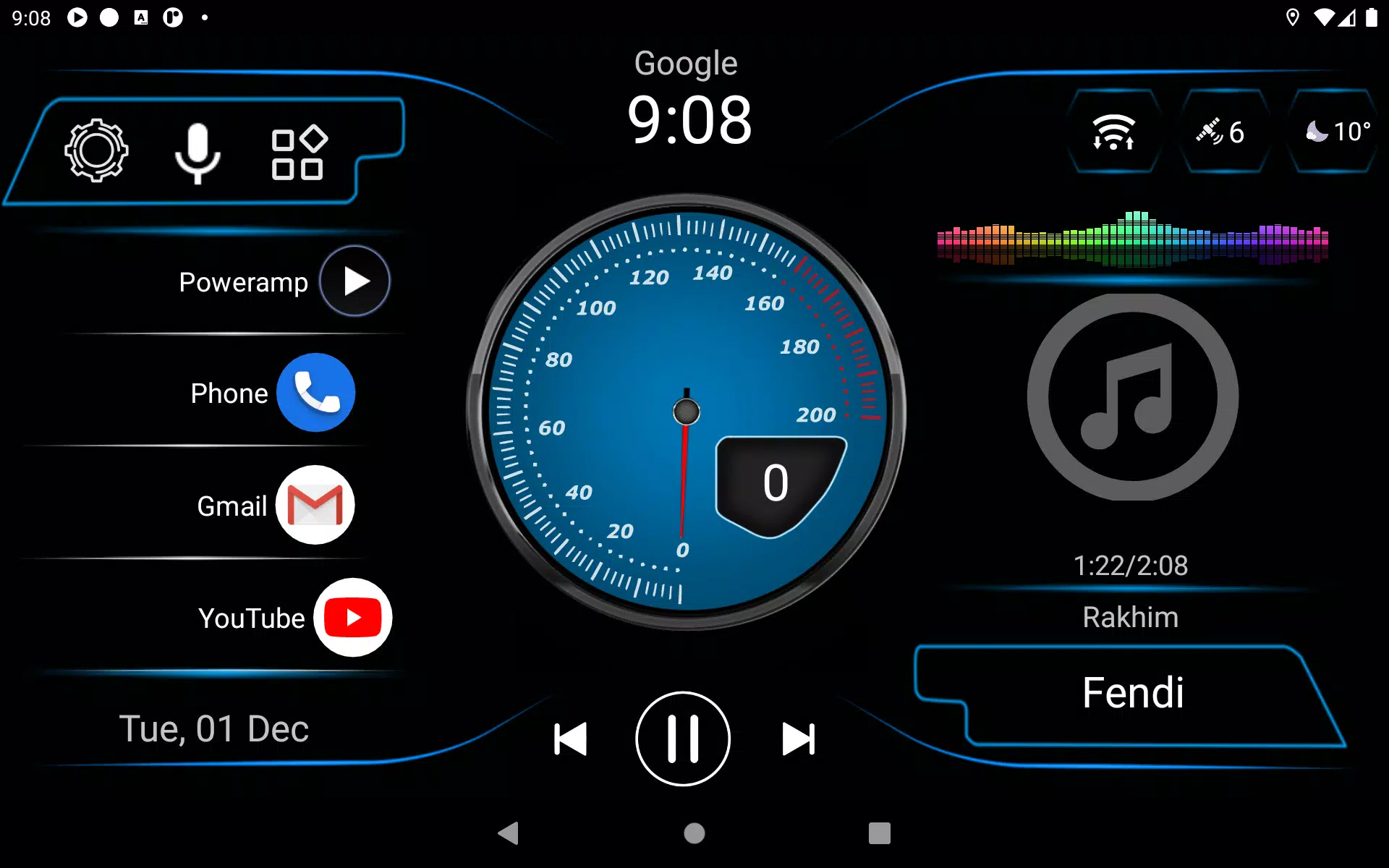
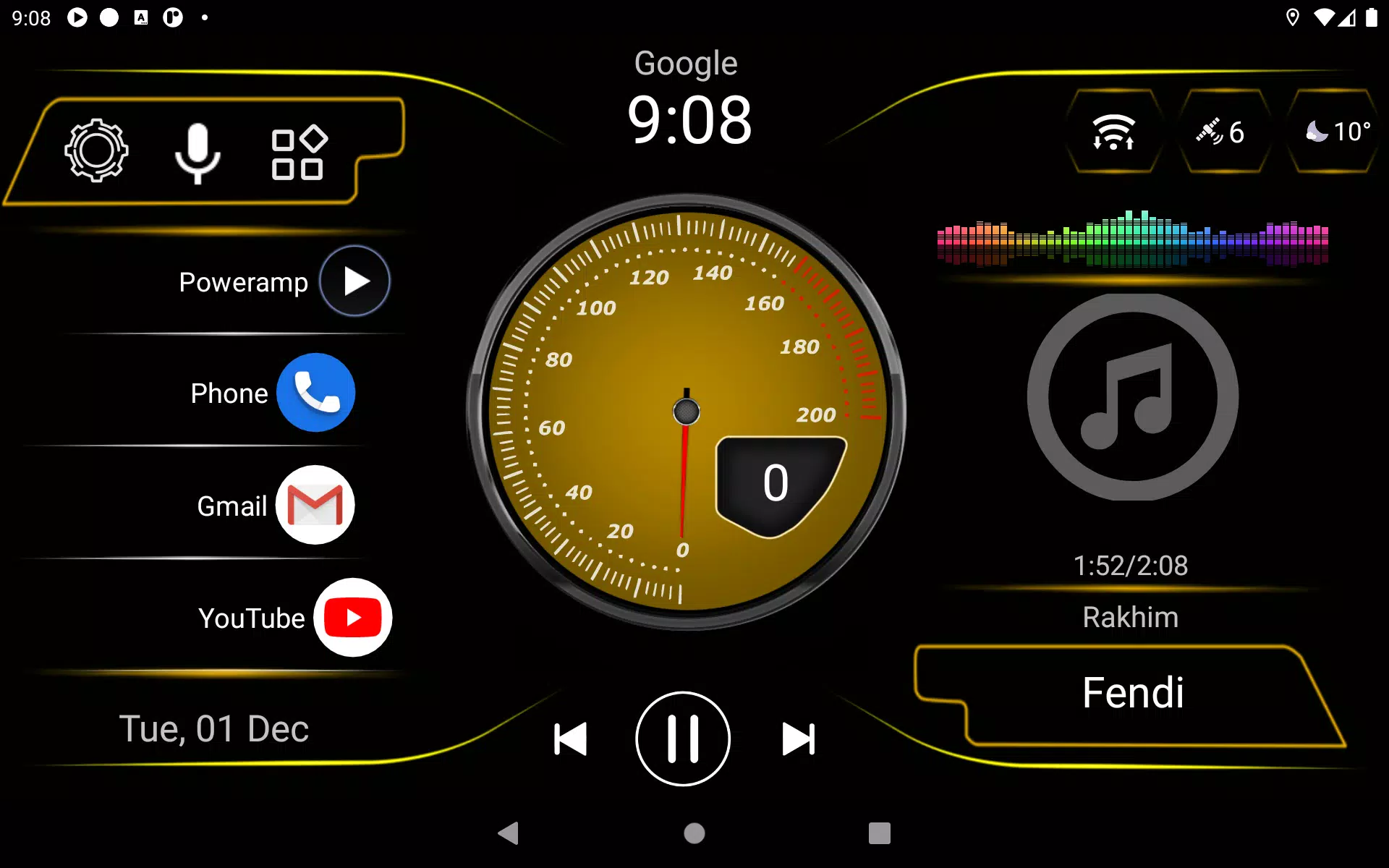
Introducing the latest theme for Car Launcher v3! Please note, this is not a standalone app but a theme designed to enhance your experience with Car Launcher.

To install this new theme, follow these simple steps:

  1. Open Car Launcher (CL).
  2. Navigate to the settings menu and select "Choose a theme".
  3. Scroll through the options and click on the theme that catches your eye.

With these easy steps, you can transform your Car Launcher interface and enjoy a fresh, new look tailored to your style. Dive into the settings, pick your favorite, and let your journey be even more enjoyable with Car Launcher v3's new theme!

Screenshot
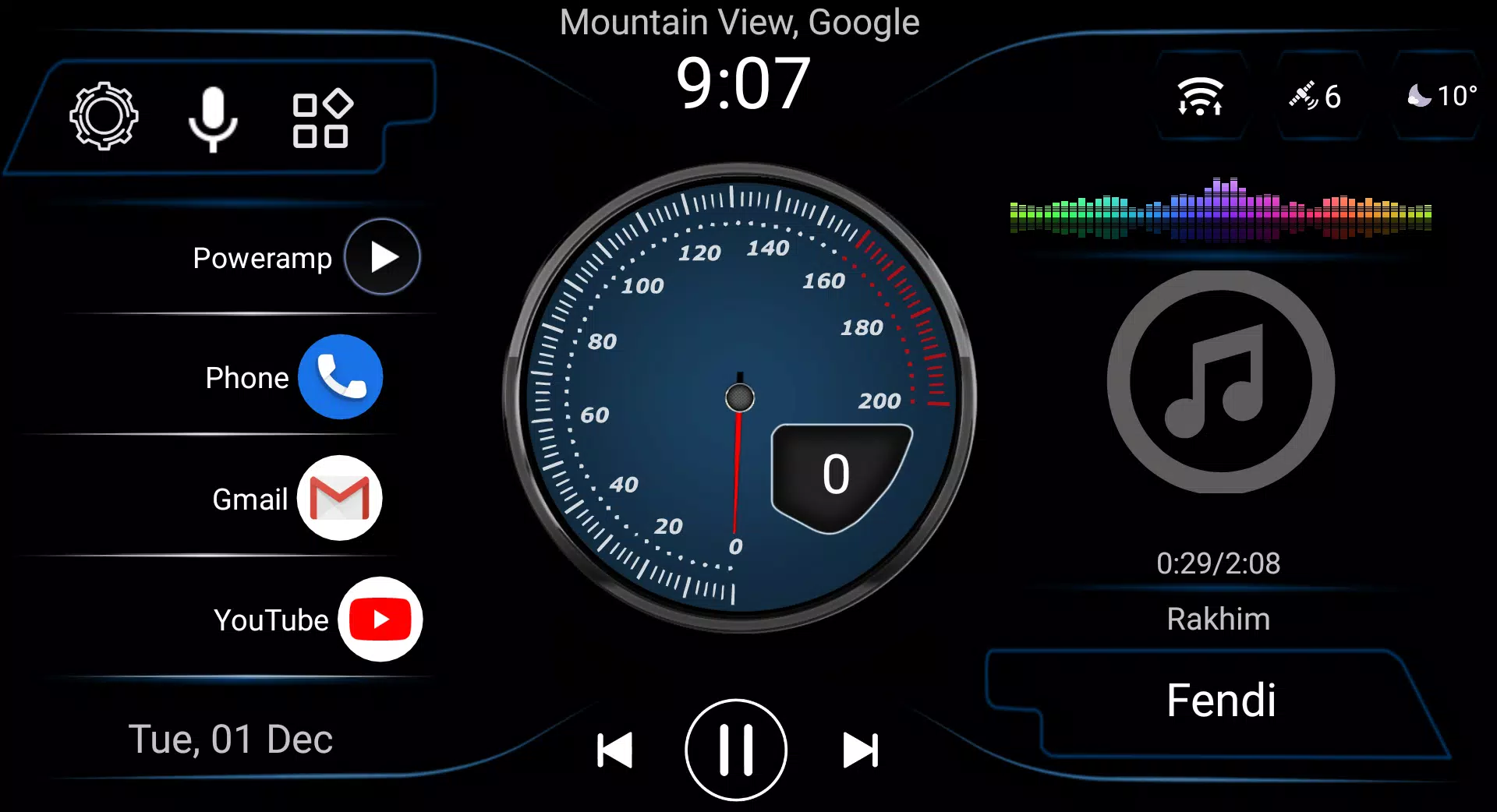
  • CL Theme S2 Screenshot 0
  • CL Theme S2 Screenshot 1
  • CL Theme S2 Screenshot 2
  • CL Theme S2 Screenshot 3
Reviews Post Comments
Latest Articles
  • Neil Druckmann on Future of The Last of Us TV Series

    ​As speculation swirls around the future of The Last of Us video game franchise, fans are wondering where the storyline could advance after HBO's upcoming Seasons 2 and 3 finish adapting the events of the second game. Earlier this month, series creato

    by Zoey May 08,2026

  • TankCraft 2: Hell Bosses War Brings an Unparalleled 2D Tank Adventure to Android

    ​After TankCraft – War Tank Battles, indie developer FunTankGames has released its follow-up game, TankCraft 2: Hell Bosses War. The dev’s other mobile games include Tank vs Zombies: Tank Battle, Blocky Tank 3D: Noob vs Zombie and Stellar Mines: Space

    by Nicholas May 06,2026