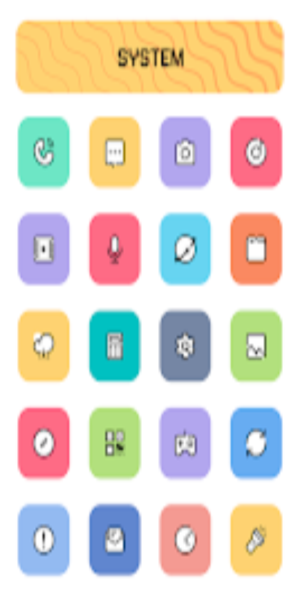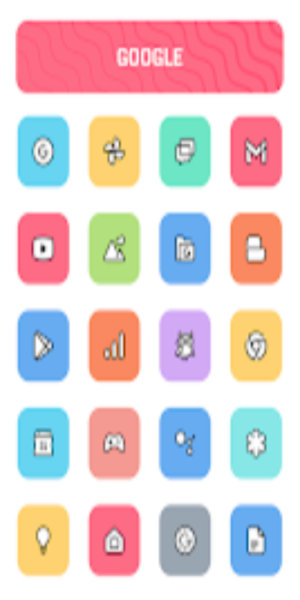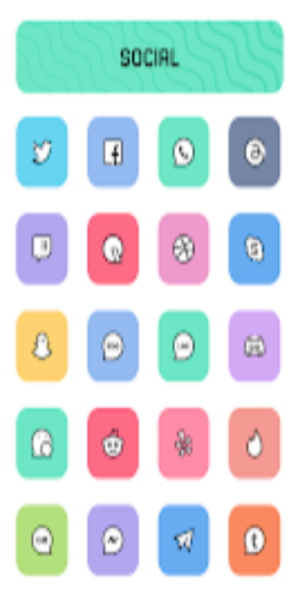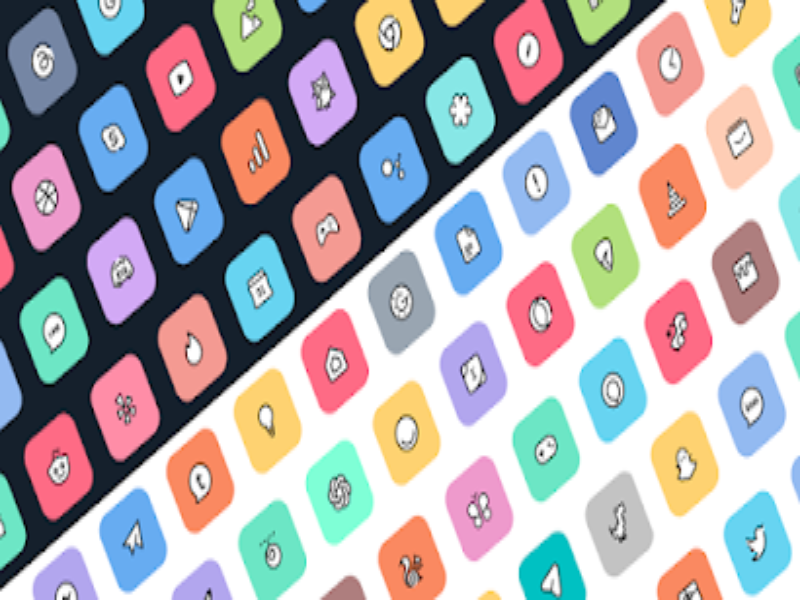
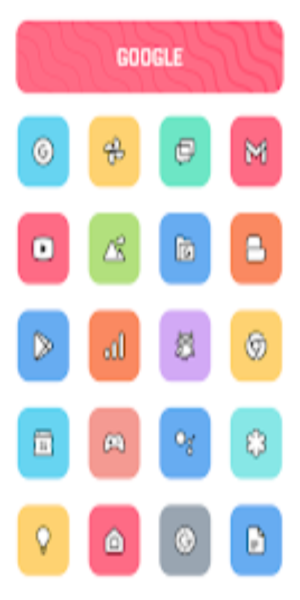
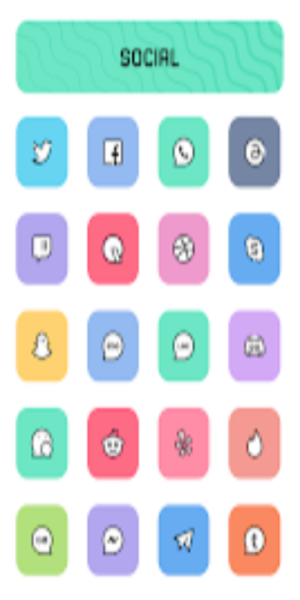
The Crayon Adaptive IconPack boasts over 6800 icons and 100+ wallpapers. Featuring soft hues and meticulous design, these icons add vibrancy and allure to your phone screen. Users can also customize icon shapes, which offers freedom and enjoyment in creativity.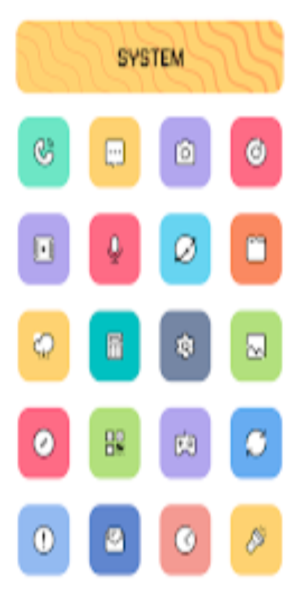
Key Features of Crayon Adaptive IconPack:
Extensive Icon Collection:
- Discover over 6800 high-quality icons to transform your home screen.
- Enjoy frequent updates to keep your icon pack fresh and exciting.
Adaptive Icon Shapes:
- Experience the flexibility of changing icon shapes to match your preferred style.
- Compatible with various launchers that support icon shaping, including Nova and Niagara.
Perfect Masking System:
- Seamlessly blend icons with your chosen wallpaper, ensuring a cohesive look.
Alternative Icon Options:
- Explore a wide range of alternative icons to suit your customization needs.
Exclusive Wallpaper Collection:
- Access over 100 exclusive wallpapers that complement the pastel and cartoon style of the icon pack.
Personalization and Recommended Settings:
- Nova Launcher: Achieve the optimal icon pack experience with Nova Launcher.
Highlights of Crayon Adaptive IconPack:
- Icon Preview and Search: Easily find and preview icons for quick customization.
- Dynamic Calendar: Stay organized with a dynamic calendar that adapts to your device.
- Material Dashboard: Navigate through the icon pack with ease using the intuitive Material Dashboard.
- Custom Folder Icons: Personalize your folders with custom icons.
- Category-Based Icons: Browse icons organized into categories for efficient selection.
- Custom App Drawer Icons: Customize the icons in your app drawer to match your style.
Installation Guide:
- Install a Supported Launcher: Choose a launcher compatible with Crayon Icon Pack, such as Nova Launcher.
- Apply the Icon Pack: Open the Crayon Icon Pack app, go to the "Apply" section, and select your preferred launcher.
Supported Launchers for the Icon Pack:
Action Launcher, ADW Launcher, Apex Launcher, Atom Launcher, Aviate Launcher, CM Theme Engine, GO Launcher, Holo Launcher, Holo Launcher HD, LG Home, Lucid Launcher, M Launcher, Mini Launcher, Next Launcher, Nougat Launcher, Nova Launcher (recommended), Smart Launcher, Solo Launcher, V Launcher, ZenUI Launcher, Zero Launcher, ABC Launcher, Evie Launcher, L Launcher, Lawnchair.
Launchers not Included in Apply Section:
Nothing Launcher, ASAP Launcher, Cobo Launcher, Line Launcher, Mesh Launcher, Peek Launcher, Z Launcher, Launch by Quixey Launcher, iTop Launcher, KK Launcher, MN Launcher, New Launcher, S Launcher, Open Launcher, Flick Launcher, Poco Launcher.
Conclusion:
Elevate your phone screen with Crayon Adaptive IconPack's exclusive Adaptive Version, boasting a charming cartoon theme and a pastel color palette. Meticulously crafted, each icon ensures a unique and immersive digital experience.