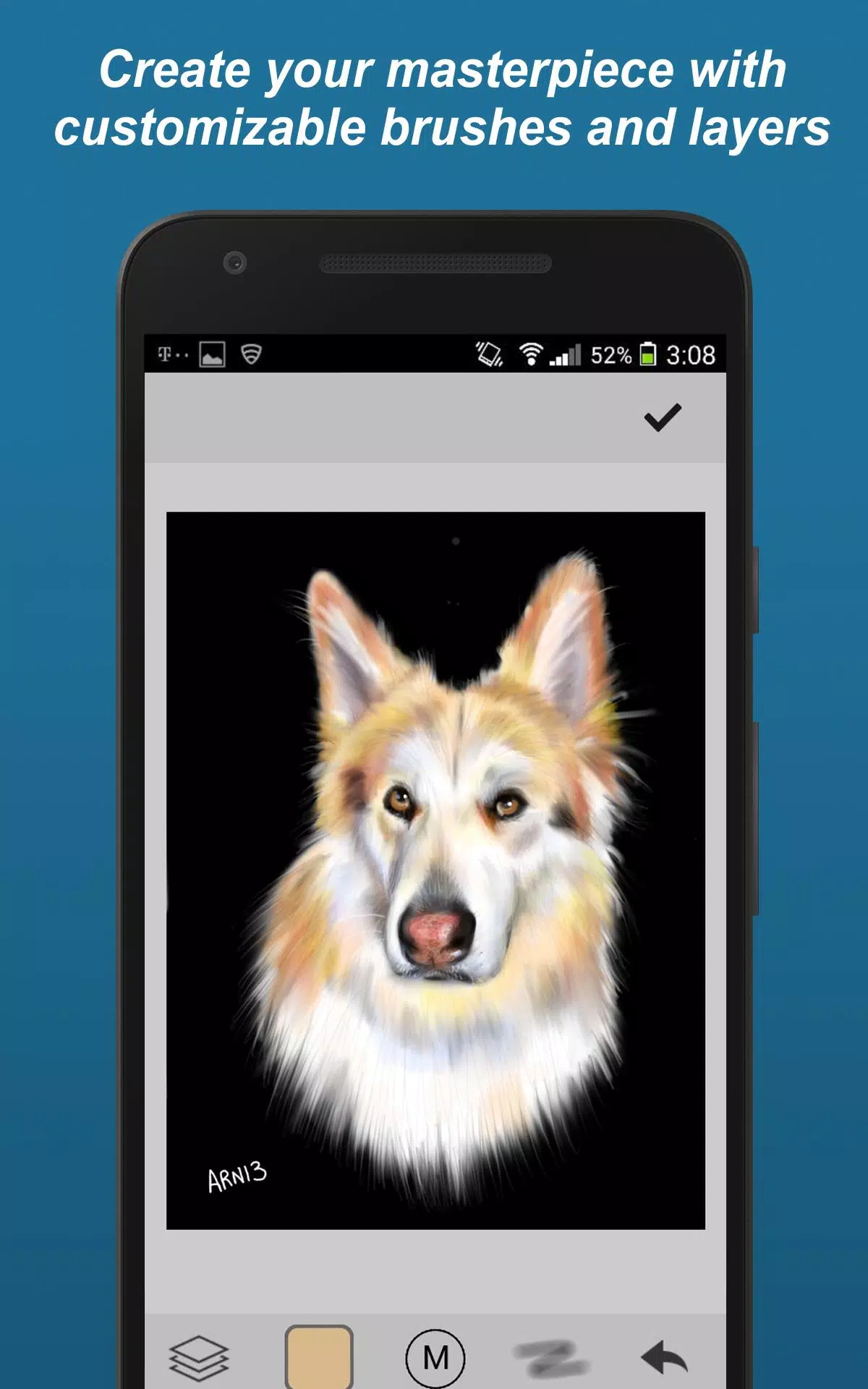
Discover the ultimate social drawing app designed for digital artists to create, share, and collaborate on stunning artwork. Whether you're a beginner or a seasoned artist, this app offers a comprehensive suite of tools and a vibrant community to fuel your creativity.
Drawing Tools
Unleash your artistic potential with an array of drawing tools at your fingertips:
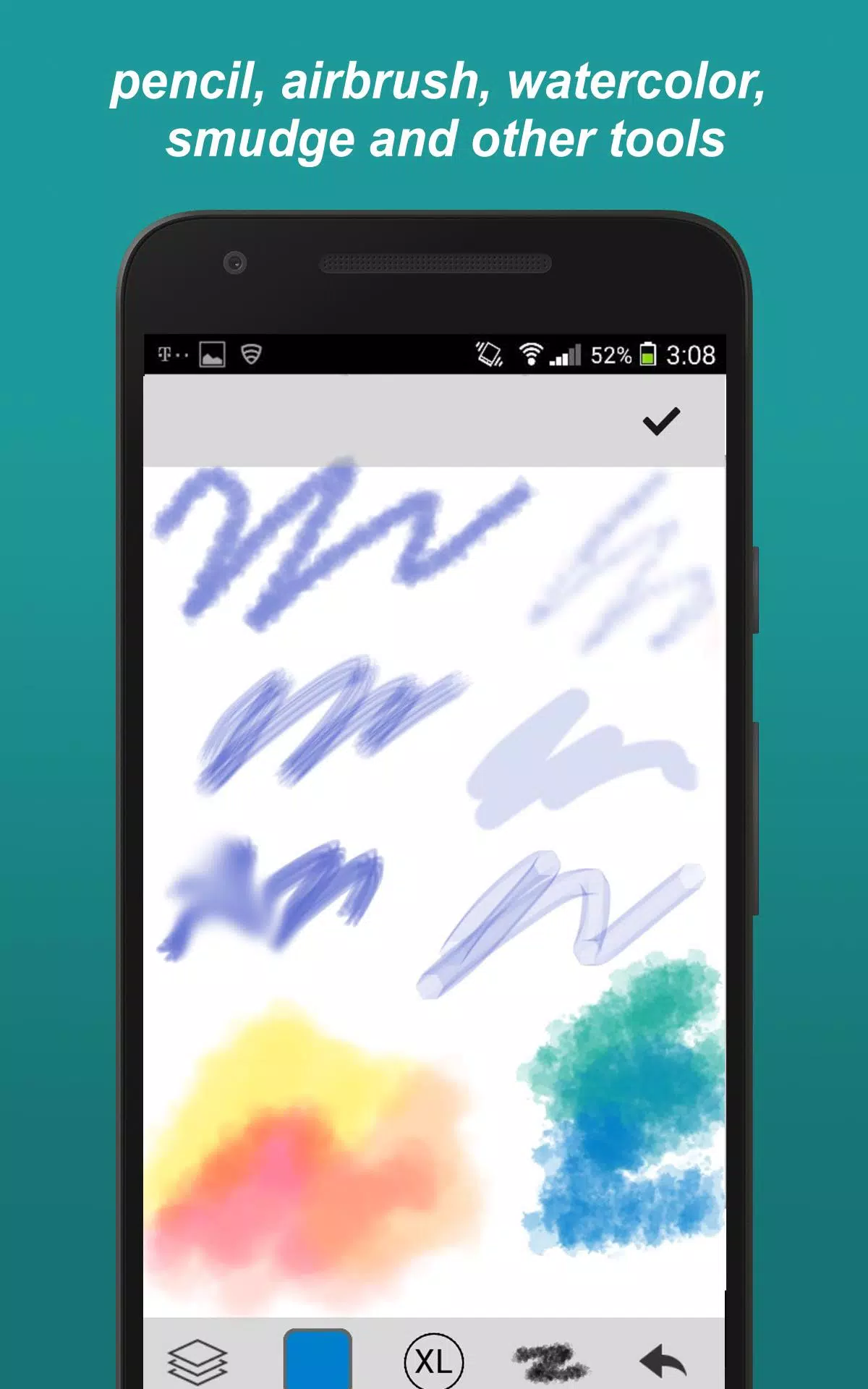
- Brush Styles: Choose from a variety of brushes including paintbrush, pencil, smudge (blur), felt-tip pen, and eraser to achieve the perfect stroke for your artwork.
- Custom Brushes: Tailor your brushes to your liking by adjusting parameters, allowing for a truly personalized drawing experience.
- Unlimited Colors: Access an infinite color spectrum and configure your palette to match your artistic vision.
- Zoom & Pan: Get up close and personal with your work, ensuring every detail is just right.
- Layers: Work on multiple layers to build complex compositions with ease.
- Transform Tools: Move, rotate, and mirror your artwork to explore different perspectives.
- Eye Dropper: Sample colors directly from your canvas for seamless blending and color matching.
- Undo/Redo: Experiment freely with multi-step undo and redo functions to refine your creations.
Community Features
Engage with a thriving community of artists through various interactive features:
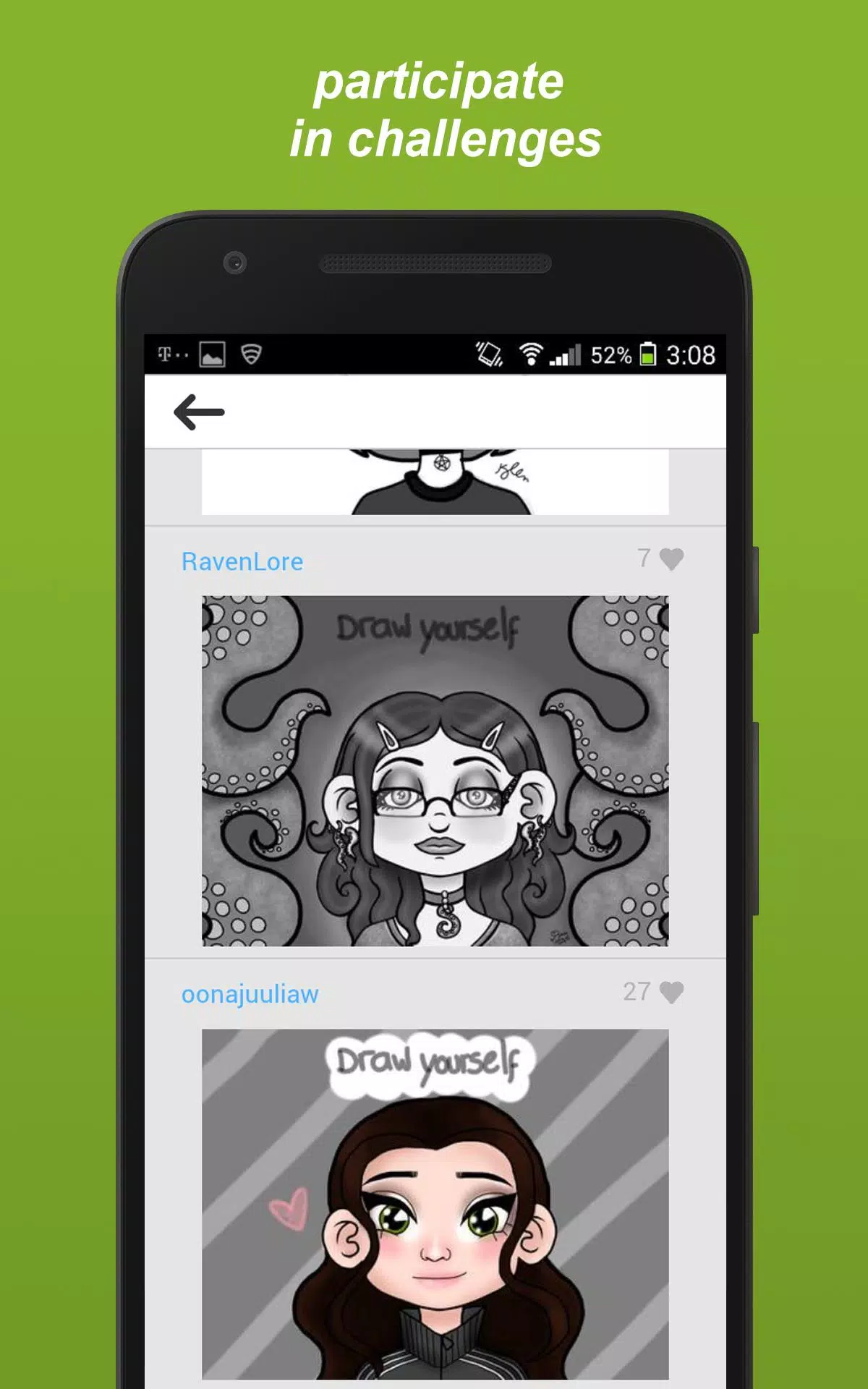
- Challenges: Participate in diverse drawing challenges such as selfie drawings, completing others' unfinished works, tracing, using inspiration pictures (photos or prompts), and free draw sessions.
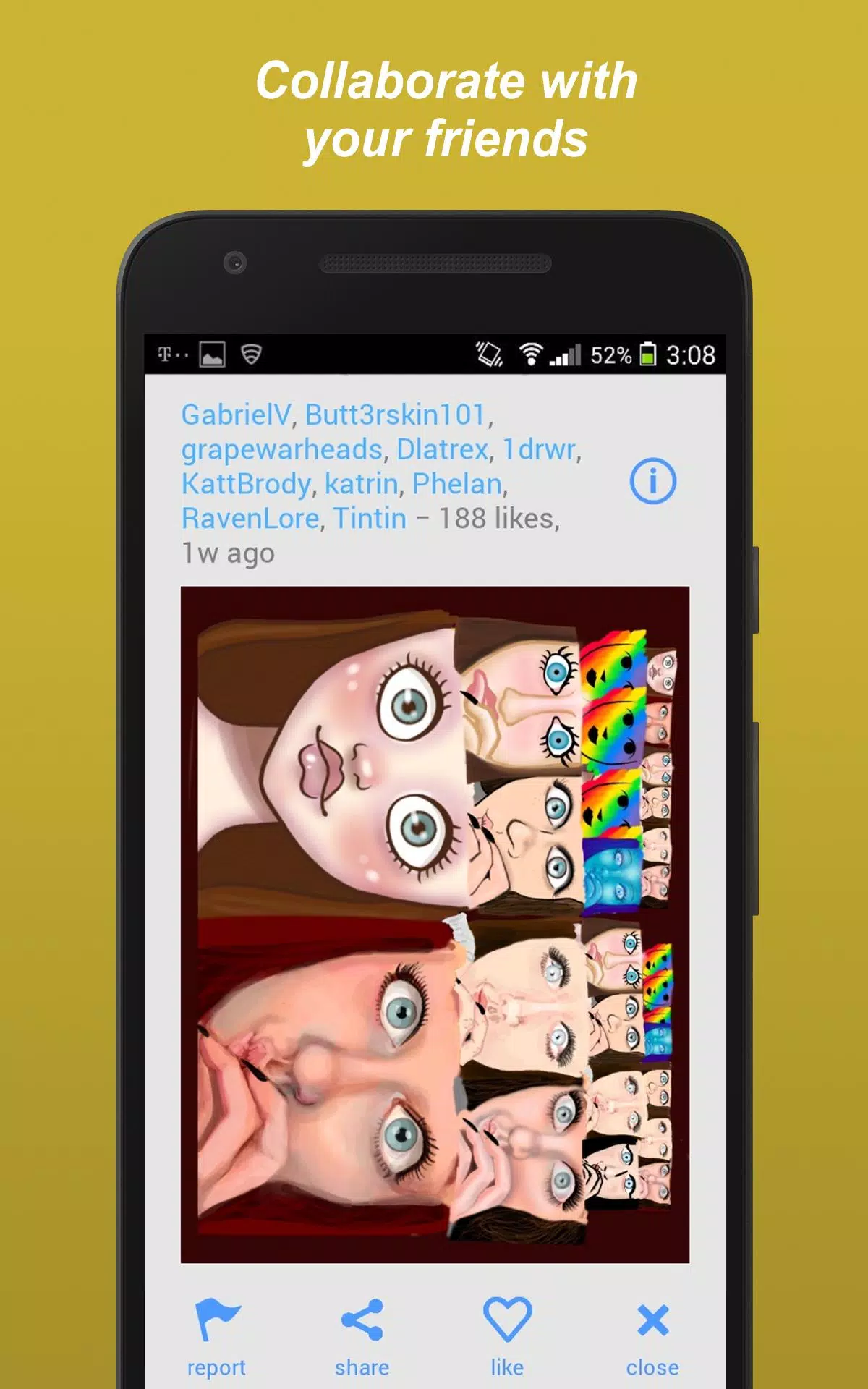
- Collaborations: Team up with friends to create collaborative masterpieces.
- Follow Favorite Artists: Keep up with the latest works from your favorite artists by following them.
- Private Sharing: Add friends and share your drawings privately for a more intimate creative exchange.
- Public Forum: Join the conversation in the public forum to discuss art, techniques, and more.
- Likes and Recognition: Gain recognition for your art by receiving likes from the community.
Other Features
Enhance your drawing experience with additional features designed for convenience and accessibility:
- Draft Storage: Save your works-in-progress securely within the app.
- Syncing: Seamlessly sync your drafts across multiple devices for uninterrupted creativity.
- Search by Tags: Easily find drawings by searching with specific tags, making it simple to discover new art and inspiration.
Whether you're looking to create quick sketches or elaborate paintings, this app is the perfect platform for artists of any skill level. It's also an excellent place to learn and grow as an artist, surrounded by a supportive and inspiring community.