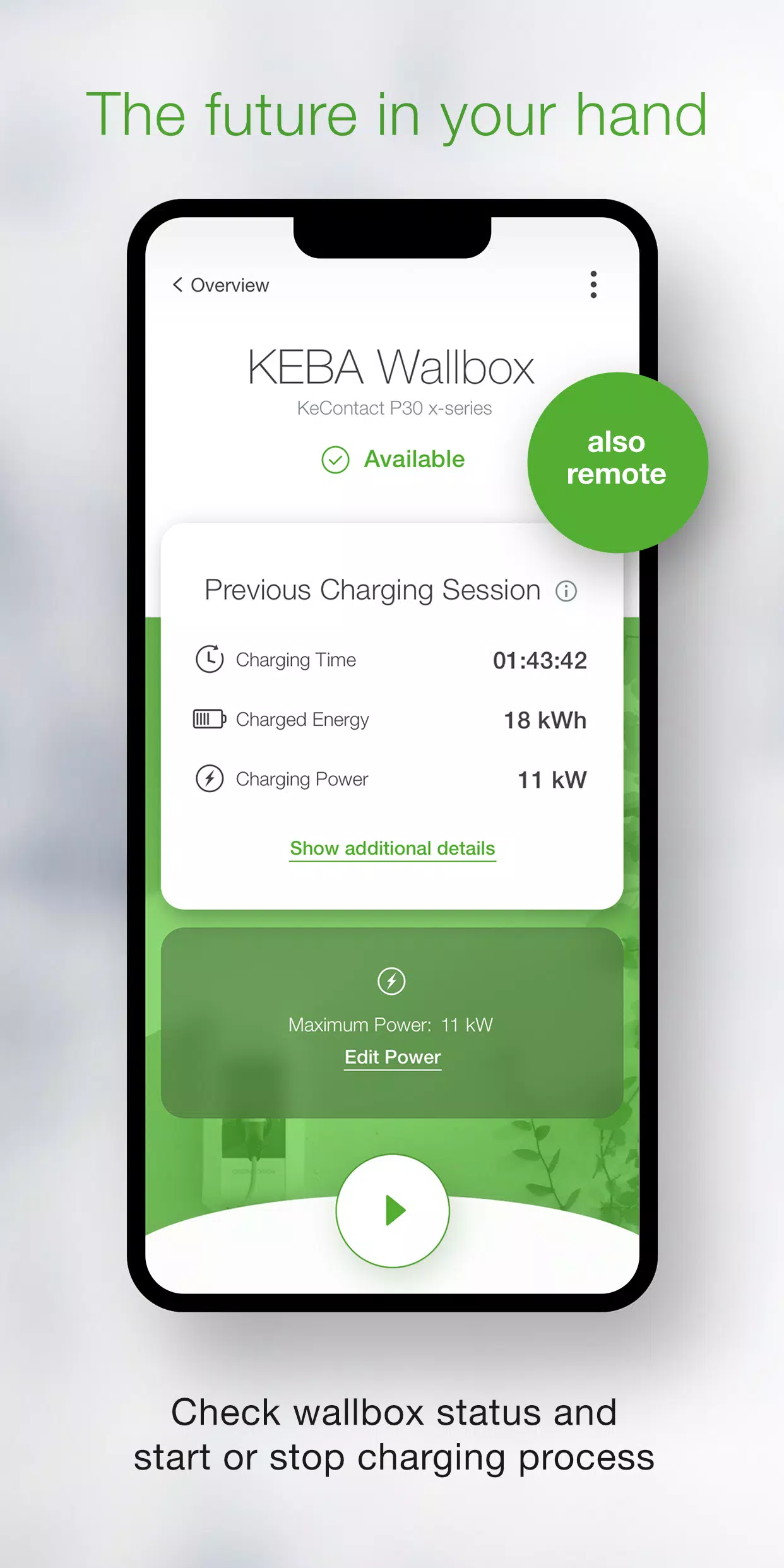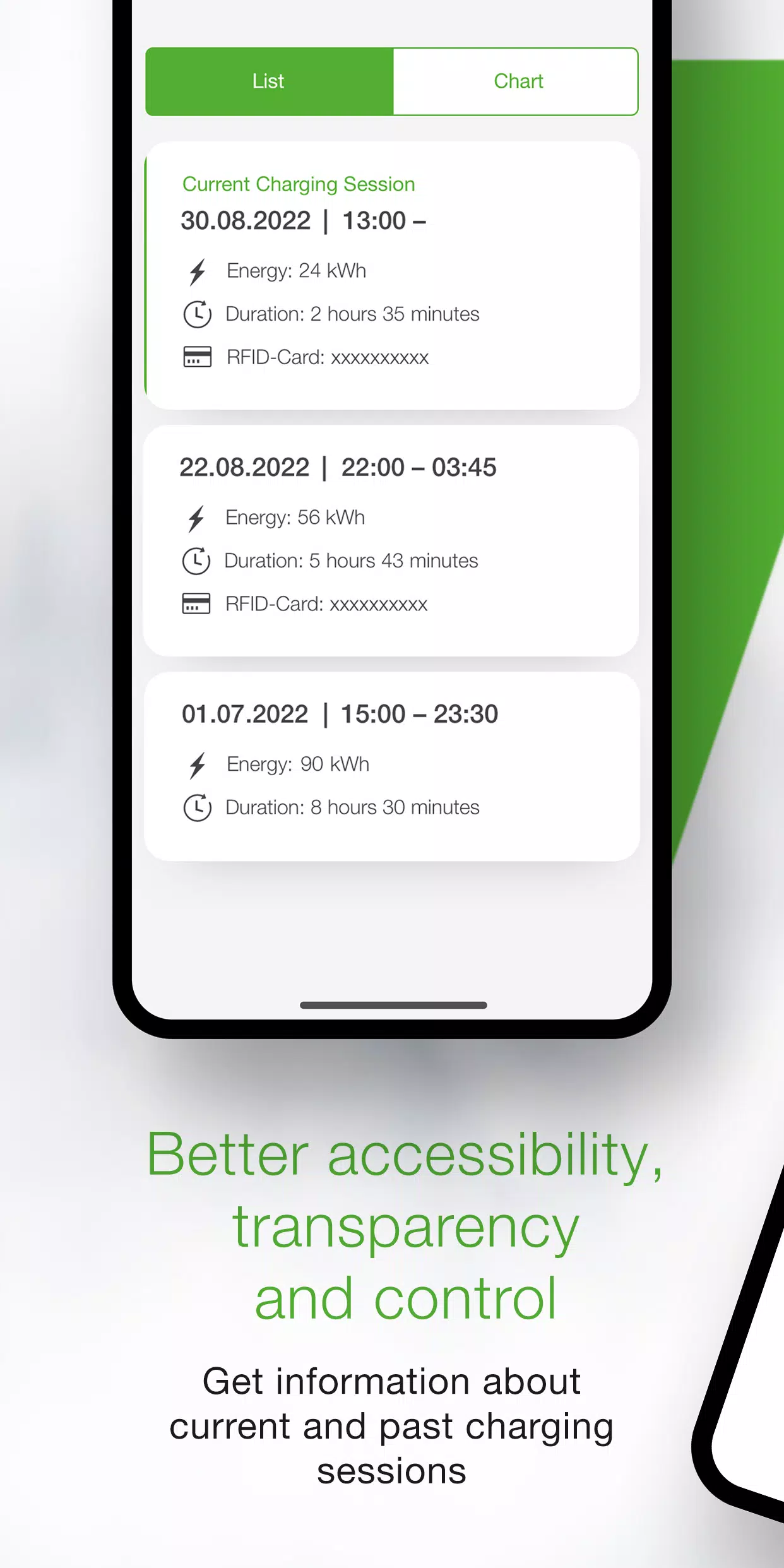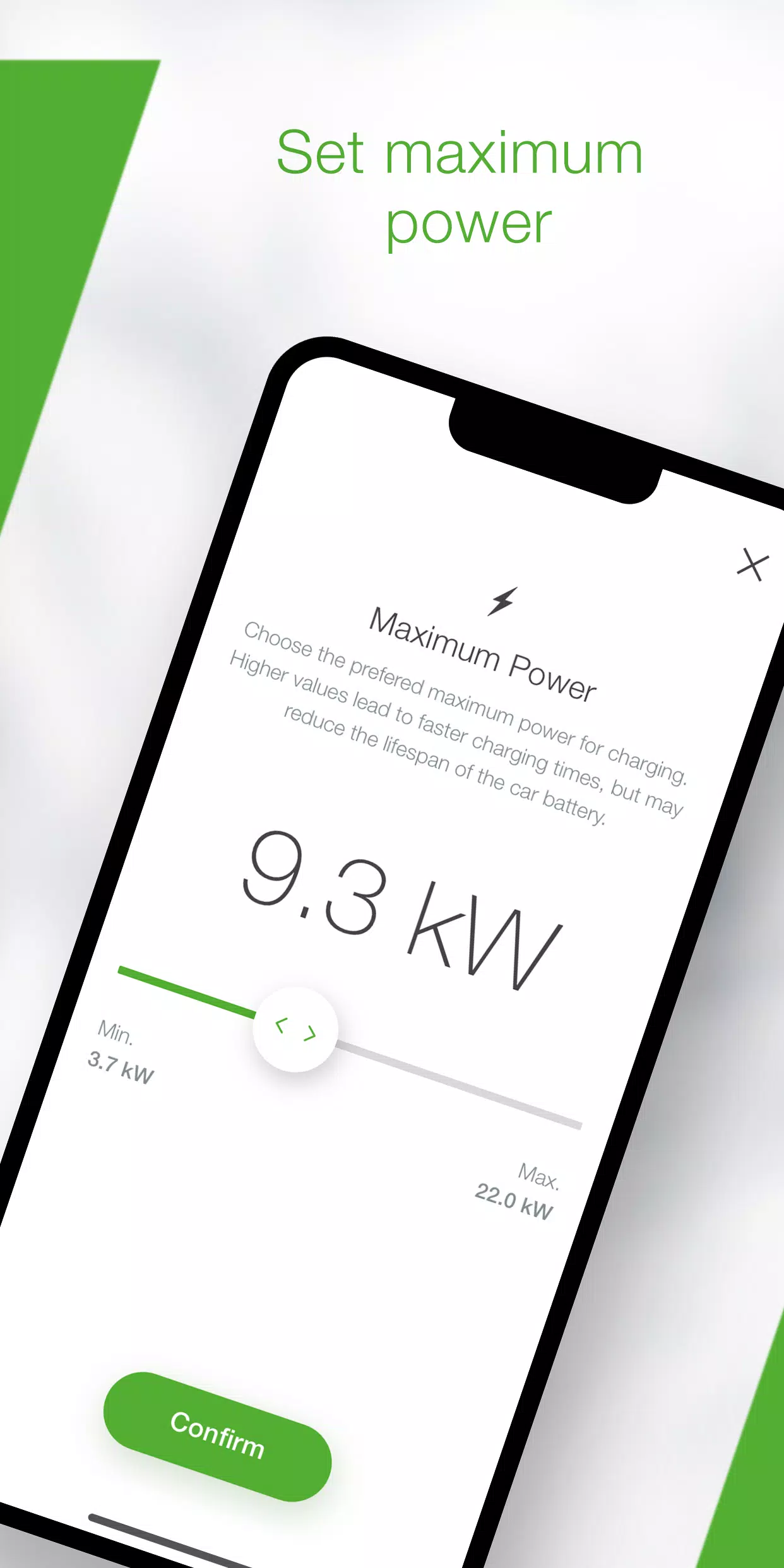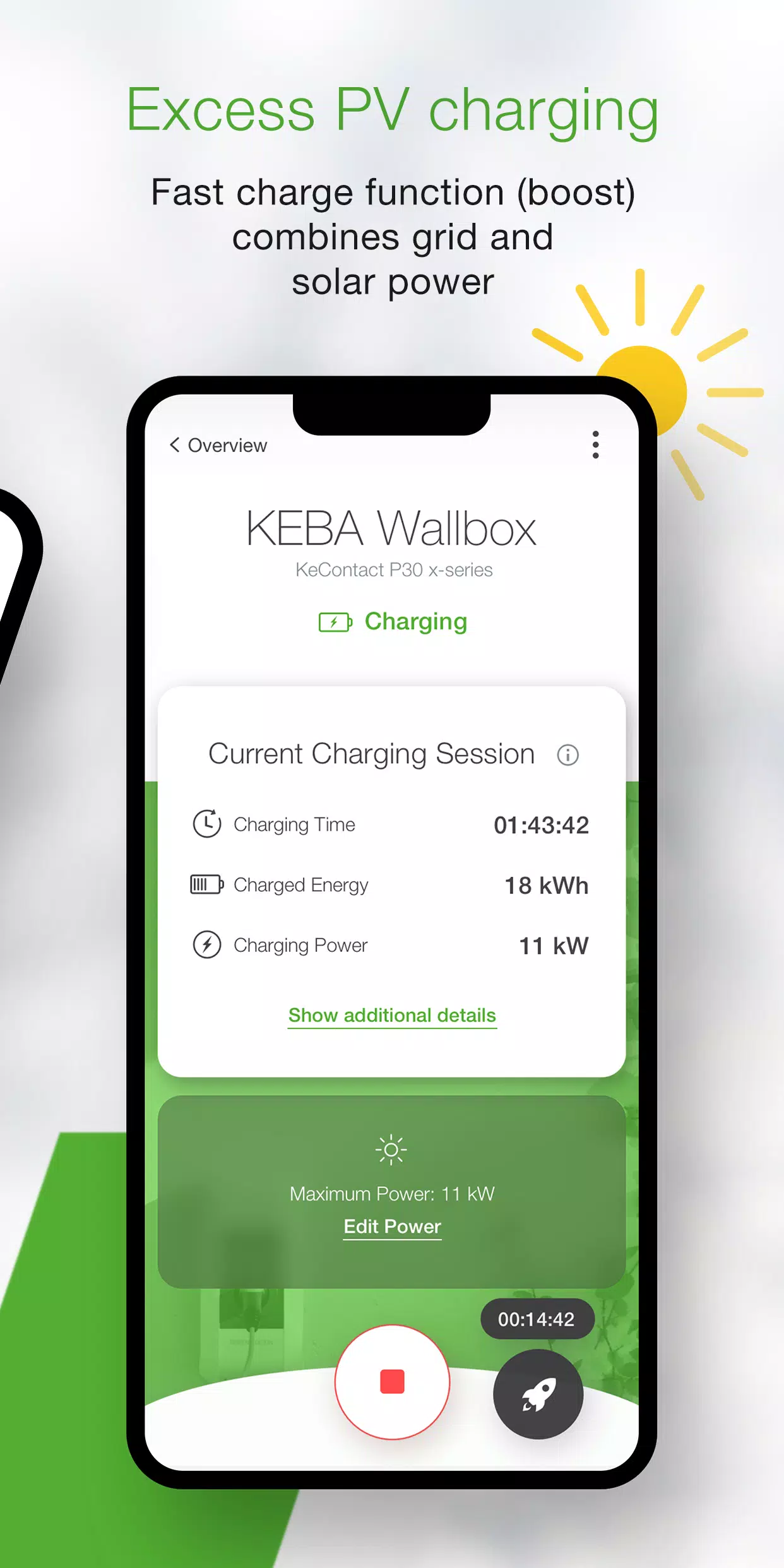
Effortlessly control and manage your KEBA wallbox using the convenient KEBA eMobility App. This digital service is designed for KeContact P30 & P40 users (P40, P30 x-series, company car wallbox, PV EDITION, and P30 c-series), providing comprehensive control and configuration of your charging station.
Key Features of the KEBA eMobility App:
- Remote Access: Communicate with your wallbox remotely (KeContact P30 c-series communication remains via local network).
- Real-time Status Monitoring: Instantly check your wallbox's status: charging, ready, offline, or error.
- One-Click Charging Control: Start and stop charging sessions with ease.
- Power Management: Set maximum charging power to control energy consumption and charging time.
- Detailed Charging Data: Track real-time and historical charging data (time, energy, power, amperage, etc.).
- Energy Consumption Statistics: Access detailed historical energy consumption data.
- Guided Setup: A built-in setup guide ensures seamless connection and initial configuration.
- Installer Mode: Streamlined configuration and setup for P40 wallboxes.
- Automated Charging Profiles: Schedule automated charging sessions with predefined times and power levels (P40, P30 x-series, company car wallboxes, and PV EDITION via the KEBA eMobility Portal).
- Automatic Software Updates: Keep your wallbox software current (excluding standalone KeContact P30 c-series).
- Familiar Interface (x-series): x-series users will find familiar configurations mirroring the web interface.
Compatible KEBA Wallboxes:
- KeContact P40, P40 Pro, P30 x-series, company car wallbox, PV EDITION
- KeContact P30 c-series (no firmware update needed)
Important Notes:
Charge Point Operator-managed stations may not be compatible. A web interface password or serial number is usually required. KeContact P30 c-series functionality may be limited compared to x-series. See www.keba.com/emobility-app for a feature comparison by series.
Explore the KEBA eMobility Portal: Register via the app or portal for enhanced features at emobility-portal.keba.com
For Electrical Installers:
- Manual DIP switch settings are required for P30 wallboxes.
- P30 web interface configurations are accessible via the app.
- KeContact P30 c-series requires DIP switch settings to enable full UDP communication (see setup guide).
- KeContact P40 basic settings can be configured via the app or directly on the device.
What's New in Version 3.10.0 (Updated Nov 12, 2024)
- P40: Wallbox software version 1.1.0 released.
- P40: App-based factory reset added.
- P40: Fixed white screen issue in offline mode.
- P40: Corrected OCPP communication channel options.
- P40: Resolved authentication errors with incorrect passwords.
- P40: Fixed Bluetooth connection problems for paired wallboxes.
- Improved overall usability and stability of wallbox enrollments.