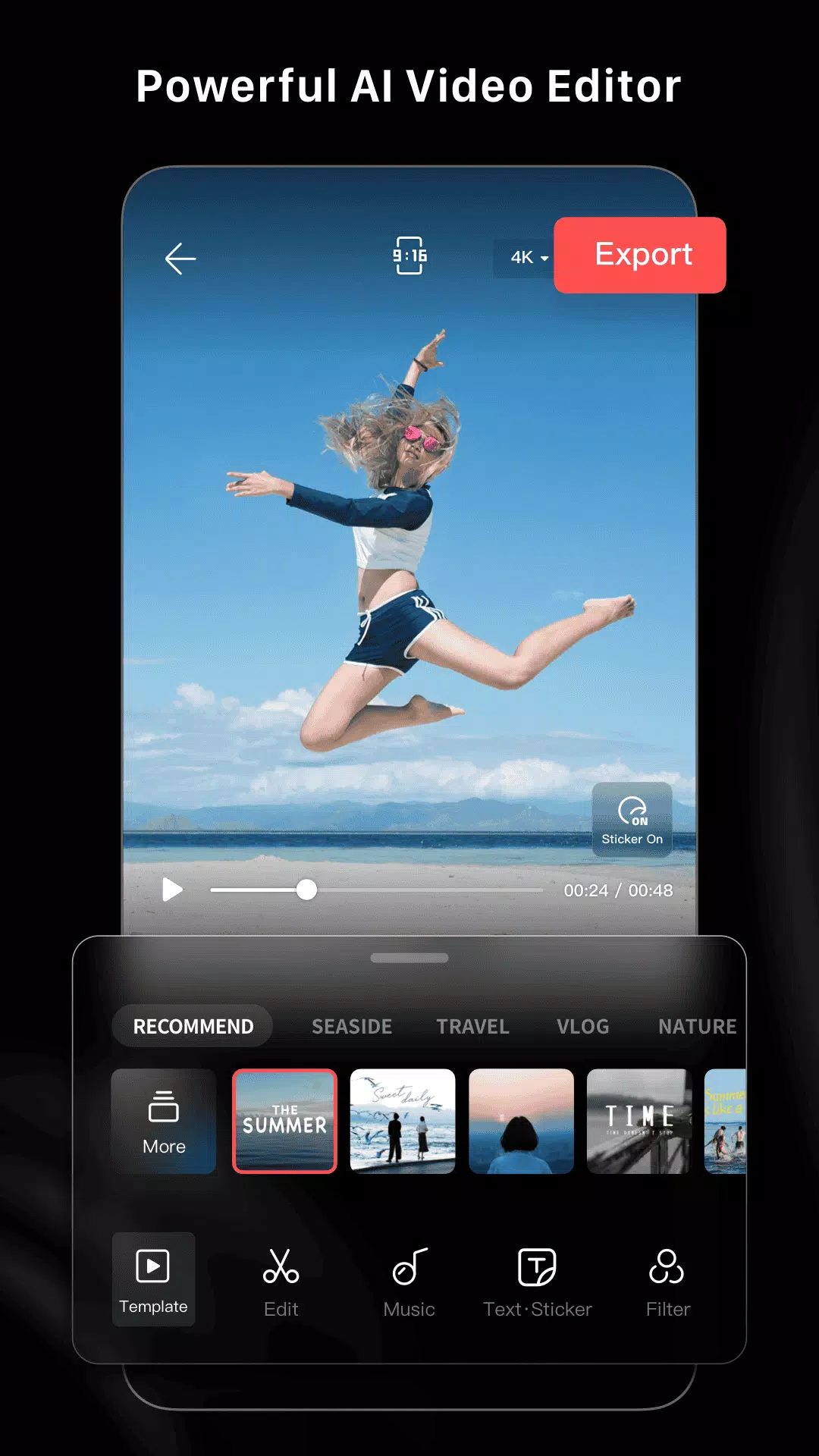
As a pro video editor and vlog maker, LightCut offers an array of video templates that allow you to edit videos in minutes, delivering professional results with ease. This free AI-powered video editor comes packed with rich video templates and effects, making it simple to create stylish videos and vlogs. With the convenience of AI video editing, you can produce impressive videos with just one tap. The Inspire Cam feature enables you to shoot stunning videos like a pro, and you can further enhance your clips by trimming and merging them, as well as adding text, music, stickers, effects, transitions, and more to craft creative videos. LightCut is designed to be user-friendly yet powerful, catering to both beginners and professional users alike.
Superfast Video Editor with AI Power
LightCut revolutionizes video editing with its AI-powered capabilities, allowing you to transform your videos and photos into captivating video stories in seconds. Simply select your video clips and photos, and the One-Tap Edit feature, powered by AI, will analyze and compile them into a high-quality video in no time.
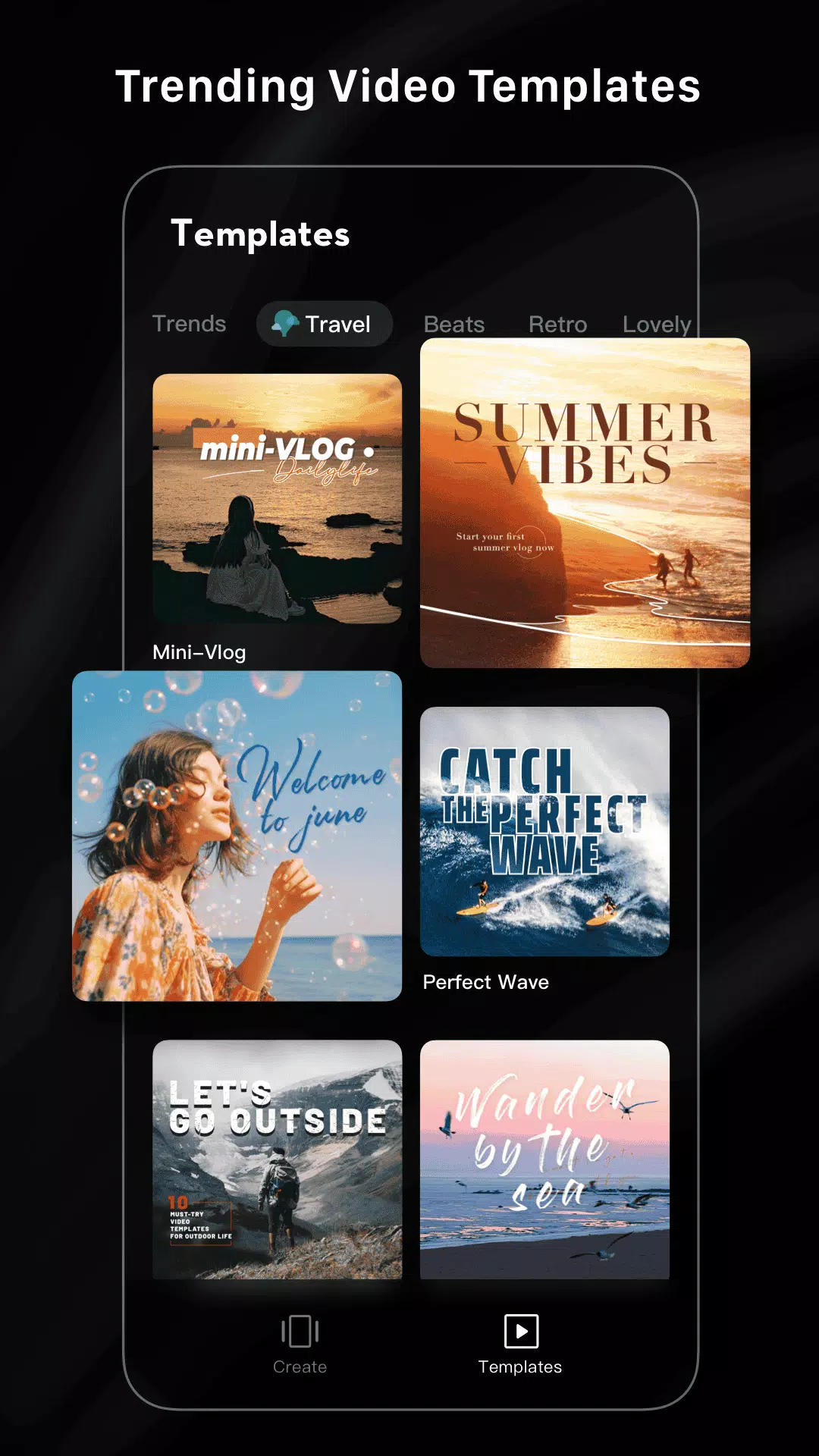
Trendy and Rich Video Templates
With LightCut's easy-to-use templates, creating a trendy video is as simple as choosing your favorite template and tempo. The app offers a variety of creative video template styles, including travel, road trips, nature, building & city, fashion, lifestyle vlogs, sports, and aerials. Within minutes, you can have a stylish video ready to share.
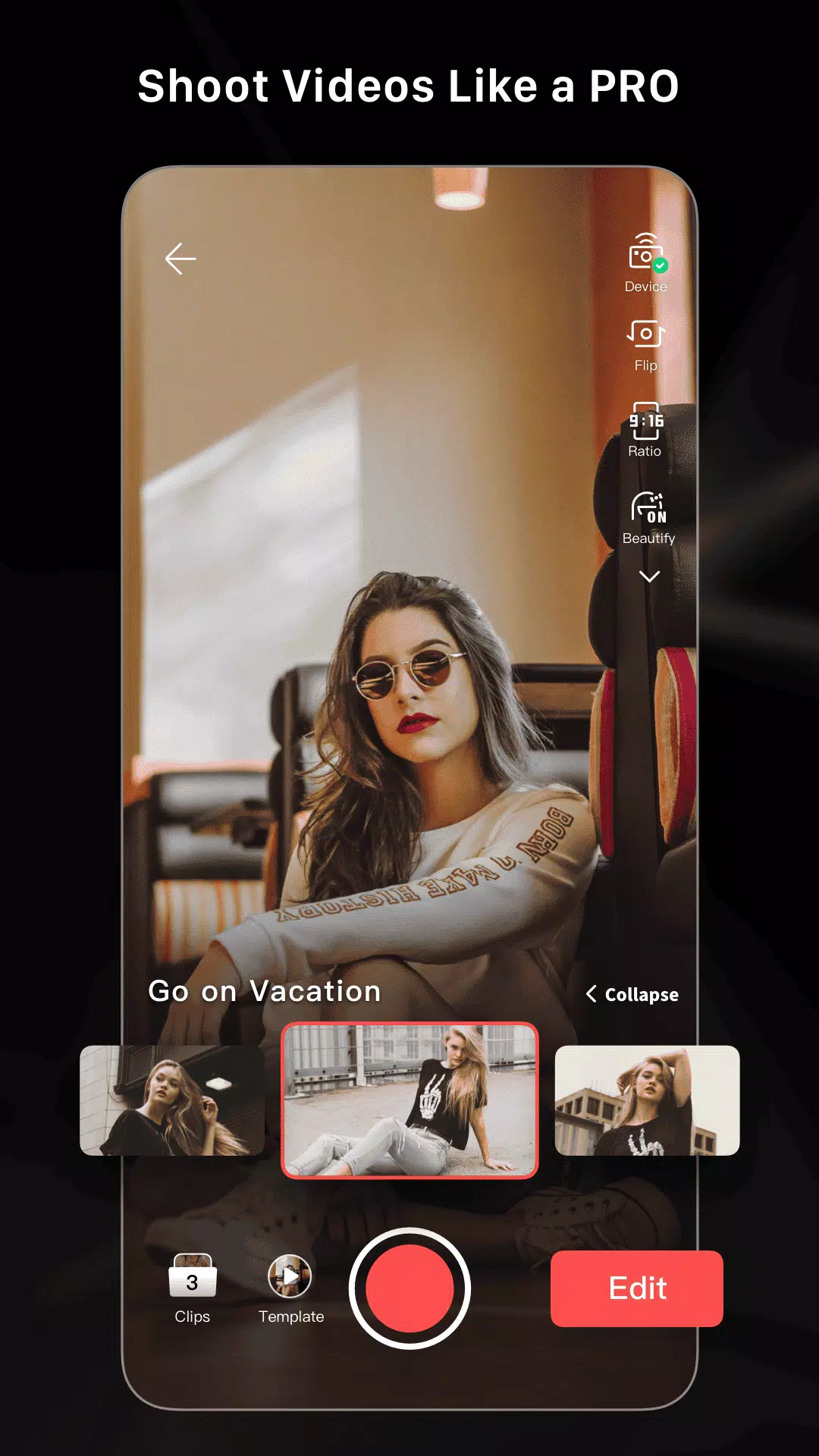
Inspire Cam Shooting Modes Make You a Pro
Unsure about filming or editing? LightCut's Inspire Cam has you covered with various creative shooting templates that guide you step-by-step on capturing fascinating footage. Just follow the tips provided, and after shooting, you can create a compelling video with simple steps. This one-stop video shooting and editing feature ensures your videos stand out.
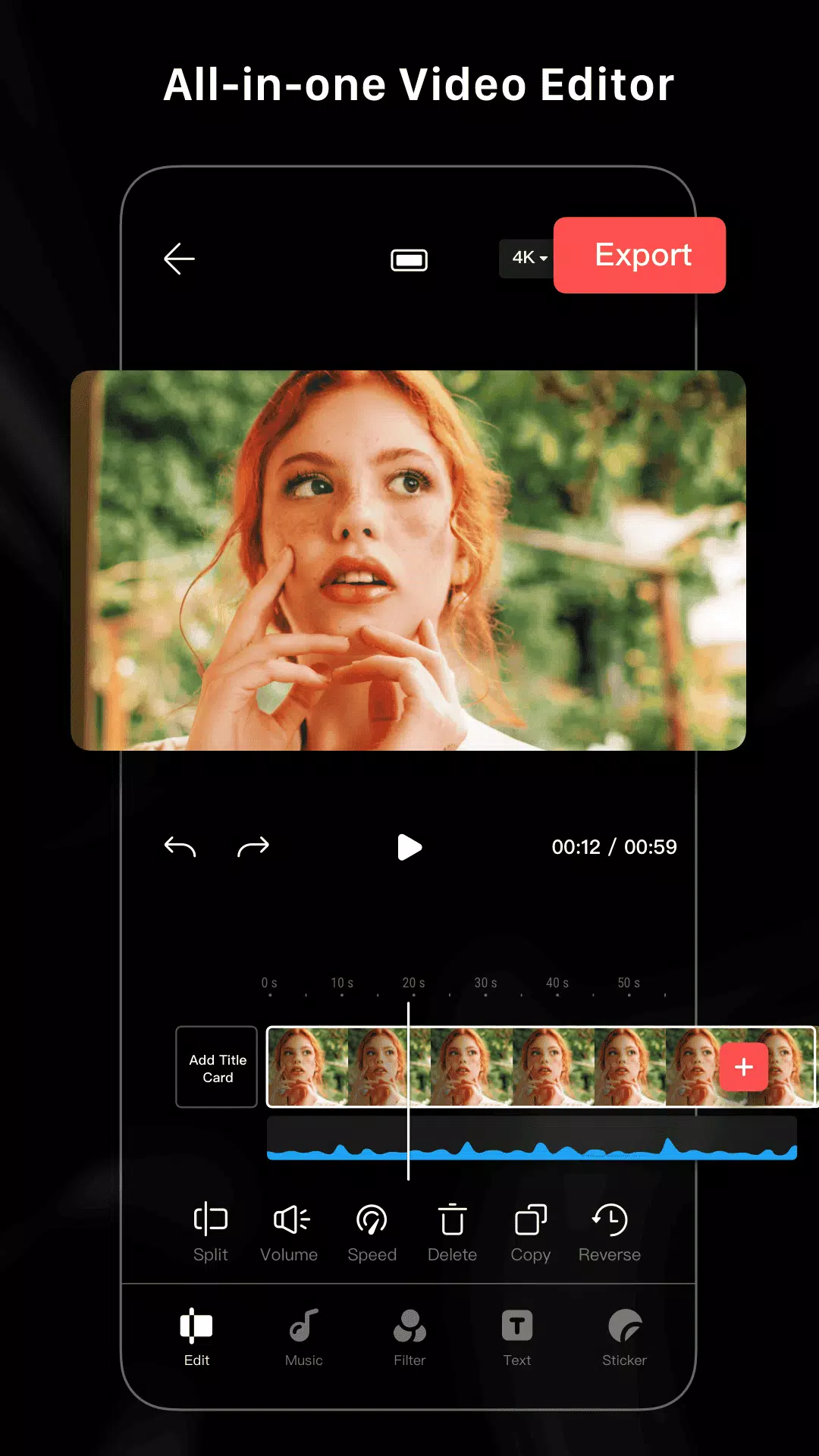
All-in-One Video Editor with Professional Tools
LightCut is equipped with professional editing tools that help you create extraordinary videos. Features like video trimming, cutting, and adjusting slow or fast motion make your videos more engaging. You can also split videos into multiple clips and enhance them with a variety of stickers and font styles. Edit and combine videos with different filters, effects, and transitions to produce stunning results. Best of all, LightCut is a free video editor with no ads or watermarks, and it offers hundreds of fully licensed free music tracks to complement your creations.