Did you know that in Infinity Nikki, you can not only switch up your hairstyle and outfits but also your skin color? That's right, and the best part is, you can do it for free and in just a few simple steps. In this guide, we'll walk you through the process of changing your skin color in the game.
Changing Skin Color in Infinity Nikki
Once you're logged into Infinity Nikki, the first thing you'll want to do is press the C key to access the customization options.
 Image: ensigame.com
This action will bring up the wardrobe selection window. You might be thinking, "Why am I looking at outfits when I want to change my skin color?" Well, the skin customization feature is cleverly tucked away within this menu.
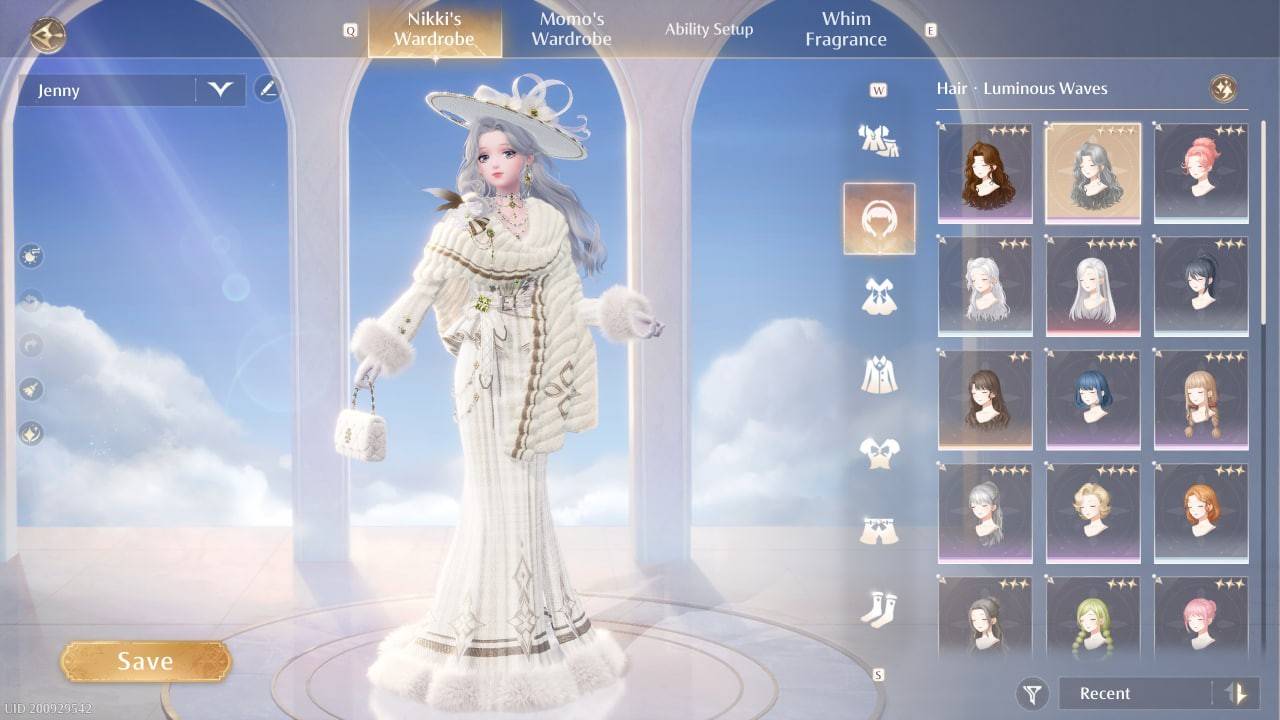 Image: ensigame.com
Scroll down the right side of the menu until you see icons featuring powder and lipstick. This is the cosmetics category you're looking for. Go ahead and click on it.
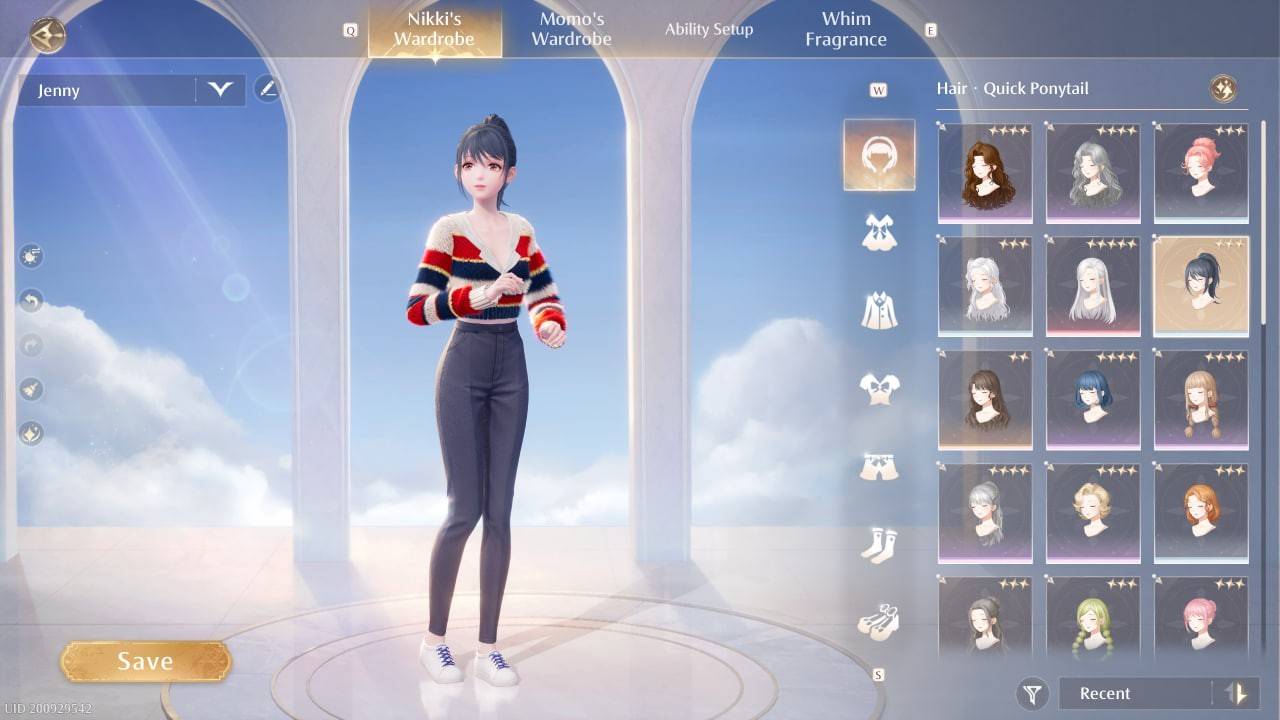 Image: ensigame.com
A submenu will pop up, and here you'll need to locate the icon of a little figure. Once you find it, give it a click.
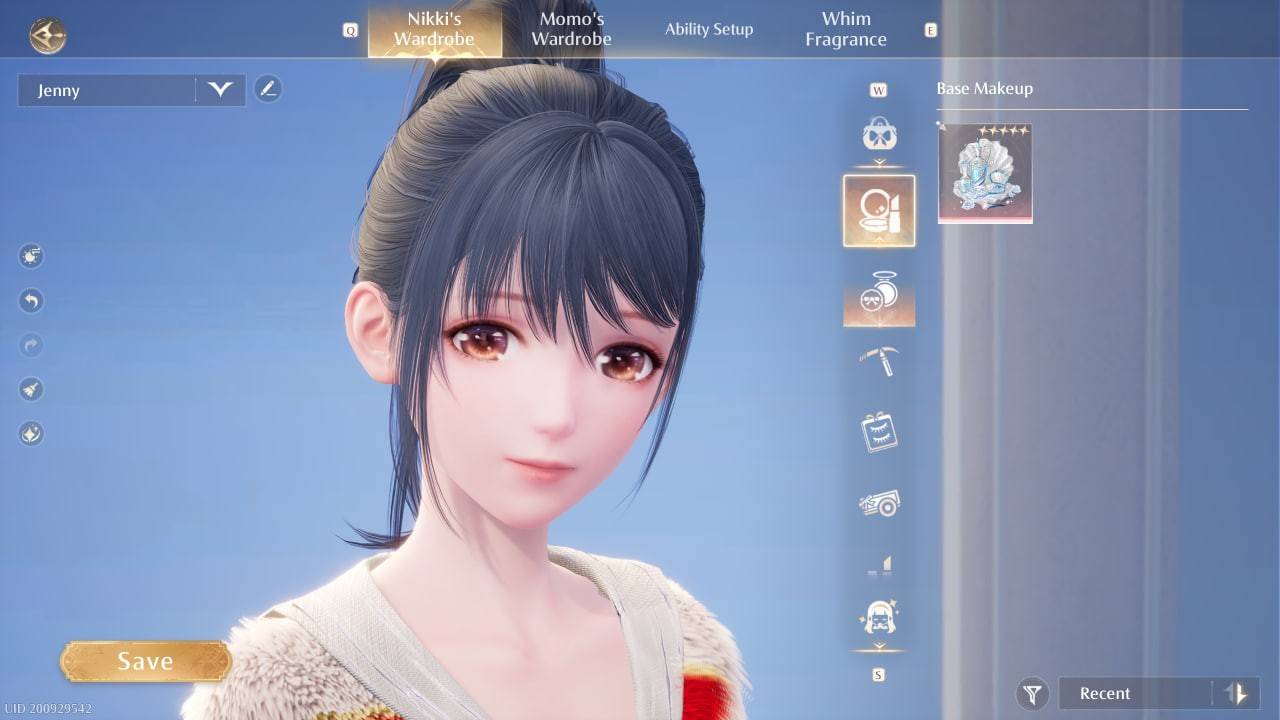 Image: ensigame.com
You'll then be presented with three skin tone options. While the selection might seem limited at the moment, there's hope that the developers will expand the range in future updates.
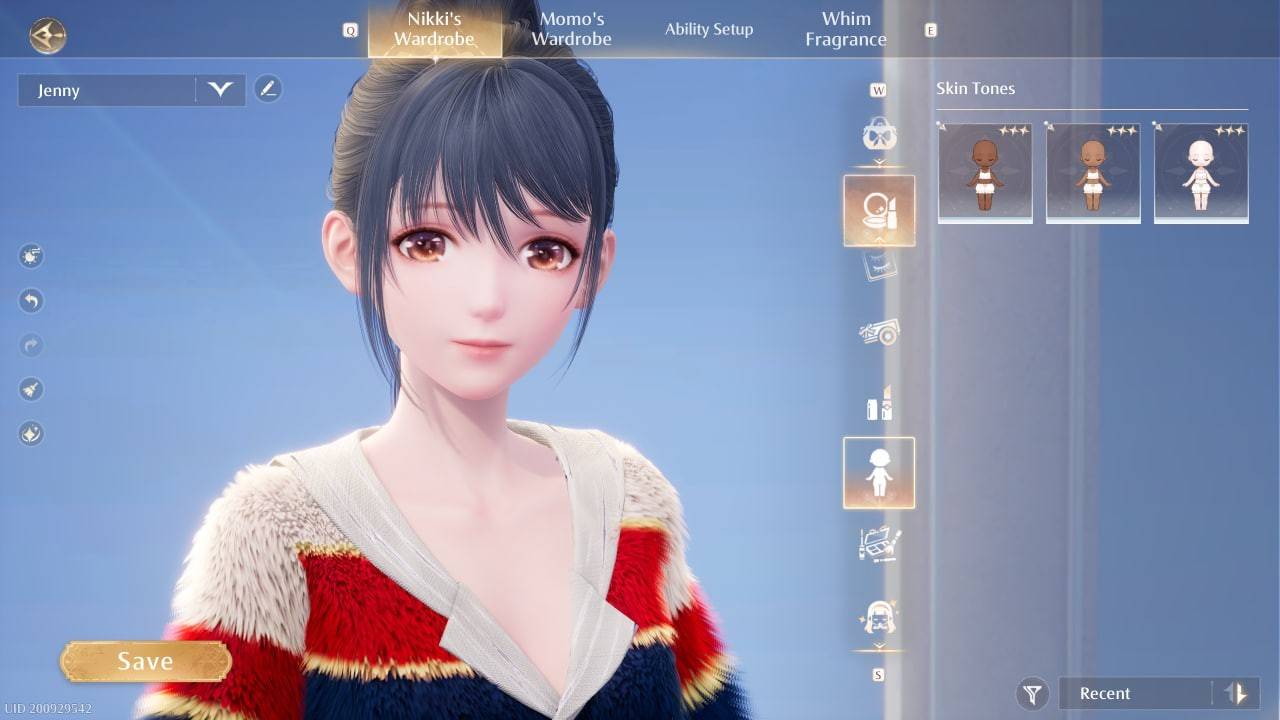 Image: ensigame.com
Choose the skin tone that you feel best represents your Nikki. After selecting, make sure to hit the Save button to apply your changes. If you forget this step, your new look won't take effect.
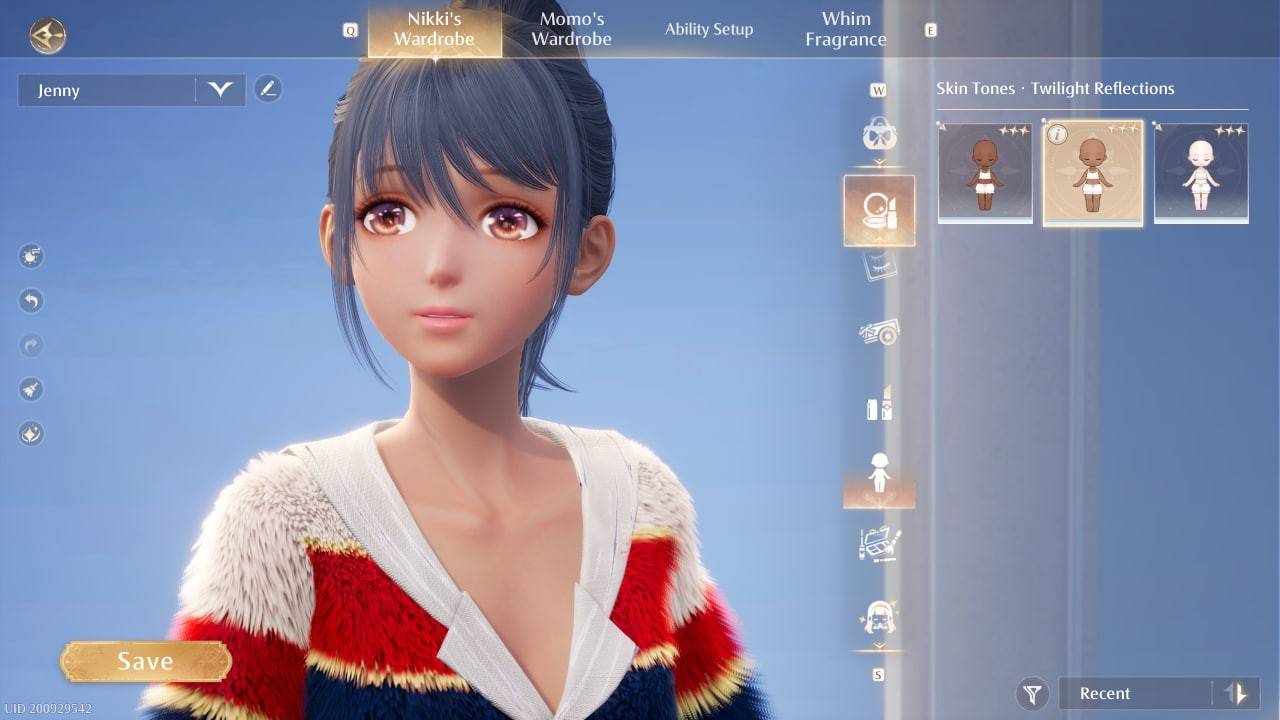 Image: ensigame.com
With your character's new skin color saved, you're all set to continue your adventures and tackle new quests in the world of Infinity Nikki.
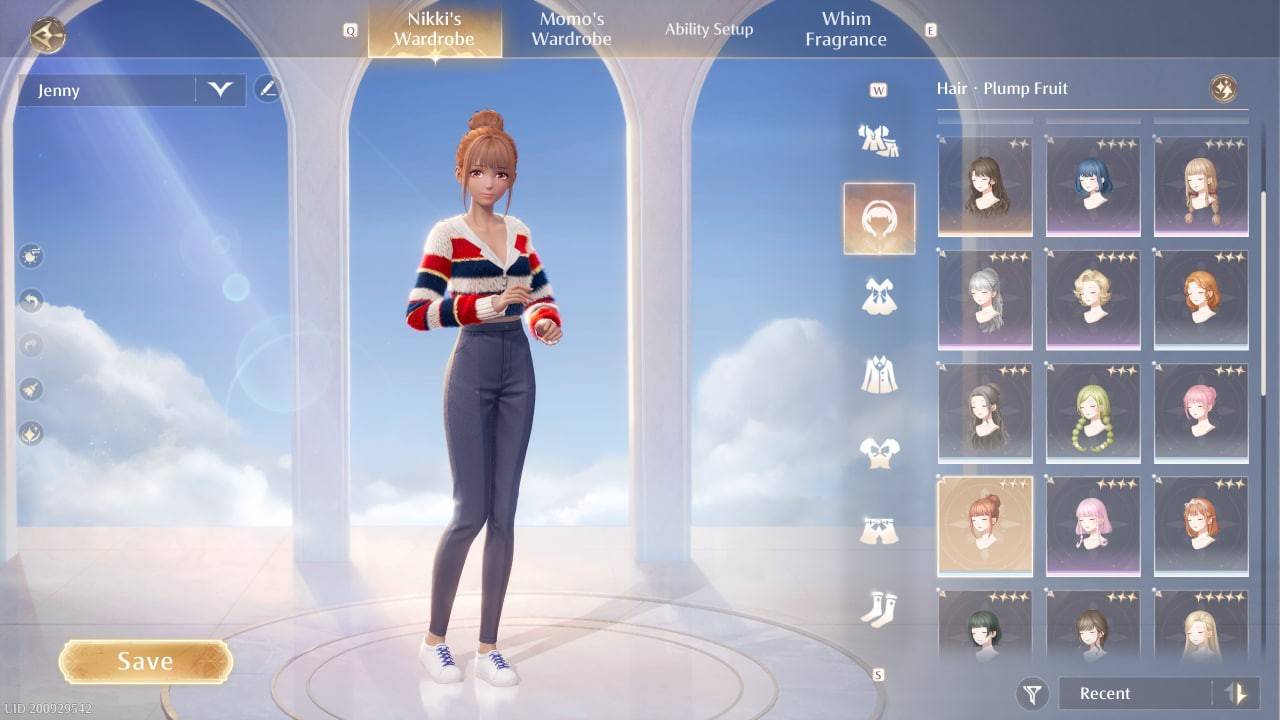 Image: ensigame.com
Now that you're equipped with the knowledge of how to change Nikki's skin color, you can enjoy personalizing your character's appearance quickly and easily, without any additional costs!