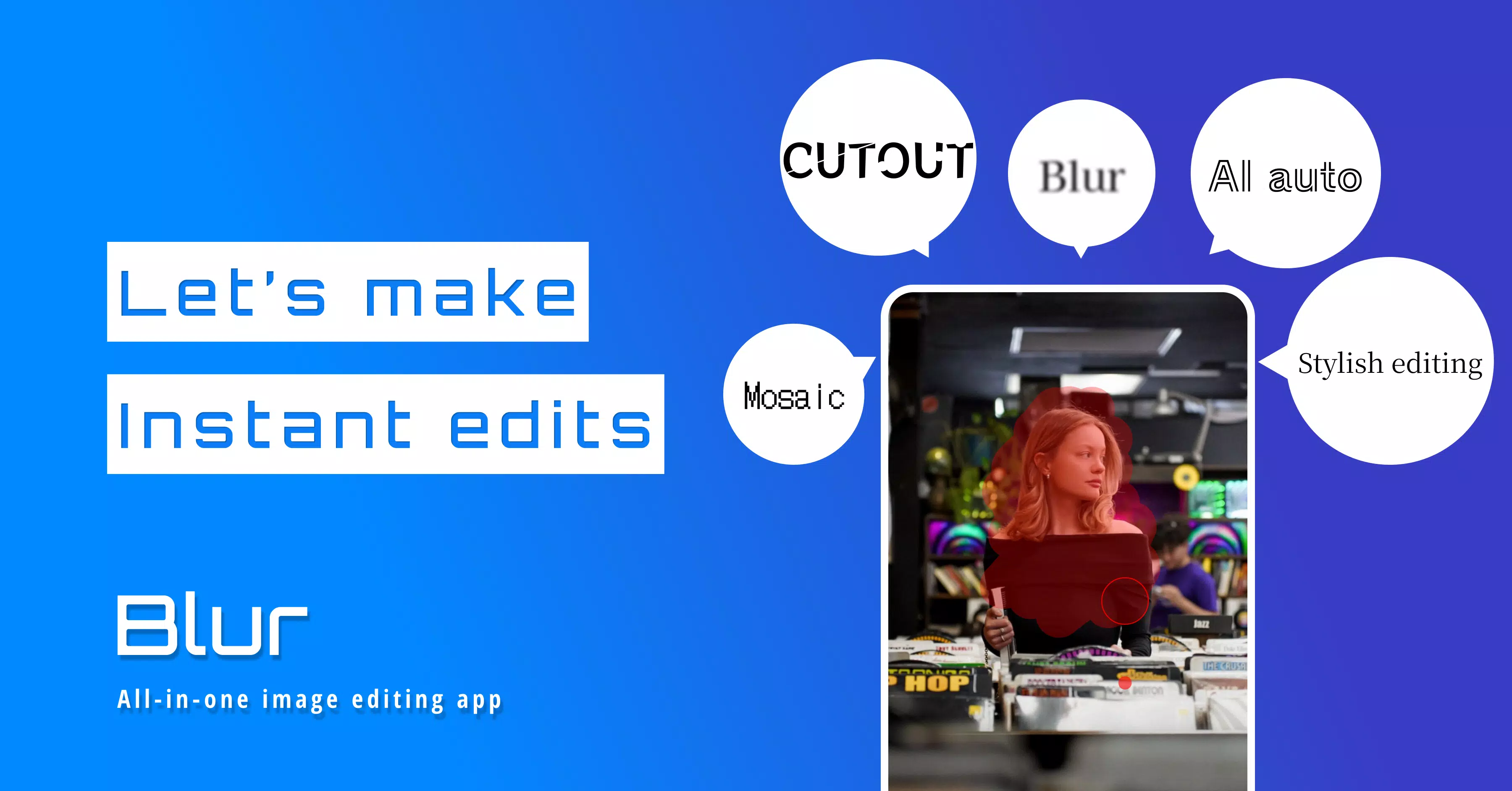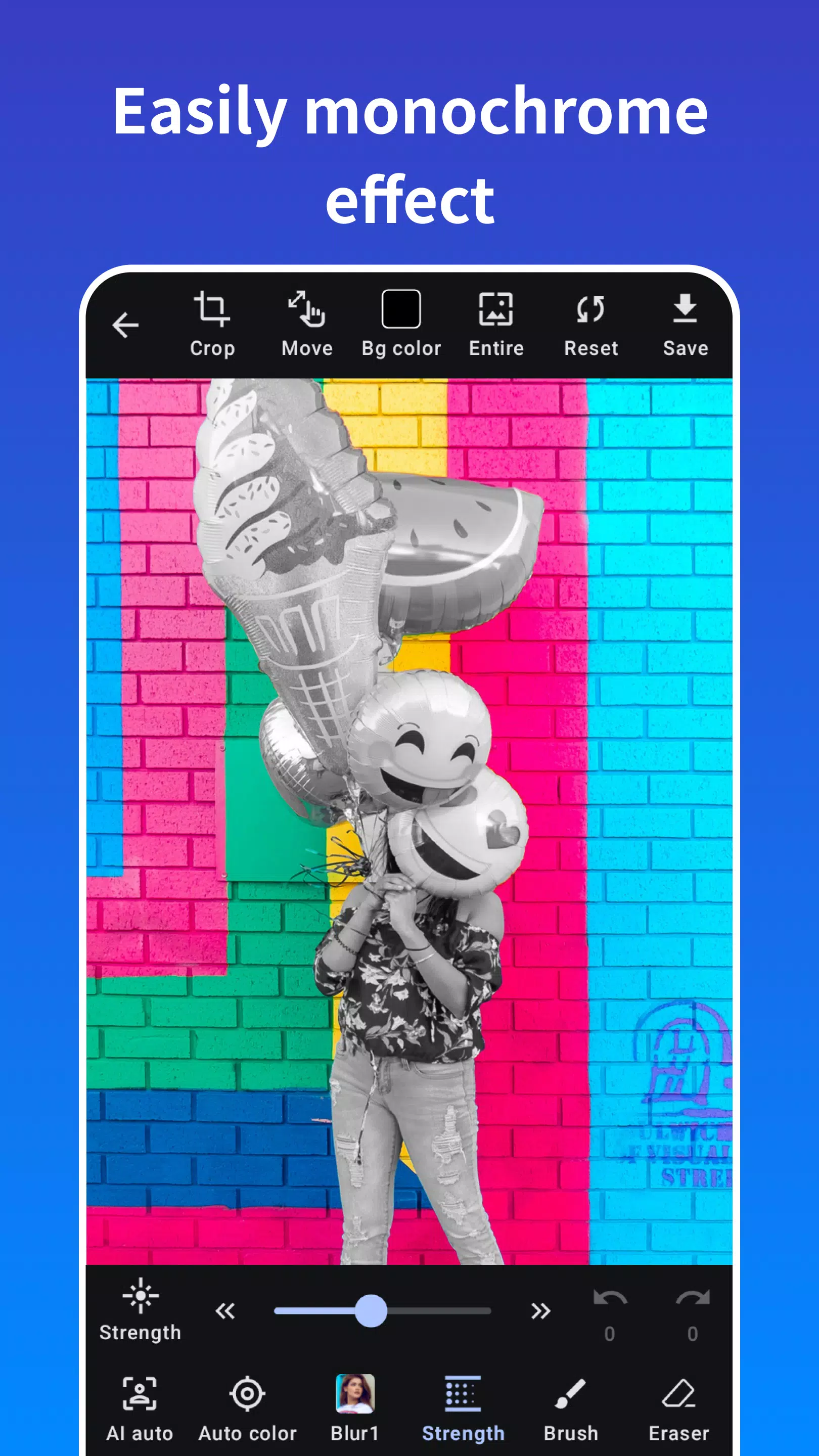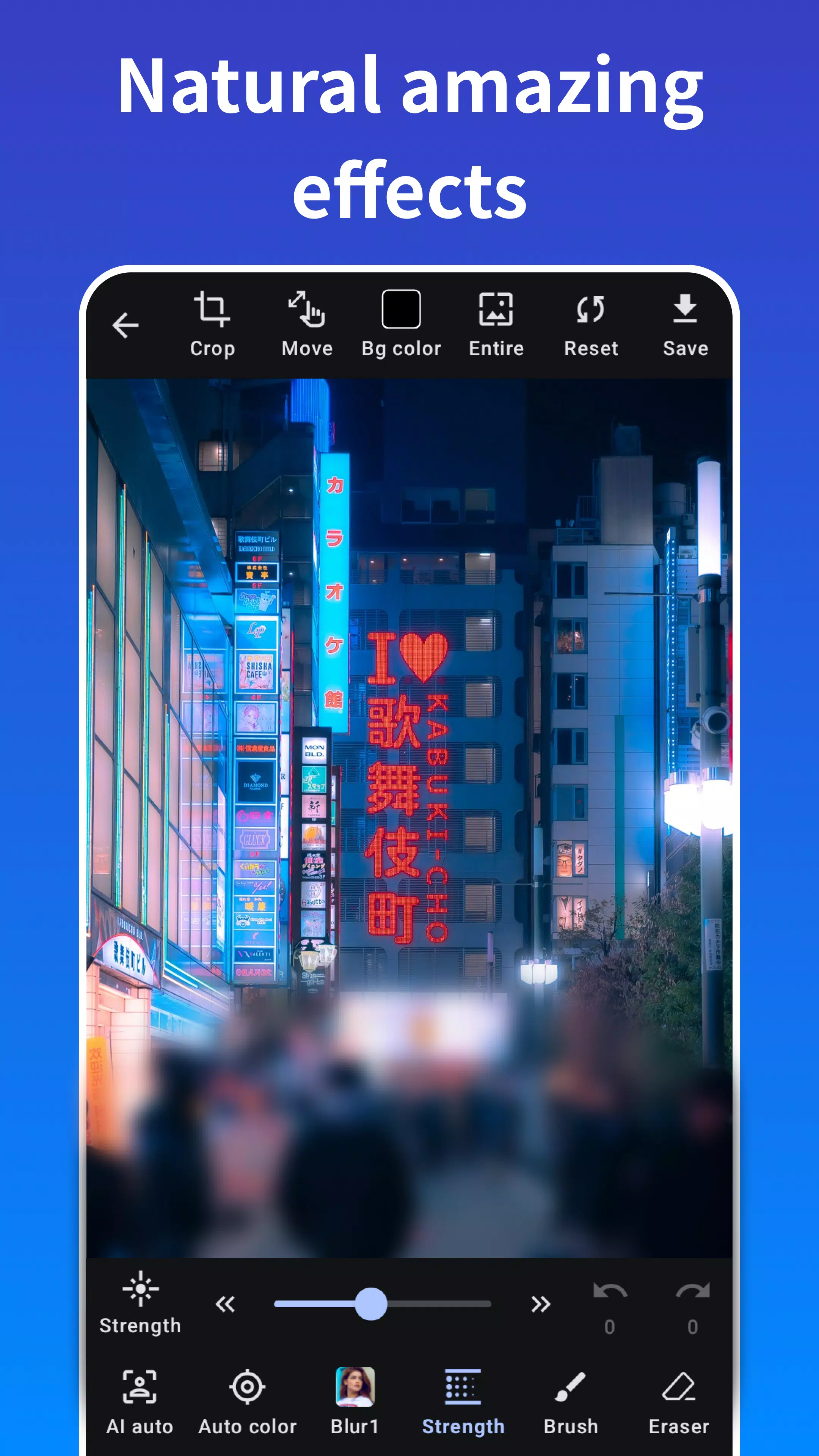
Photo Blur is an innovative photo editing app that allows you to create stunning mosaic photos and automatically remove backgrounds with ease. Designed as a versatile picture blur tool, Photo Blur enables you to add professional blur effects to your images effortlessly.
With Photo Blur, you can also crop and cut your photos, making it a comprehensive photo editor. The app's user-friendly interface makes it simple to draw blur and mosaic effects directly onto your photos, giving you full creative control over your images.
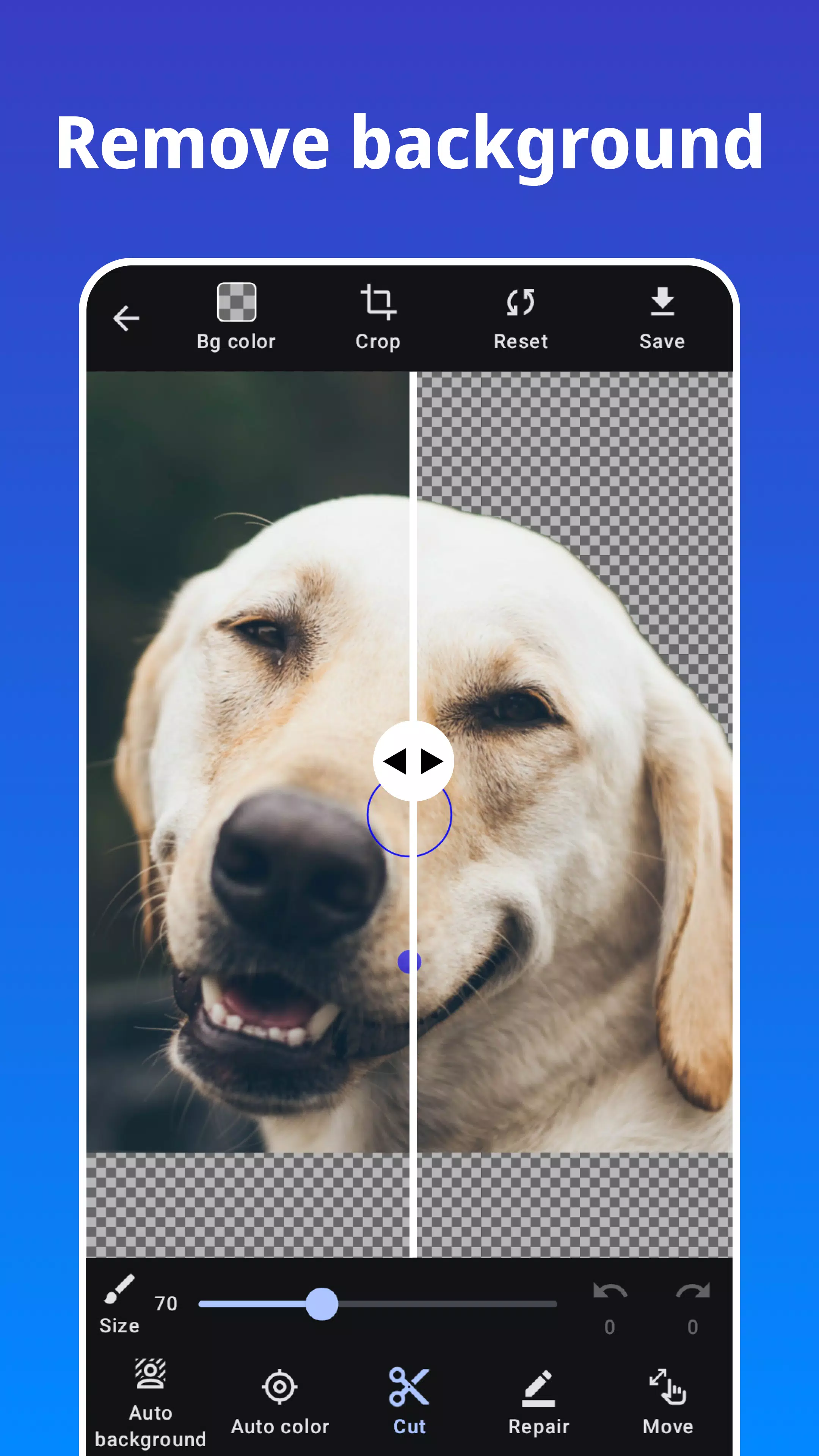
One of the standout features of Photo Blur is its ability to automatically crop the background, apply blur and mosaic effects to it, and process photos with just a single tap. This makes it incredibly convenient for users looking to enhance their photos quickly.
The app also includes a face recognition function that can blur and mosaic faces with just one tap, even in photos with multiple people. This feature is perfect for protecting personal information such as faces, car license plates, and other private details, allowing you to safely share images on social networking sites.
Photo Blur offers a variety of effects for blurring or mosaicking your photos, including the stylish and cool median blur effect. All these features are available to use for free, ensuring you have everything you need to create stunning visuals.
Features of Photo Blur:
- Apply blur and mosaic effects on photos
- Automatically blur and mosaic photos
- One-tap blur feature with automatic face detection
- Image cropping capabilities
- Zoom image while editing for precision
- Eraser tool to refine your edits
- Adjust the strength of effects to your preference
- Crop and cut photos with ease
- Automatically crop and cut the background
Types of Effects:
- Gaussian Blur
- Median Blur
- Box Blur
- Mosaic
What's New in the Latest Version 1.2.3
Last updated on Sep 28, 2024
Modify features