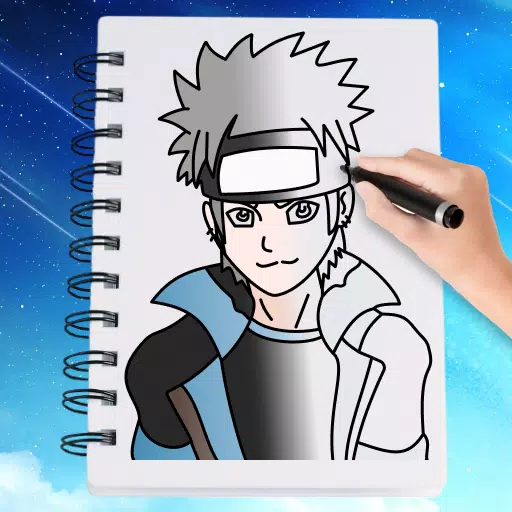
If you're eager to master the art of drawing anime, the "How to Draw Anime Step by Step Easy!" app is your perfect companion. This app is tailored for both beginners and seasoned artists, offering a comprehensive guide to drawing and coloring your favorite anime and manga characters. Our latest update introduces an exciting new feature: coloring anime characters, allowing you to bring your creations to life with vibrant colors right on your phone.
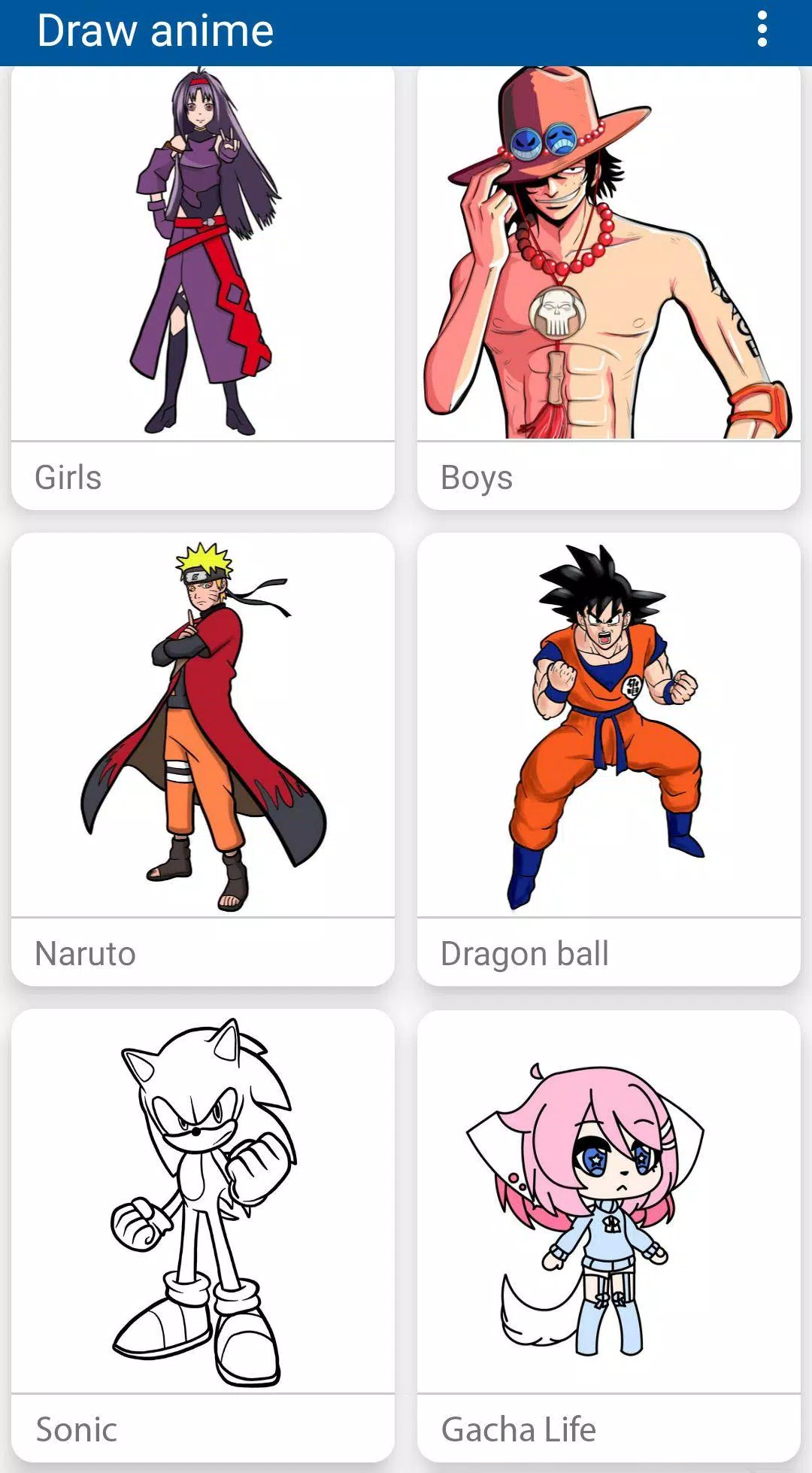
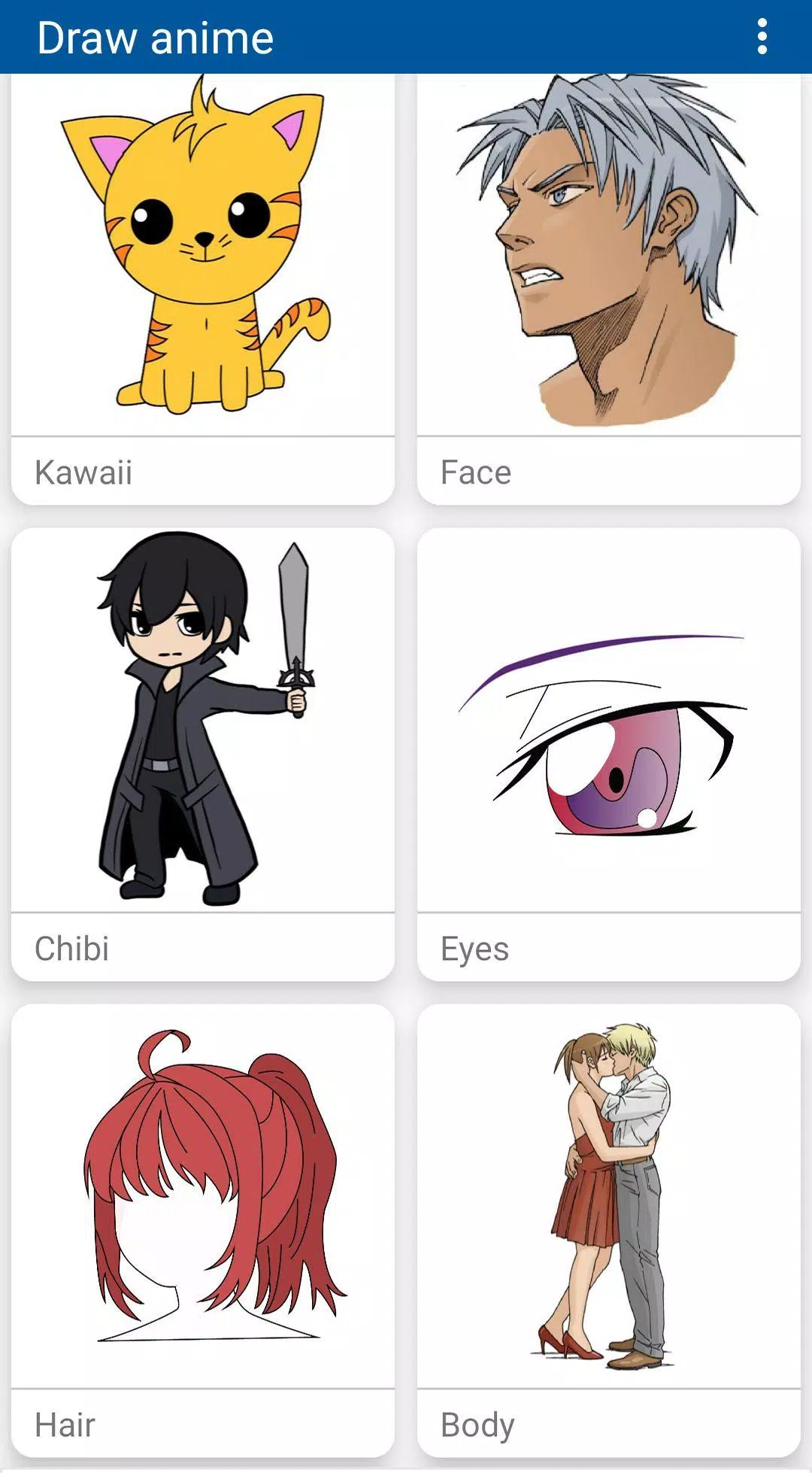
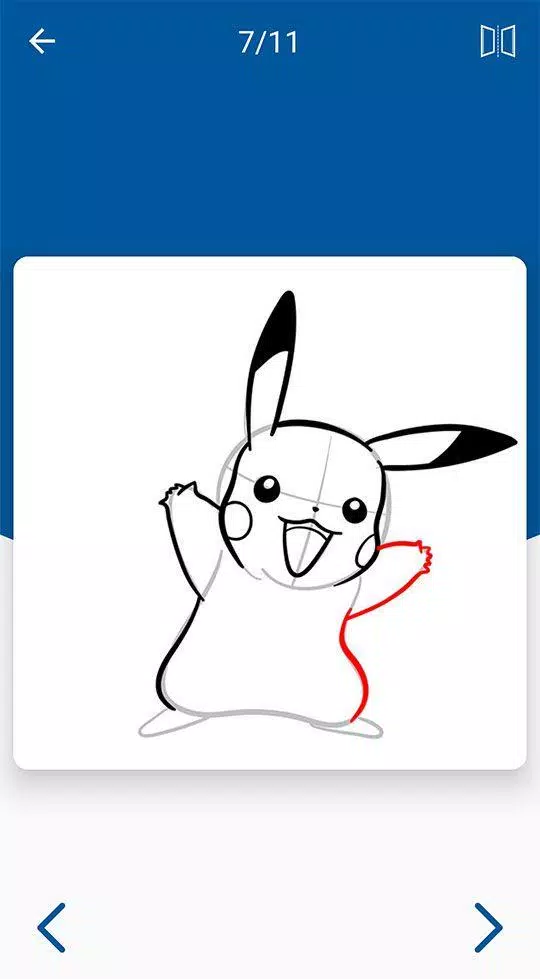
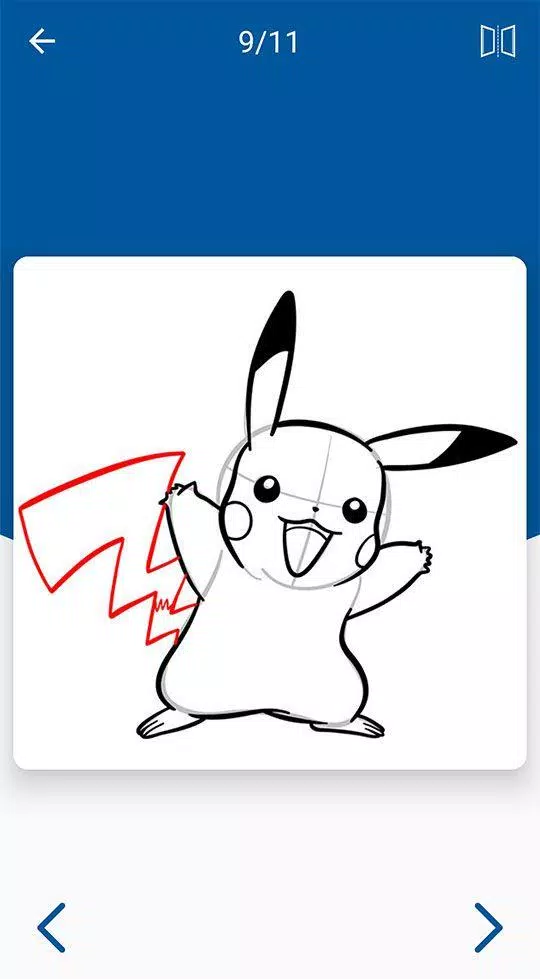
What sets our app apart is the vast collection of tutorials featuring popular characters from beloved series such as Naruto, Pokémon, Dragon Ball, One Piece, Bleach, Gacha Life, Attack on Titan, My Hero Academia, Danganronpa, Assassination Classroom, High School, Demon Slayer, Fairy Tail, Kimetsu no Yaiba, and DBZ. Whether you're looking to draw iconic characters like Goku, Pikachu, Boruto, or Luffy, our step-by-step guides make it easy and enjoyable.
For those new to drawing, our anime drawing tutorial is designed to be user-friendly, providing helpful tips and techniques to enhance your skills. Advanced users will also find value in our detailed lessons on drawing anime boys and girls, enabling you to bring your creative ideas to paper with confidence.
Our app doesn't stop at drawing. We've introduced an anime coloring section without numbers, which has become increasingly popular. Now, you can explore our kawaii anime coloring book, making the app a one-stop solution for both drawing and coloring anime characters.
Imagine the thrill of drawing your favorite cartoon characters and then coloring them to perfection. With "How to Draw Anime Step by Step Easy!", you can do just that. This free app is designed to cater to all skill levels, ensuring everyone can enjoy the magic of creating in the Japanese Anime style.
Download the app today and start your journey into the world of anime drawing and coloring. Let your creativity soar as you draw, color, and enjoy your masterpieces!