So, you aced that Ready or Not mission, neutralized all threats, rescued the hostages—a flawless operation, right? Yet, the dreaded "Mission Not Complete" message pops up. Frustrating? Absolutely. But don't worry, you're not alone. Let's troubleshoot this common Ready or Not issue.
1. Double-Check Your Objectives: Meticulously
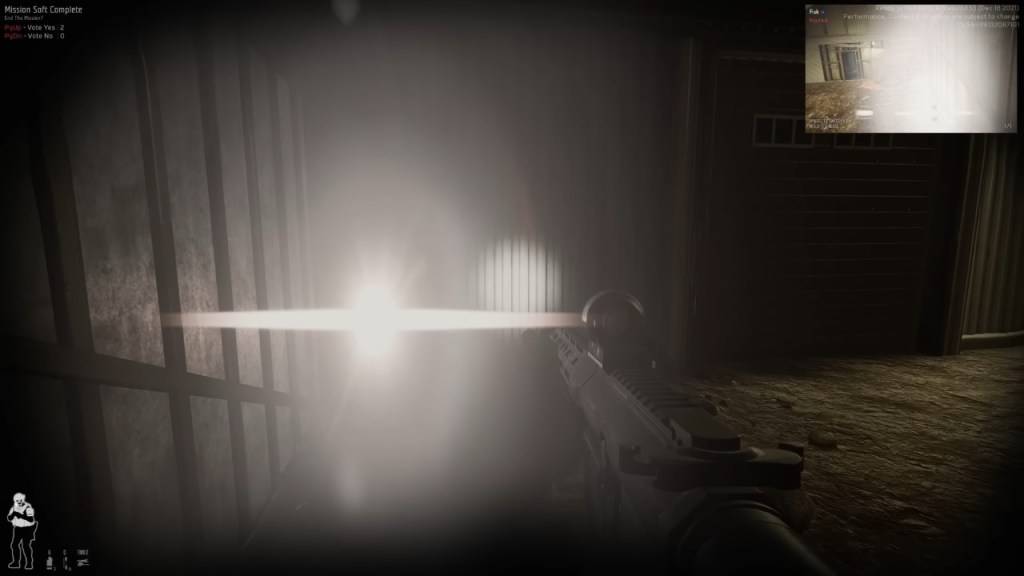
Before you throw your keyboard, meticulously review your objectives. Even if you think you've done everything, the game might disagree. Incomplete objectives prevent mission completion, even if you voted to end it.
How to Check:
Hit Tab to open the mission menu. Scrutinize the objective list. Anything red or marked incomplete? That's your culprit. Common oversights include:
- Reporting downed suspects/civilians: Interact with incapacitated or deceased suspects and civilians (default F key) to report them.
- Securing evidence (weapons, bombs): Don't leave dropped weapons behind; secure them.
- Completing optional objectives: Some missions have bonus tasks (disabling security systems, etc.). These often impact overall completion.
- Ensuring all hostages are safe: Make sure all civilians are properly rescued and untied.
Fix: Thoroughly revisit the map. Did you miss anything?
Related: All Soft Objectives in Ready or Not, Listed
2. The Multiplayer Vote-to-End Hurdle
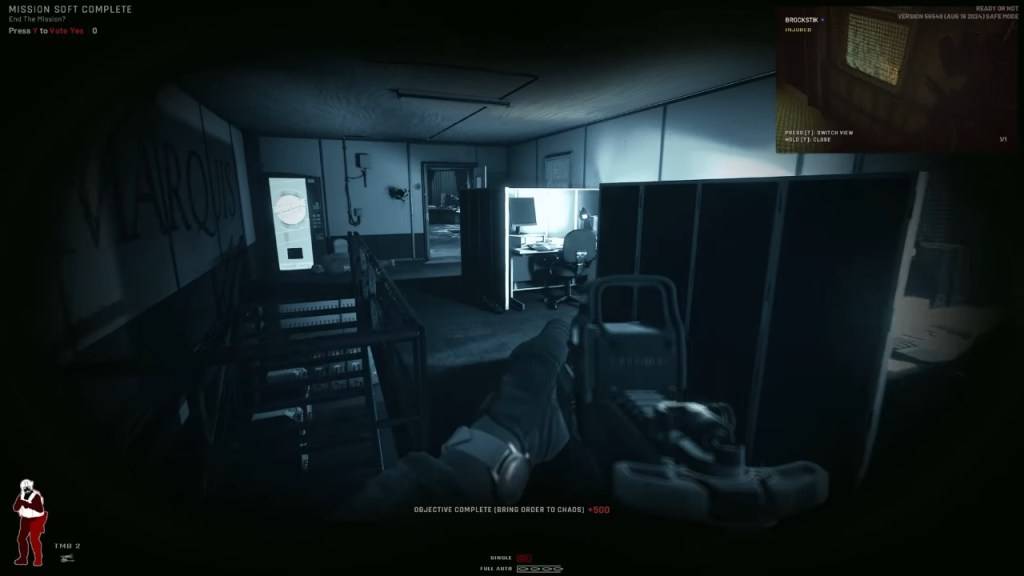
This is a frequent stumbling block in co-op. Every player must vote to end the mission. A single missed vote triggers the "Mission Not Complete" error.
How to Fix:
Ensure all players press Y (default) when the vote prompt appears. Remind absent-minded teammates via voice or text chat. For AFK players, you may need to wait or remove them from the session. If the vote screen isn't appearing, restarting the mission might help. Check out our article on fixing "Can’t Connect to Host" in Ready or Not for further assistance.
3. Objective Glitches: When the Game Lies
Sometimes, despite completing everything, the game stubbornly refuses to acknowledge it.
Common Bugs:
- The game fails to register secured weapons.
- A rescued hostage remains unrecognised.
- An objective remains incomplete despite meeting all conditions.
How to Fix:
Restart the mission. In multiplayer, try switching hosts (objective registration can vary between players). Verify your game files (Steam > Right-click Ready or Not > Properties > Local Files > Verify Integrity of Game Files). This checks for and repairs corrupted or missing files.
The "Restart and Pray" Method
If all else fails, a mission restart is often the quickest solution. While not ideal, Ready or Not is still under development, and mission completion bugs are unfortunately common. A restart is frequently the fastest path to resolution.
Ready or Not is available now on PC.