Application Description
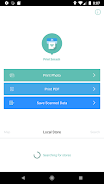
PrintSmash is an Android app that lets you print photos and PDF files from your device to a SHARP multi-functional copier in convenience stores. It uses Wi-Fi to connect your device to the copier.
Here are the key features of PrintSmash:
Printing:
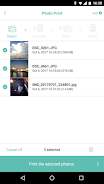
- Supported file formats: JPEG, PNG, and PDF (encrypted or password-protected PDFs are not supported).
- File limits: You can register up to 50 JPEG/PNG files and 20 PDF files (each PDF file must be under 200 pages).
- Large files: If your file has more pages than can be printed at once, you can select the pages you want to print in multiple batches.
- File size limits: You can send files up to 30MB individually or a total of 100MB when sending multiple files.
Scanning:
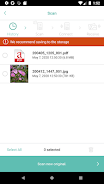
- Supported file formats: JPEG and PDF.
- File limits: You can scan up to 20 JPEG files and 1 PDF file.
- Data storage: The size of scanned data varies depending on your settings, so be mindful of your storage space. Uninstalling PrintSmash will delete all saved scanned data. However, you can use the "Share" feature in other apps to copy the data.
Screenshot