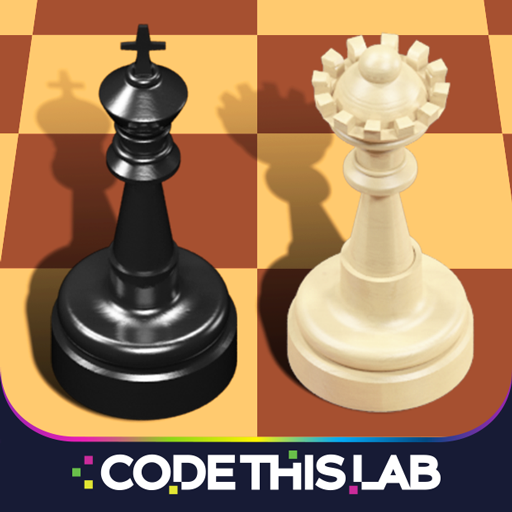
Welcome to your ultimate chess experience! 🏆♟️
You're now ready to play a classic game of chess — whether against the computer or real players from around the world. Here’s how to get started and dominate the board:
🎯 Objective:
Checkmate your opponent’s king to win. You must outthink, outmaneuver, and anticipate every move.
🧠 Strategies to Win:
-
Control the Center
Occupy the central squares (e.g., e4, d4, e5, d5) early. This gives your pieces more mobility and influence. -
Develop Your Pieces Quickly
Move your knights and bishops early. Don’t just move pawns — bring your major pieces into the game. -
Castle Early
Protect your king by castling (usually kingside) within the first 5–10 moves. -
Avoid Moving the Same Piece Twice
Don’t waste time repositioning the same piece — use all your pieces efficiently. -
Watch for Tactics
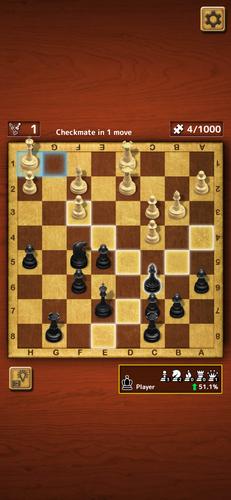
Look for forks, pins, skewers, and discovered attacks. A single tactical mistake can cost the game. -
Think Ahead — Calculate 2–3 Moves
Always ask: "What happens if I play this move? What could they do in reply?" -
Don’t Chase Material Blindly
Don’t grab a pawn if it leads to loss of position or exposes your king.
🎮 How to Play:
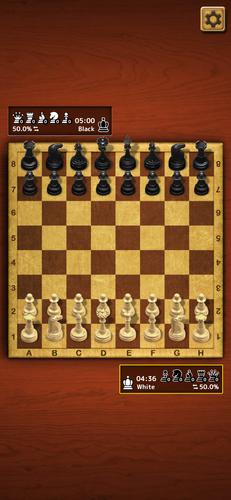
- Click on a piece you want to move.
- Drag it to your desired square.
- The game validates legal moves automatically.
💡 Pro Tip: Use the "Undo" button (if available) to explore alternatives and learn from mistakes.
🌍 Compete & Improve:
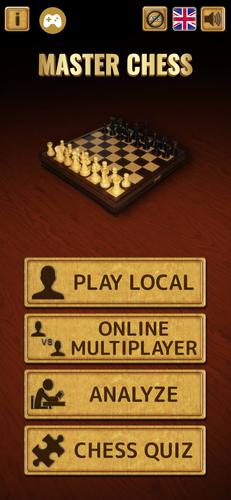
- Play against the computer (various difficulty levels).
- Challenge real opponents worldwide in multiplayer mode.
- Analyze your games afterward to spot patterns and improve.
🔥 Will you be the first to say "Checkmate"?
Stay sharp. Stay patient. Outsmart your opponent — and claim victory.
♟️ The board is yours. Make your move.
Privacy Policy: Read here
Ready to play? Let’s begin! 👇