Microsoft Translator is your go-to app for instant translations in over 70 languages, making it an invaluable tool for travelers and language learners alike.
Key Features:
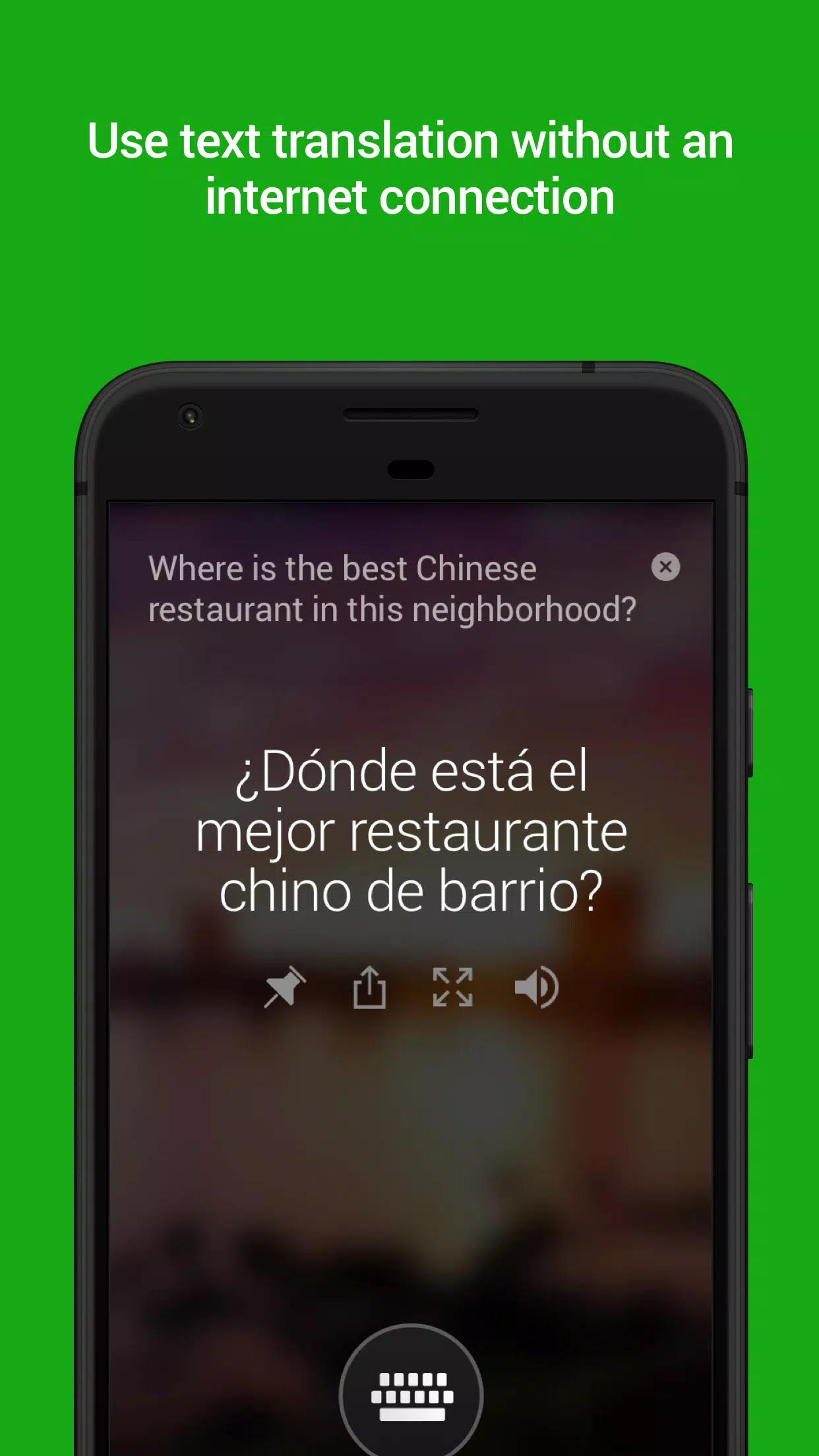
- Versatile Translation Options: Translate text, images, camera views, and spoken words both online and offline.
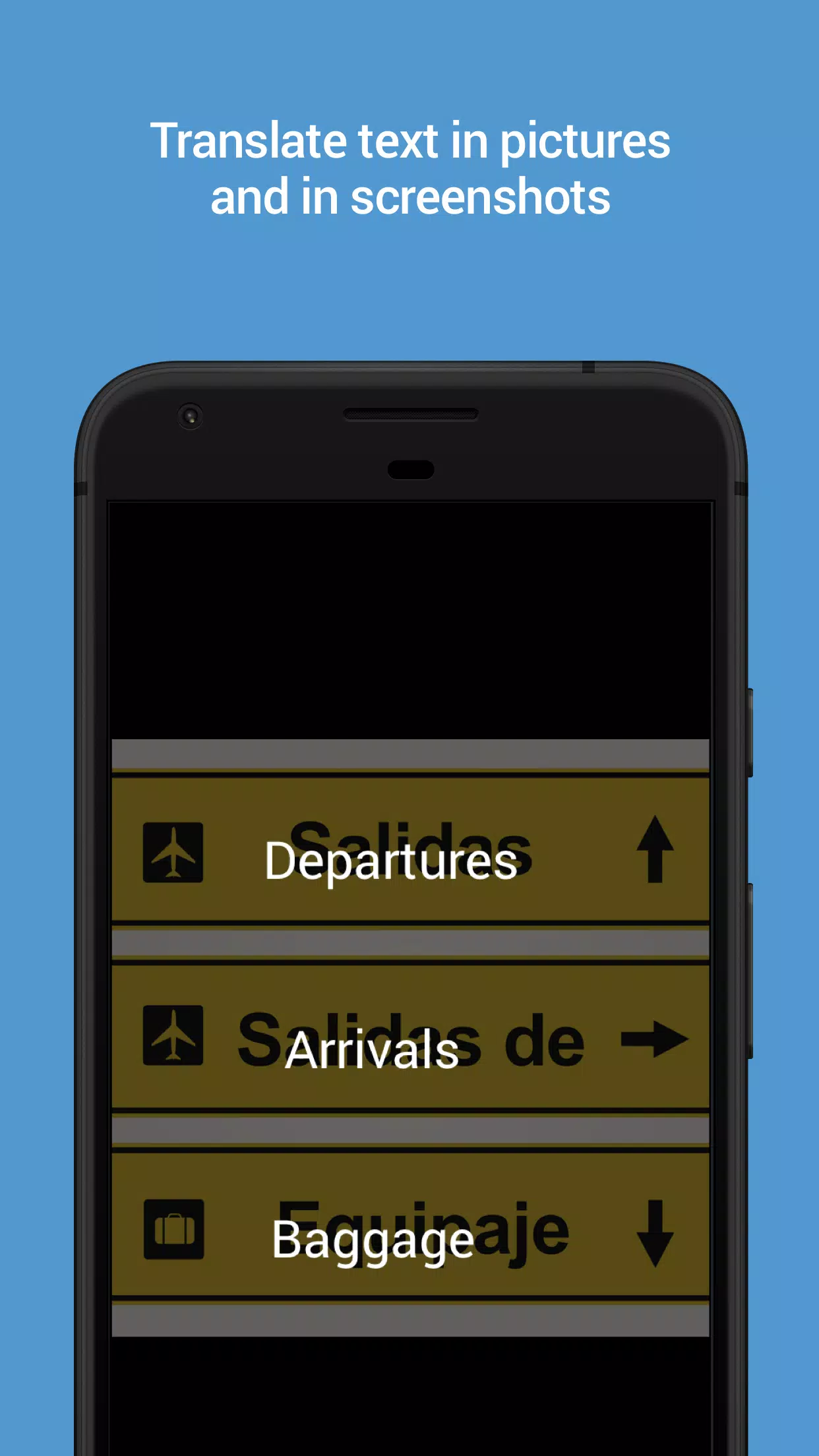
- Image Translation: Simply scan or upload pictures and screenshots to translate text within them.
- Audio Playback: Listen to translated text to facilitate easier communication with non-English speakers.
Microsoft Translator offers free, personal translation services across more than 70 languages. It supports text, voice, conversation, camera, and screenshot translations. You can even download language packs for offline use, perfect for traveling without internet access.
- Text Translation: Translate into over 70 languages* for both online and offline scenarios.
- Camera Translation: Instantly translate text found in photos and screenshots.
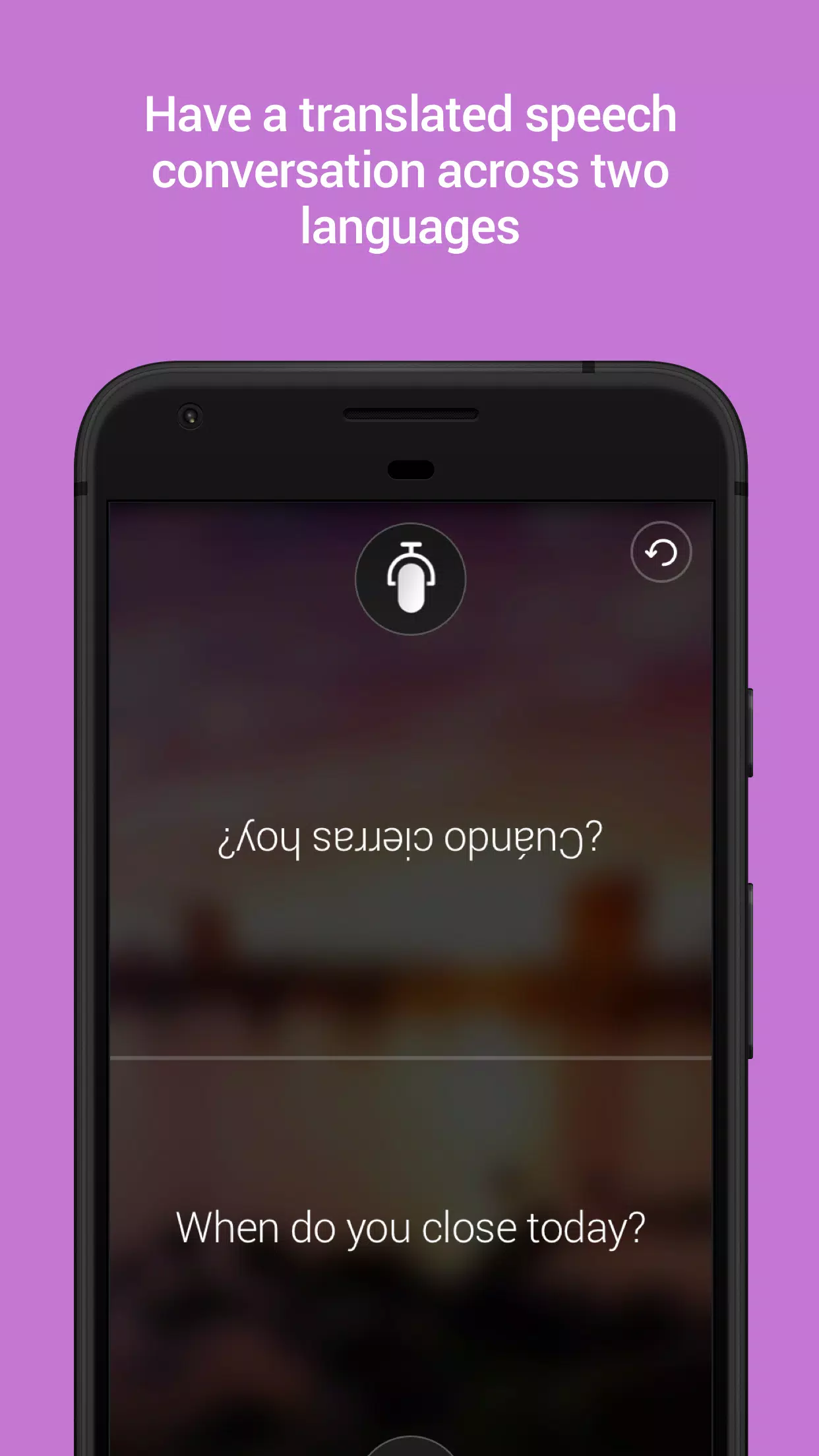
- Voice Translation: Convert spoken words into text and use split-screen mode for bilingual conversations.
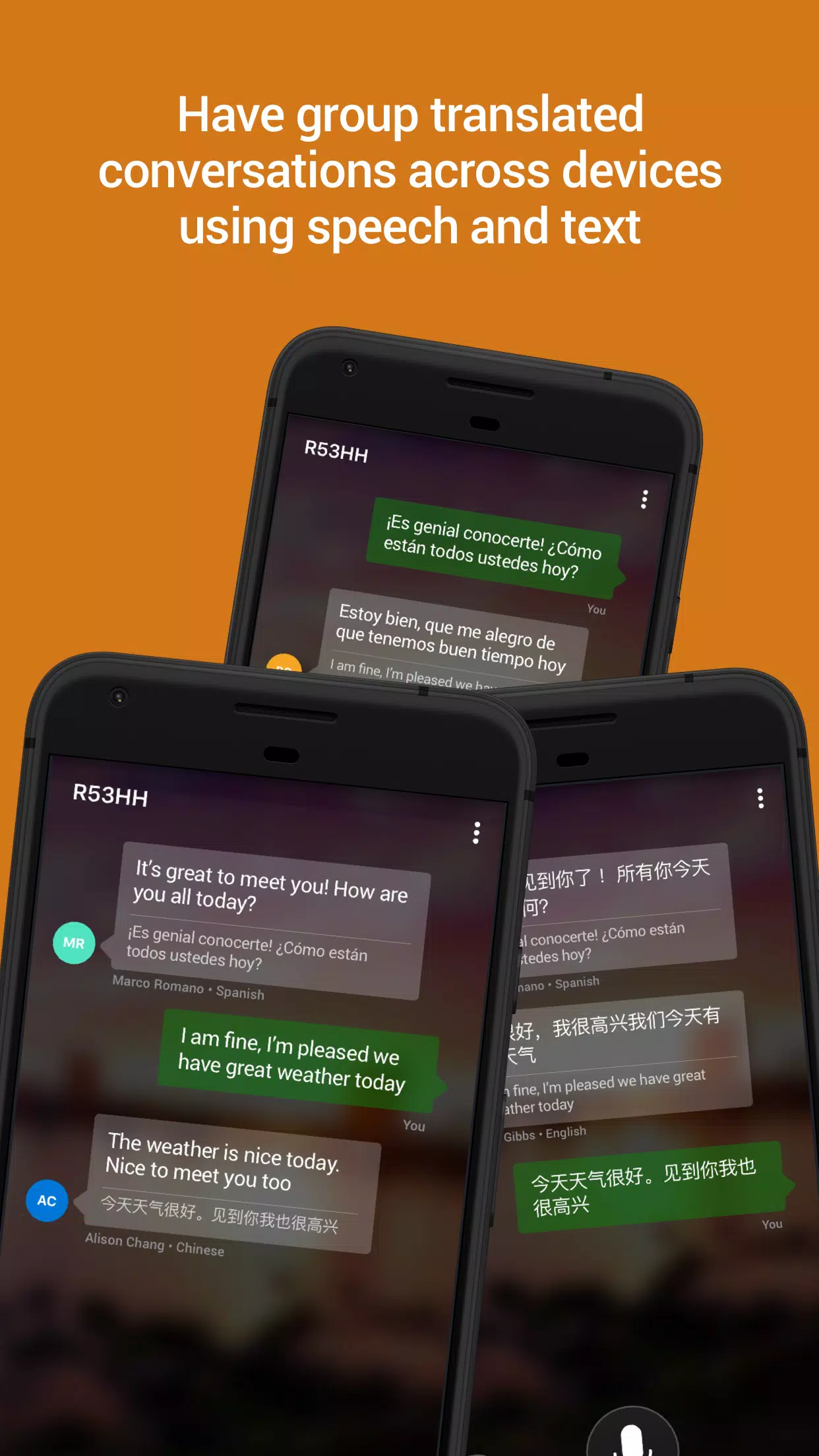
- Multi-Person Translation: Connect devices for real-time, multi-language conversations with up to 100 participants.
- Phrasebooks: Access verified translations and pronunciation guides to learn essential phrases for your travels.
- Word Look-Up: Explore alternate translations and meanings to find the most suitable expression.
- Offline Mode: Download languages for use without an internet connection.
- Audio Output: Hear your translations spoken aloud to aid in learning pronunciation.
- Transliteration Support: Get pronunciation guides, including Pinyin for Chinese.
- Shareable Translations: Easily share translations with other apps.
- Save Favorites: Pin and save your frequently used translations for quick access.
- In-App Translation: Translate text within other apps using the context menu.
The app supports a wide range of languages including Afrikaans, Arabic, Bangla, Bosnian (Latin), Bulgarian, Cantonese (Traditional), Catalan, Chinese Simplified, Chinese Traditional, Croatian, Czech, Danish, Dari, Dutch, English, Estonian, Fijian, Filipino, Finnish, French, German, Greek, Gujarati, Haitian Creole, Hebrew, Hindi, Hmong Daw, Hungarian, Icelandic, Indonesian, Irish, Italian, Japanese, Kannada, Kazakh, Korean, Kurdish (Central), Kurdish (Northern), Latvian, Lithuanian, Malagasy, Malay, Malayalam, Maltese, Maori, Marathi, Norwegian, Odia, Pashto, Persian, Polish, Portuguese (Brazil), Portuguese (Portugal), Punjabi, Queretaro Otomi, Romanian, Russian, Samoan, Serbian (Cyrillic), Serbian (Latin), Slovak, Slovenian, Spanish, Swahili, Swedish, Tahitian, Tamil, Telugu, Thai, Tongan, Turkish, Ukrainian, Urdu, Vietnamese, Welsh, and Yucatec Maya.
Microsoft Translator leverages advanced technology shared with Office, Bing, Skype, Edge, and partners like Adobe and LinkedIn.
*Note: Some features may not be available in all languages.
Latest Update: Version 4.0.542a 2b44aba7
Release Date: May 18, 2023
Update Details: This version includes bug fixes and general performance improvements.