MiChat: Your All-in-One Social Network and Messaging App
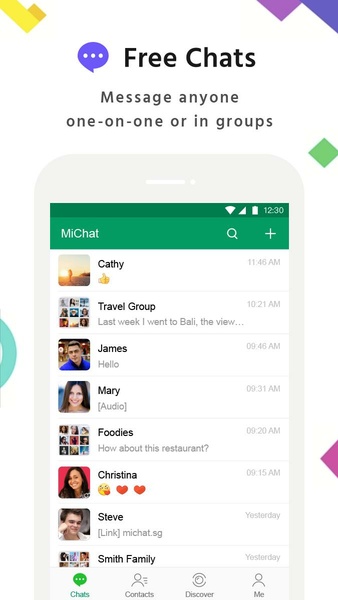
MiChat offers a comprehensive communication platform, seamlessly blending social networking and messaging functionalities. Connect with friends and family, or expand your circle by joining vibrant group conversations centered around shared interests. Experience smooth, efficient communication thanks to MiChat's intuitive design.
Begin by linking your phone number to access your existing contacts who also use MiChat. For those not yet on the platform, simply send an invitation to initiate a conversation. The user-friendly interface, despite its simplicity, boasts a wealth of features designed to enhance communication. Share images, audio files, or a diverse range of stickers to express yourself creatively.
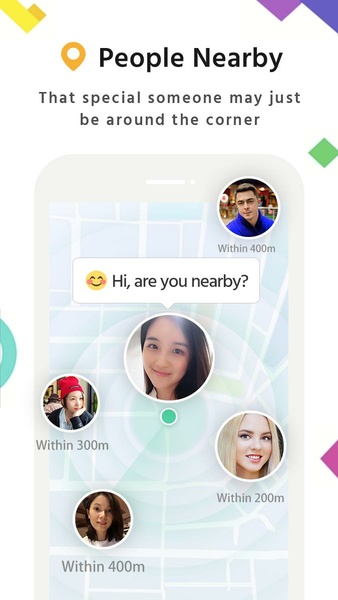
Utilize the "nearby friends" feature to connect with users in your vicinity or those sharing your interests. Initiate conversations effortlessly, regardless of location. MiChat also incorporates a unique "message in a bottle" function, adding an element of serendipity to the connection process.
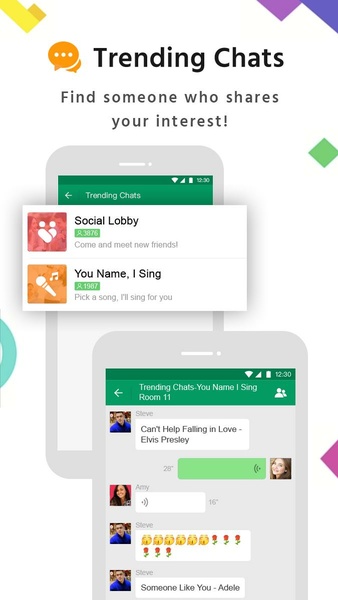
Share life's highlights with your contacts and encourage interaction through reactions and comments. Stay engaged with the community through trending chat rooms, participating in discussions on diverse topics. Discover bustling conversations or join those aligned with your interests. MiChat serves as a versatile social tool, facilitating connections with both familiar faces and new acquaintances with ease and comprehensive features.
System Requirements (Latest Version):
- Android 5.0 or higher
Frequently Asked Questions:
-
Account Creation: MiChat accounts can be created using a phone number, Google email, or Facebook account, simplifying the addition of contacts from your device.
-
Cost: MiChat is a completely free instant messaging application, enabling communication with contacts and nearby individuals at any time.
-
Creating an MiChat ID: After creating an account, navigate to your profile picture, tap "Profile," and then select the "MiChat ID" option to create and share your unique identifier.
-
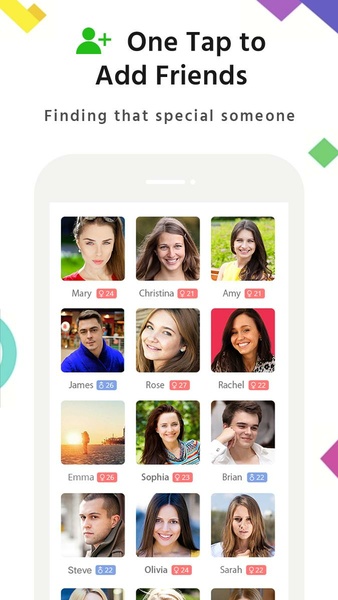
Adding Friends: Add friends using their MiChat IDs, phone numbers, or QR codes. Alternatively, grant MiChat access to your contacts to connect with existing users of the app.