Samsung Smart Switch: Effortless Mobile Data Transfer
Samsung Smart Switch simplifies data migration between your old and new mobile phones, regardless of brand. Transfer photos, files, and crucial data in seconds using USB, Wi-Fi, or a computer – choose your preferred method. This app ensures a seamless transition, moving everything from contacts and messages to photos, videos, music, calendar entries, apps, and even device settings.
Key Features of Smart Switch:
-
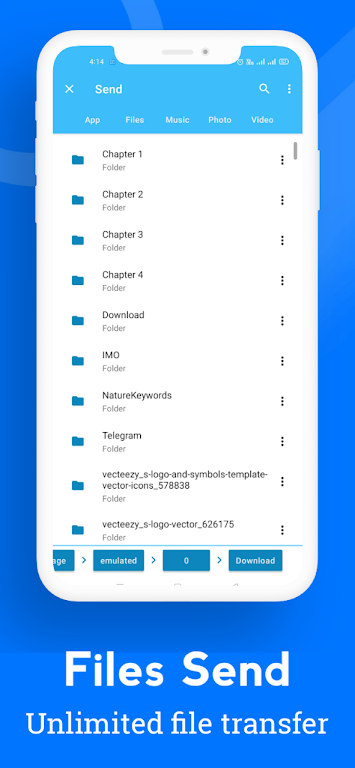
Effortless Data Transfer: Quickly and easily move photos, files, and essential data from your old phone to your new one, regardless of device type. Transfer via USB cable, Wi-Fi, or computer.
-
Versatile Transfer Options: Choose from USB cable (using the cable included with your new phone), Wi-Fi (simply download the app on both devices), or computer transfer.
-
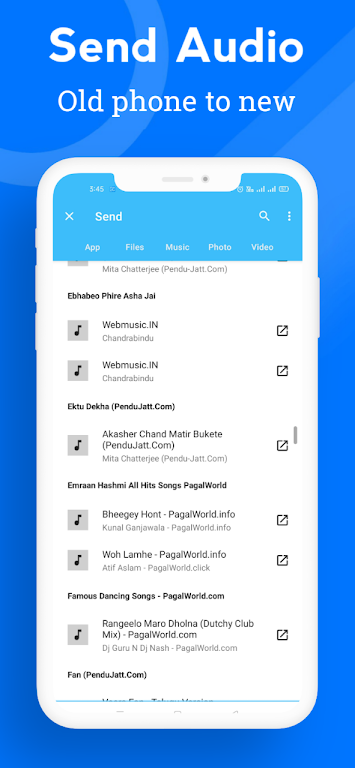
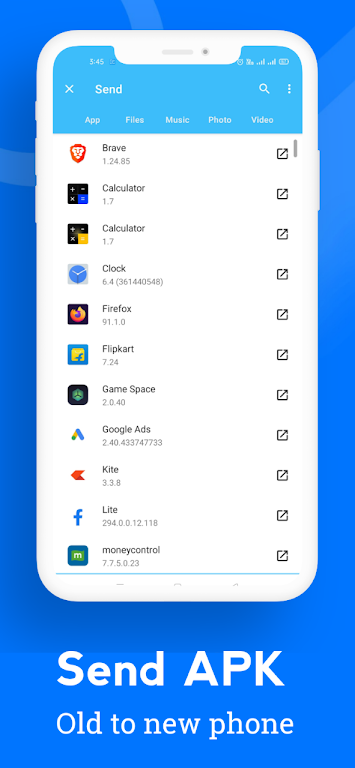
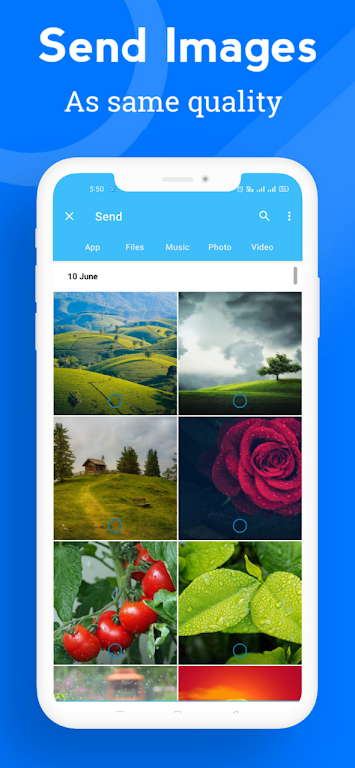
Comprehensive Data Coverage: Transfer a wide array of data, including contacts, messages, photos, videos, music, calendar events, apps, and system settings.
-
Intuitive Interface: The transfer process is incredibly user-friendly. Simply tap "Send Data" on your old device, "Receive Data" on your new device, and connect them using a USB cable (and USB OTG adapter if necessary).
-
Selective Data Transfer: Smart Switch scans your old phone, allowing you to choose precisely which data to transfer to your new device.
-
Seamless Completion: Initiate the transfer with a tap, and once complete, simply tap "Done" on your new phone and "Close" on your old phone.
In Conclusion:
Eliminate the stress of manual data transfer. Download Smart Switch today for a smooth and efficient transition to your new phone.