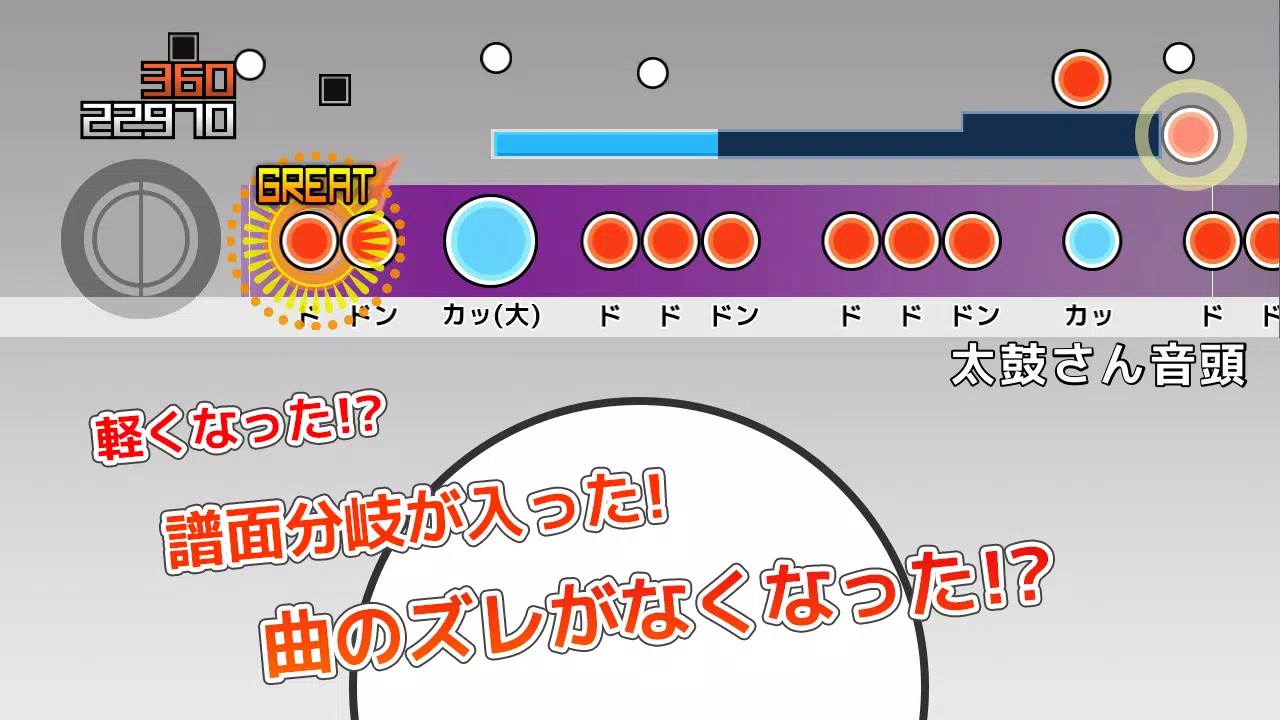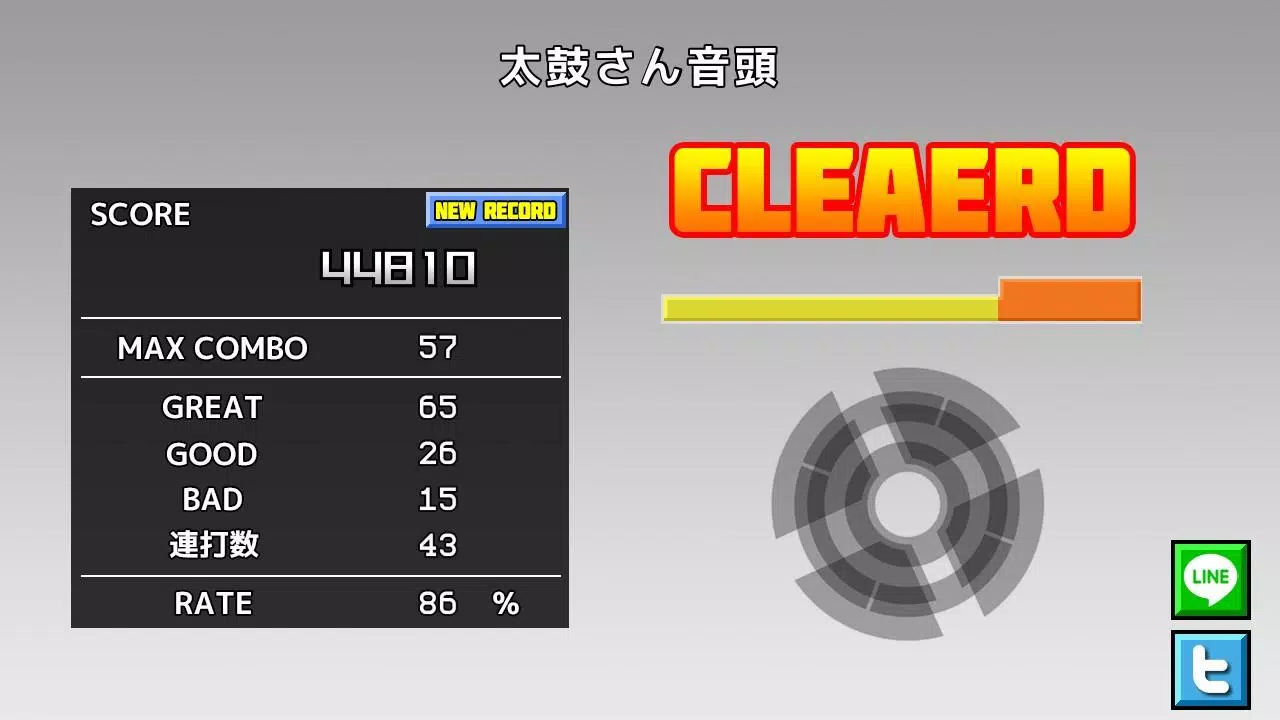
Are you a fan of "Taiko-san Jiro 2" and looking to enjoy its TJA files on your Android device? This application is designed to let you do just that, bringing the fun of the PC software right to your fingertips. However, please note that due to the vast number of Android devices available, we can't guarantee compatibility with every model. If the app doesn't start on your device, we regret to inform you that we are unable to offer support for such cases.
We also want to clarify that we do not provide assistance with obtaining TJA files or skins. We appreciate your understanding in this matter.
How to Add a Song
When you first launch the application, a "TJA" folder is automatically created in the root directory of your device's storage or SD card. To add songs, follow these steps:
- Create a new folder within the "TJA" folder to represent a genre.
- Place your TJA file into this genre-specific folder.
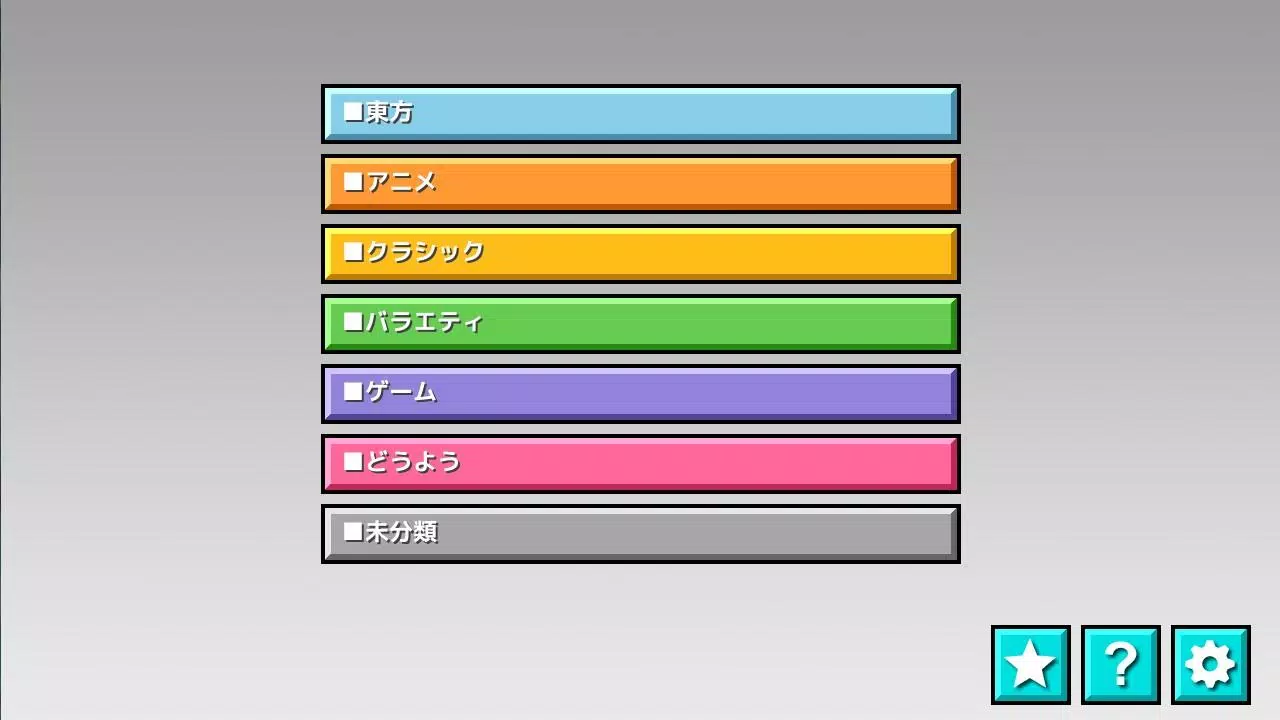
- If you don't include a genre.ini file in the folder, the songs will be categorized under "Uncategorized".
- Please be aware that on Android 4.4 and later versions, you may encounter issues with saving high scores.
- You can now select the "record location" from the settings menu to specify where your scores are saved.
How to Add a Skin
This app supports skins from "Taiko Sanjiro 2", although some features may not be implemented. Note that skins from the original "Taiko-san Jiro" are not compatible. To use a skin, you'll need to read the theme-default/default.csv file. Keep in mind that performance may vary depending on your device and the complexity of the skin data.
Contents of genre.ini
For a folder to be recognized as a genre folder, it must contain a genre.ini file with the following format:
\[Genre\]
GenreName=Name of the genre
GenreColor=#66cc66
FontColor=#ffffffff
For further assistance, please visit our help page at http://chaos3.iruka.us/daijiro_help/ja/.
What's New in the Latest Version 1.4.4
Last updated on Jun 29, 2023, this version includes:
- Due to enhanced Android security measures, you can no longer access folders outside of the app-specific directories. If you've updated your app, you'll need to move the default "/TJA" folder to "Android/data/com.daijiro.taiko2/files/TJA" using a file management app.
- General bug fixes to improve your experience.