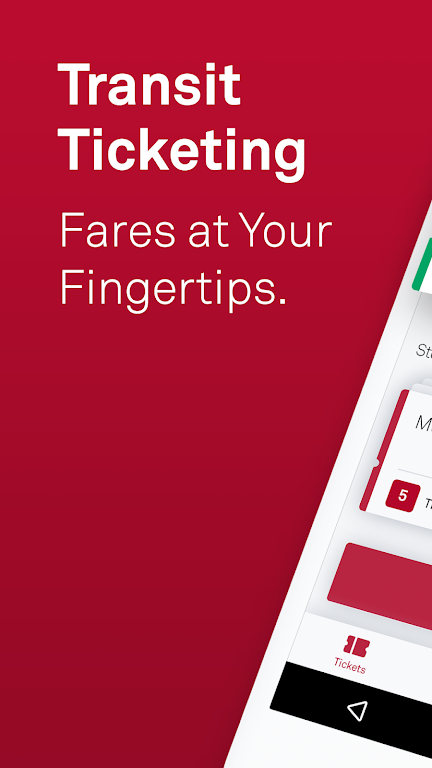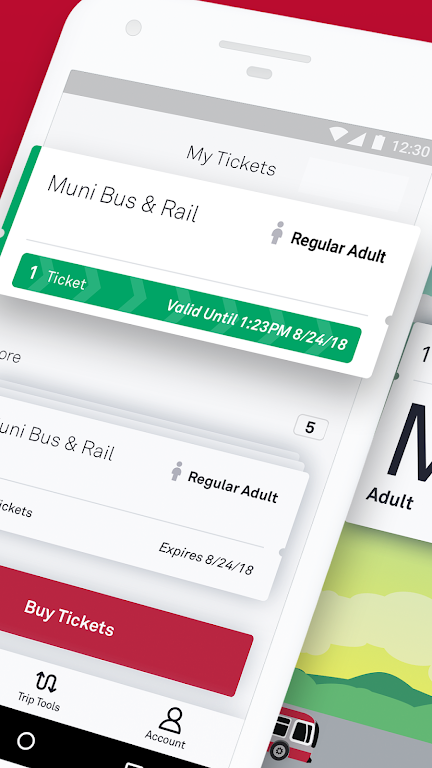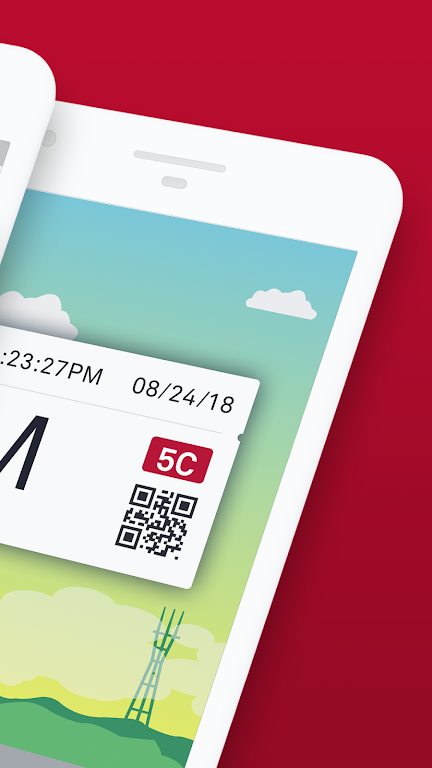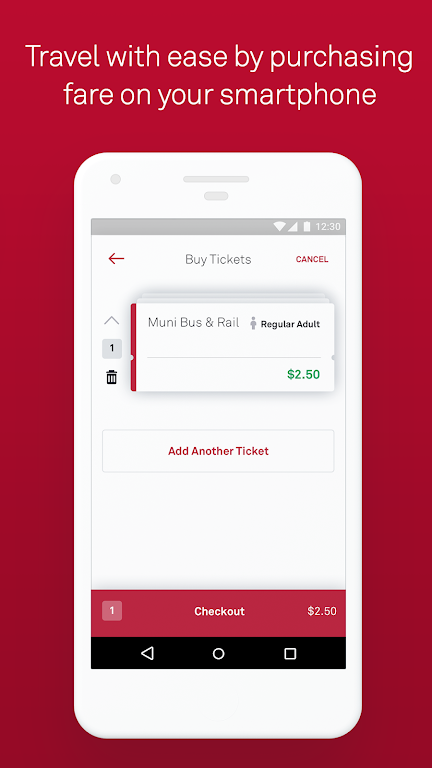
MuniMobile, the official app from the San Francisco Municipal Transportation Agency (SFMTA), is designed to enhance your transit experience across the city. With its user-friendly interface, MuniMobile offers a comprehensive range of features such as mobile ticketing, real-time transit predictions, and advanced trip planning. The app allows you to purchase tickets seamlessly using a debit/credit card, PayPal, or Apple Pay, and activate them effortlessly before boarding. It's a one-stop solution that eliminates the need to carry cash or paper tickets, making your journey smoother and more convenient.
Features of MuniMobile:
> Convenience: Say goodbye to paper fares and fumbling for change. With MuniMobile, you can purchase and use fares instantly on your phone.
> Payment Options: Enjoy the flexibility to buy fares with a debit/credit card, PayPal, or Google Pay.
> Multiple Tickets: Store and manage multiple tickets on your phone for future use.
> Group Travel: Easily purchase multiple fares for a group of riders, making group travel a breeze.
> Secure System: Register your payment methods within a secure system, providing you with peace of mind.
FAQs:
> Do I need an Internet connection to purchase tickets?
- Yes, an Internet connection is required to purchase tickets, but you can activate and use them offline.
> What if my phone battery dies?
- Plan ahead and keep your phone charged to ensure you always have a valid fare.
> Can I transfer my tickets to a new phone?
- Yes, by creating an account before purchasing tickets, you can transfer unused tickets to a new phone. Only unused tickets are transferable.
How to use this app?
Download the App: Install MuniMobile from the App Store or Google Play.
Create an Account: Sign up using your email or mobile number.
Choose Rider Type: Select from Adult, Senior/Disabled/Medicare, Youth, or SF Access categories.
Select Fare: Choose between a Single Trip Fare for Muni Bus & Rail, Cable Car, or Passports.
Purchase Tickets: Buy the desired quantity and complete the transaction with your preferred payment method.
Activate Before Boarding: Make sure to activate your ticket before boarding the vehicle or passing through the fare gates.
Use Offline: You can activate and use your tickets offline, ensuring flexibility in transit.
Manage Tickets: Store and manage multiple tickets on your phone for future use.
Set Up Auto-Refresh: Ensure the app is set to auto-refresh for real-time transit updates.
Get Help: For assistance, visit the MuniMobile FAQ page or check the app's help section.