Troubleshooting Call of Duty: Warzone Connectivity Problems: A Comprehensive Guide
Call of Duty: Warzone, with its massive player base and diverse content, can unfortunately be plagued by server connection issues. This guide provides methods to check server status and troubleshoot connectivity problems.
Quick Links
- Checking Warzone Server Status
- Warzone Server Status: Current Update
- Fixing Warzone Connectivity Issues
Checking Warzone Server Status
 Determining if Warzone servers are down requires a multi-pronged approach.
-
Activision Support Online Services Status: The official Activision Support website offers real-time updates on the status of all Call of Duty servers, including Warzone. This is your primary source for official information on outages and maintenance.
-
COD Updates Account: Follow the official Call of Duty Updates Twitter/X account for timely updates on server issues, maintenance schedules, and known bugs. This account provides direct communication from the developers.
Warzone Server Status: Current Update
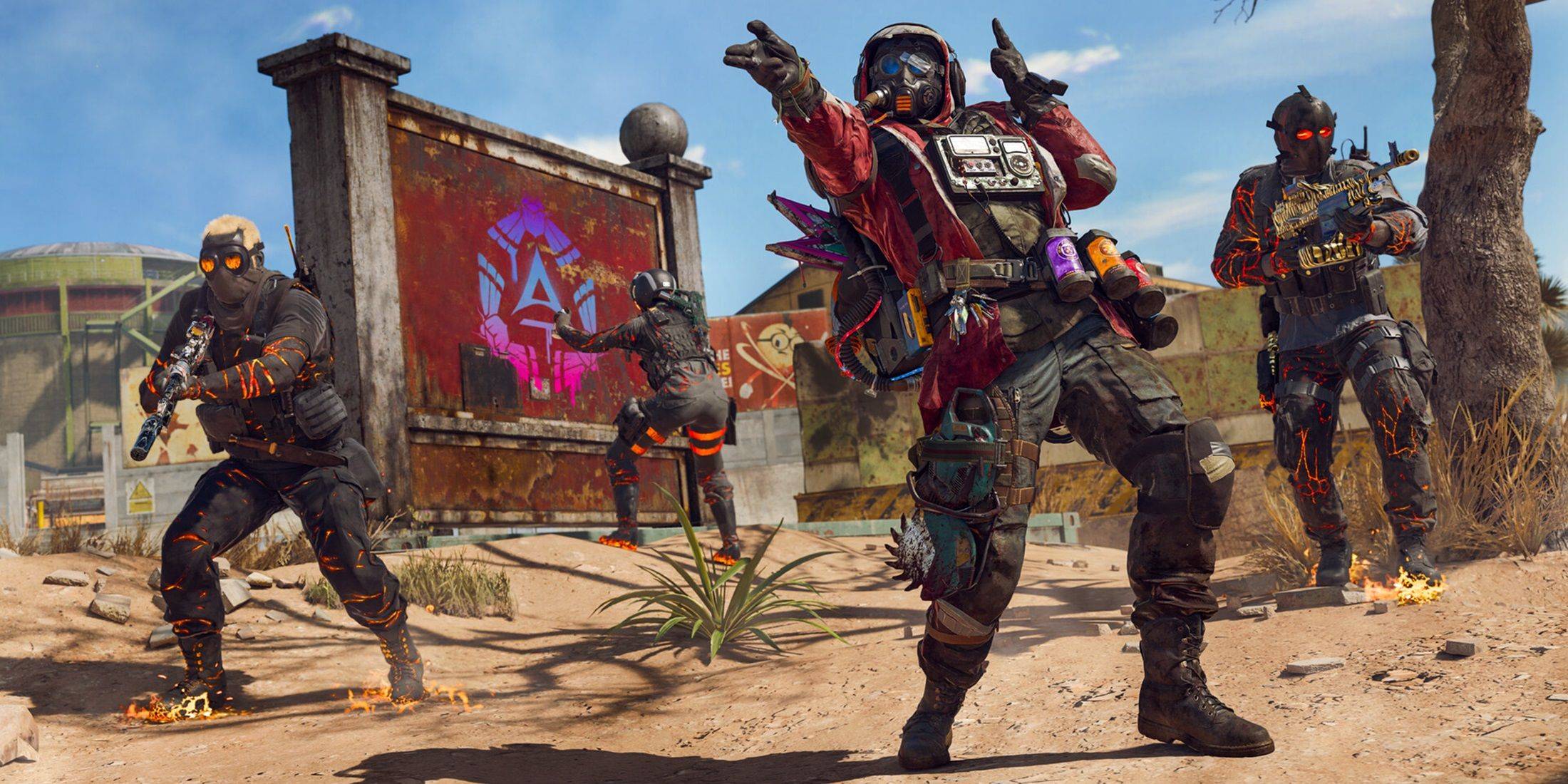 As of January 13, 2025, Call of Duty: Warzone servers were operational. A minor patch released the same day initially caused matchmaking problems, preventing some players from accessing game modes or resulting in extended wait times. However, Activision swiftly addressed the issue, restoring normal functionality within hours.
Fixing Warzone Connectivity Issues
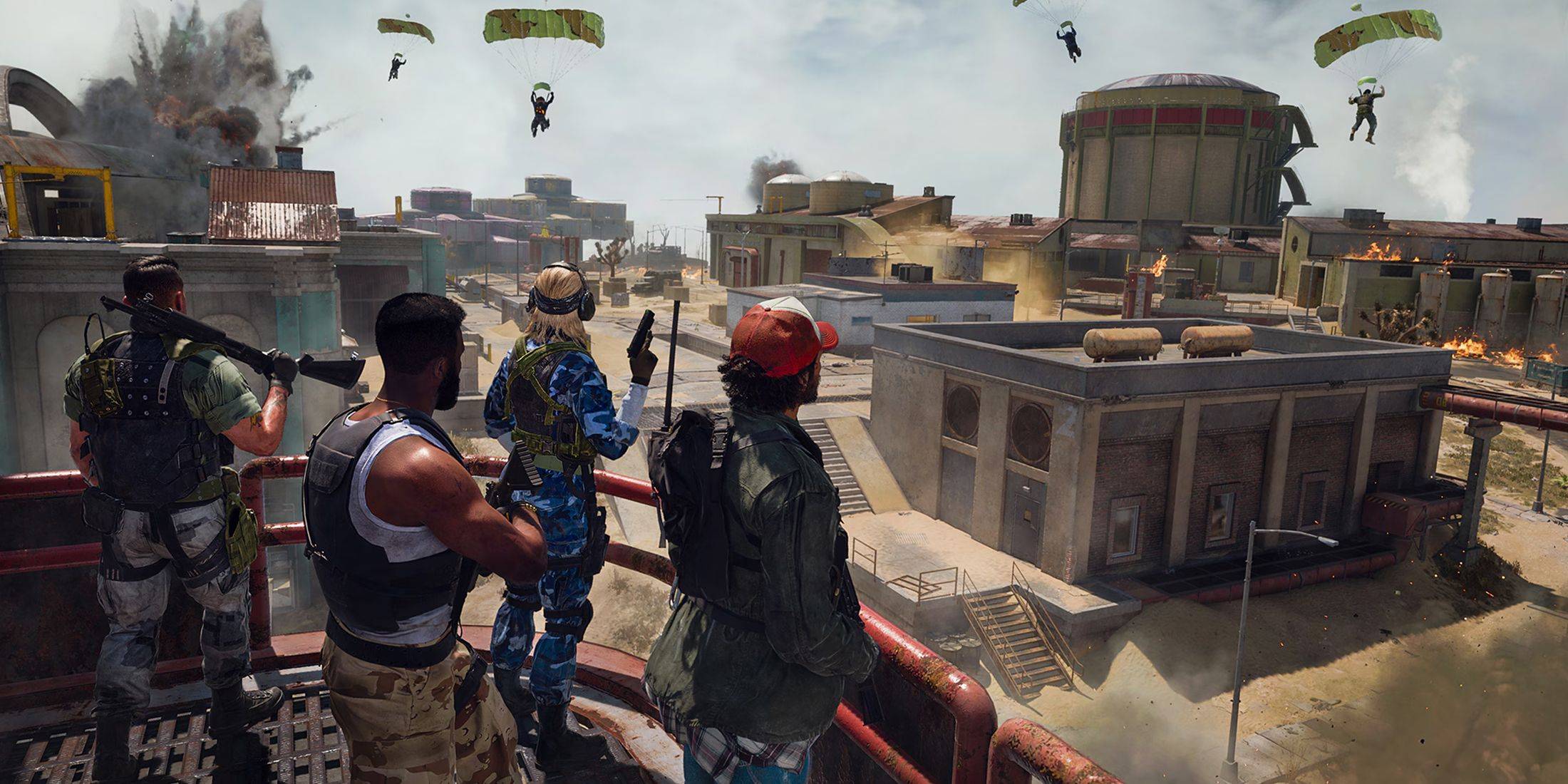 If you're experiencing connectivity problems, try these troubleshooting steps:
-
Check for Updates: Ensure your Warzone game client is fully updated. Outdated versions frequently cause connection issues.
-
Restart Warzone: A simple game restart can resolve minor glitches, particularly after updates or playlist changes.
-
Check Your Router Connection: Examine your router or modem for any unusual lights or behavior. A hard reset can often fix minor connectivity problems.
-
Test Your Network Connection: Conduct a network speed test to identify any network-related bottlenecks or interruptions.
-
Swap Connection Methods: If using Wi-Fi, try switching to a wired Ethernet connection for improved stability. Conversely, if using Ethernet, test with Wi-Fi.
By following these steps, you can effectively monitor Warzone's server status and resolve most connectivity issues. Remember to always check the official Activision channels for the most up-to-date information.