In the fast-paced world of modern gaming, auto-save features are a common luxury that ensures players don't lose their hard-earned progress. However, in Freedom Wars Remastered, where players face off against colossal Abductors and must avoid severe penalties for exceeding 10 seconds of running time in the Panopticon, manually saving your progress is not just a convenience—it's a necessity. The intensity and speed of the game make it vital to secure your achievements whenever possible, whether you're gearing up for a tough mission or simply taking a moment to regroup. Let's delve into the essential process of saving in Freedom Wars Remastered.
How to Save in Freedom Wars Remastered
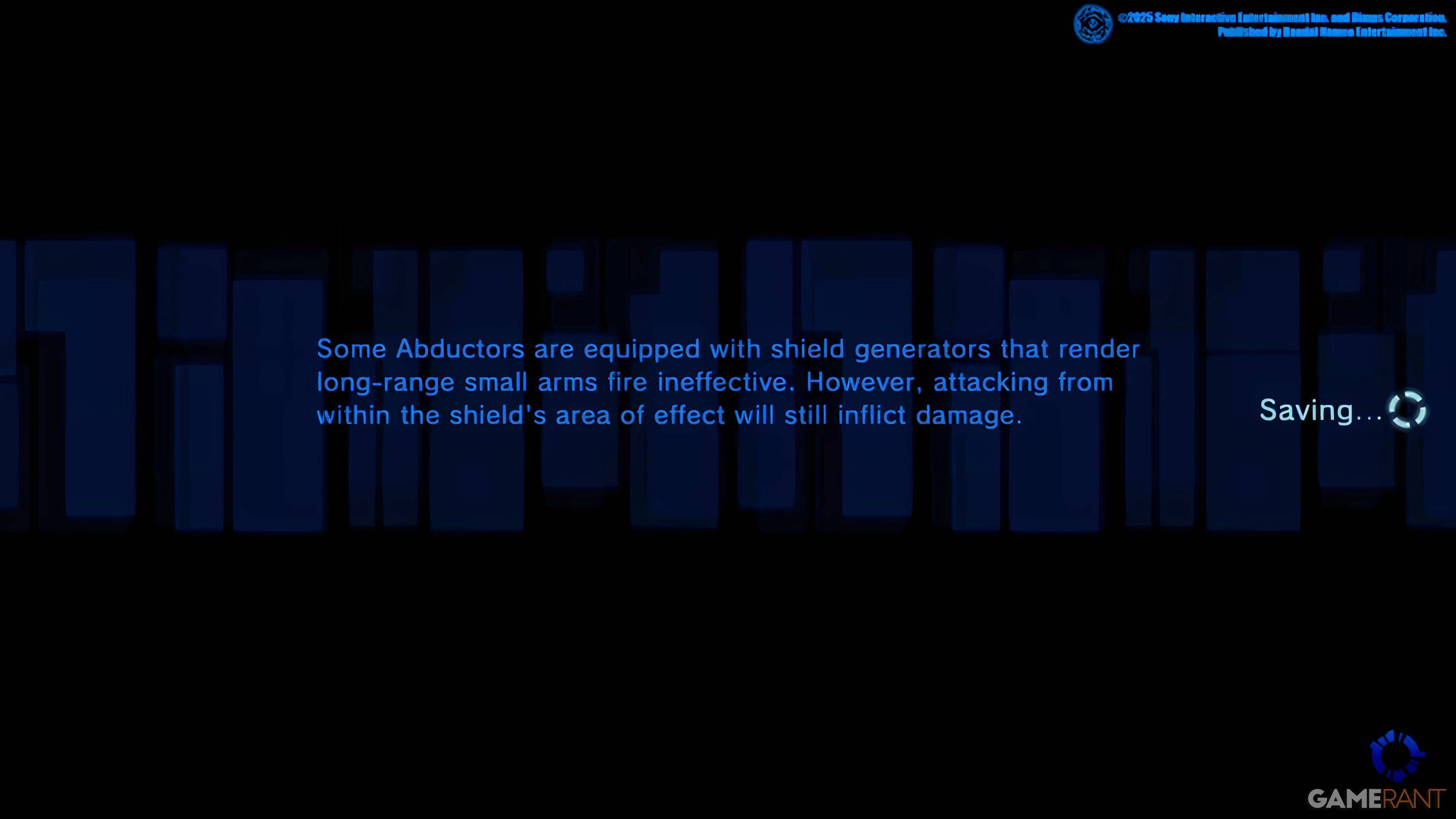
As you embark on your journey in Freedom Wars Remastered, you'll encounter an initial tutorial that introduces you to the game's mechanics. While this tutorial is informative, it can be overwhelming due to the sheer volume of information presented. You might catch glimpses of a small saving icon on the right side of your screen, indicating that the game features an Autosave system. This system regularly saves your progress after completing missions, engaging in significant dialogues, or experiencing cutscenes. However, relying solely on Autosave isn't always foolproof, which is why the Manual Save feature becomes indispensable.
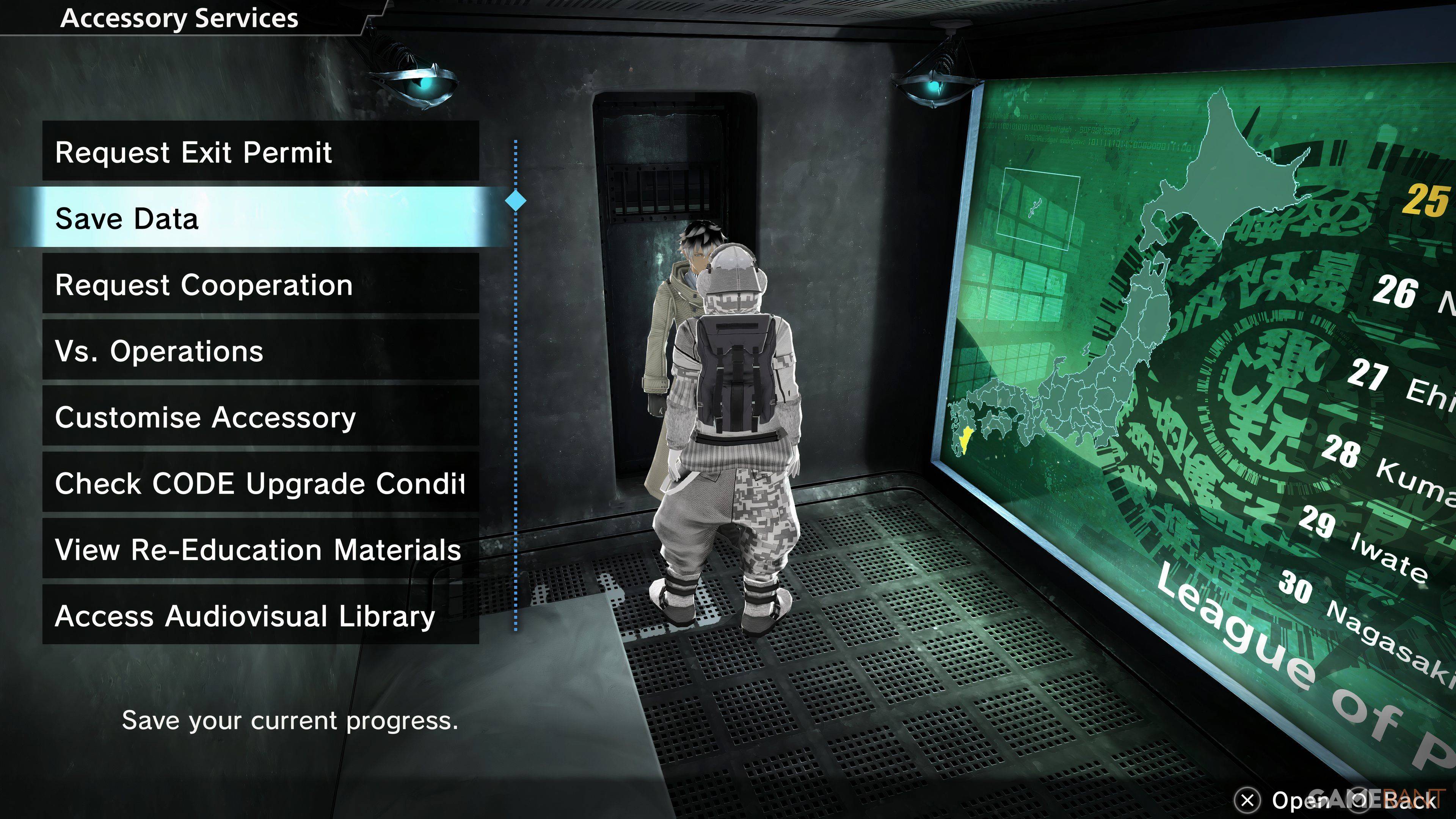
Freedom Wars Remastered offers a Manual Save option, albeit with a single save file limitation. This means you won't be able to maintain multiple save files to revisit earlier points in the story. To manually save, navigate to your Accessory within your Panopticon Cell and select the "Save Data" option, which is the second on the list. Once selected, your Accessory will grant permission, and your progress will be securely saved.
This single save file system locks in crucial decisions that can impact the game's outcome, making it impossible to alter your choices later on. However, for PlayStation users with a PlayStation Plus subscription, there's a workaround: you can upload your save data to the Cloud and download it when needed. This feature is invaluable for those looking to revisit pivotal moments or safeguard their progress against potential losses.
Given that some players have reported game crashes, it's wise to frequently save your progress manually in Freedom Wars Remastered. This practice will help you avoid the frustration of losing significant progress and ensure you can enjoy the game with peace of mind.