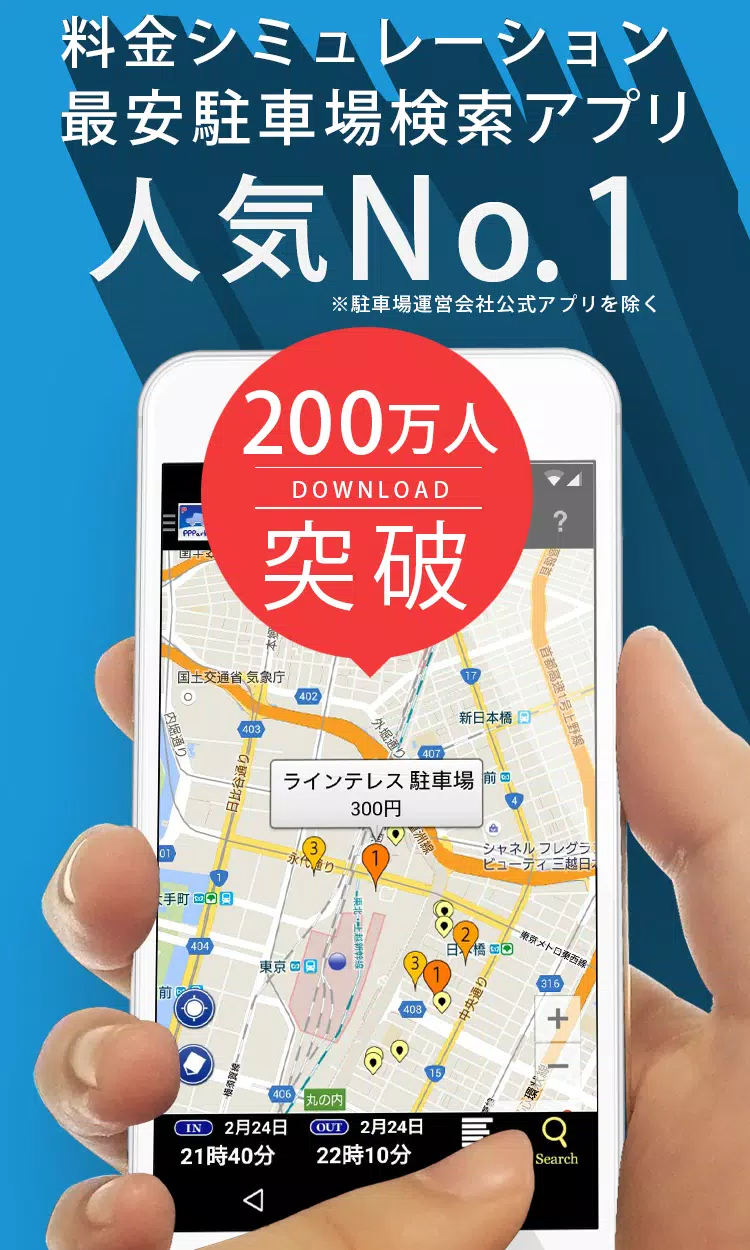
Find the perfect metered parking spot with our charge search app! Easily locate and compare prices for convenient parking near your destination.
For users experiencing issues on Android 11:
Some users on Android 11 have reported the app crashing on launch. To resolve this, try clearing the app's storage. Please note this will erase your parking history, which cannot be recovered.
Procedure:
- Open "Settings"
- Open "Apps and Notifications"
- Tap "PP Park!"
- Open "Storage and Cache"
- Tap "Clear Storage"
This issue stems from Android 11, and while Google is aware, a fix may take time. We apologize for any inconvenience. Clearing storage is the current workaround.
PPPark!
PPPark! helps you find affordable coin parking near your destination. No more expensive parking hassles!
PPPark! Features
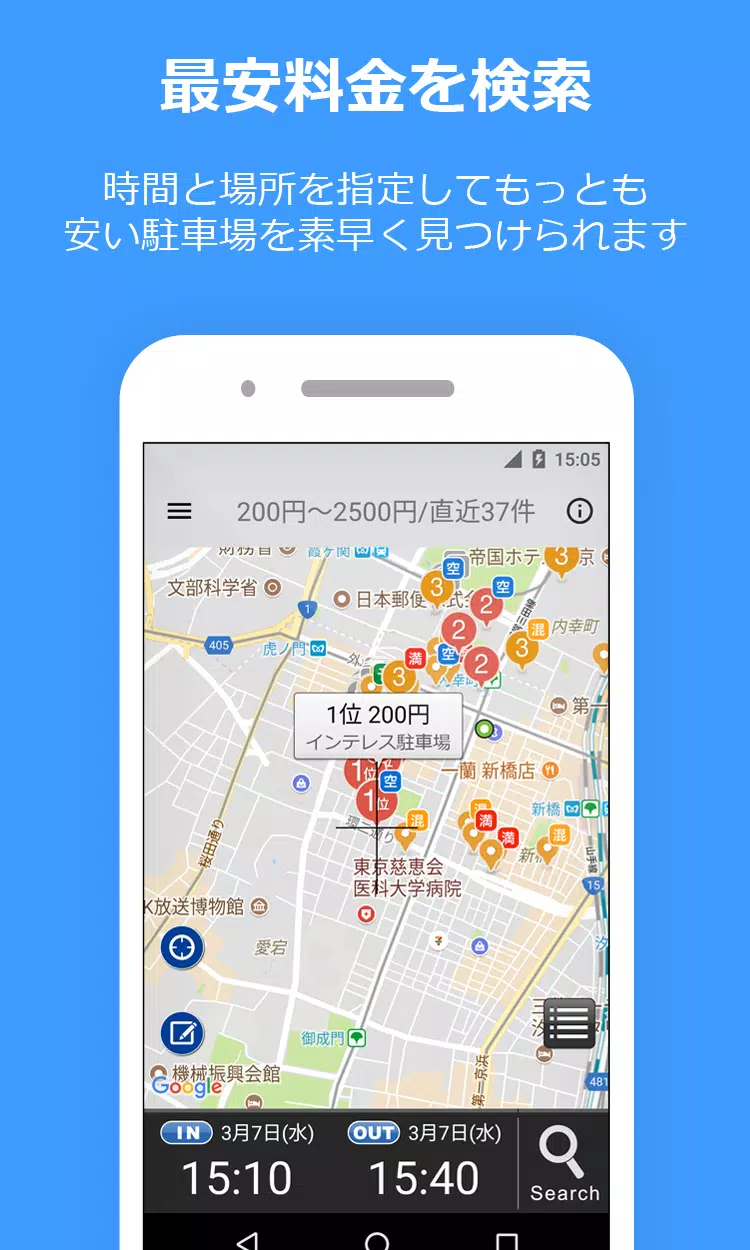
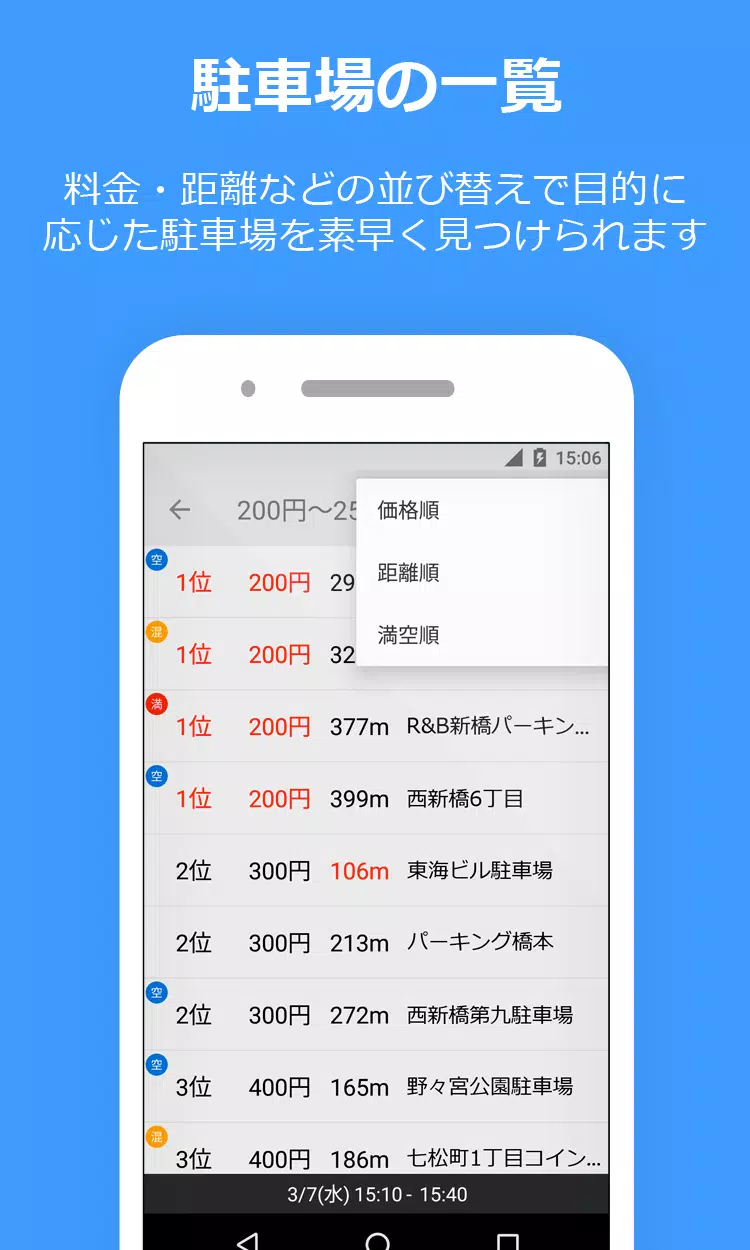
- Smart Pricing: Automatically calculates parking costs (e.g., "Today, 2 PM to 7 PM") and displays results in ascending order.
- Maximum Charge Support: Considers daily maximum rates for accurate cost comparisons.
- Easy Navigation: Integrates with Google Maps, Yahoo! Maps, and NaviCon for seamless directions.
- Diverse Parking Options: Includes reservation-based parking (Akippa, Special P, TOHOGAS parking - Okazaki City only) and shared parking.
- Street Parking Support: Displays street parking options (Tokyo, Kanagawa, Osaka) – indicated by light green lines/circles on the map. Remember: Street parking has time limits; exceeding them may result in a fine.
*Disclaimer: Parking information (prices, hours, location) may not always be perfectly up-to-date. Always verify information on-site.*
User Contribution: Help us keep the database accurate! Report any missing, incorrect, or closed parking lots.
*Note: On Android 10 and later, parking lot information is not carried over after device changes.
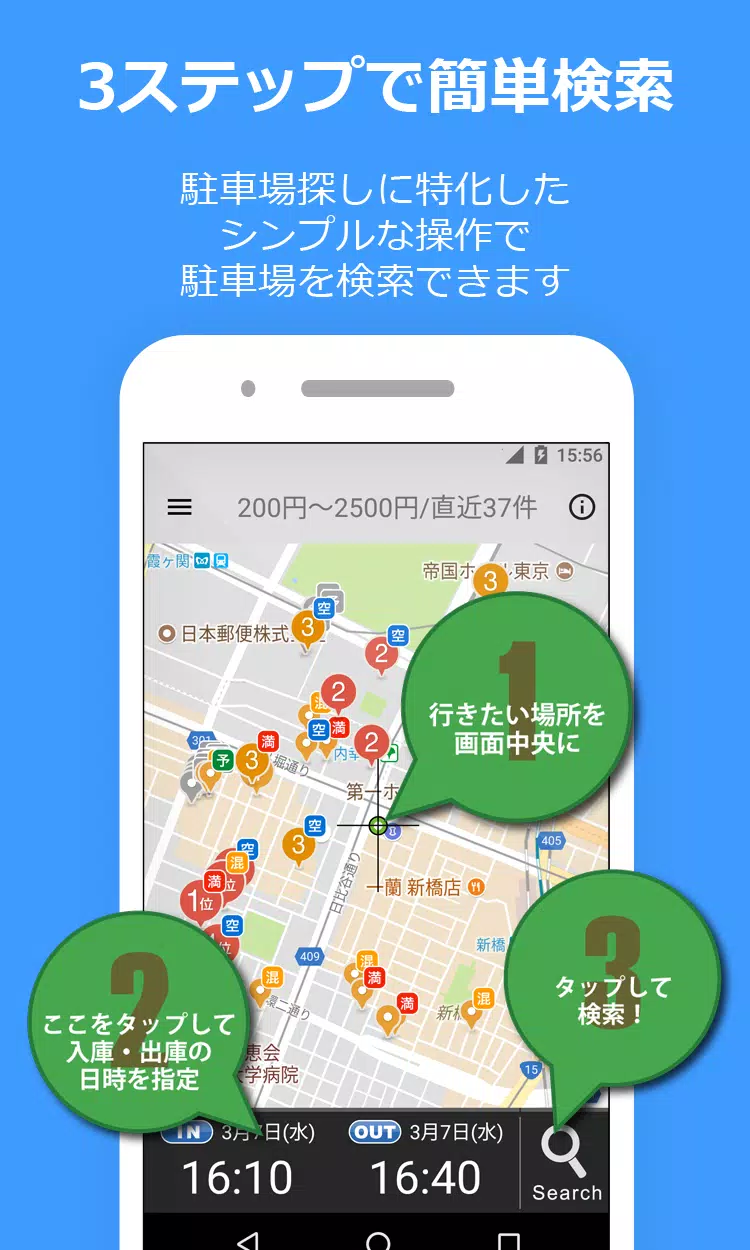
How to Use PPPark!
- Locate your destination on the map.
- Set your parking arrival and departure times.
- Tap the magnifying glass icon (bottom right) to begin your search.
- Results are displayed on the map, ordered by price, making it easy to find the cheapest option.
Important Notes:
- Requires "Google Play Developer Services" (Android 4.0+).
- Location permissions (Wi-Fi, Bluetooth) are used for accurate location data.
- Always verify prices at the parking lot.
- While we strive for accuracy, we cannot guarantee that all parking lot information is completely up-to-date.
Parking Lot Information
Always verify prices on-site. While we work hard to keep information updated, we can't guarantee complete accuracy.
Report Bugs
Report bugs via:
- Twitter: PPPark1
- Email: [email protected]
When reporting issues, please specify your device model and iOS version (for iPhones) for faster troubleshooting.
Links
- Website: https://pppark.com
- Twitter: https://twitter.com/PPPark1