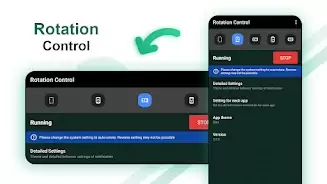
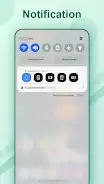
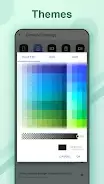
This handy app lets you effortlessly manage your mobile screen orientation. Rotation Control lets you set your screen to portrait or landscape mode, or even customize the orientation for specific apps. Quickly change settings from your notification area with options like forced sensor rotation, reverse portrait, and more. However, be aware that forcing an app's display orientation can sometimes cause problems. Whether you're lying on your side, doing a headstand, or simply want more control, this app has you covered. Rotate your screen with confidence and explore all the possibilities with Rotation – Screen Orientation Manager.
Rotation Control Features:
- Easily change your mobile screen orientation from the notification area.
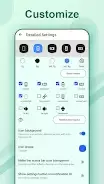
- Assign specific apps to different screen orientations for a personalized experience.
- Choose from portrait, landscape, reverse portrait, and reverse landscape modes.
- Use sensor-based settings for automatic screen rotation based on device orientation.
- Unique settings like "lie left," "lie right," and "headstand" for precise adjustments.
- Troubleshooting tips to help fix any screen rotation issues.
In short: Rotation Control offers convenient and customizable screen orientation management for your mobile device. With its various options and troubleshooting advice, it's a useful tool for optimizing your viewing experience. Download now for better control over your screen orientation!