Skype for Business, previously known as Lync 2013, for Android, brings the robust communication capabilities of Lync and Skype directly to your mobile device. With this app, you can enjoy voice and video calls over wireless networks, along with rich presence indicators, instant messaging, conferencing, and seamless calling, all from an intuitive and user-friendly interface.
Key Features:
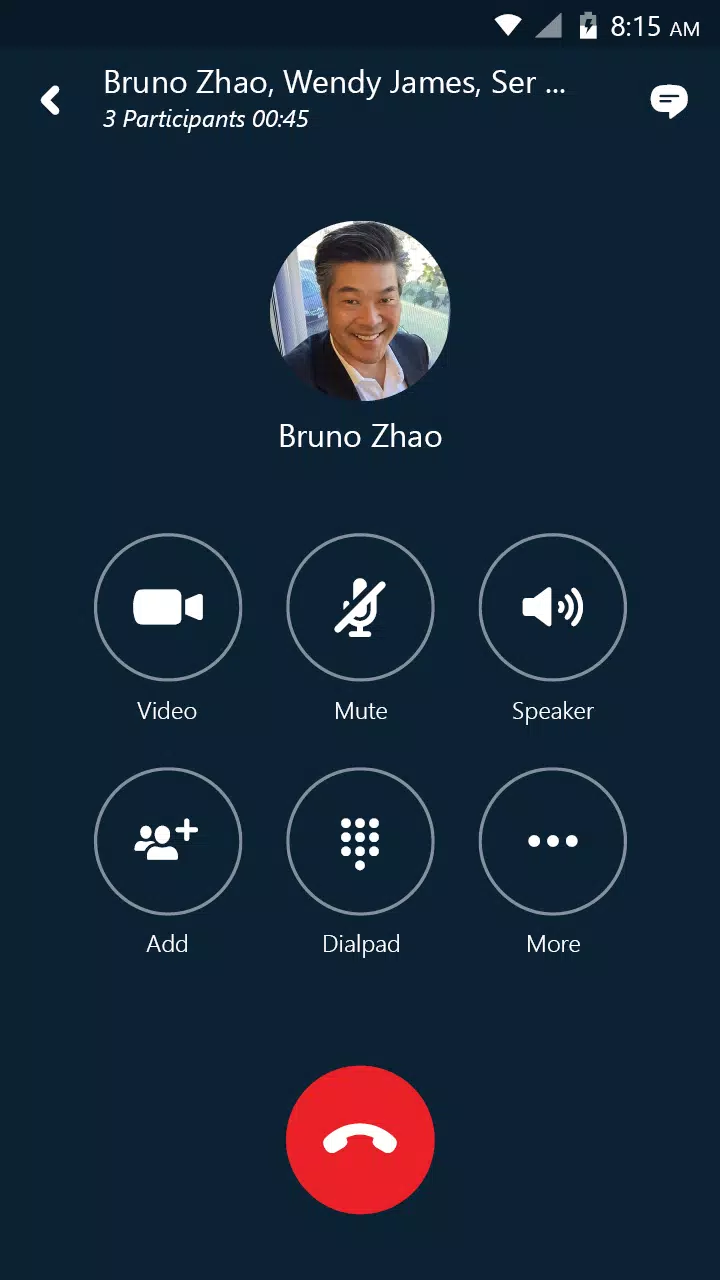
- Initiate Group Conversations: Start a group IM or video conversation and easily add more participants as needed.
- Join Meetings Seamlessly: Join, rejoin, or start a Skype for Business Meeting to collaborate and share innovative ideas.
- Video Sharing: Share your video and view the speaker's video during conferences for a more engaging experience.
- Meeting Control: Manage your meetings by muting or removing attendees, and gain insights into participants' modalities.
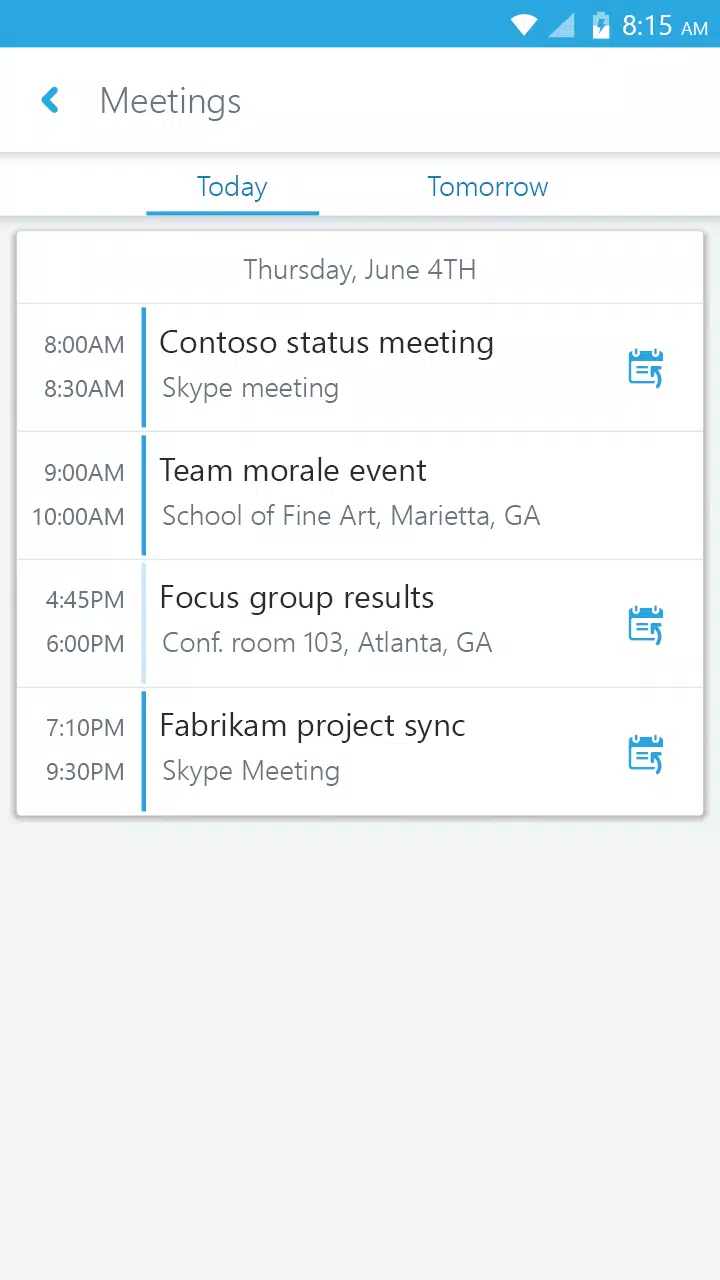
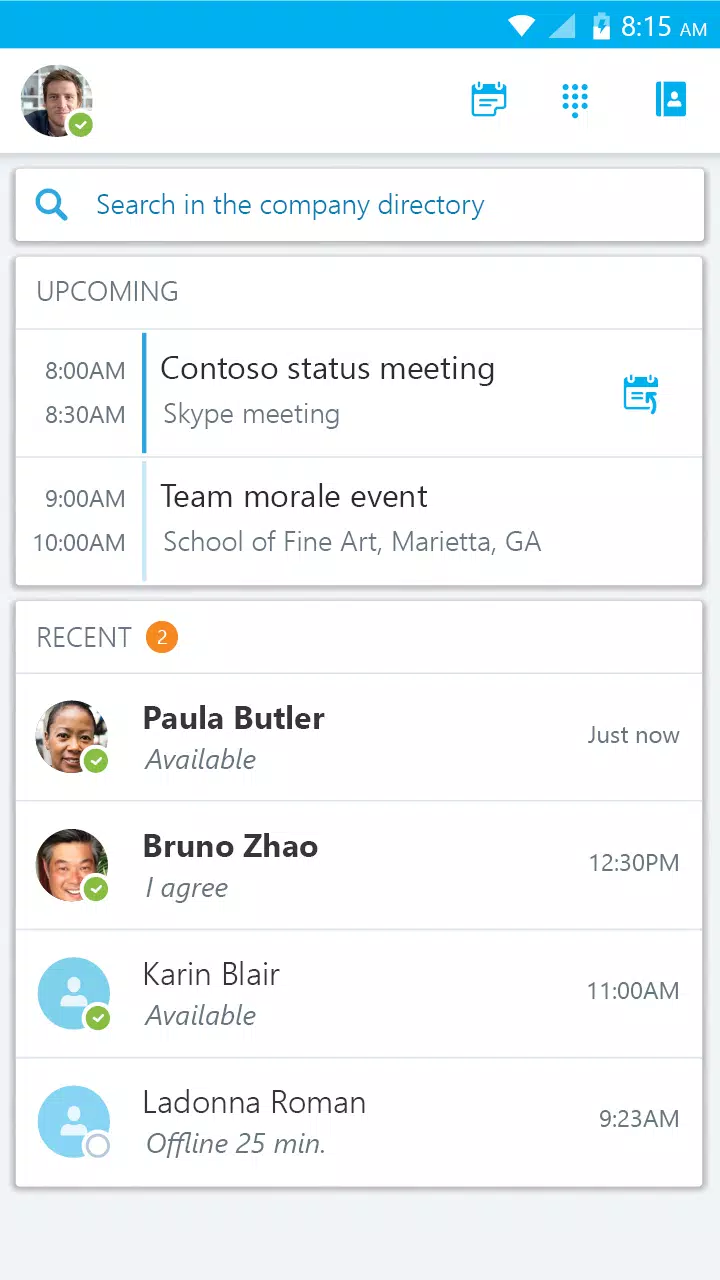
- Effortless Meeting Access: View your upcoming meetings and join them with just one click.
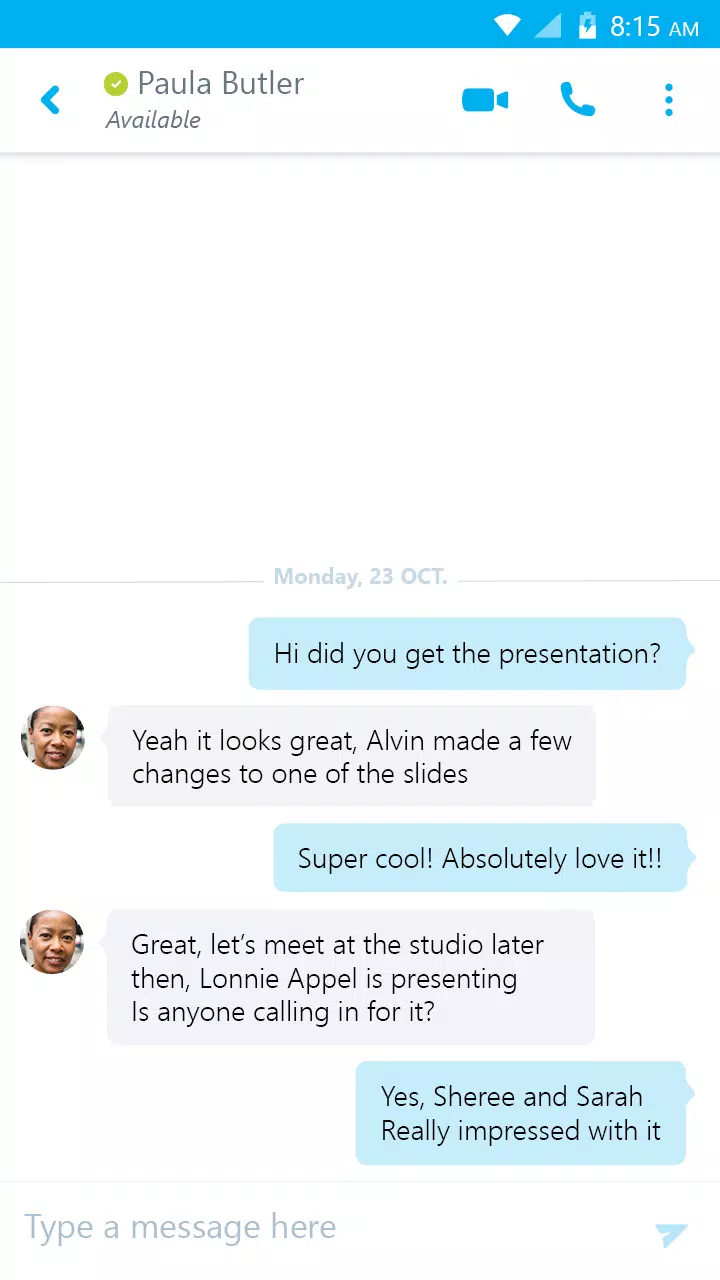
- Continue Conversations: Access your recent conversations and resume them from where you left off.
- Contact Search: Quickly find contacts by their name, email, or phone number.
- Enhanced Security: Benefit from added security through the Active Directory Authentication Library (ADAL).
Anyone can utilize the Skype for Business Mobile app when invited to a Skype for Business or Lync 2013 meeting. However, to leverage the full suite of features, you need a Skype for Business or Lync account. Some features may require an update to Lync or Skype for Business Server and may not be available to every user. If you're uncertain about your account status, it's advisable to reach out to your IT department.
Important Note: This software necessitates connectivity to validly licensed copies of Microsoft Lync or Skype for Business Server, or Office 365 / Lync Online / Skype for Business Online. It will not function without this connectivity. Updates to Microsoft Lync Server or Skype for Business may be necessary for optimal performance. Some features might not be accessible in every country. If you're unsure about your company's licensing or deployment of Lync or Skype for Business, please consult your IT department. The Skype for Business app is compatible only with Android 4.0 or higher.
What's New in Version 6.31.0.7
Last updated on Jun 4, 2024
- Bug fixes and improvements have been implemented to enhance the overall user experience.