Streamlining Digital Multitasking for Effortless Account Management
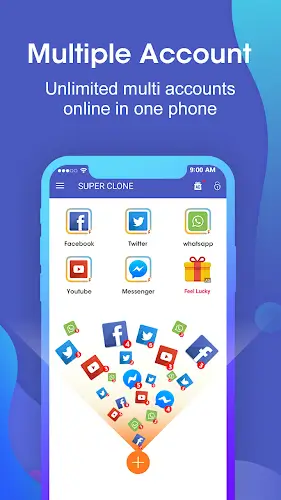
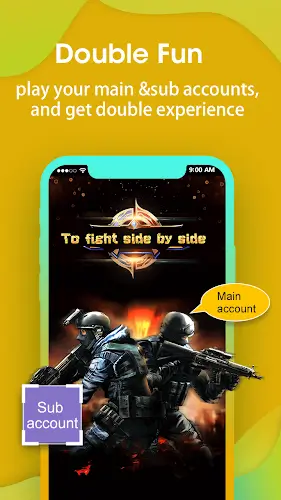
Super Clone is your ultimate solution for effortlessly managing multiple accounts on a single device. With support for up to 99 parallel accounts on popular platforms like WhatsApp, Instagram, and games, this app ensures you seamlessly switch between different profiles. Compatible with the latest Android versions, Super Clone offers stability and universal accessibility. Integration with Google accounts streamlines logins, while the Privacy Locker safeguards your data. Customize app icons, enjoy one-tap switching, and manage notifications effortlessly. With a lite mode for optimal performance, Super Clone simplifies the complexities of managing multiple accounts, providing a user-friendly, secure, and efficient digital experience. Download now and streamline your digital multitasking with ease.
Universal Compatibility and Stability
The app is designed to keep pace with technological advancements. With support for Android 10 and beyond, Super Clone ensures that users experience stability and compatibility with the latest operating systems. This commitment to staying up to date contributes to a smooth and reliable user experience.
Google Login Integration
Super Clone enhances user convenience by allowing seamless integration with Google accounts. Users can log into each cloned application with their Google credentials, eliminating the need for repetitive logins. This not only saves time but also simplifies the authentication process for users managing multiple accounts.
Privacy Locker
Privacy is a top priority, and Super Clone addresses this concern with its Privacy Locker feature. Users can hide and protect their cloned accounts, ensuring sensitive information remains secure. The separation of data for each cloned account adds an extra layer of privacy, creating a safe digital space for users.
Customization Options for Personalization
Super Clone goes beyond basic functionality by offering users the ability to customize app icons and labels for each clone. This level of personalization allows for easy identification and adds a touch of individuality to the user experience.
Effortless Switching and Notification Management
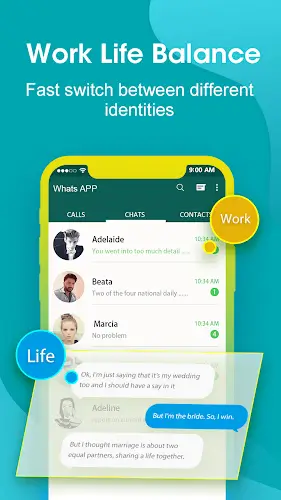
Switching between multiple accounts is simplified with Super Clone's one-tap solution. The app also efficiently manages notifications for each clone, keeping users informed without overwhelming them. This feature is especially beneficial for users who need to stay connected across various platforms.
Lite Mode for Resource Optimization
Recognizing the importance of resource efficiency, Super Clone features a lite mode that minimizes power consumption. Users can run multiple accounts simultaneously without compromising their device's performance, ensuring a smooth experience even on less powerful devices.
Intuitive User Interface: User-Friendly Design
Super Clone's user-friendly interface is tailored for easy navigation. The intuitive design ensures that users can effortlessly manage and switch between their cloned accounts, promoting a hassle-free user experience.
Conclusion
Super Clone stands out as a comprehensive solution for individuals seeking to optimize their digital lives. The benefits of seamless account management, universal compatibility, privacy protection, customization options, and resource optimization make Super Clone a valuable tool for users across diverse scenarios. As we navigate the complexities of the digital age, Super Clone emerges as a reliable companion, empowering users to efficiently manage multiple accounts with ease and convenience. Download Super Clone today and experience the transformation in your digital multitasking capabilities.