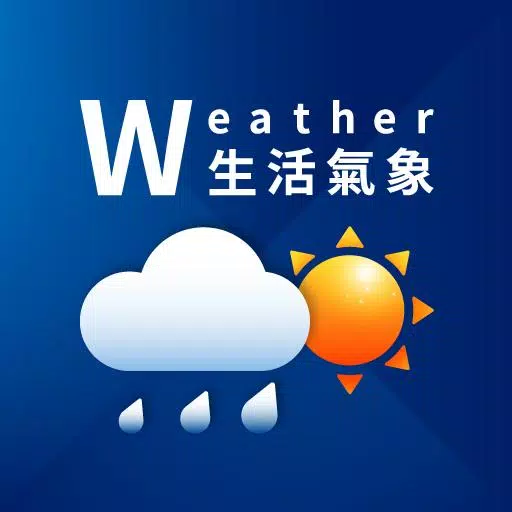
A Major Redesign of "Taiwan Weather" Has Been Released!
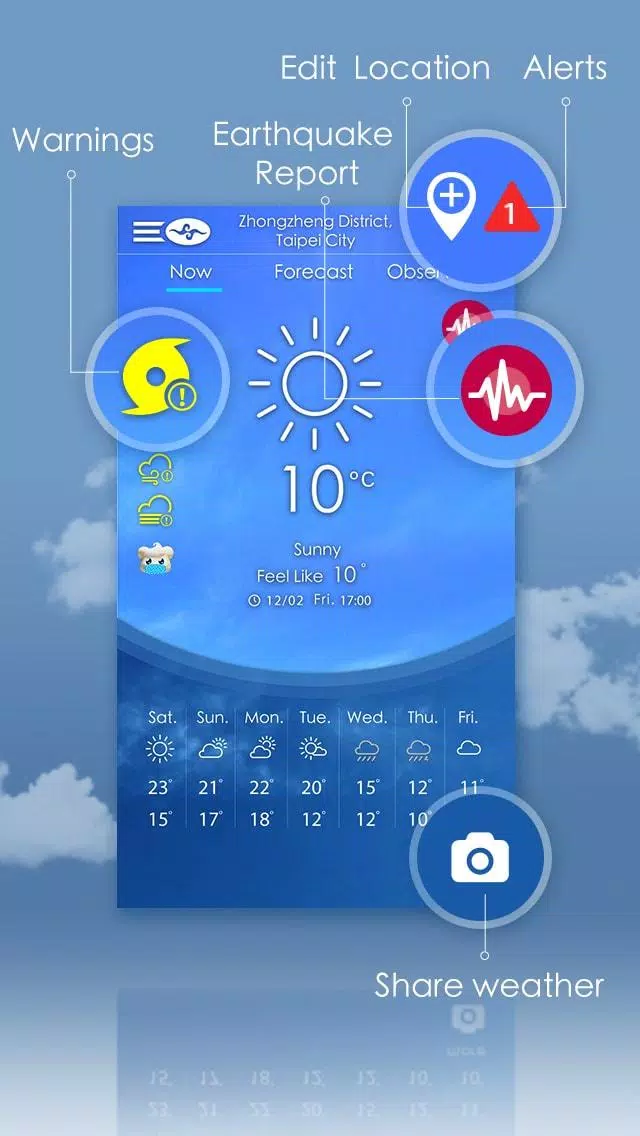
The newly updated "Taiwan Weather" app features a simple and clear homepage designed to meet your daily weather information needs efficiently.
This latest version not only offers essential weather updates but also enhances your experience with beautiful backgrounds that dynamically change based on current weather conditions. Additionally, the app includes an alarm assistant and a wealth of detailed weather data.
With the Taiwan Weather app, you can stay up-to-date with the latest weather forecasts. Download it now to experience the difference.
Taiwan Weather App Features:
- Current Conditions: Get instant updates on the weather right now.
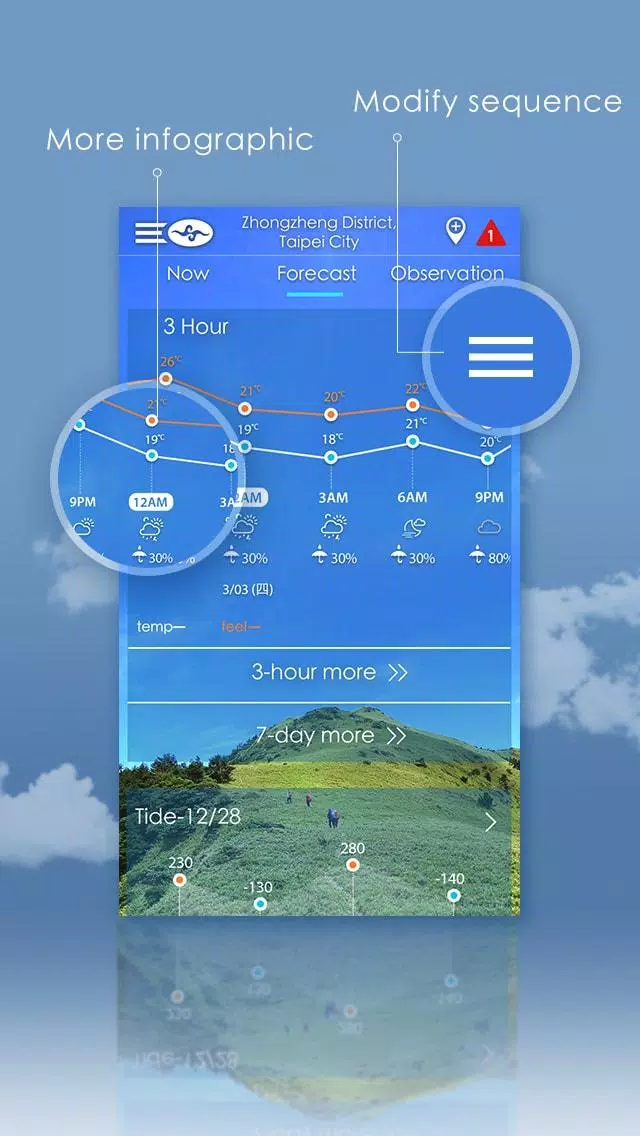
- 7-Day and 3-Hour Forecasts and Charts: Plan your week with detailed forecasts and visual charts.
- Sunrise and Sunset: Know the exact times for sunrise and sunset every day.
- Radar, Satellite, and More Graphs: Access comprehensive visual data to understand weather patterns.
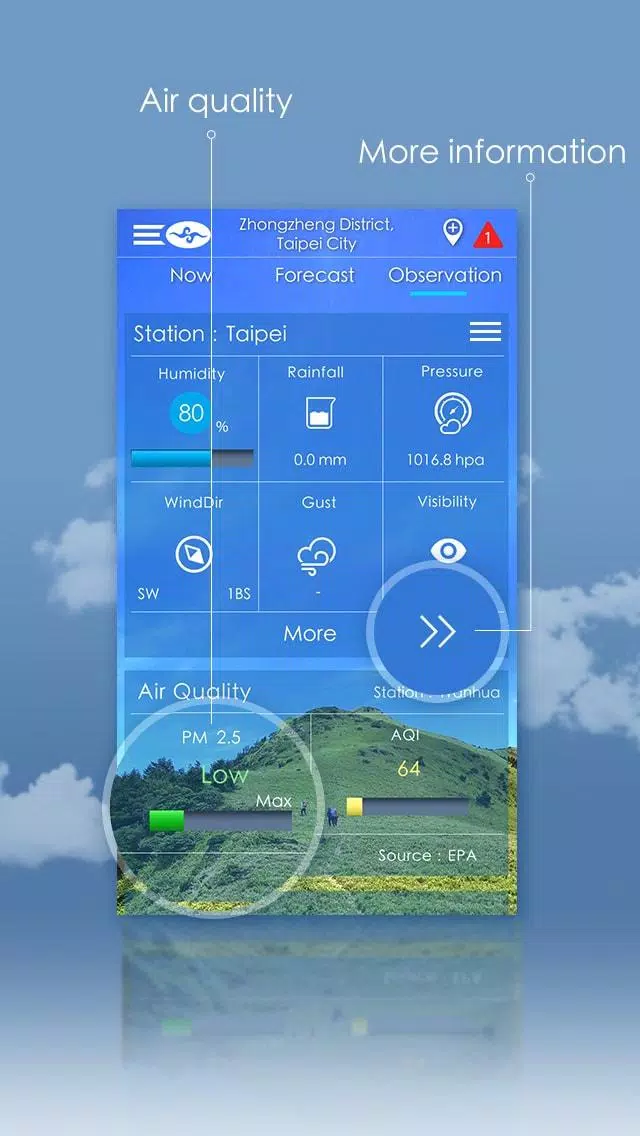
- Current Observations and Latest 24-Hour Data: Stay informed with real-time and recent weather data.
- Air Quality: Monitor air quality to plan your outdoor activities safely.
- Fishery Forecasts, Tidal Forecasts, Blue Highway Forecasts: Specialized forecasts for those who need them.
- My Favorite Locations and Personalize Sequence: Customize your app to show weather for your preferred locations in your preferred order.
- Alarm Assistant: Set alarms based on weather conditions.
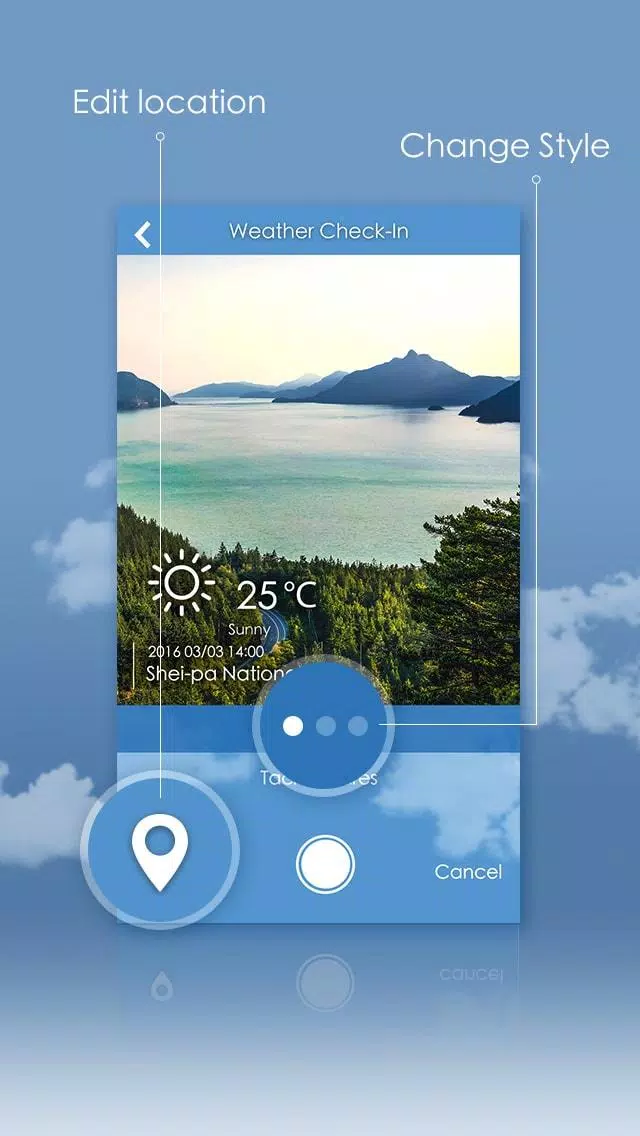
- Weather Check-In: Keep a log of your weather experiences.
- Unit Conversion: Easily switch between different units of measurement.
- Alert Push Notifications: Receive timely alerts about weather changes.
- Language: Available in Traditional Chinese and English.
Note 1: Turning Off Resident Notifications
You can disable resident notifications using one of the following methods:
(A) Press and hold the resident notification, click on "All Categories" to enter the setting screen, and turn off the "Background Services".
(B) Go to "Settings->Apps->Taiwan Weather", select the "All Notifications" item, and close the "Background Service".
Note 2: GCM Notification Update
Please note that the old GCM notification service will be discontinued on April 11, 2019. Users must update to version 5.2.0 or above to continue receiving push notification messages. For more details, please visit: developers.google.com/cloud-messaging/.
What's New in the Latest Version 5.8.1
Last updated on Aug 29, 2024
- Upgrade SDK: The app now includes the latest software development kit for enhanced performance and functionality.