Unleash your natural creativity with Sketchbook!
Sketchbook is an innovative and versatile app designed for artists, designers, and anyone passionate about digital art creation. With its intuitive interface and robust toolset, Sketchbook provides a seamless and enjoyable drawing experience that stands out in the market.
The app offers a comprehensive suite of features, making it the top choice for digital artists.
Extensive Brush Library
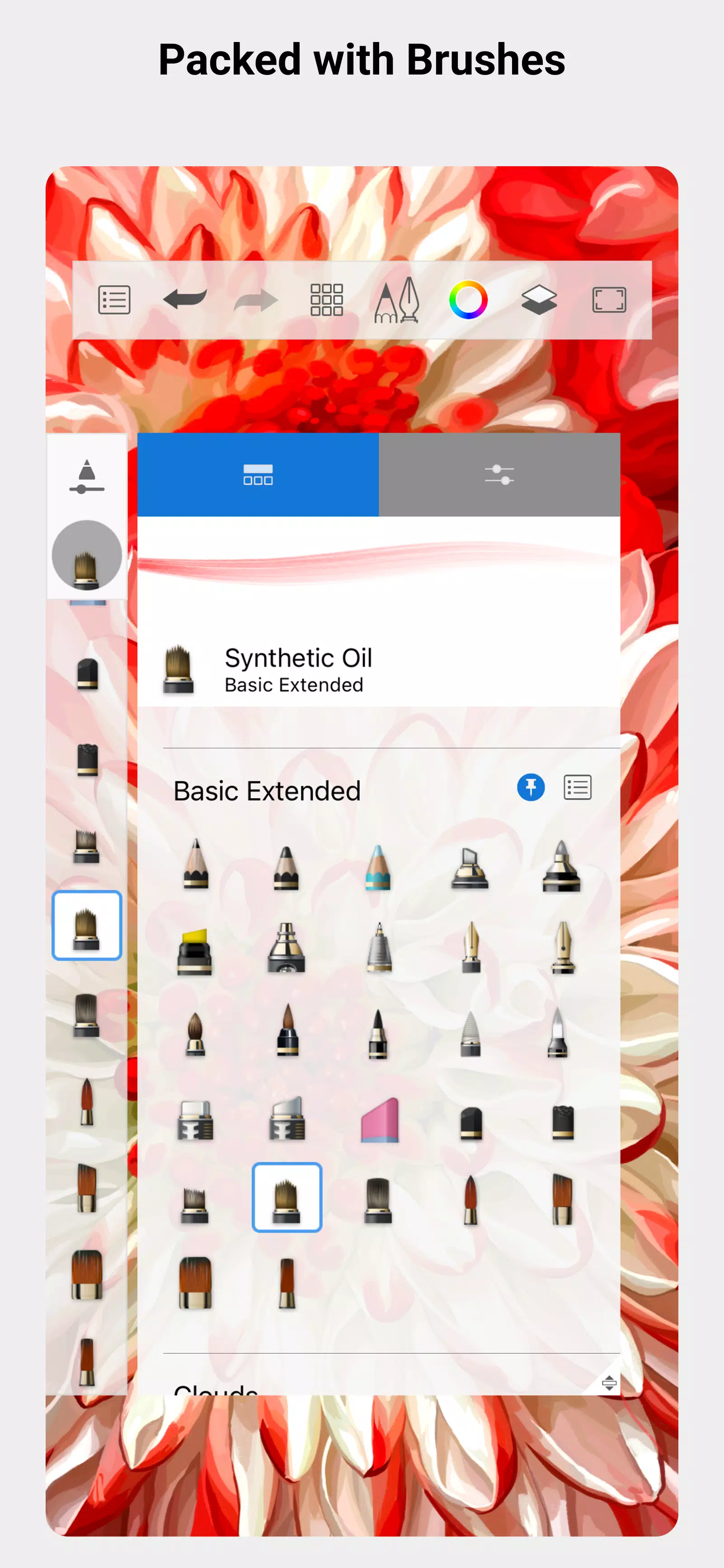
Sketchbook comes equipped with over 190 customizable brushes, catering to a variety of artistic needs. Whether you're aiming to create a lifelike watercolor painting or a stylized comic book illustration, Sketchbook's brush collection—from pencils to markers, airbrushes to smears—has you covered.
Layering System
The app's built-in layering system allows users to craft intricate compositions by stacking multiple layers. This feature is especially beneficial for artists looking to add depth and detail to their work.
User-Friendly Interface
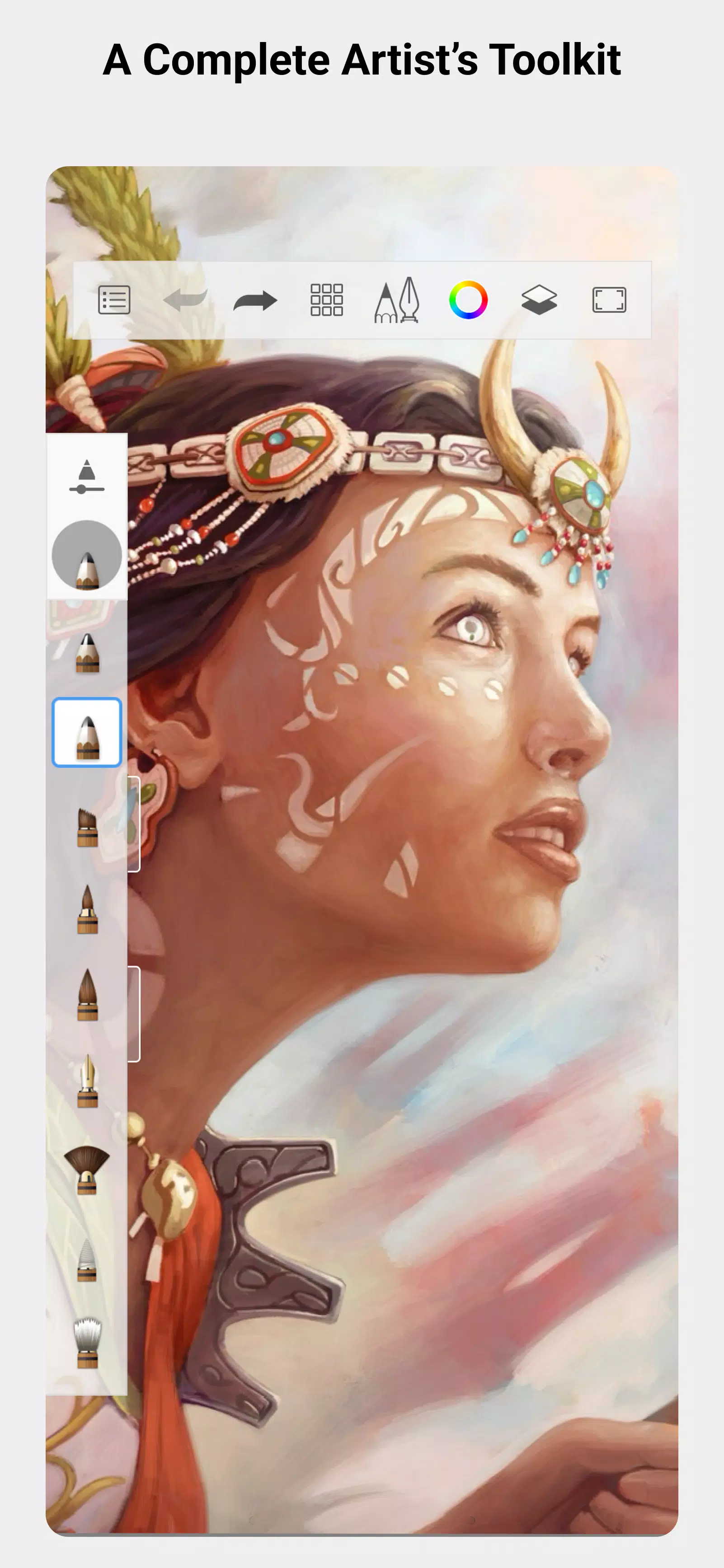
Even beginners can dive into digital art with ease thanks to Sketchbook's customizable toolbar, which lets users prioritize their most-used tools. The app also provides numerous tutorials and resources to help users enhance their skills. Its clean, simple interface keeps the focus squarely on your creative process.
Seamless & Enjoyable Experience
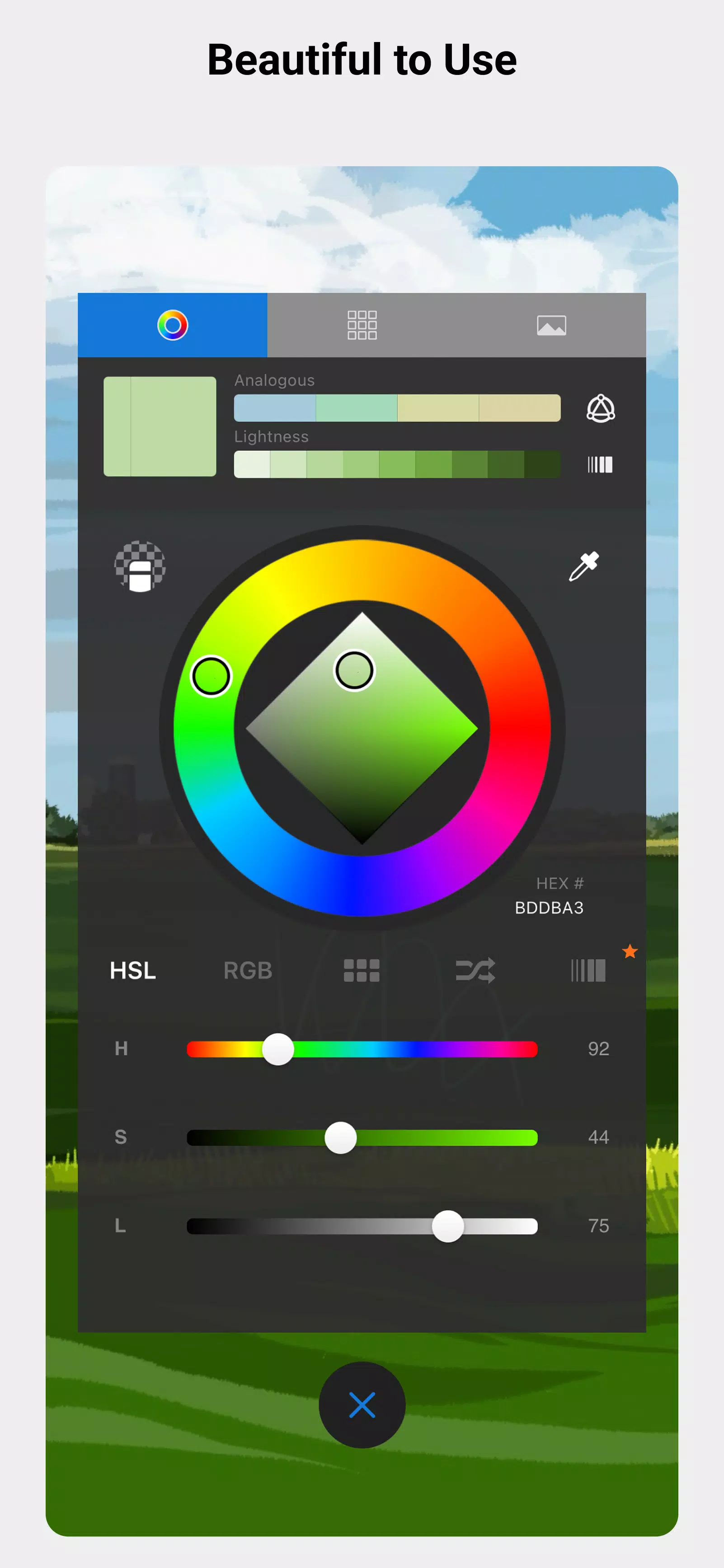
Sketchbook's responsiveness and speed, combined with highly customizable brushes and tools, empower users to produce unique and personalized artwork. The app further enhances customization with options like changing background colors and adjusting layer opacities.
In addition to these core features, Sketchbook offers a range of other tools that enhance its versatility and power:
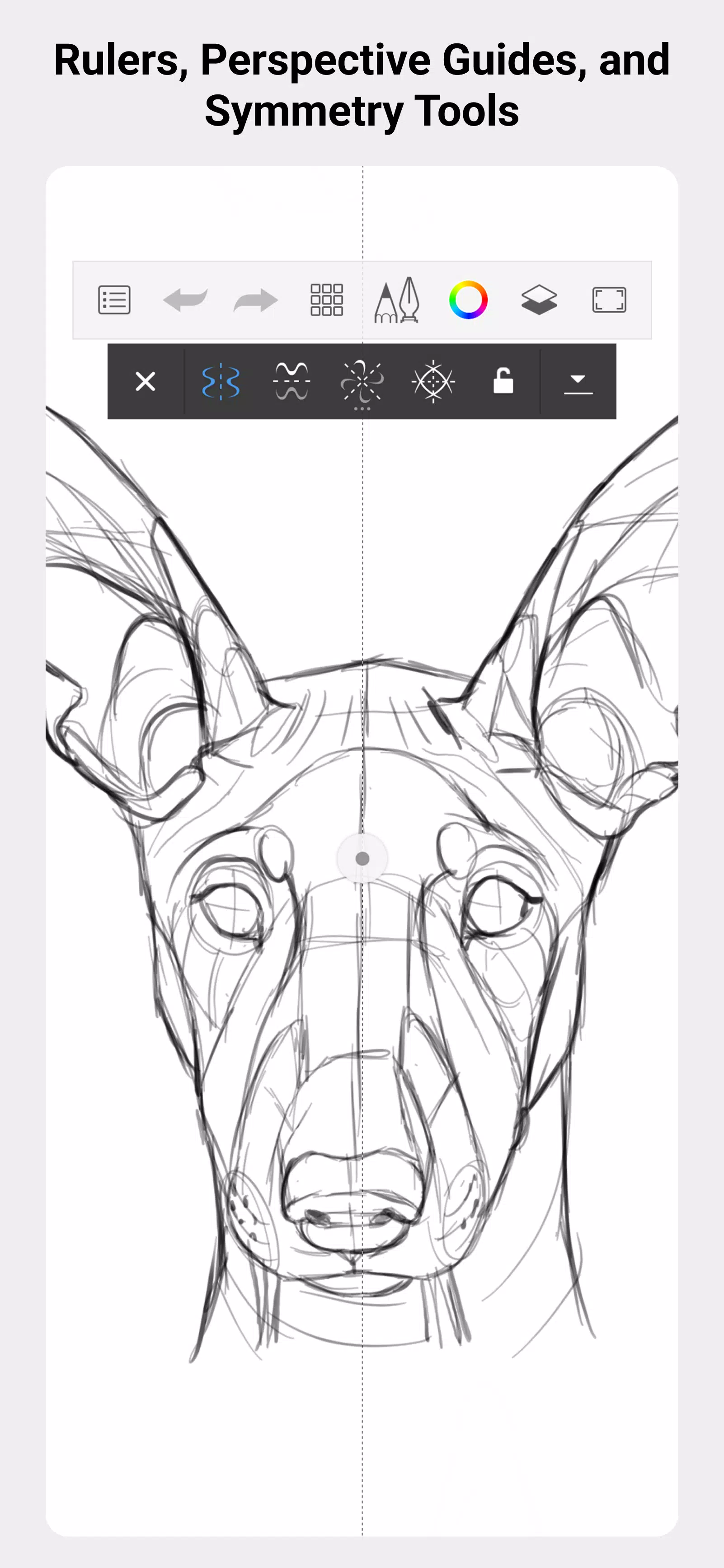
- Symmetry Tools: Create perfectly symmetrical designs using the app's radial and mirror tools.
- Perspective Guides: Utilize perspective guides to craft accurate 3D drawings and illustrations.
- Text Tools: Easily add text to your artwork, perfect for creating posters, flyers, and more.
- Selection Tools: Effortlessly select and manipulate specific parts of your artwork.
- Import/Export Options: With support for a wide range of file formats, importing and exporting artwork to and from other apps and programs is straightforward.
Sketchbook is an essential tool for anyone looking to explore digital art. With its extensive toolset, user-friendly interface, and powerful customization options, it's a must-have for artists and designers at any skill level. Whether you're crafting detailed illustrations, stylized designs, or anything in between, Sketchbook equips you with everything you need to bring your creative visions to life.