Grid Drawing: A Precise Approach to Art Creation
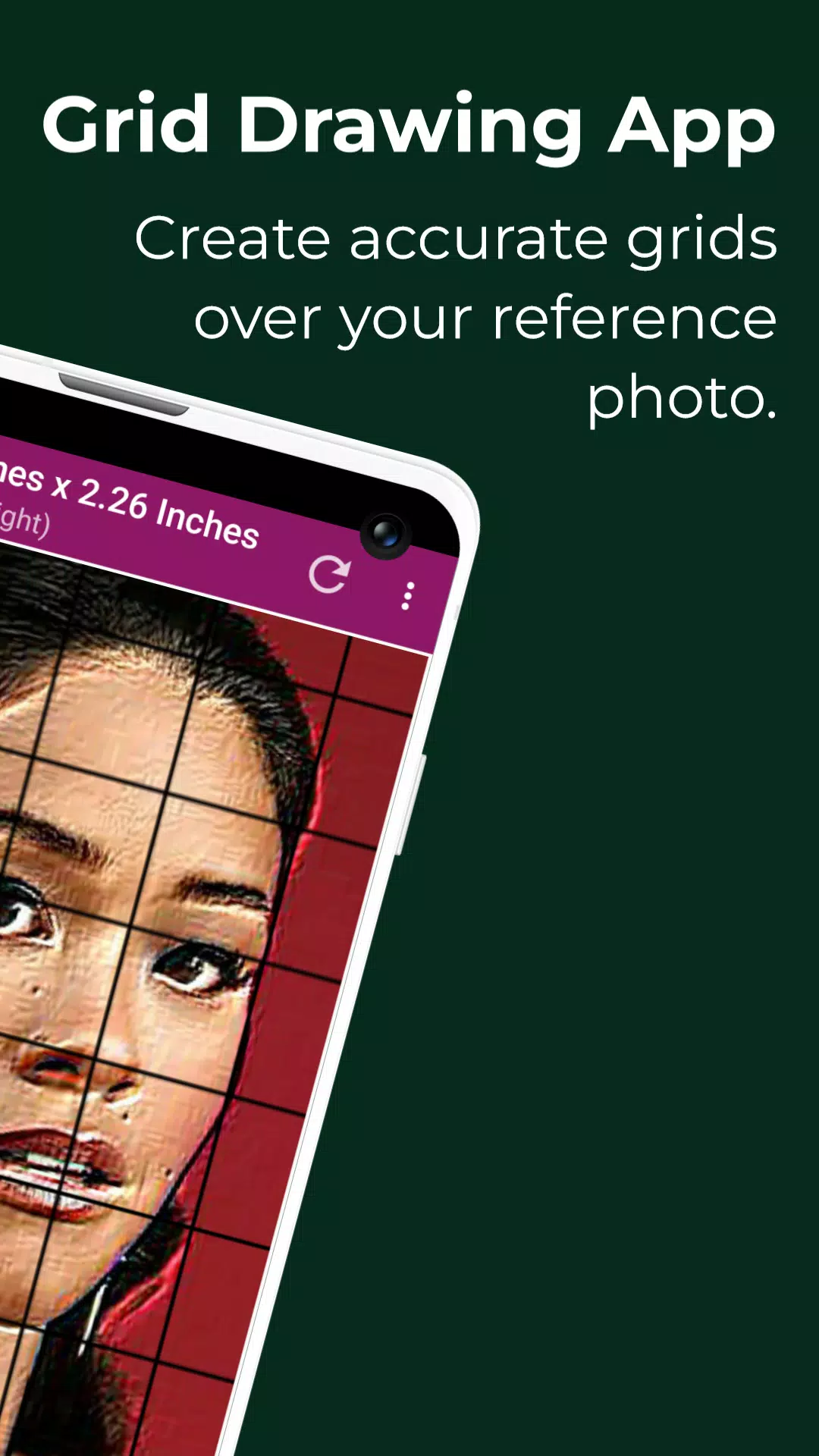
Grid drawing is a versatile art technique involving overlaying a grid onto a reference image and replicating it on your chosen surface (paper, canvas, etc.). By focusing on one square at a time, artists meticulously transfer the image, ensuring accuracy and proportion. This method is invaluable for enhancing drawing skills and artistic abilities.
This technique offers numerous advantages: precise proportions, easy scale adjustment, simplified complex images, improved observation skills, better hand-eye coordination, and increased confidence.
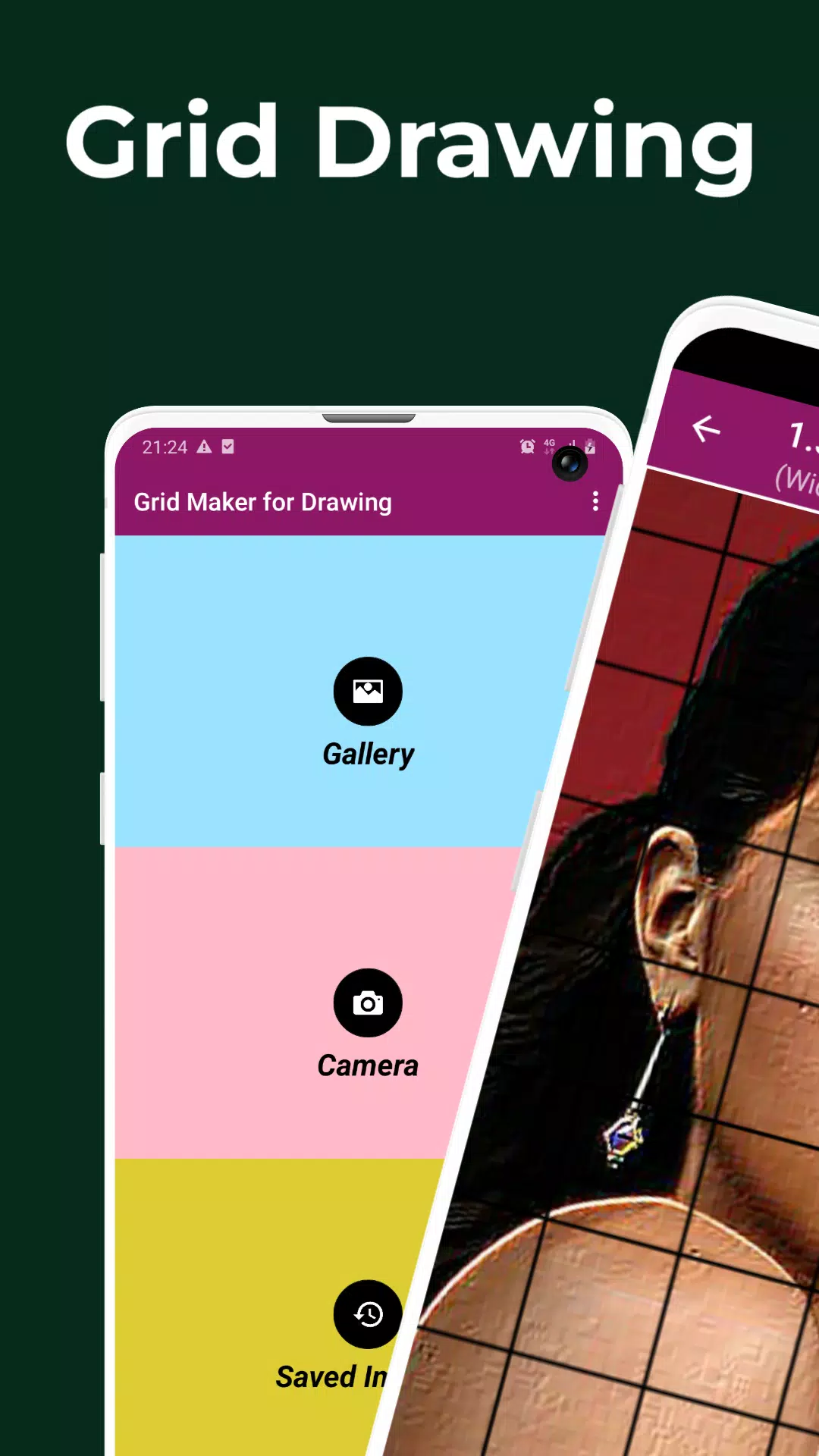
The Grid Maker for Drawing app streamlines this process. It divides your reference photo (JPEG, PNG, WEBP supported) into smaller squares, allowing for accurate recreation on a larger scale. The app enhances drawing skills by maintaining image details and proportions.
Beyond basic grid creation, the app boasts extensive features for precise image transfer:
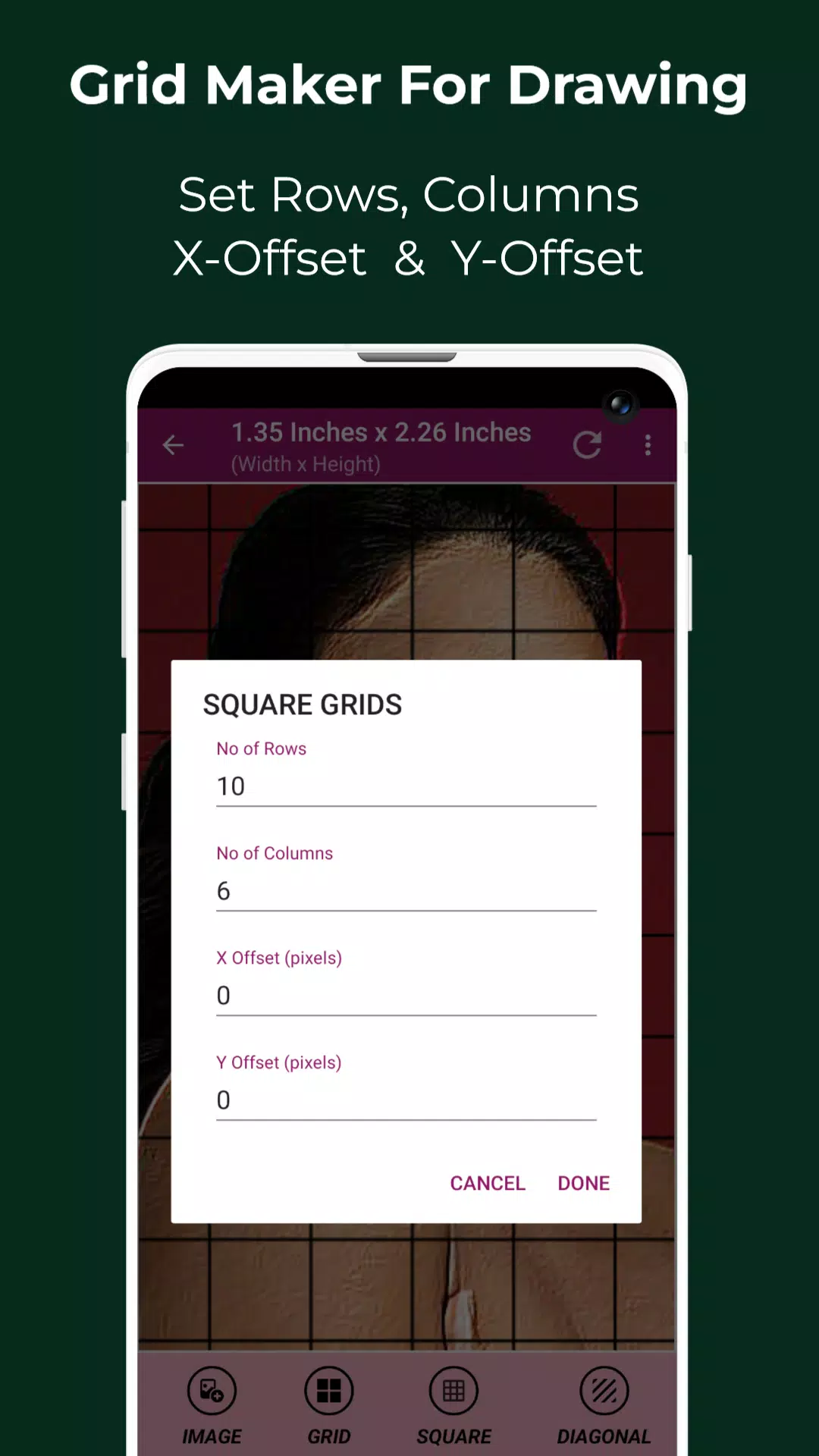
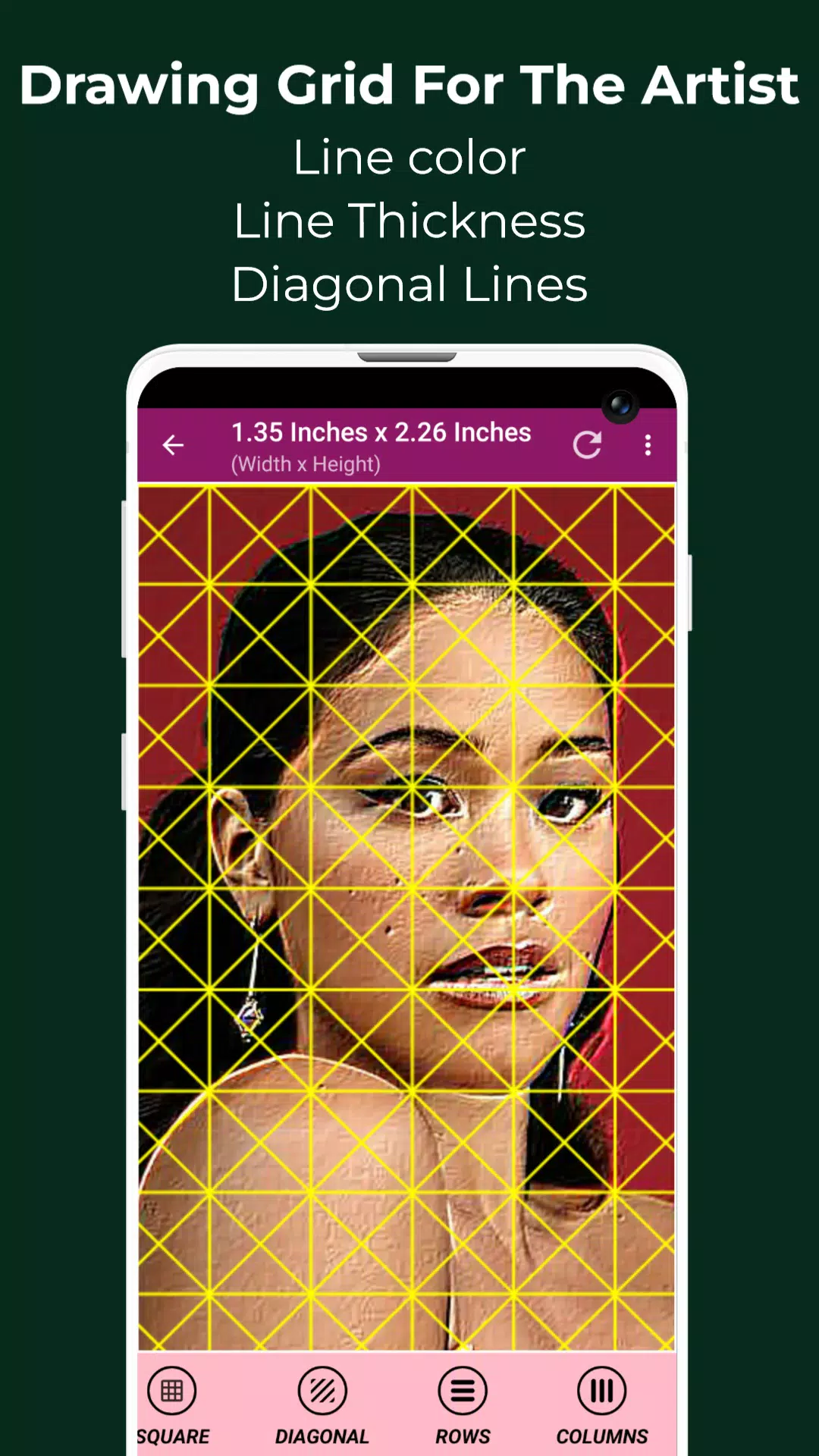
- Grid Customization: Square, rectangular, and diagonal grids; adjustable row/column counts and offsets; customizable grid color, thickness, and labeling.
- Image Manipulation: Import images from your camera, gallery, or file manager; zoom (up to 50x), rotate (360°), flip, crop (various aspect ratios), and adjust brightness, contrast, saturation, and hue.
- Measurement Tools: Precise image and cell measurements in various units (pixels, inches, millimeters, etc.).
- Real-time Comparison: A "Compare Drawing" feature allows for real-time comparison with the reference image.
- Additional Features: Full-screen mode, screen lock, pixel color analysis (HEX, RGB, CMYK), and numerous image effects (black and white, bloom, cartoon, etc.).
- Saving and Sharing: Easily save, share, and print your gridded images. Access saved grids anytime via the "Saved Images" section.
Grid Maker is perfect for artists of all levels seeking improved accuracy and precision in their artwork. Contact us with any questions or suggestions.