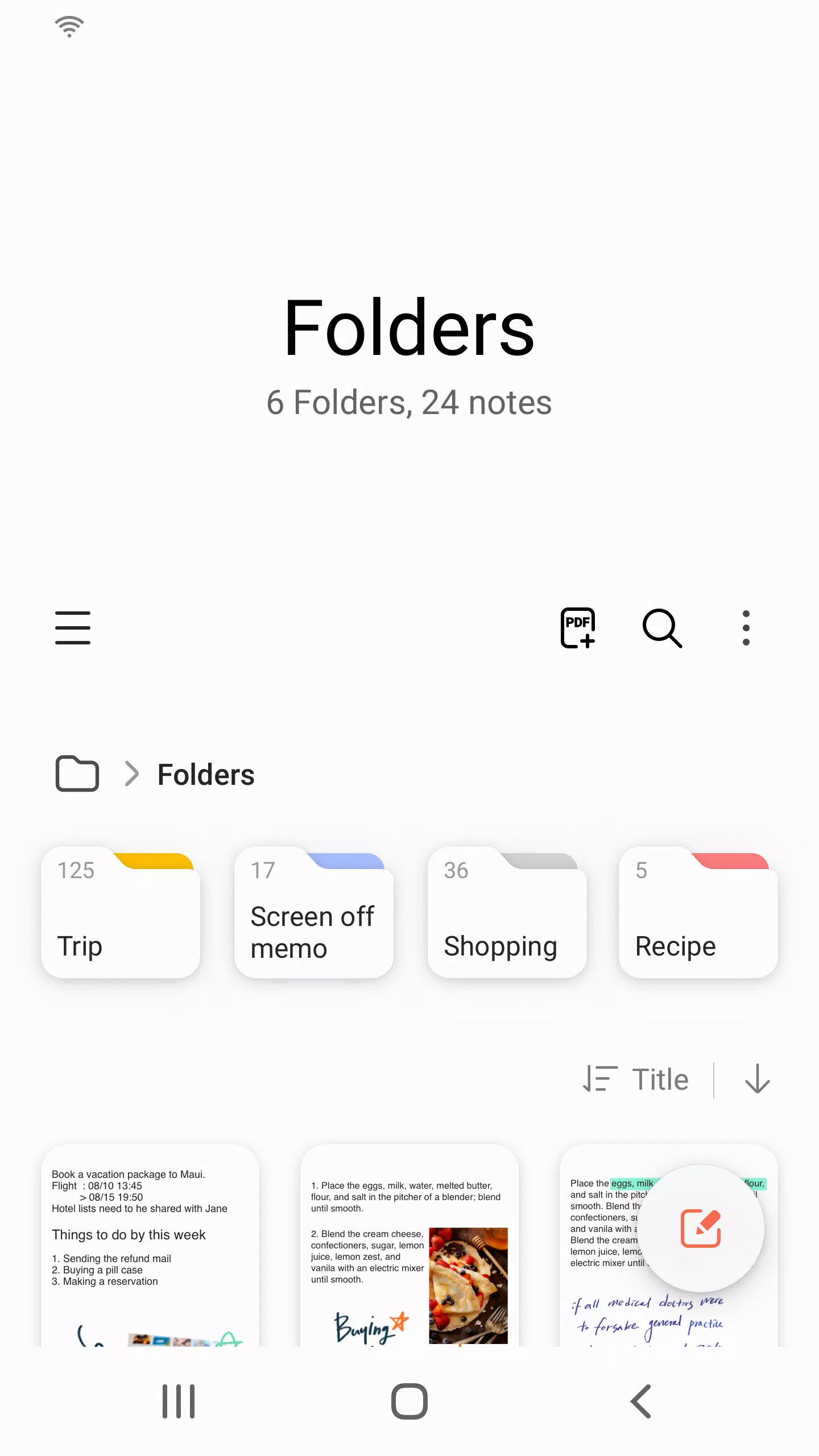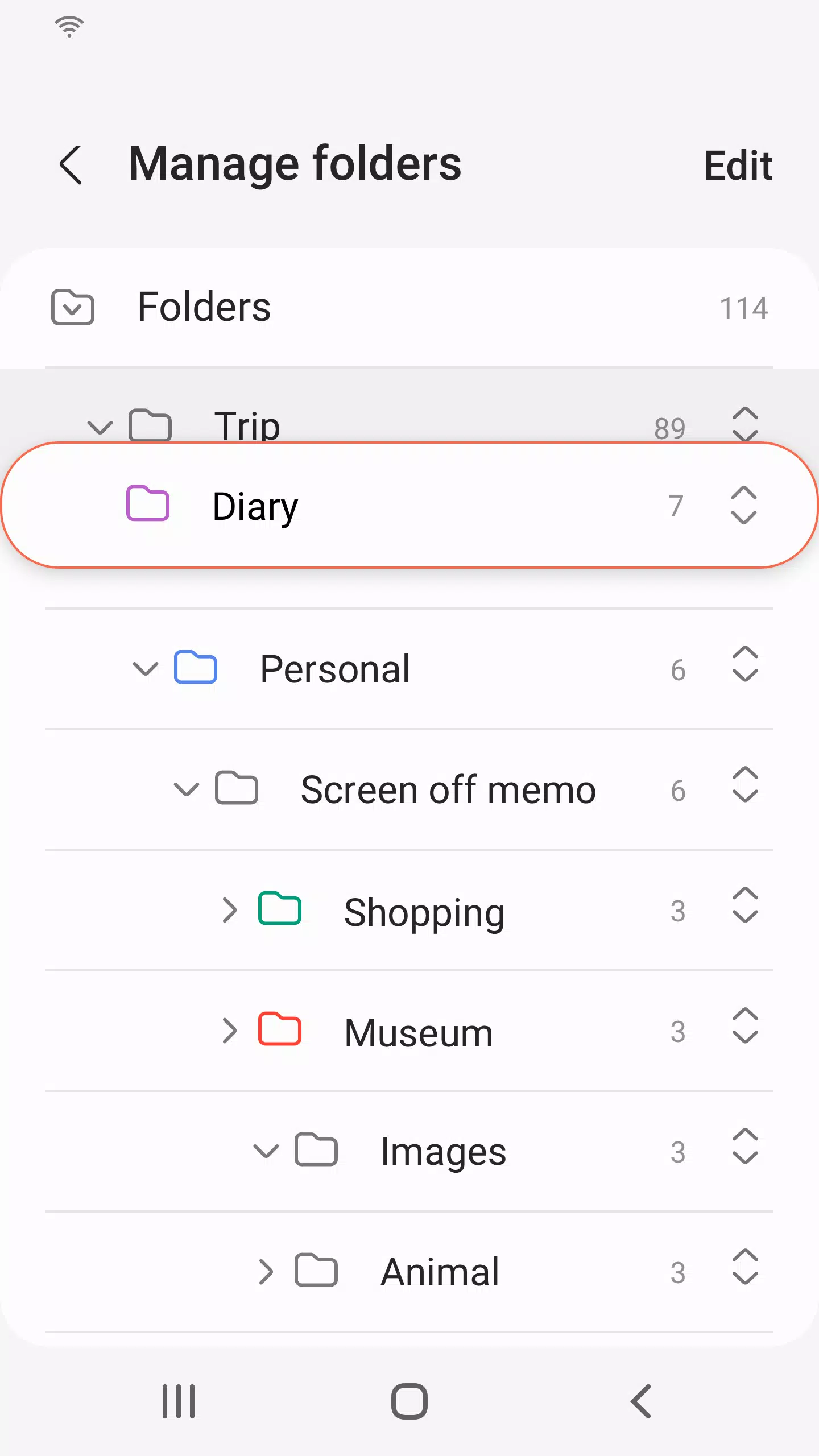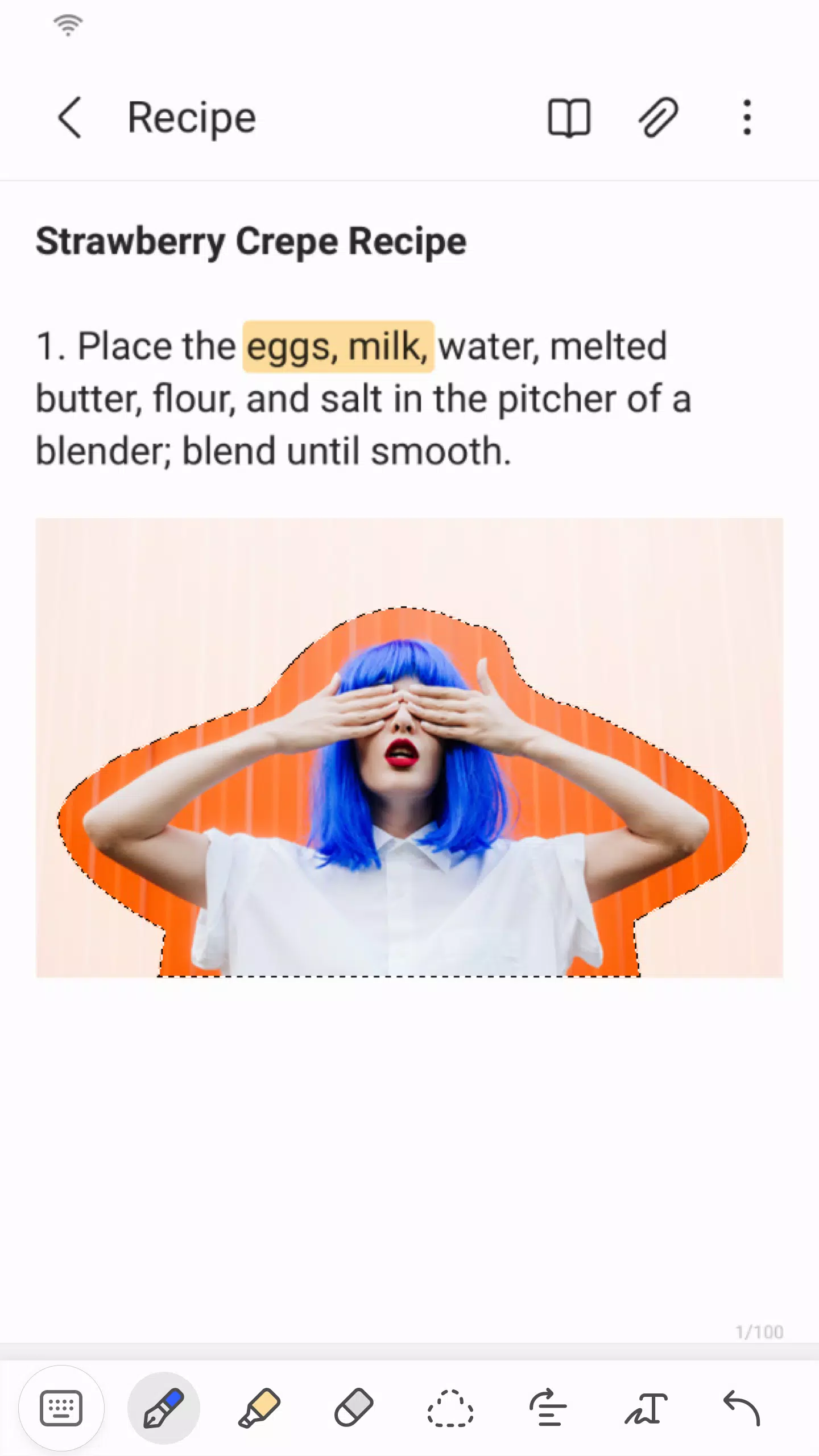
Samsung Notes is a versatile tool that empowers you to create, edit, and collaborate on documents across your mobile, tablet, or PC. Whether you're jotting down ideas or working on a project, Samsung Notes has you covered. With the S Pen, you can add annotations to PDFs, and you can enrich your documents by incorporating images or voice recordings. The app seamlessly integrates with a variety of applications, including PDF, Microsoft Word, and Microsoft PowerPoint, ensuring your workflow remains smooth and efficient.
To start, simply tap the "+" icon in the bottom right corner of the main screen to create a new note. Your freshly created notes will carry the "sdocx" extension, making them easy to manage.
To protect your notes, navigate to the main screen, tap "More Options" in the upper right corner, select "Settings," and then choose "Lock Note." Select your preferred note locking method and set a password. Then, lock individual notes by tapping "More Options" on the note's screen and selecting "Lock Note."
For handwritten notes, tap the Handwriting icon while in a note, and your handwriting will appear directly on the document. Adding photos is as simple as tapping the photo icon within your note, allowing you to take a new photo or load and edit an existing one. To include a voice recording, just tap the Voice Recording icon to capture and embed audio into your note.
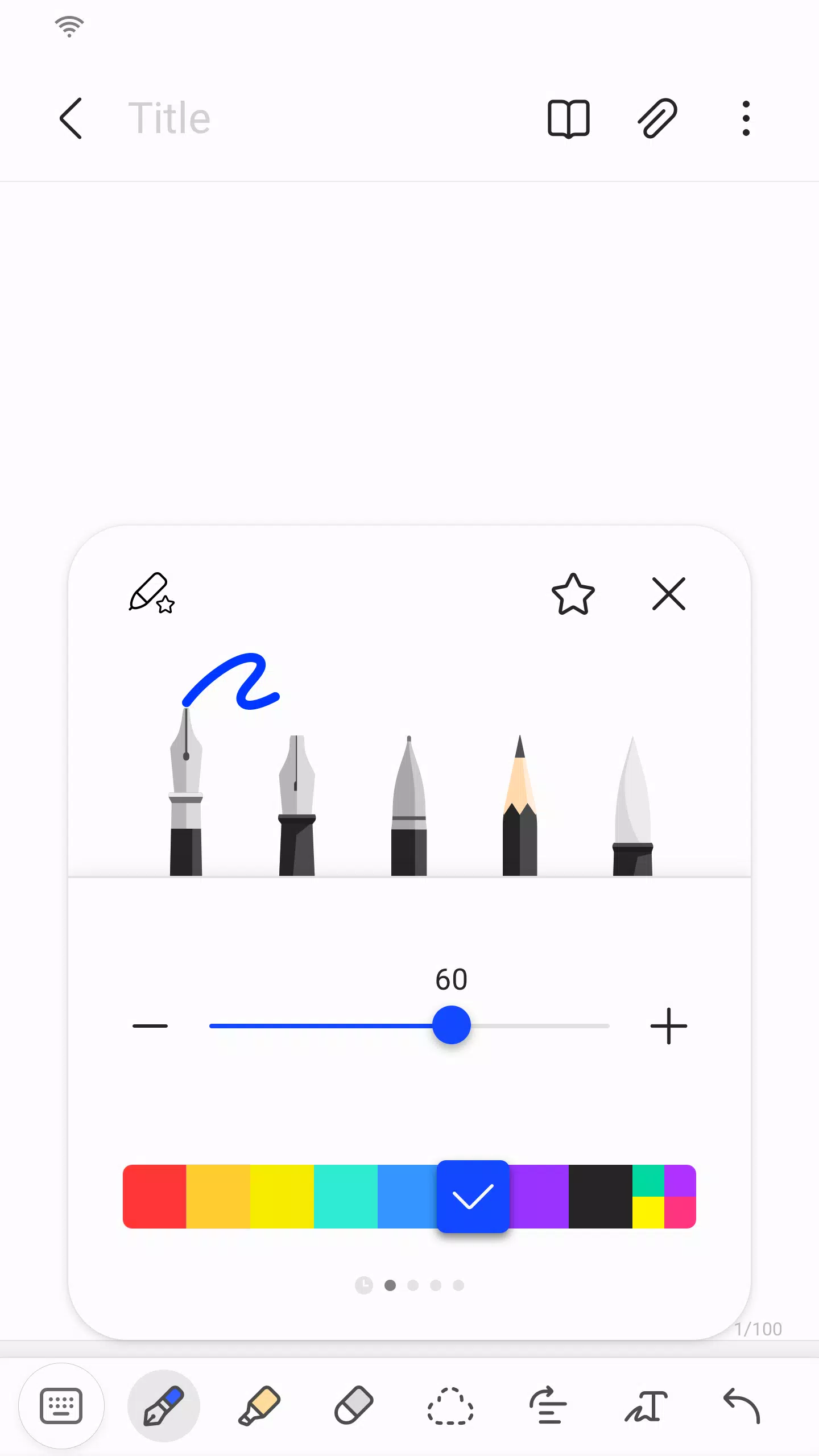
Samsung Notes also offers a range of writing tools. Tap the Pen icon to access pens, fountain pens, pencils, highlighters, and more, along with various colors and thicknesses. Use the Eraser icon to remove any unwanted content effortlessly.
You can import notes and memos from other apps using the Smart Switch feature, which allows you to transfer data from S Note and Memo saved on other devices. Additionally, you can import previously created notes and memos using your Samsung account.
Regarding app access permissions, Samsung Notes requires certain permissions to deliver its full range of services. Required permissions include access to storage for saving and loading document files. Optional permissions, such as access to photos and videos, notifications, music and audio, phone, microphone, and camera, enhance the app's functionality but are not mandatory for basic use.
What's New in the Latest Version 4.9.06.8
Last updated on Aug 29, 2024
Minor bug fixes and improvements have been implemented. Make sure to install or update to the newest version to experience these enhancements!