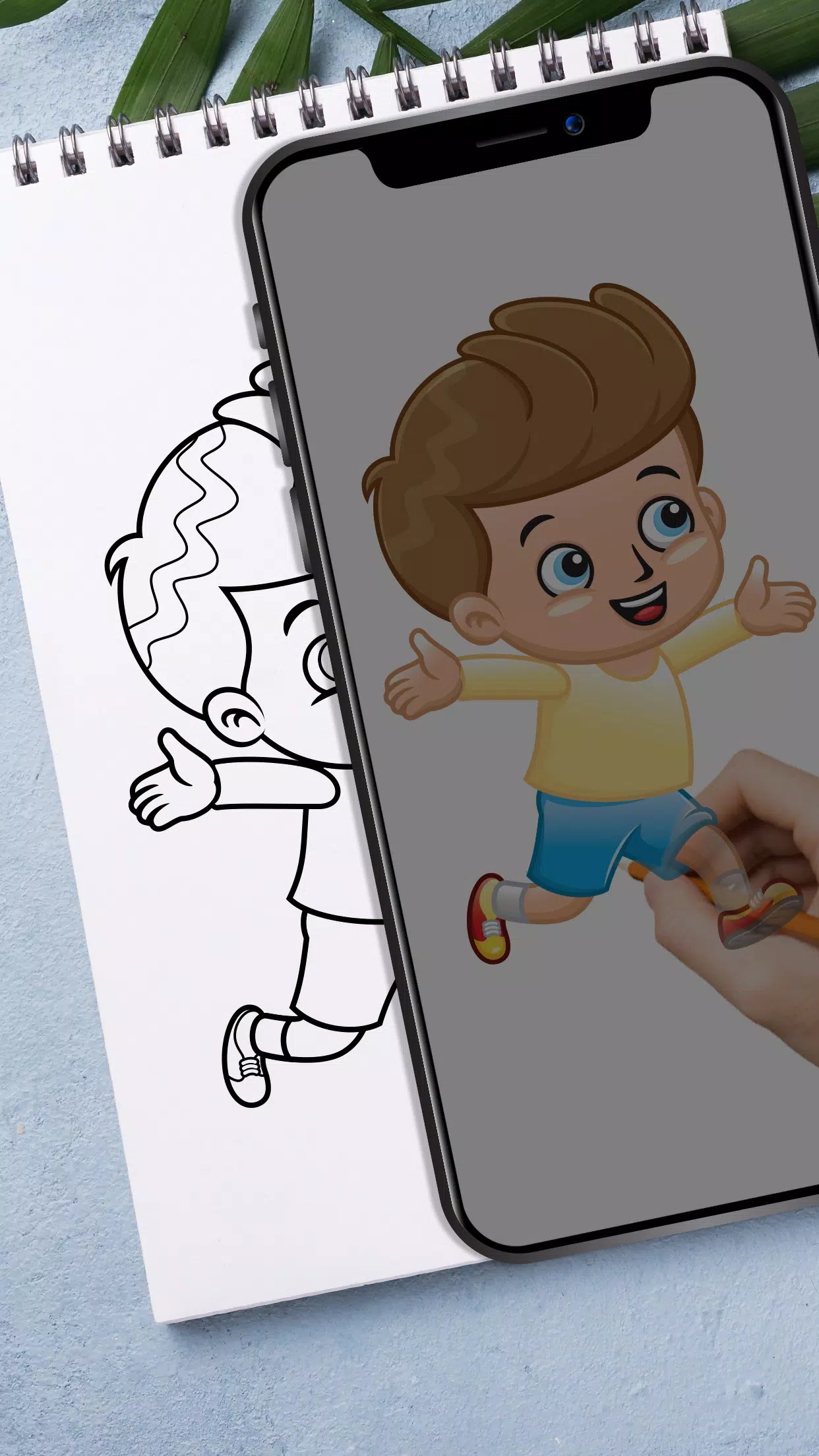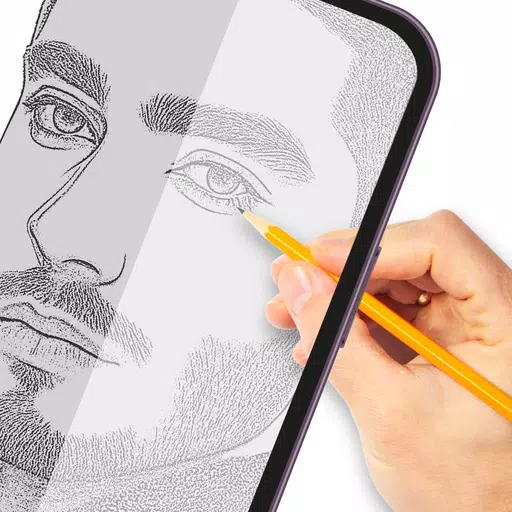
Unlock your creative potential with our versatile tracing paper app, designed to help you master the art of tracing and sketching. Whether you're a beginner or an experienced artist, this app makes it easy to convert any image into line work, allowing you to enhance your drawing skills with precision and ease.
Here's how it works:
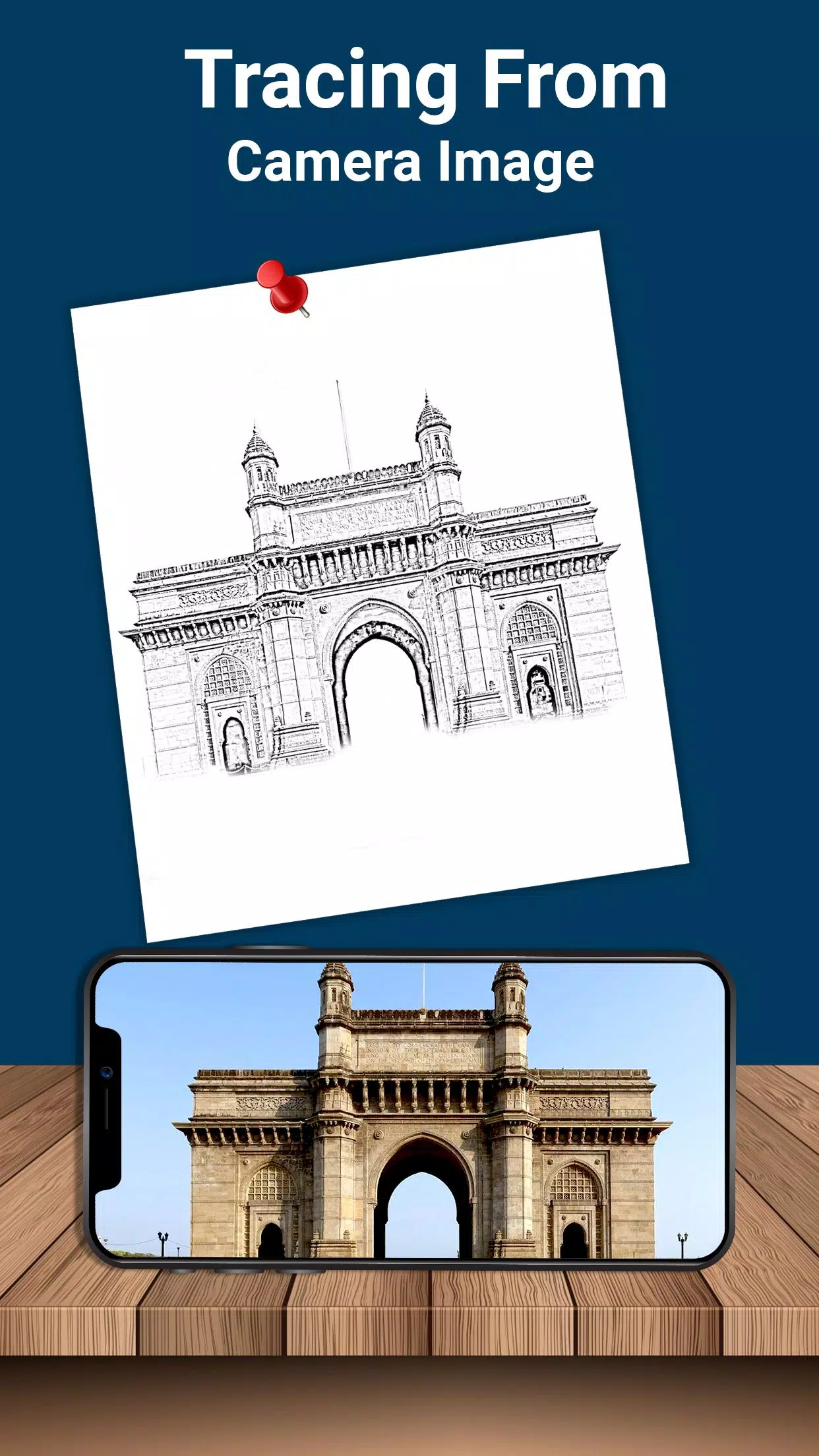
- Choose an image from your gallery or snap a new one with your camera. You can adjust the brightness, change the background, and rotate the image to suit your needs. Once selected, the image appears as a transparent overlay on your mobile screen, ready for you to place your drawing paper over it and start tracing.
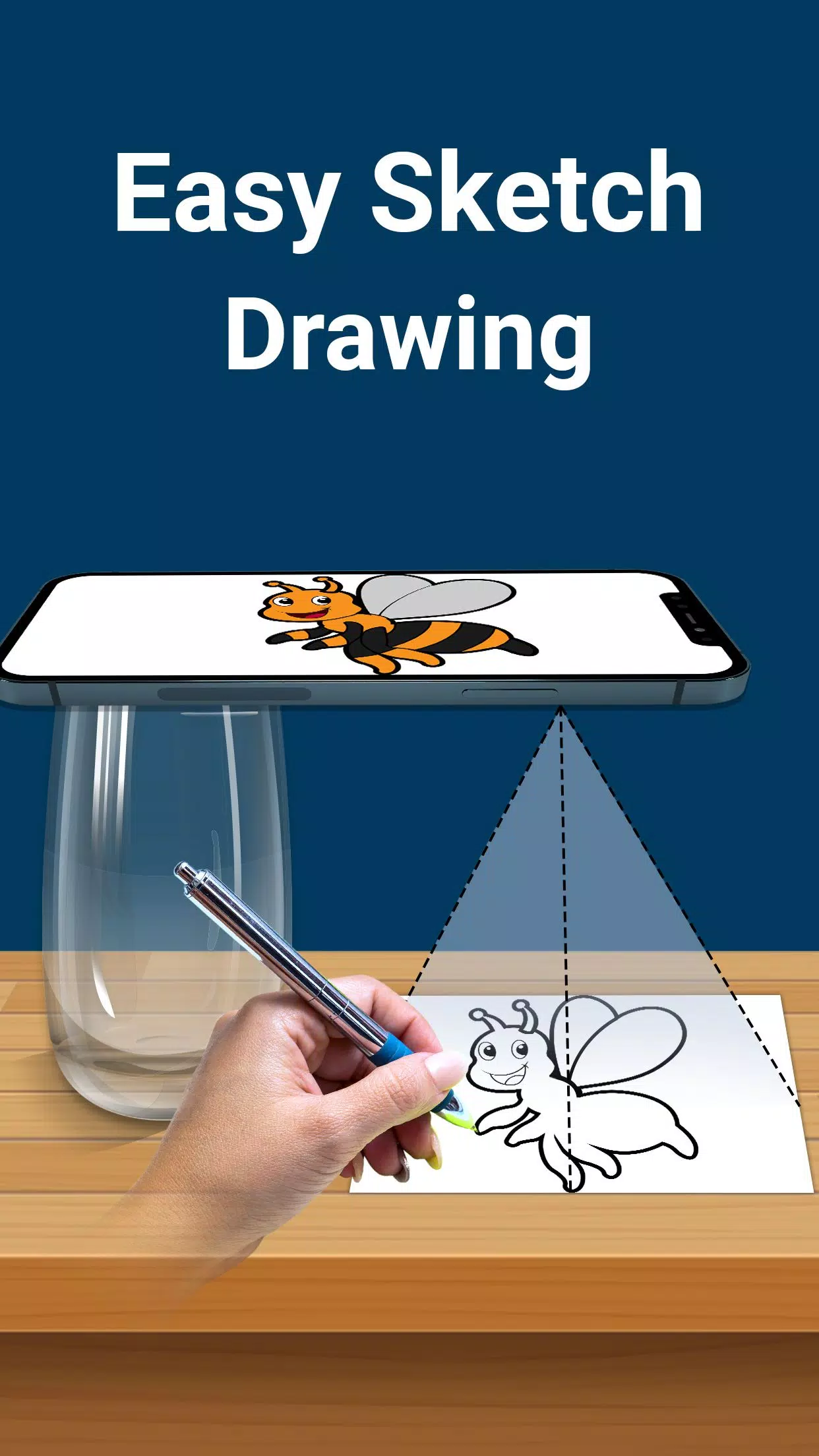
- The app captures your image as a transparent version, enabling you to trace it directly onto paper. Simply align your drawing material over the screen and follow the lines of the transparent image with your drawing tool.
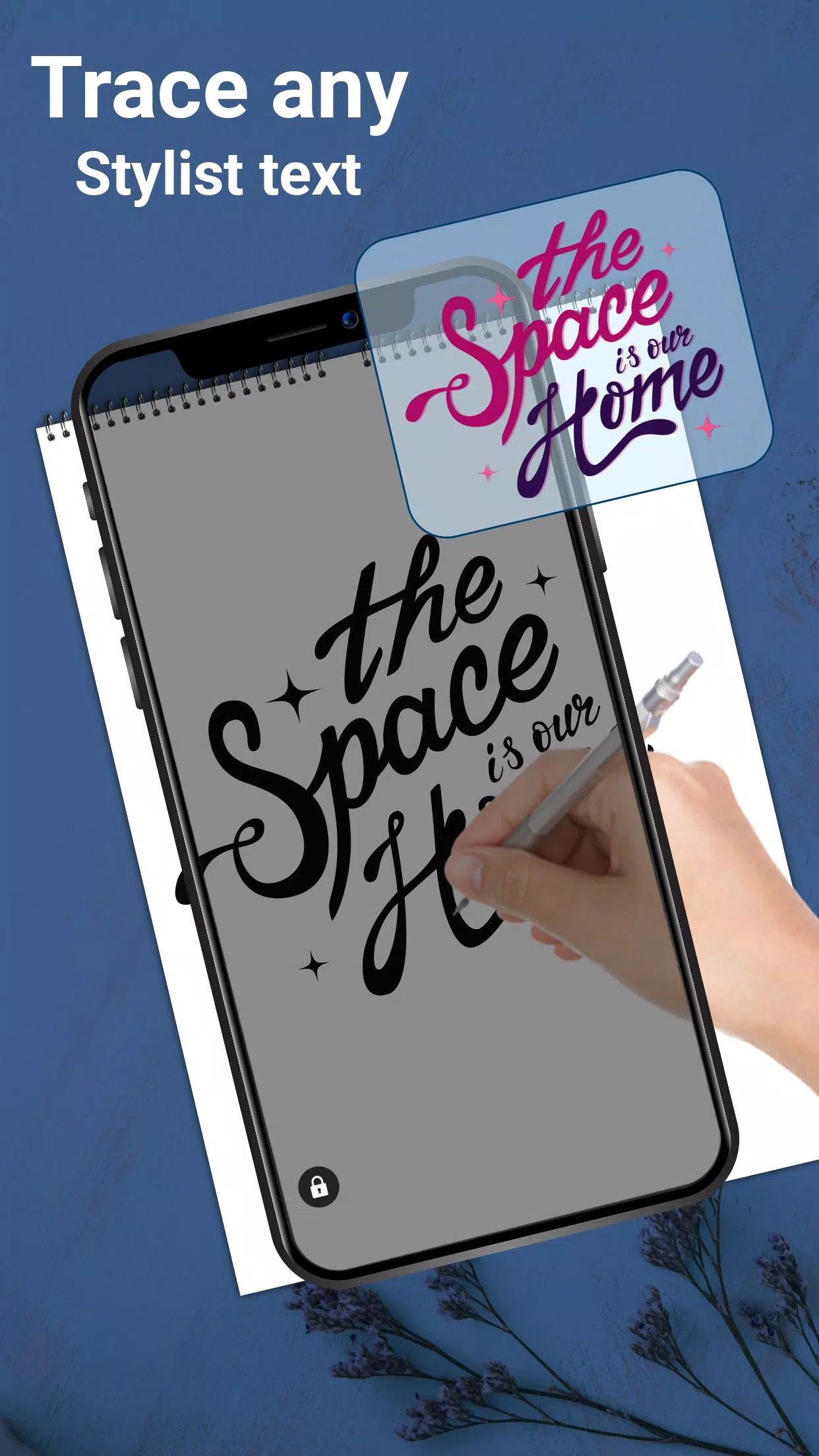
- Explore your creativity further with our elegant font options. This feature allows you to create stunning text arts, including logos, signatures, and other creative text-based artworks.
- Ideal for children, students, and artists, our app doubles as a sketch pad, making it perfect for anyone looking to practice and improve their drawing skills. Whether you're sketching simple designs or complex artworks, this app provides the tools you need to succeed.
Key features include:
- Select and convert any gallery image into a tracing template for sketching on blank paper.
- Capture new images directly from your camera for immediate tracing.
- Easily place paper over your screen and start drawing, with the option to maximize brightness for clearer visibility.
- Lock your images in place while you create easy sketches, ensuring a stable tracing experience.
- Freely rotate your image to find the perfect angle for your artwork.
- Design text arts such as logos, signatures, and creative text artworks with predefined fonts.
- Zoom in and out of your images for detailed work.
- Use a pencil or pen to trace and draw, offering flexibility in your choice of tools.
Our tracing paper app is the perfect tool for anyone looking to improve their drawing skills. It's excellent for stenciling and practicing drawing, allowing you to freely draw lines on tracing paper with a clear view of the phone screen. Whether you're creating simple sketches or tackling complex designs, you can adjust the opacity of the photo to suit your tracing needs.
Enhance your ability to draw intricate sketches or detailed drawings with our lightbox-like trace drawing feature. Lock your images for a quick and efficient drawing experience, and enjoy the freedom of creating any type of sketch without the need for additional tracing elements.
Download our trace draw application today and start building your skills in drawing and sketching. Transform your artistic vision into reality with our easy-to-use, feature-rich app.