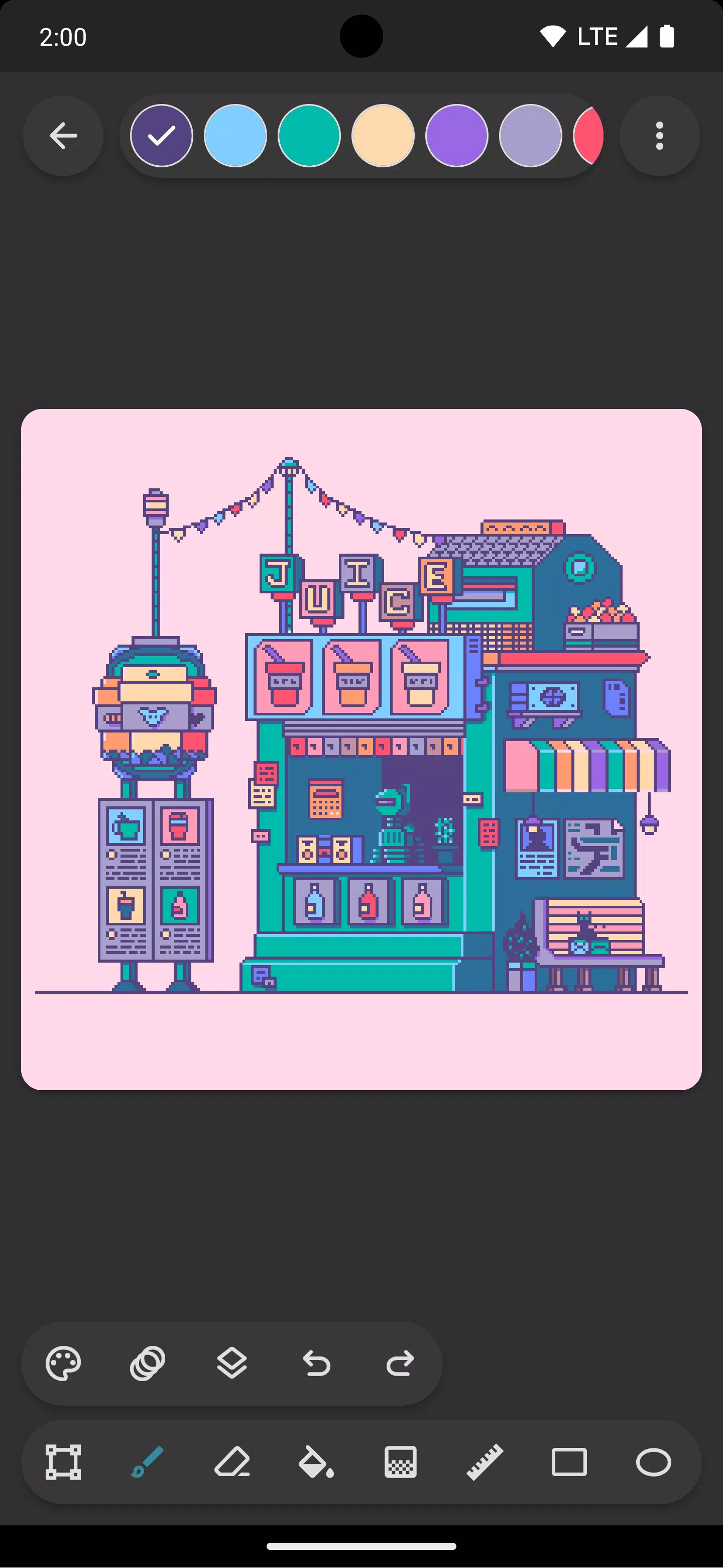
Unleash your inner pixel artist with Inktica! Create stunning pixel art, animate sprites, and refine game textures – all within one powerful yet user-friendly application.
Inktica's intuitive pixel art editor lets you craft visuals reminiscent of classic computer and console graphics, or seamlessly integrate your creations into game development.
Inktica boasts a comprehensive suite of pixel-perfect tools: Brush, Eraser, Fill, Gradient, Line, Rectangle, Ellipse, and Eyedropper. The brush, for instance, features a "pixel perfect" algorithm ensuring crisp, single-pixel lines.
Utilize Inktica's selection tool to effortlessly copy, cut, move, and paste sections of your artwork. Rotate or flip selections before pasting for added flexibility.
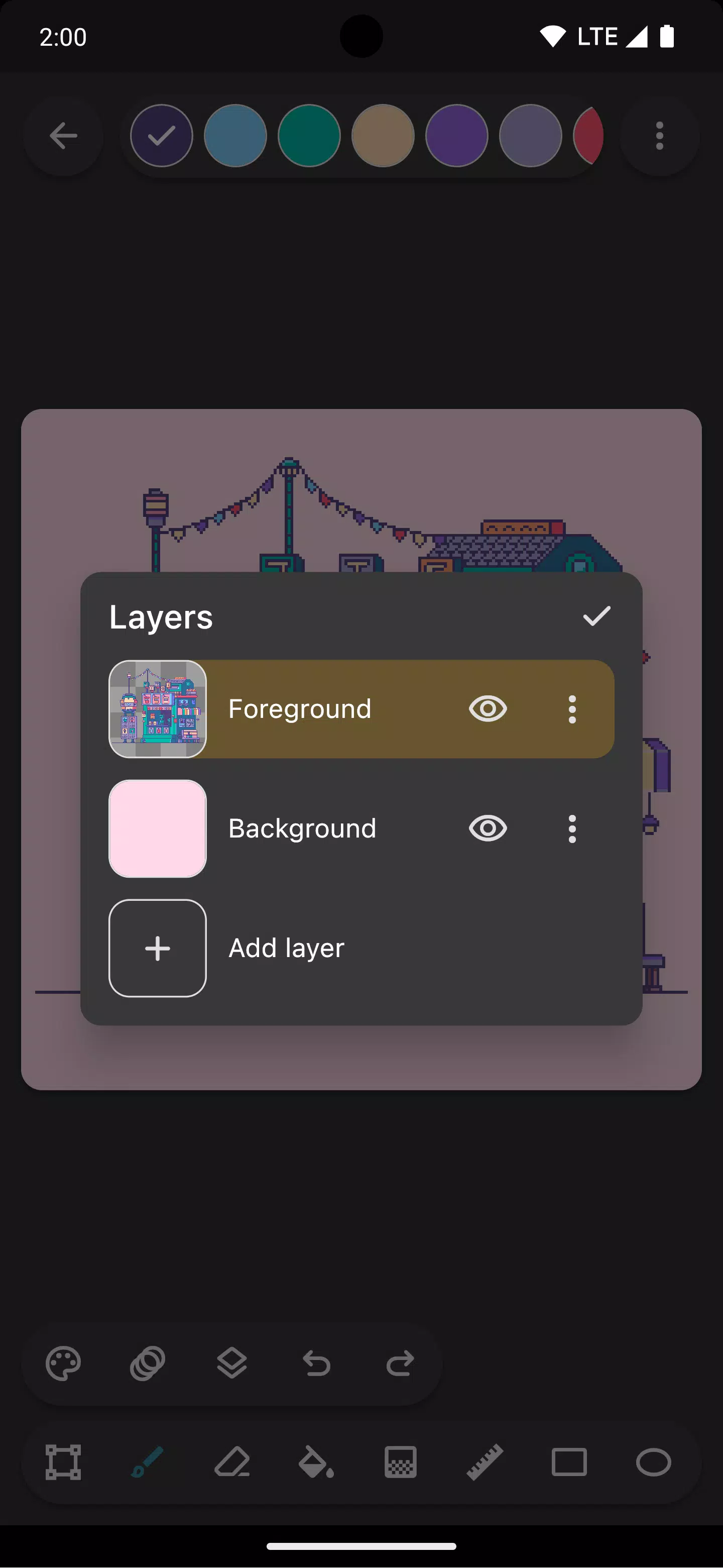
Organize your pixel art projects using Inktica's layer support, simplifying the editing process and focusing on specific elements.
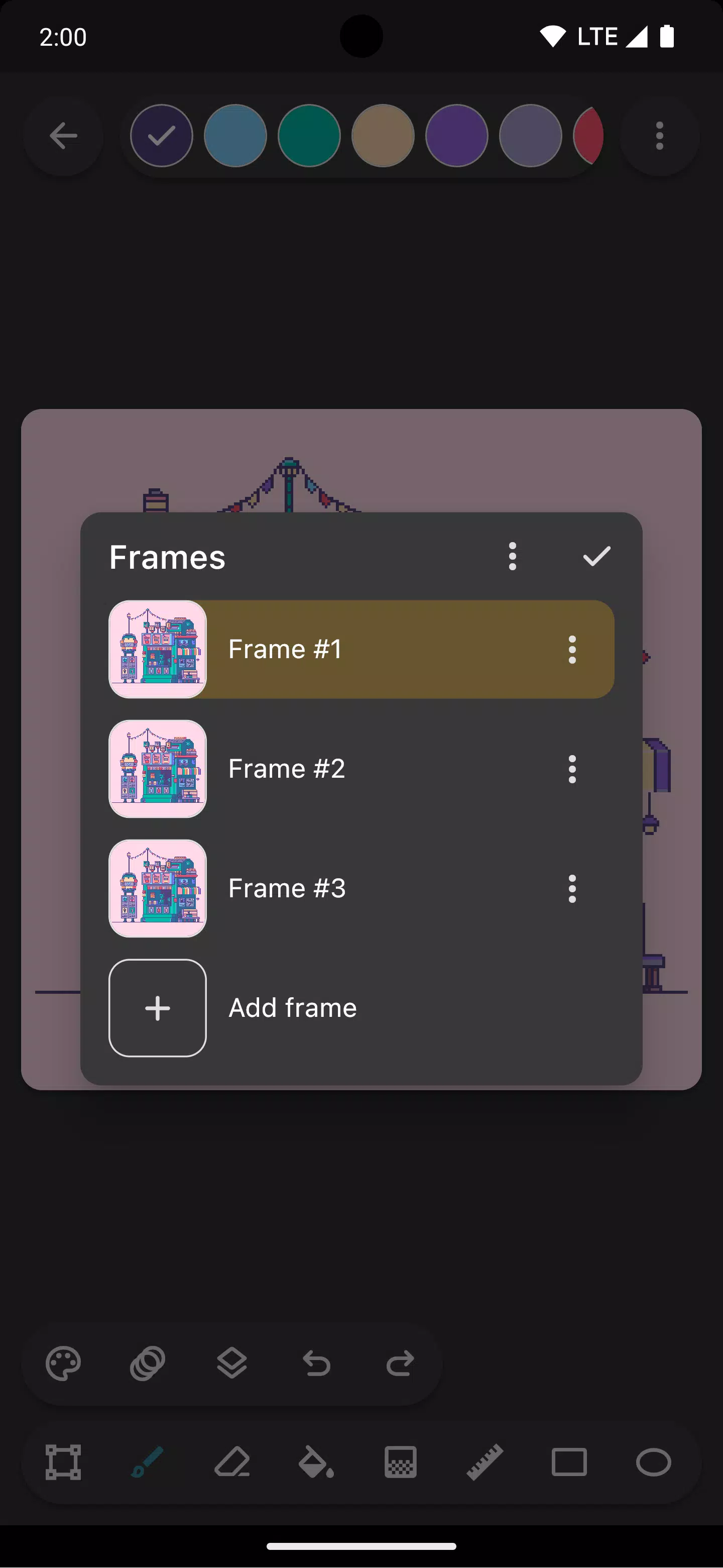
Animate your sprites with Inktica's animation tools. The onion skin feature facilitates easy comparison between current and previous frames, streamlining the animation workflow.
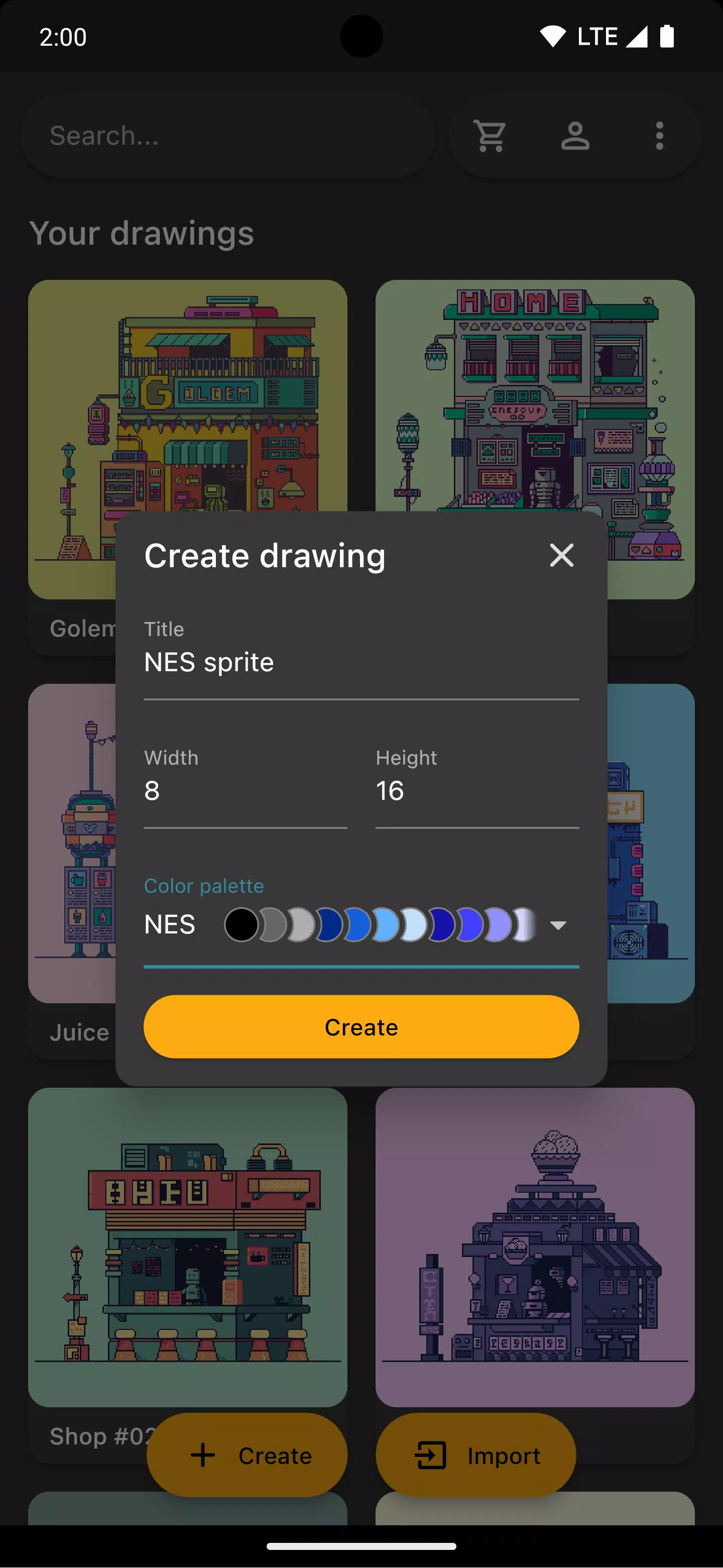
Employ pre-loaded color palettes inspired by iconic consoles like the Atari 2600, NES, and Game Boy, or import custom palettes from Lospec for limitless creative potential.
Use a reference image from your gallery to compare your work against a source image for accurate reproduction or inspired variations.
Upon completion, share your pixel art masterpieces on social media or export them to your device. Inktica's upscale feature ensures your artwork retains its crispness even on platforms not optimized for pixel art.
Inktica also supports editing pixel art from other applications, importing Aseprite files (.ase, .aseprite) and common image formats (.png, .jpeg, .gif, etc.).
Artwork in screenshots courtesy of Pikurā
Privacy policy: https://inktica.com/privacy-policy.html
Terms of use: https://inktica.com/terms-of-use.html
What's New in Version 1.35.97
Last updated November 11, 2024
- The color dialog now uses a grid layout for improved color visibility.
- Selecting a color in the color dialog automatically closes it, speeding up the color selection process.