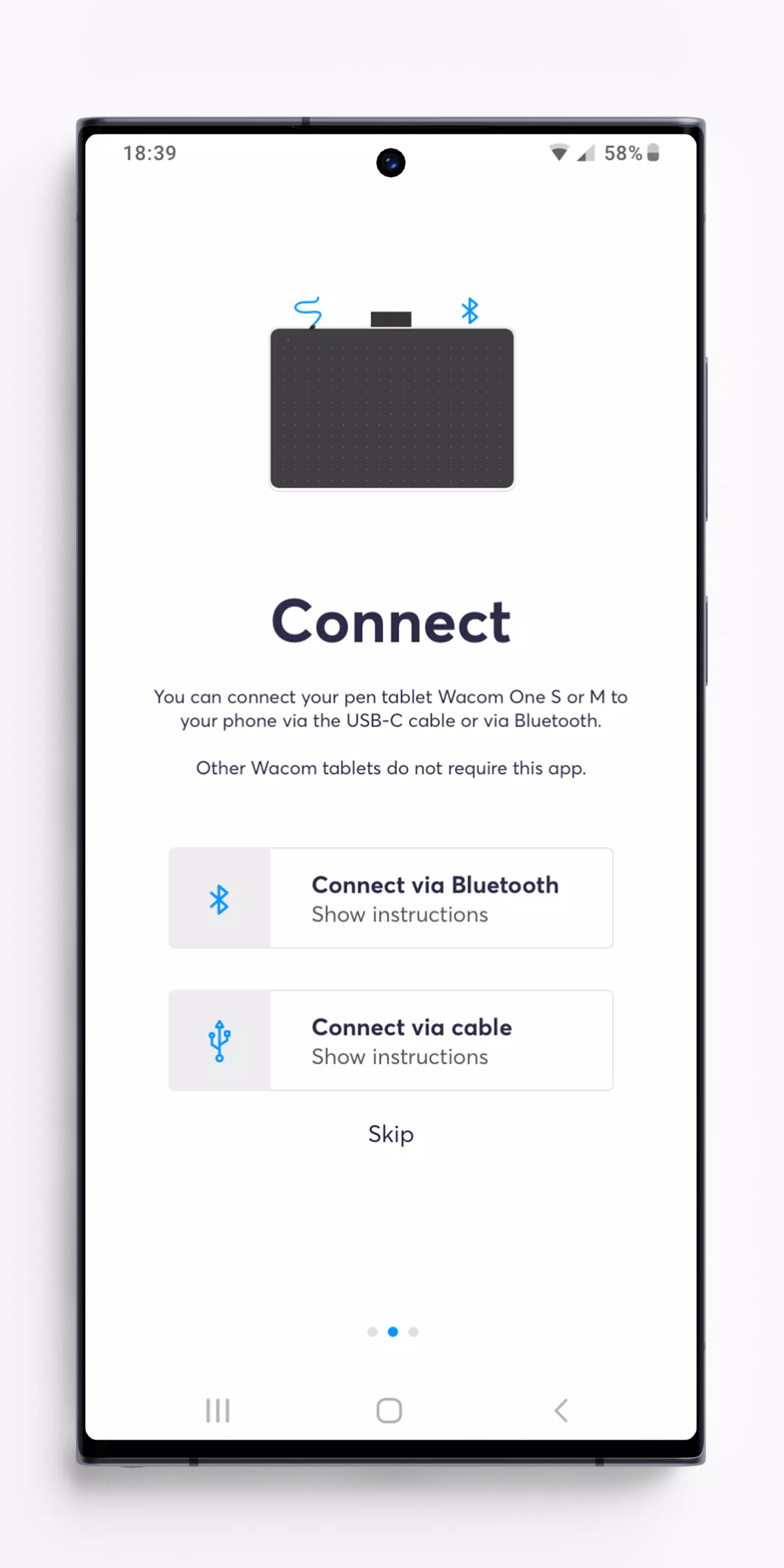
If you're the proud owner of a Wacom One pen tablet, models CTC4110WL & CTC6110WL, and you're using an Android device running versions 8-13, then this guide is for you. These devices are designed to work seamlessly together, but to get the best out of your creative experience, there are a few things you need to know.
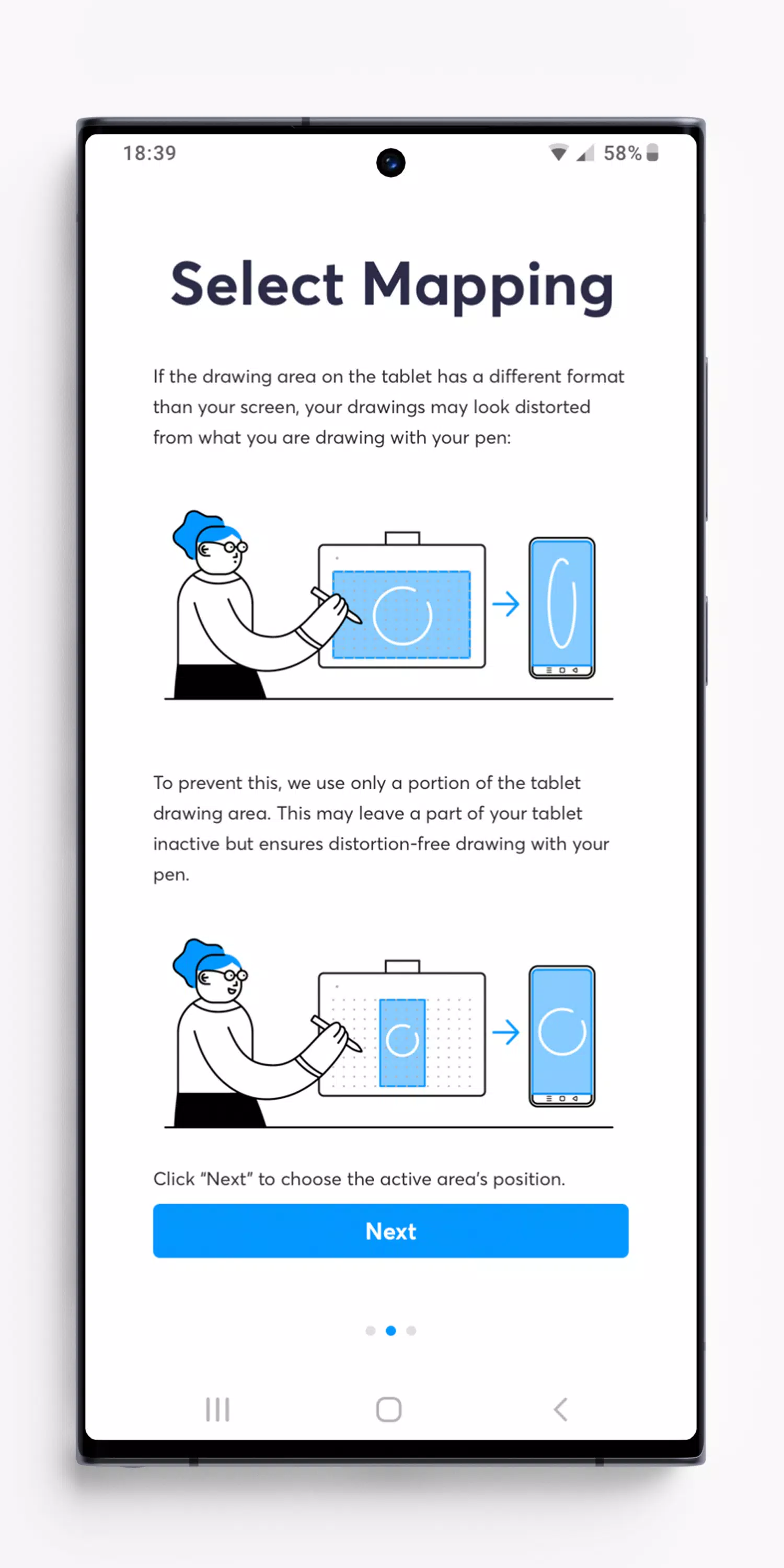
First off, it's important to understand that your Android device's screen has a different aspect ratio compared to the drawing area on your Wacom One pen tablet. Without the right tool, your artwork might end up looking a bit wonky on your screen. That's where the Wacom Center App comes in handy. This app is your secret weapon for ensuring your drawings look exactly as you intended them to.
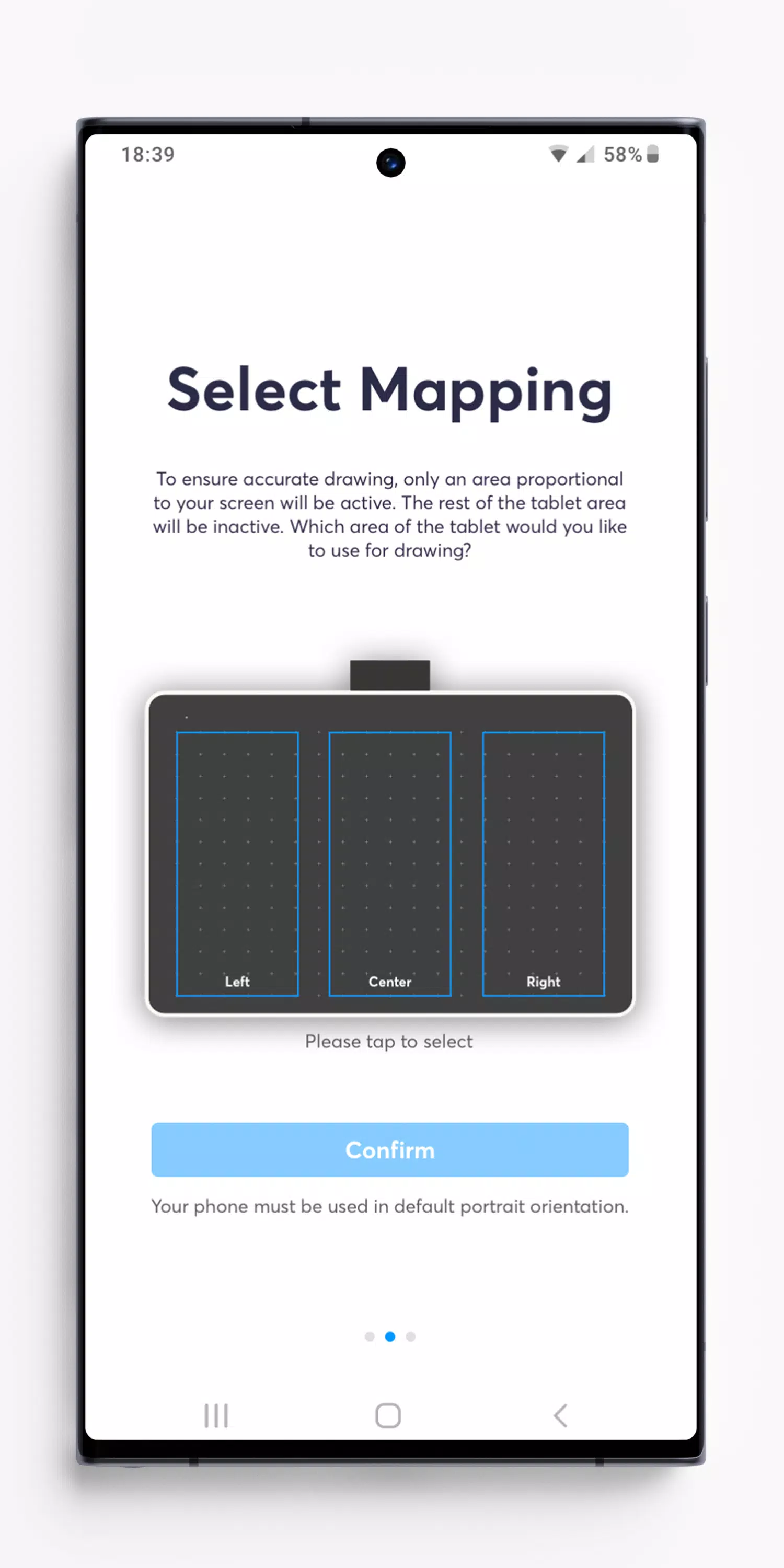
The Wacom Center App works its magic by calculating the precise size of the drawing area on your Wacom One pen tablet. It then adjusts this area to prevent any distortion in your artwork, leaving the rest of the tablet's surface inactive. Most Android devices give you the flexibility to choose from three different options for where you want your active drawing area to be located.
With the Wacom Center App, you're all set to start creating masterpieces. But remember, when using your Wacom One pen tablet with Android 8-13, your device should be in portrait orientation. Unfortunately, using it in landscape or Desktop mode isn't supported on these versions of Android.
Note: Virtually all Android 8-13 devices must be used in portrait orientation when using a pen tablet like Wacom One. Pen tablet input in landscape orientation or Desktop mode is not supported by Android 8-13.
FOR ANDROID 14 & LATER:
Good news if you're using Android 14 or a later version: you won't need the Wacom Center App anymore. Android 14 has been updated to automatically ensure your drawings are distortion-free, no matter the device orientation. To connect your Wacom One pen tablet, simply pair it via Bluetooth in your Android system settings. If you've already installed the Wacom Center on Android 14 or later, feel free to uninstall it—you won't be needing it.