Game Introduction
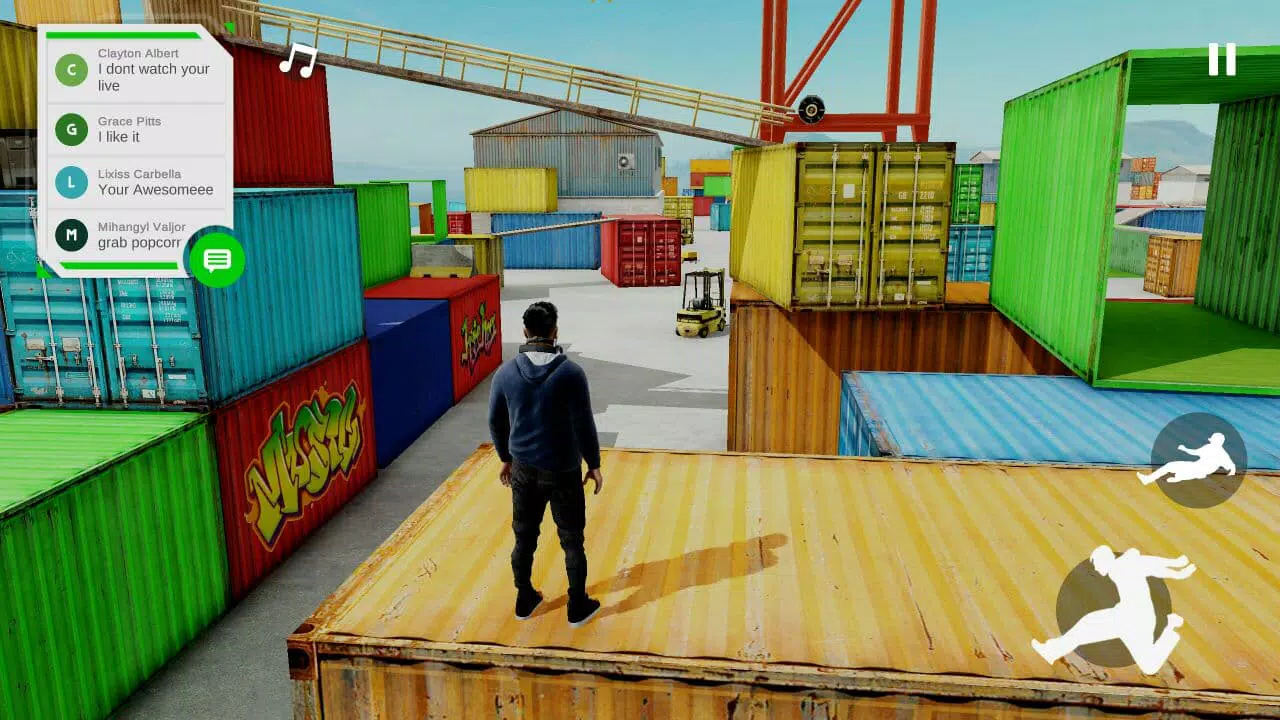
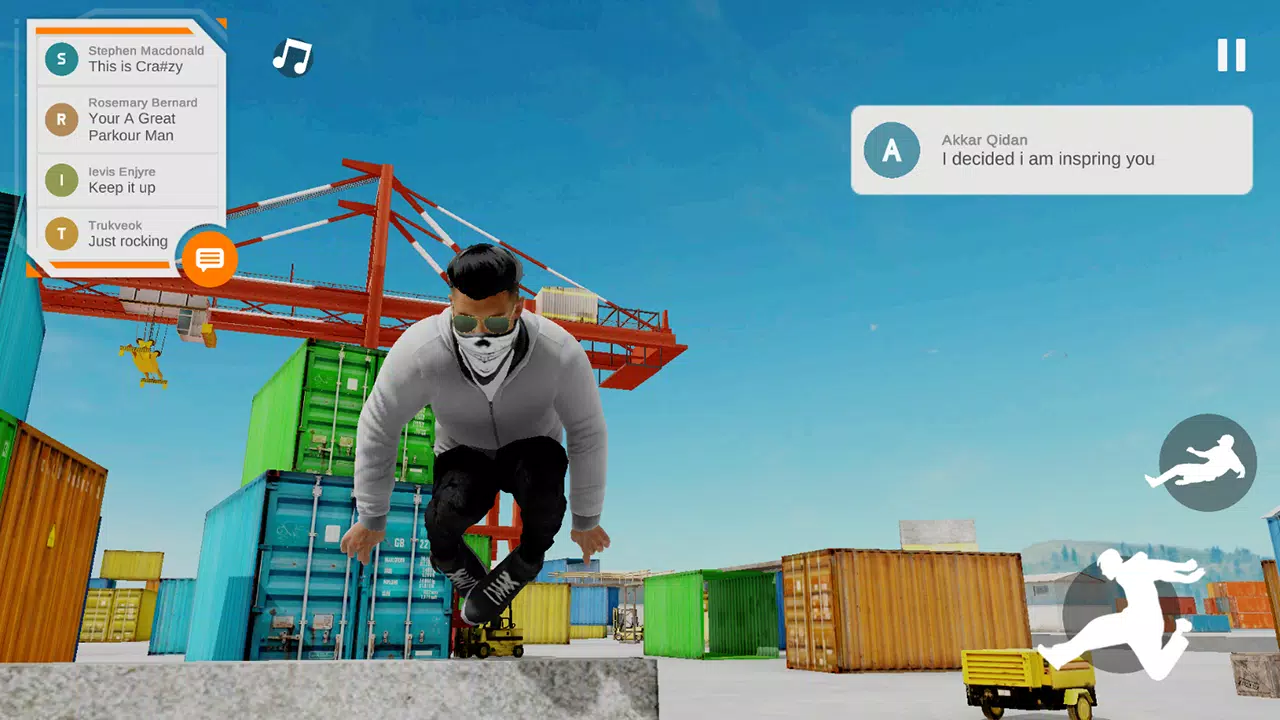
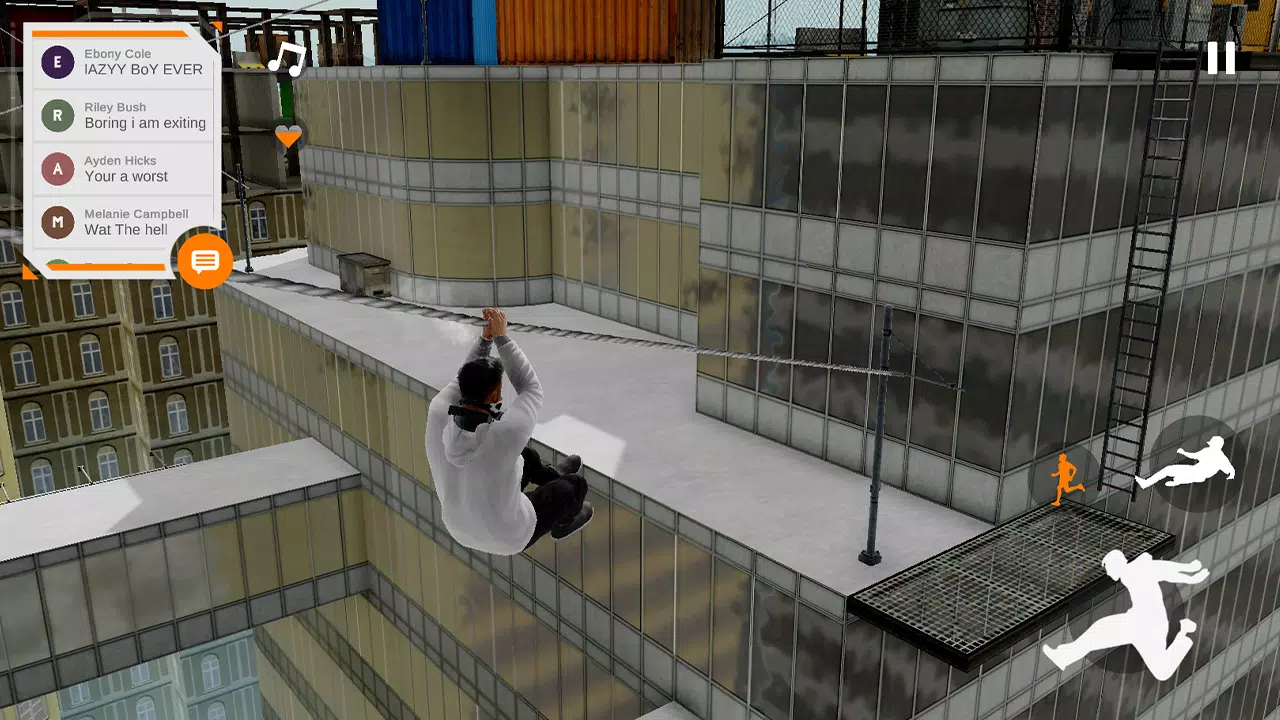
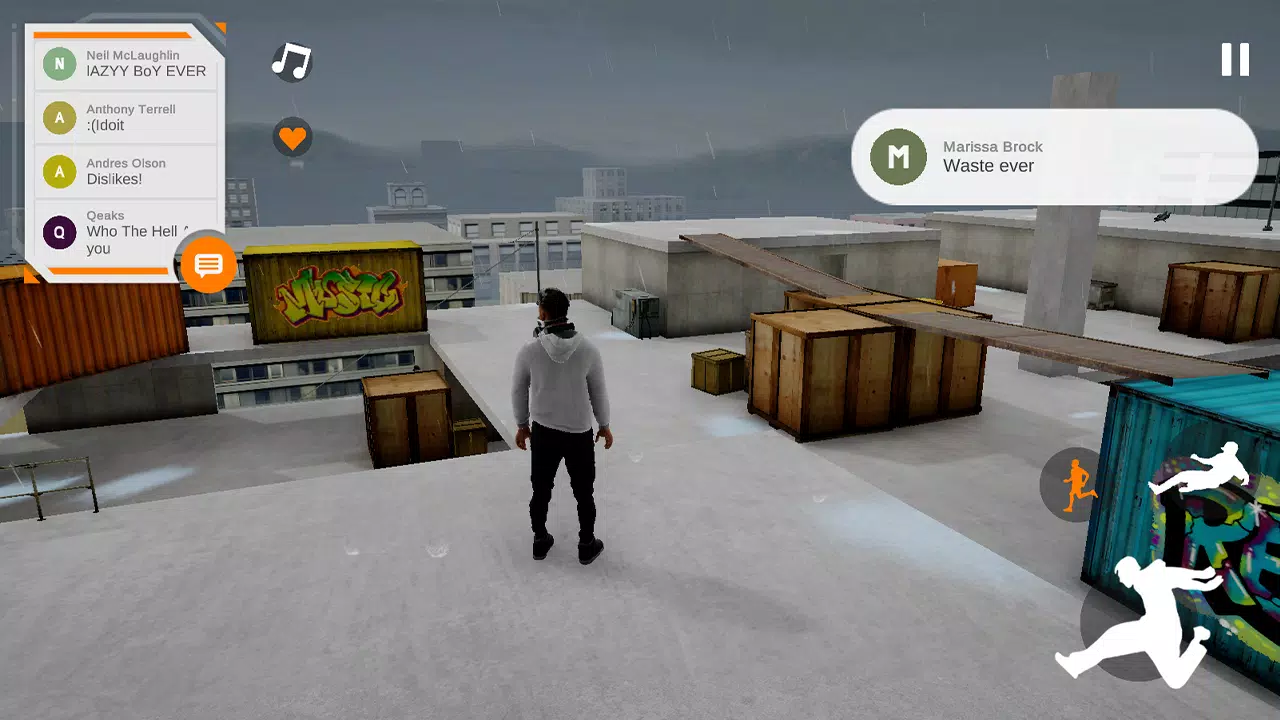
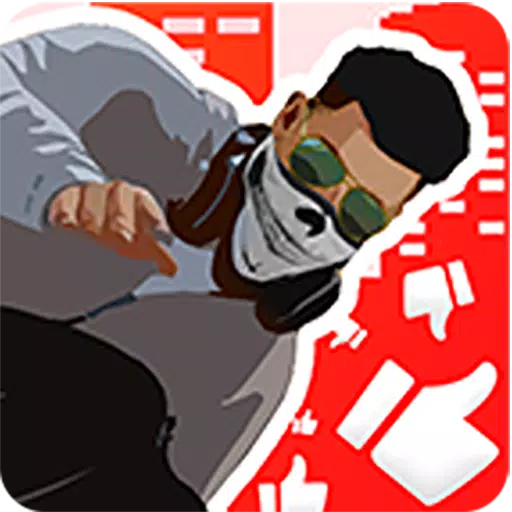
Rysen Dawn is a vibrant and thrilling game that lets you dive into the world of parkour right from your device. In this engaging title, you step into the shoes of RYSEN, a charismatic live streamer who showcases his parkour prowess to earn revenue. Your journey in Rysen Dawn is all about becoming a renowned parkour master through live streaming, captivating your in-game audience with your spectacular moves.
For those eager to embark on this parkour adventure, you can download Rysen Dawn for Windows at https://www.rusergames.com/games/rysen-dawn/.
Features & Highlights:
- Next-Gen Mobile Graphics: Experience stunning visuals that bring the parkour world to life.
- Comfortable On-Screen Controllers: Designed for ease of use, ensuring smooth and enjoyable gameplay.
- Interactive NPC Reactions: NPCs will respond to your emotes, adding depth to your interactions.
- In-Game Music Integration: Listen to your favorite tunes using the innovative in-game emote system.
- Emote-Driven Parkour and Dance Moves: Express yourself with dances and simple parkour tricks through the emote system.
- In-Game Photo Mode: Capture and share your most impressive moments.
- Sponsorship Opportunities: Attract sponsors to your live streams and earn in-game currency.
- Smooth 60FPS Gameplay: Enjoy fluid parkour action at high frame rates.
Photo Mode:
- Your screenshots will be saved in InternalStorage/R-USER Games/RysenDawn/Screenshots (for Android 10 & 11 users: InternalStorage/Android/data/com.rusergames.rysendawn/files).
- The resolution of your screenshots remains unaffected by in-game settings; even if taken at 30% resolution, they will be automatically converted to 100% resolution.
Music:
- To enjoy your music in-game, you must unlock and equip headphones before loading your tracks.
- Music files should be stored in InternalStorage/R-USER Games/RysenDawn/Musics (for Android 10 & 11 users: InternalStorage/Android/data/com.rusergames.rysendawn/files).
- Only .mp3 files are supported.
- If Auto Scan Music is enabled in settings, music loading is automatic. Otherwise, use the button in the top right after equipping headphones via the emote wheel.
Important Notes:
- Ensure your device has at least 2GB of RAM for optimal performance.
- If you encounter a black screen, make sure to grant all necessary permissions.
What's New in the Latest Version v1.41
Last updated on Oct 2, 2023
- New Cloth Physics: Enhanced visual realism that even shows off the player's belly.
- Bug Fix: Addressed the "Player Float in the Air" issue during the tutorial level.
- Performance Improvements: Enhanced game performance and reduced the overall size of the game.
Screenshot