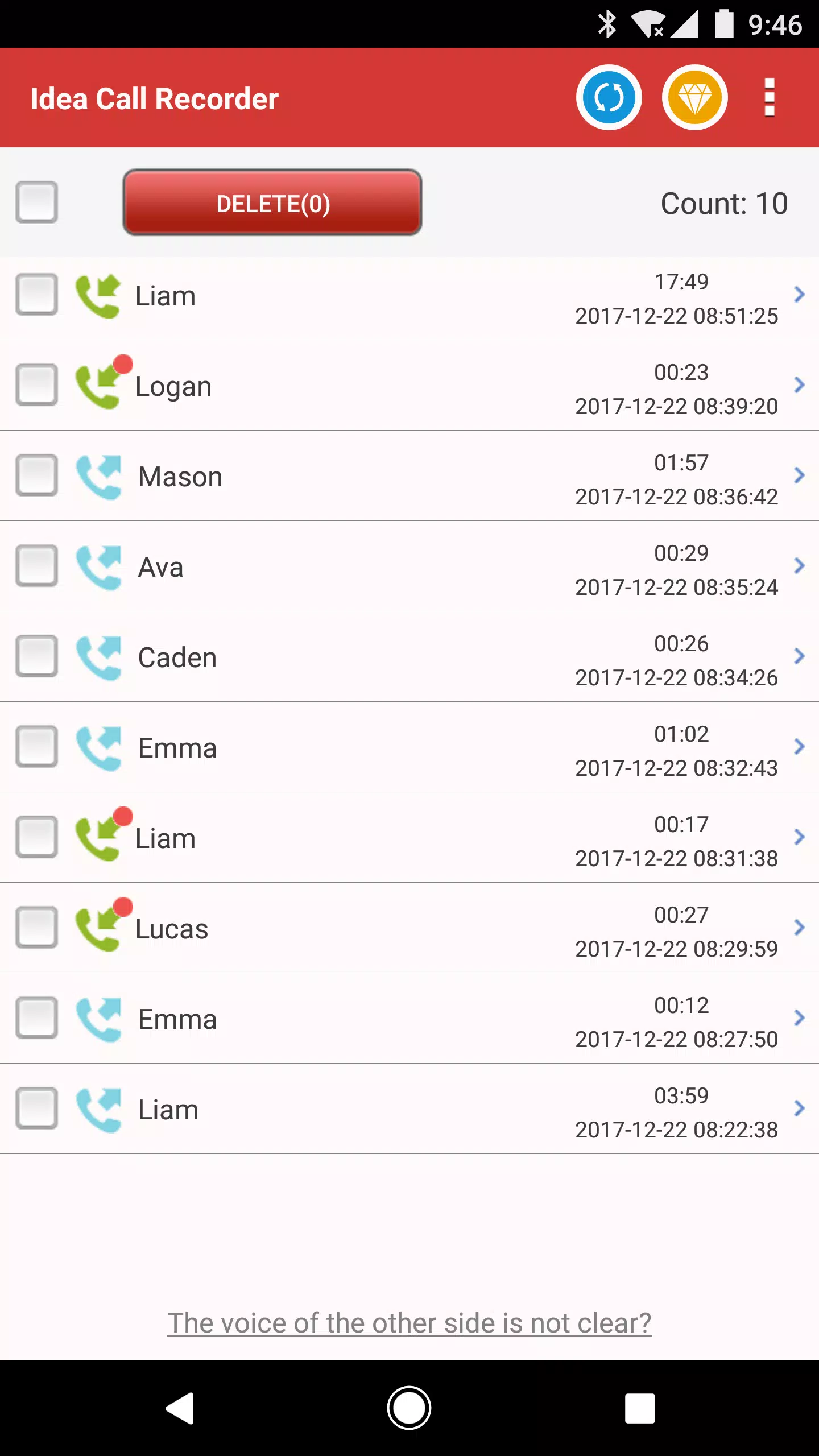
Effortlessly record your phone calls into high-quality MP3 files with Idea Call Recorder, the world's leading call recording tool. Not only can you perfectly capture every conversation, but you can also block unwanted calls to keep your phone line free from telemarketing, spam, and robocalls.
IMPORTANT NOTE: Please be aware that not all phones support call recording. If your device does not support this feature, we kindly ask you not to leave a negative review. Should you encounter any issues or have questions, please reach out to us; we are committed to providing the best service possible.
Idea Call Recorder, the World's Best Call Recording Tool
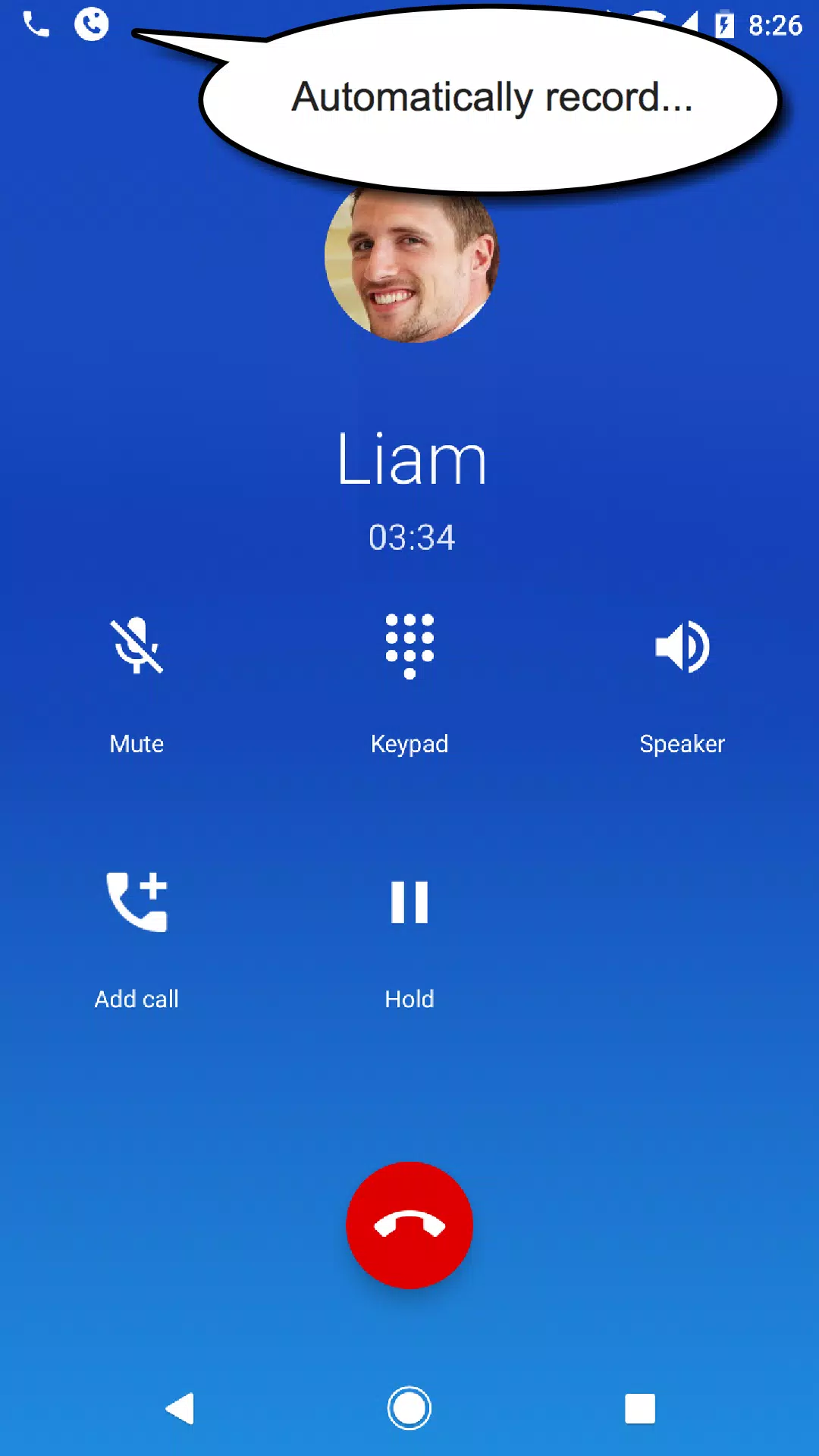
- Automatically records all incoming and outgoing calls, ensuring you never miss an important conversation, no matter where you are.
- Delivers high-quality audio with our proprietary voice engine for crystal-clear recordings.
- User-friendly interface designed for easy navigation and use.
- Highly compatible with nearly all devices, ensuring a seamless experience.
- Optimized for better performance on devices like Galaxy S7 (Edge, Note7), Galaxy S8 (S8+, Note8), and newer versions.
【Main Features】
► Call Recorder
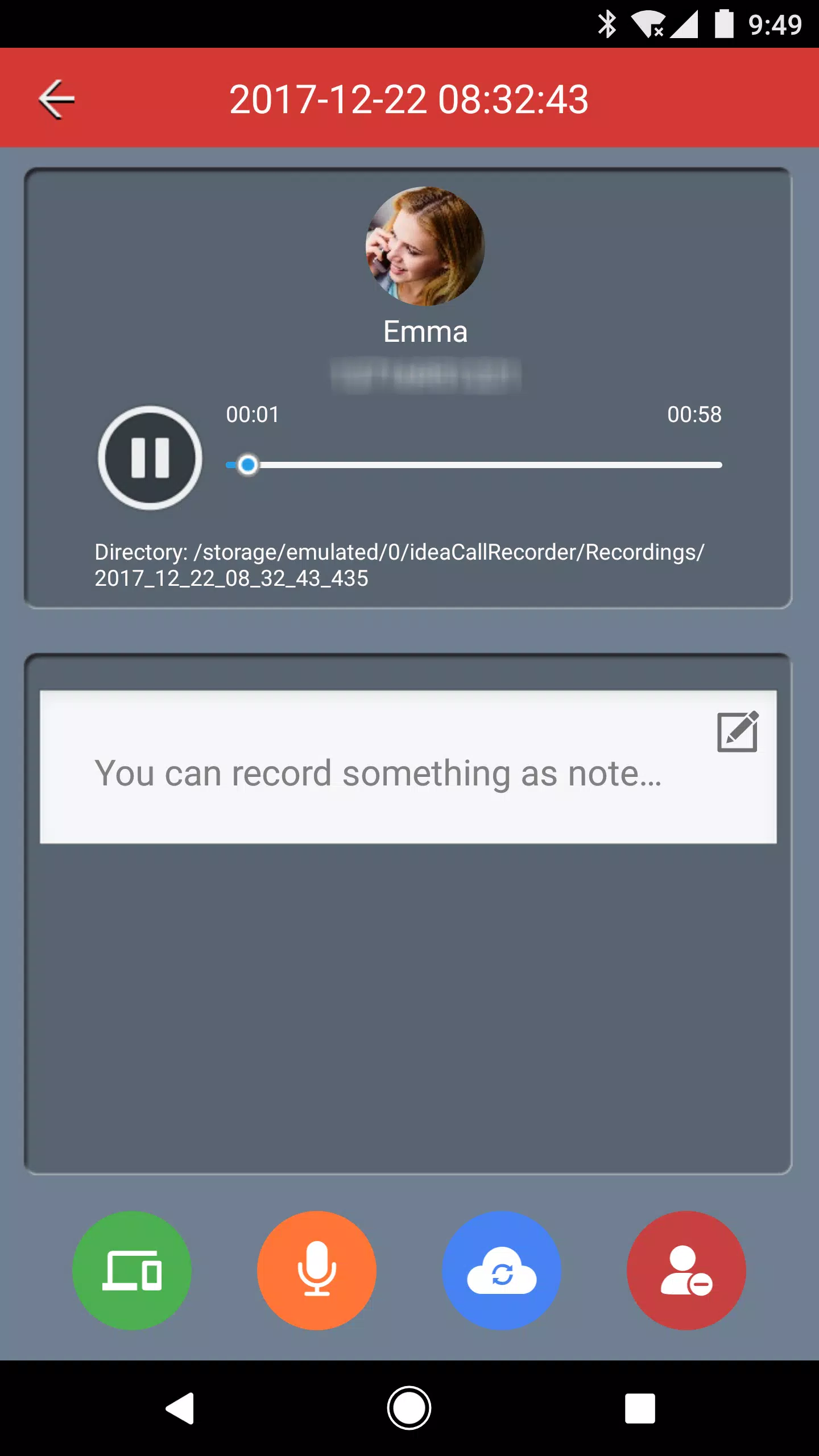
Automatically captures and saves your calls as MP3 audio files, making it simple to store and access your recordings.
► Call Blocker
Effectively blocks unwanted calls by utilizing a calls blacklist. Say goodbye to telemarketing, spam, and robocalls with ease.
Requires READ_CALL_LOG permission to identify the phone number and determine whether to block the call based on the number.
► Voice Notes
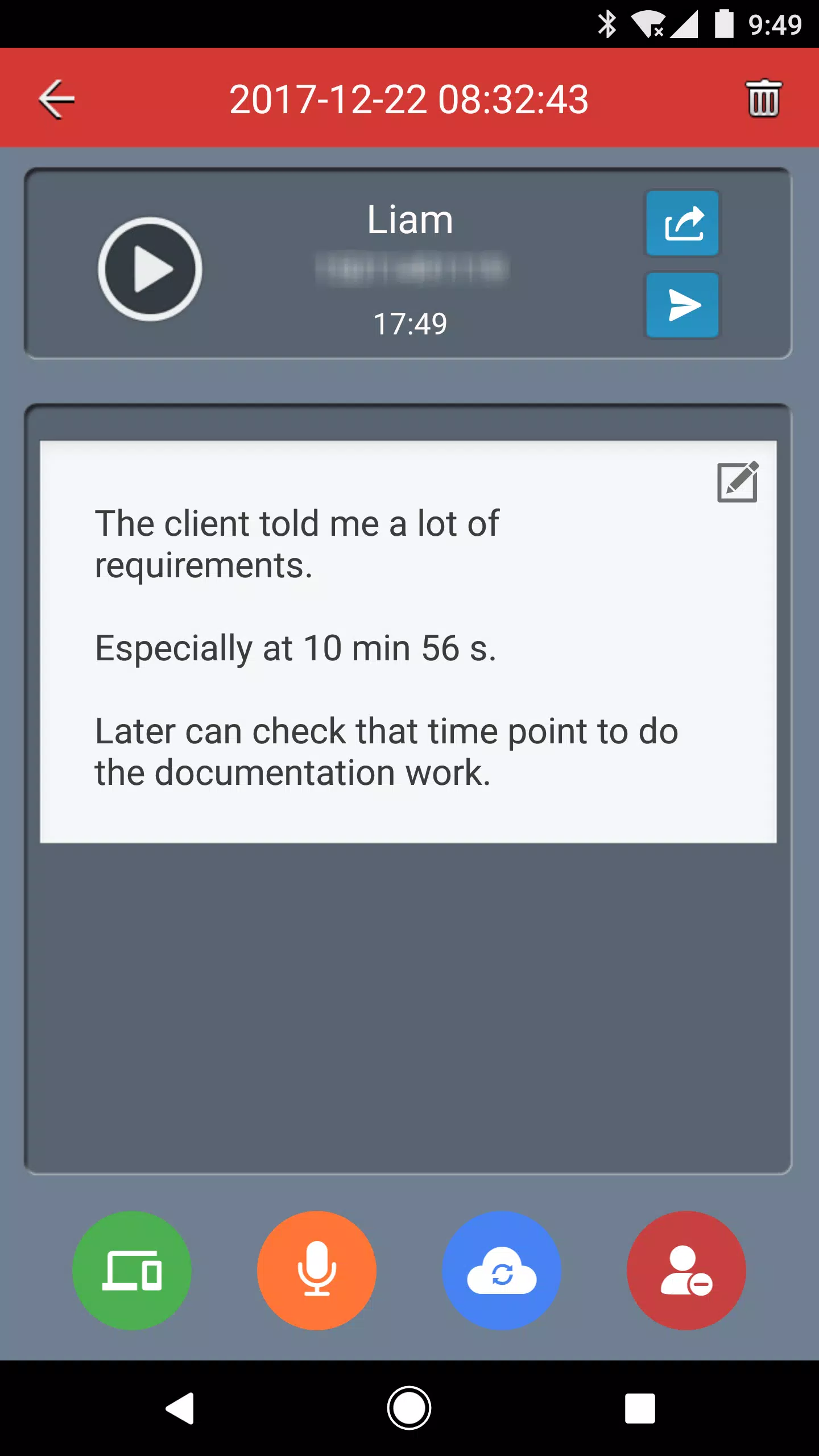
Record voice memos and have them automatically transcribed for your convenience.
Important: If you have subscribed to our service, please note that uninstalling the app will not automatically cancel your subscription.
==How to Cancel a Subscription==
- On your Android phone or tablet, open the Google Play Store.
- Ensure you are signed in to the correct Google Account.
- Tap Menu -> Subscriptions.
- Select the subscription you wish to cancel.
- Tap Cancel subscription.
- Follow the on-screen instructions.
If the app is removed from Google Play and you have an active subscription, your future subscriptions will be canceled. However, past subscriptions will not be refunded.
For any inquiries, feel free to contact us via email at [email protected].
What's New in the Latest Version 1.2.14
Last updated on Jun 20, 2024
Minor bug fixes and improvements have been made. Install or update to the newest version to experience the enhancements!