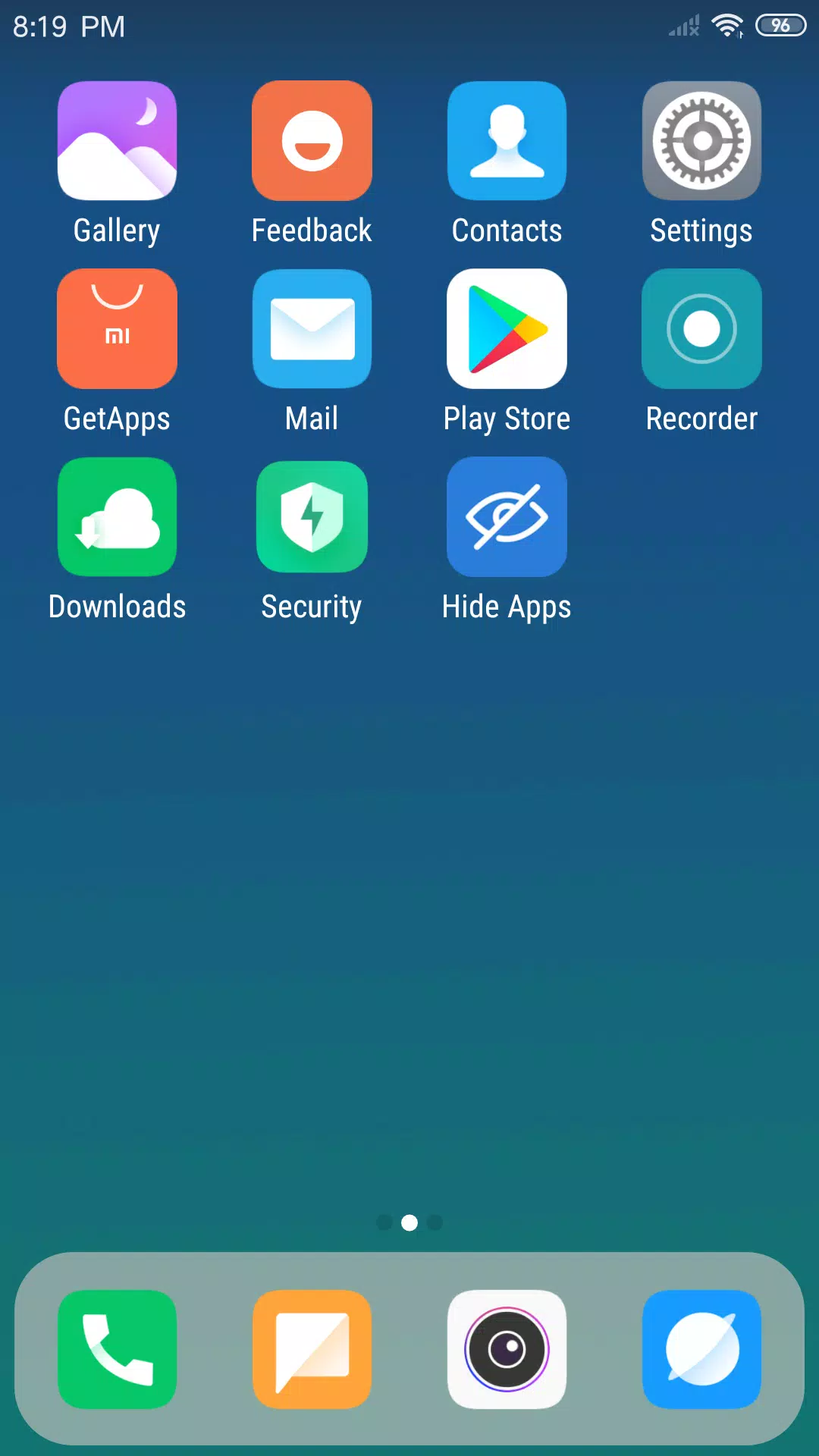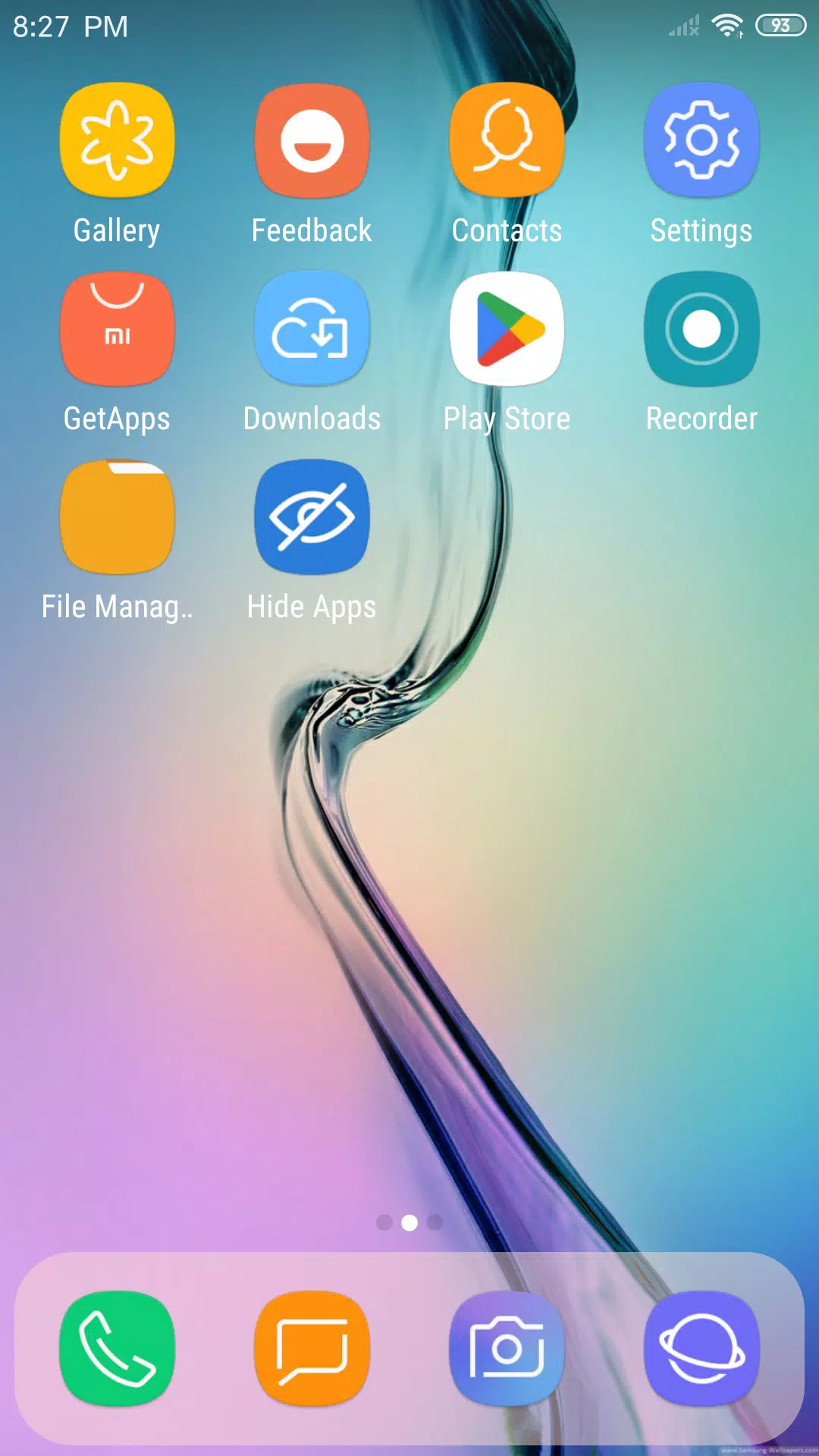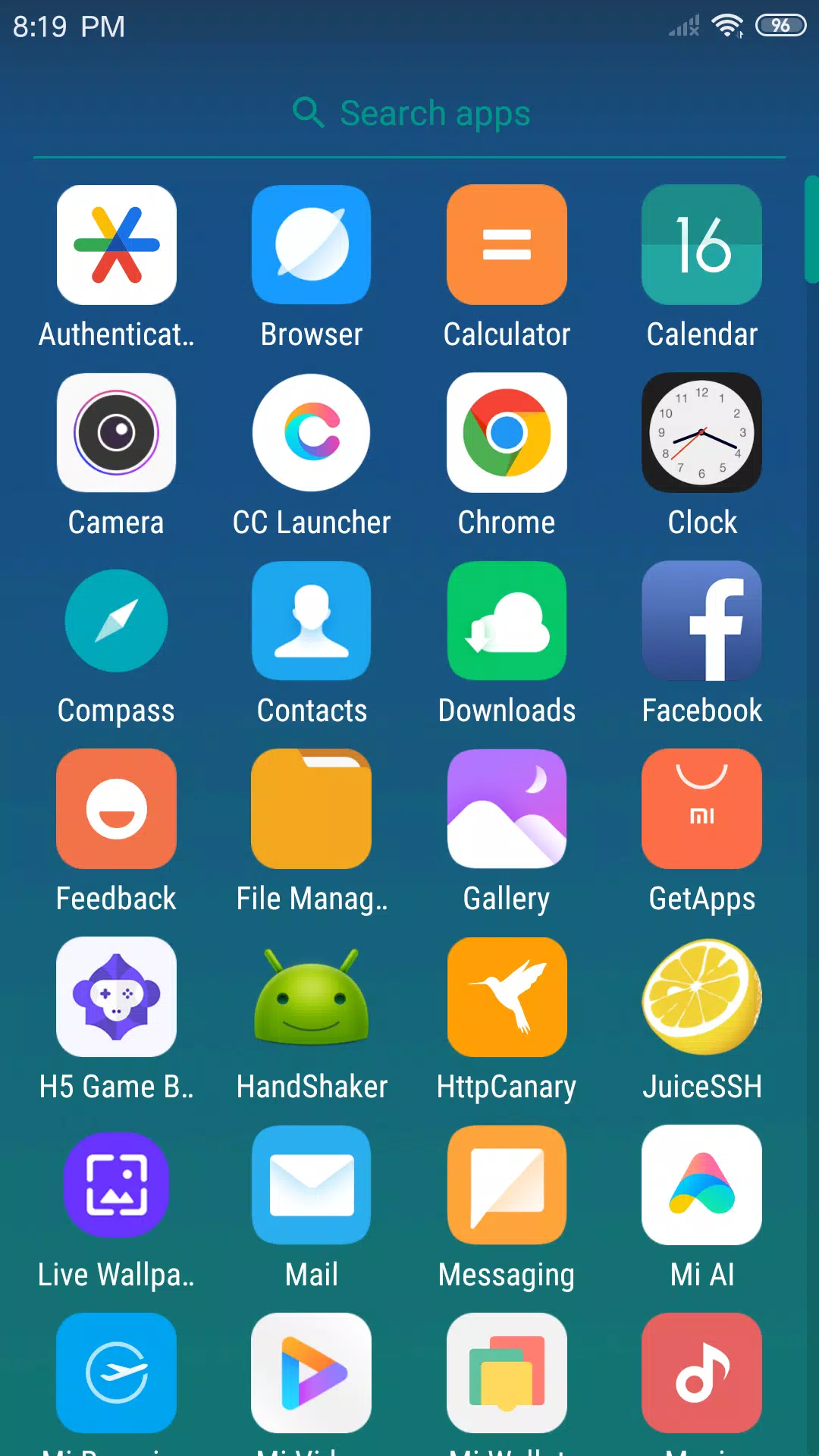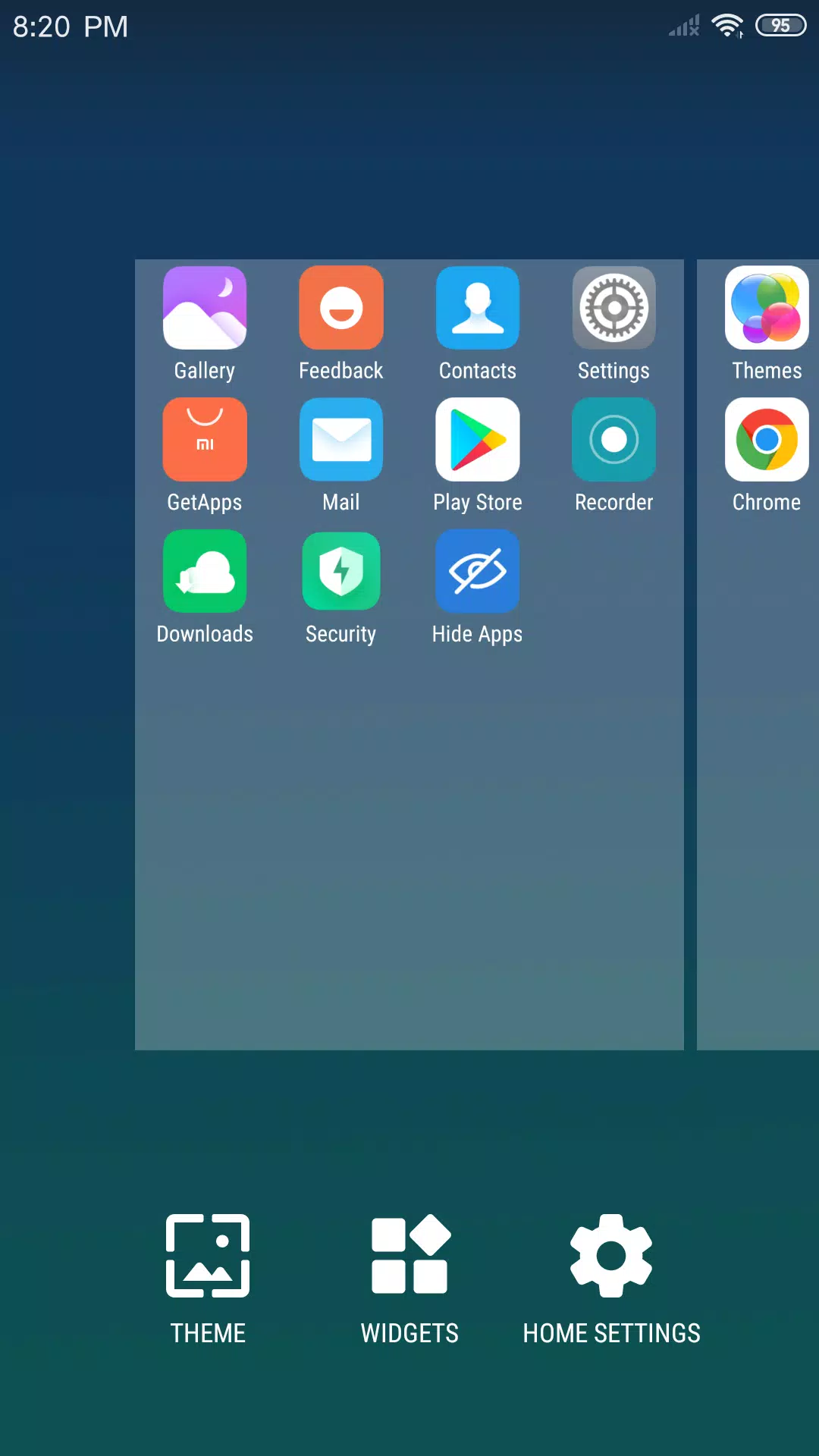
Discover the sleek and stylish X Launcher, designed to revamp your Android phone with its flat design ethos, delivering a smooth and compact experience. With X Launcher, you can transform your device's look and feel, providing you with a fresh, modern, and elegant user interface that promises an unparalleled experience. It's the perfect tool for those looking to give their Android phone a modern and cool aesthetic.
Control Center
Effortlessly access your device's settings with X Launcher's Control Center. A simple swipe down lets you manage WiFi, Network, Brightness, and Volume settings, and even snap a photo instantly. It's all about convenience at your fingertips.
App Manager
Organize your apps with ease using the App Manager. Swipe up to access it and quickly find local apps to add to your desktop, streamlining your app access and management.
Left Screen
Enhance your desktop with X Launcher's left screen, featuring flat-designed widgets that offer quick access to essential information like time and weather, as well as an efficient way to search for apps.
Theme Store
Dive into our extensive Theme Store, where thousands of themes await to customize your interface. Whether you prefer a minimalist look or something more vibrant, our themes adapt seamlessly to your chosen style, ensuring a smooth and visually appealing experience.
Customize
Personalize your phone even further with X Launcher's customization options. Modify app icons and names to your liking by selecting and cropping local images. Plus, you can adjust the layout to your preference by changing the number of rows and columns on your launcher.
Rounded Corners Folder
Organize your apps stylishly with our rounded corners folder feature. Simply drag and drop one app onto another to create a folder, keeping your home screen neat and tidy.
Hide Apps
Keep your launcher clutter-free by hiding apps you don't want to see. X Launcher lets you maintain a clean and personalized interface effortlessly.
We request Storage permission to enhance your experience by saving downloaded themes and wallpapers, as well as to access the wallpaper currently used by your Android system.
Download X Launcher now and become part of our community! We're excited to bring you more innovative features soon!
What's New in the Latest Version 3.2.12
Last updated on May 17, 2024
- Fixed some weather errors, ensuring accurate and reliable weather updates.
- Upgraded several SDKs to improve app performance and compatibility.
- Addressed and fixed various minor errors for a smoother user experience.