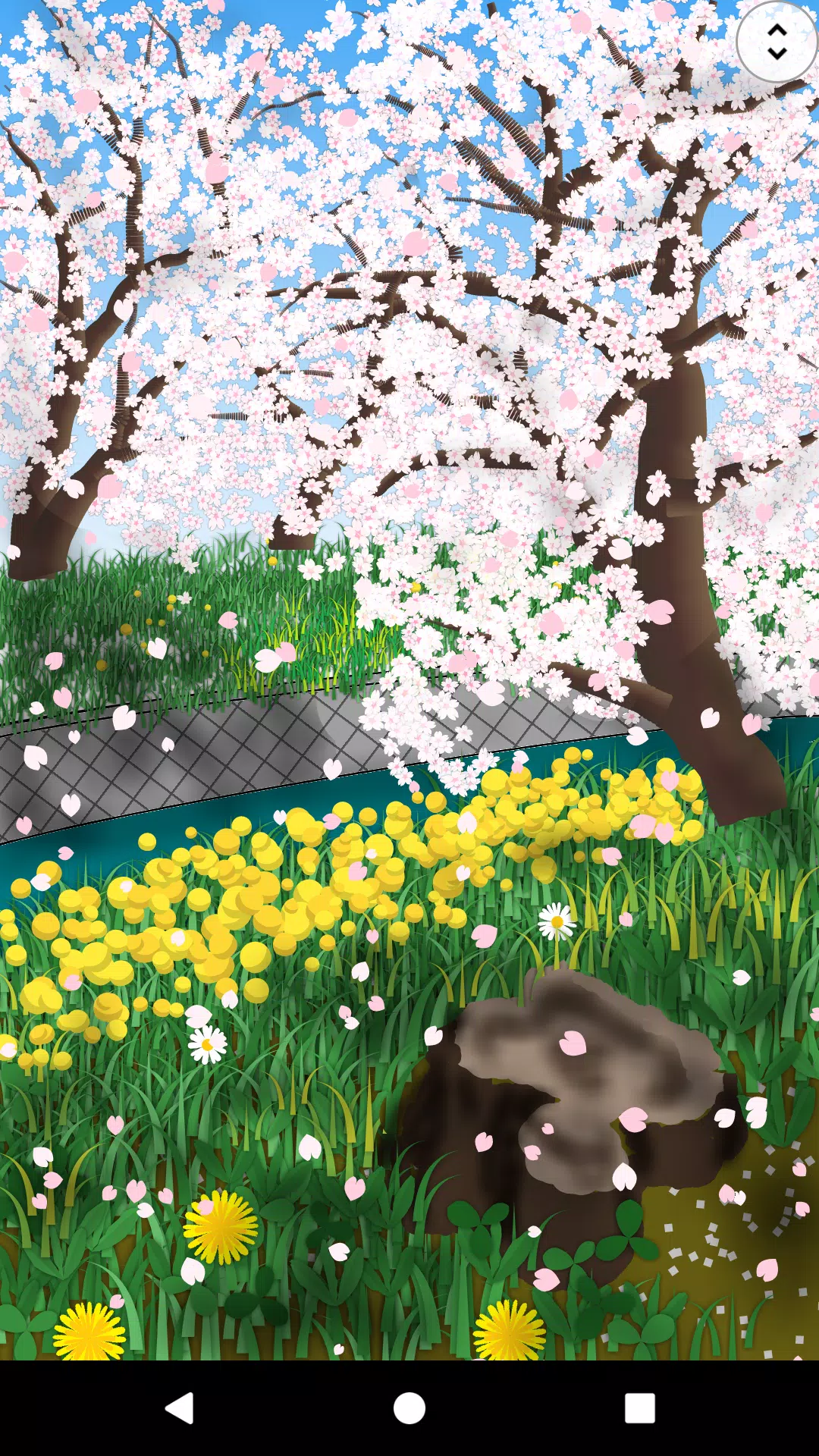
Discover the joy of painting with Paint Art, an application designed for everyone to enjoy the art of painting in a fun and engaging way. With Paint Art, you can unleash your creativity on a canvas using a wide array of brushes, gradients, and patterns. You can also incorporate photos and shapes into your artwork. The application's cursor function allows for precise painting, even without a touch pen. You have the flexibility to adjust the canvas size to your liking and save your masterpieces in PNG or JPEG format. Dive into the world of painting without spending much time, as Paint Art is packed with features that make it easy and enjoyable to create.
Let's explore the tools at your disposal:
Tools
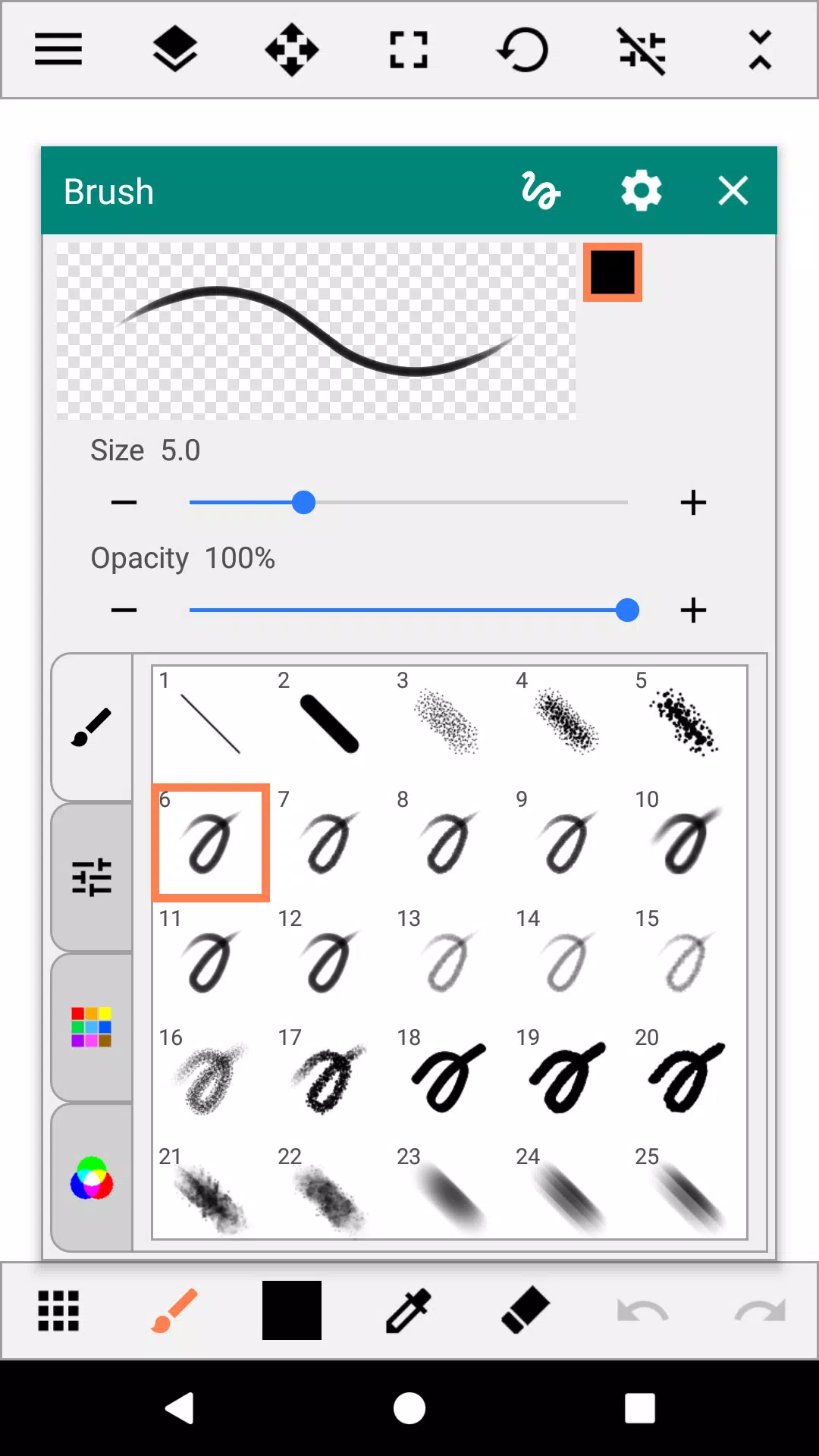
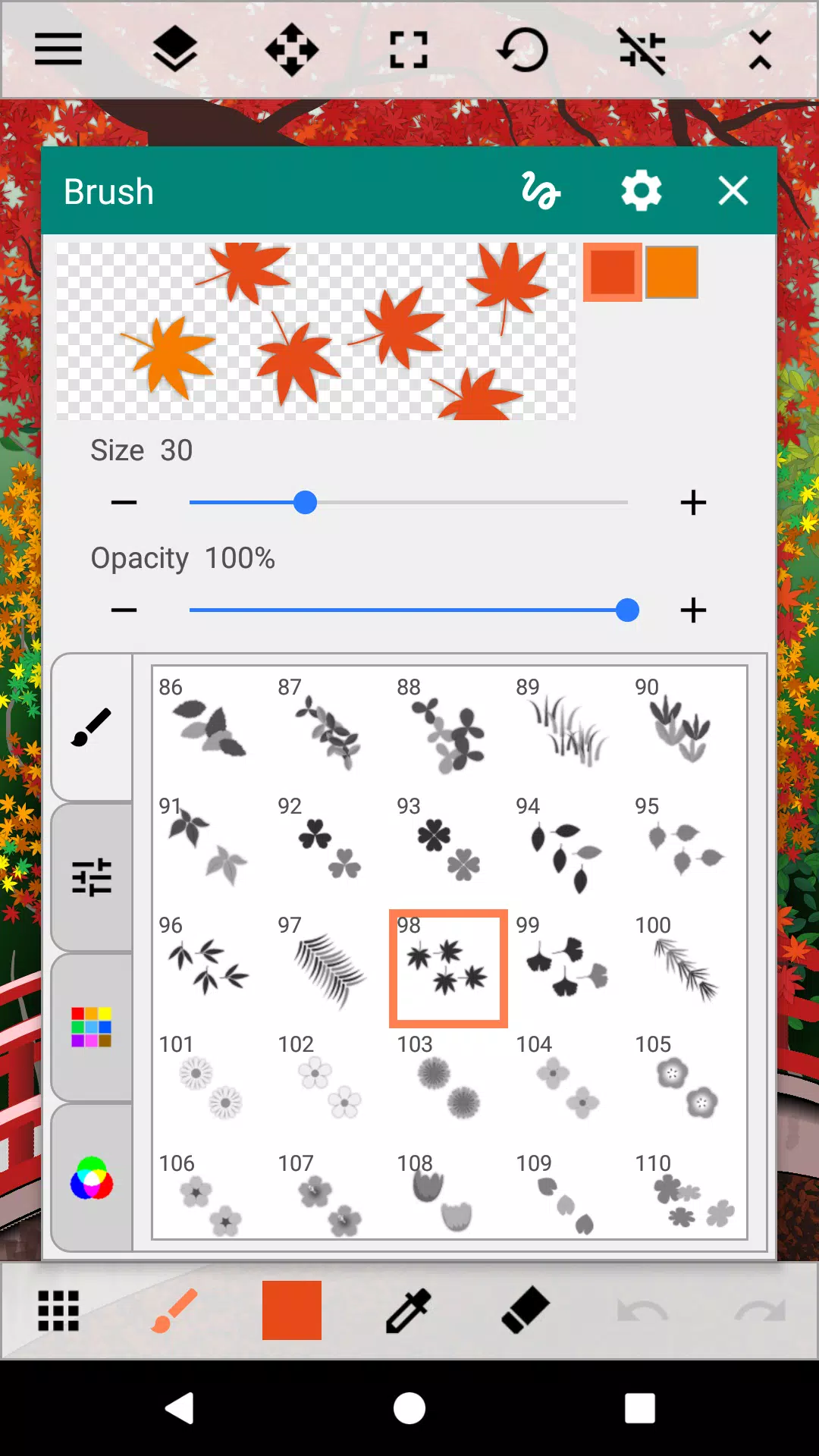
- Brush: Beyond standard pens and sprays, Paint Art offers multi-color brushes like gradation, flowers, grass, and light effects.
- Fill: Experiment with gradations, lines, patterns, and random fills to add depth to your creations.
- Shape: Choose from a variety of shapes including straight lines, squares, circles, stars, balloons, and flowers.
- Selection: Select areas using rectangle, circle, free, all, or automatic modes.
- Text: Add text to your canvas to personalize your artwork.
- Insert Images/Photos: Enhance your painting by adding images or photos.
- Eraser: Correct mistakes or refine your work with ease.
Color
- Palette, Color Arrangement: Access a wide range of colors to bring your vision to life.
- Color Editing: Use the color picker, RGB settings, and eyedropper tool for precise color adjustments.
Canvas
- Move, Zoom, Rotate: Manipulate your canvas to work from any angle or perspective.
Auxiliary Functions
- Ruler: Use straight line and circular rulers for accurate drawing.
- Grid: Display grid lines to help with alignment and composition.
- Cursor: Achieve detailed touch drawing with the cursor function.
- XY-Distance: Set convenient drawing intervals for precise figure placement.
Layers
- Work with up to 30 layers to create complex and detailed artworks.
- Layer Settings: Adjust transparency, saturation, blend mode, protect transparency, and lock layers for enhanced control.
Others
- Add Destination Folder: Organize your artwork by adding destination folders.
- Image Sharing Between Apps: Share your creations seamlessly across different applications.
- Pen Pressure Judgment: Utilize brushes that change line thickness based on pen pressure, available on smartphones with pressure sensors.
What's New in the Latest Version 3.3.1
Last updated on Sep 5, 2024
Minor bug fixes and improvements have been made. Install or update to the newest version to experience these enhancements!