Backup, Restore, and Organize Your Android Applications
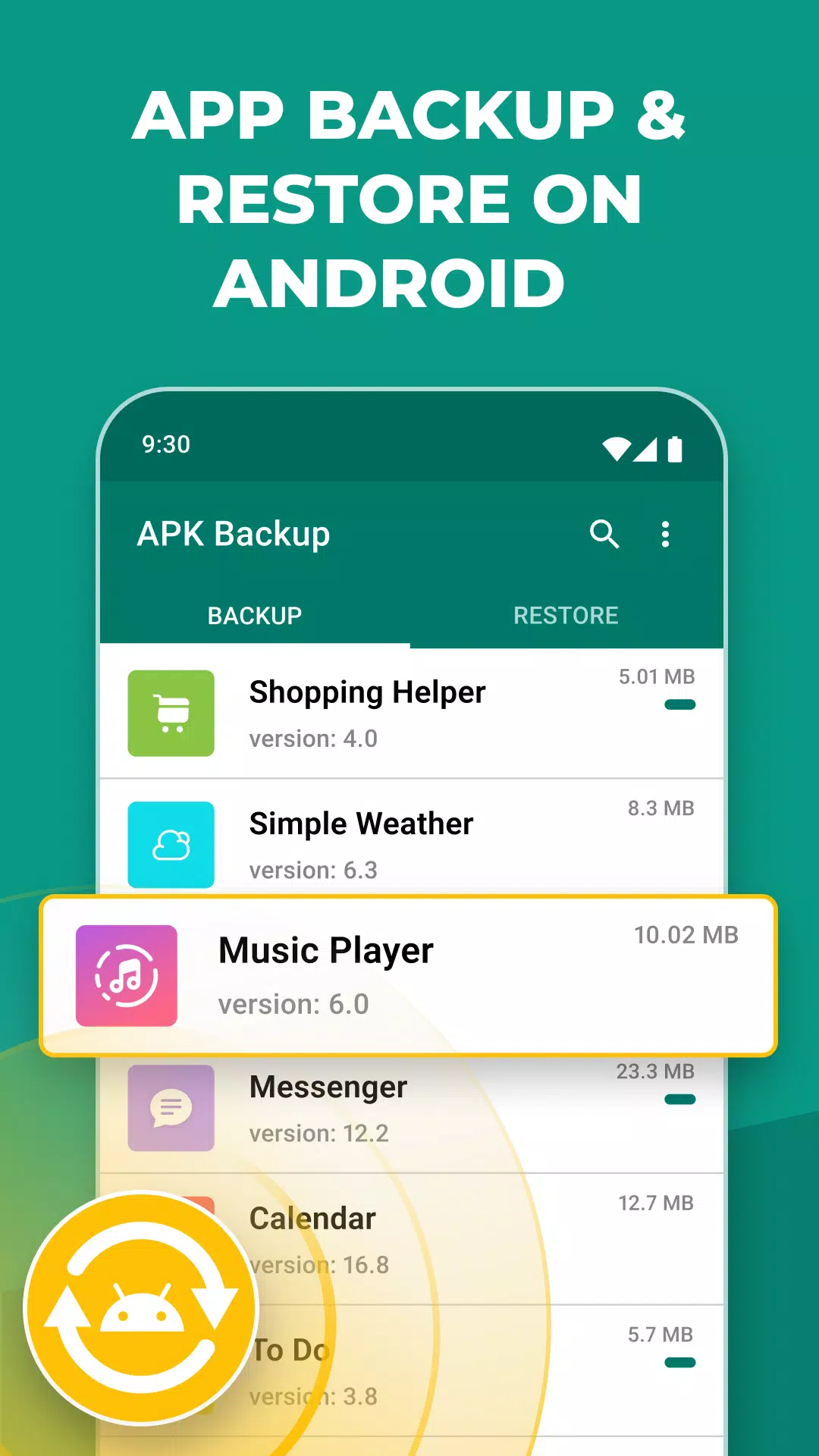
APK Backup: Safeguard and Restore Your Apps
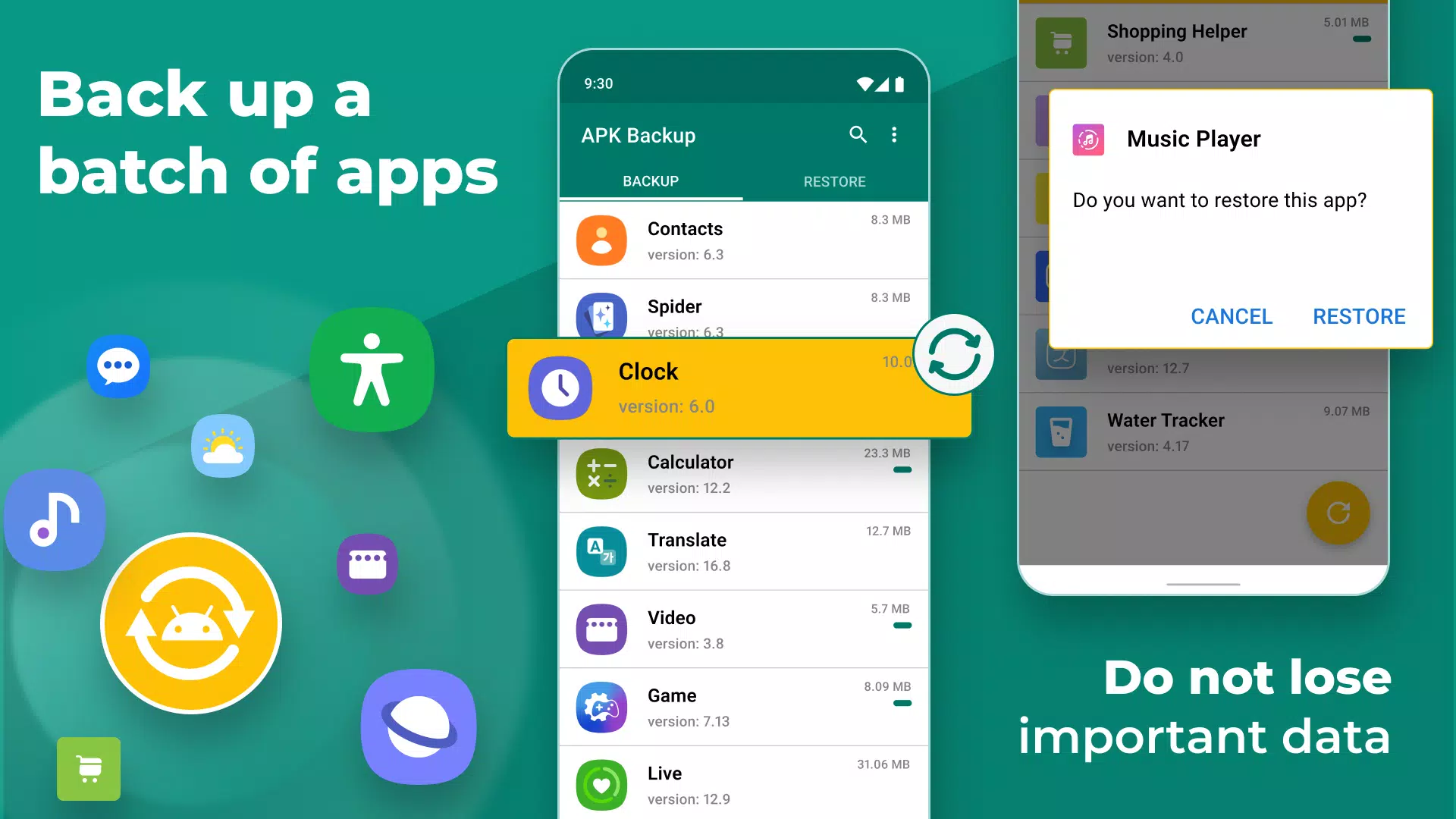
Rediscover your deleted apps effortlessly with APK Backup, the ultimate solution for swift and seamless app backup and restoration. This user-friendly app empowers you to safeguard your valuable data by easily backing up and recovering apps you've accidentally deleted. Say goodbye to the fear and frustration of losing your favorite applications.
Restore App: Rediscover Your Deleted Apps
Accidentally deleted an important app? No worries! With APK Backup, you can swiftly restore and recover deleted apps, ensuring they're back on your device in no time. Say goodbye to the fear of losing your favorite applications.
Easy Backup and App Recovery: With APK Backup, backing up and restoring apps is a breeze. The intuitive interface ensures that even novice users can perform backups and recover deleted apps effortlessly. Say goodbye to the fear and frustration of losing your precious apps and their associated data.
APK Backup and App Recovery Tool: This tool allows you to safeguard your valuable apps by creating backups of APK files. With just a few taps, you can back up your installed apps and their data, providing an extra layer of security.
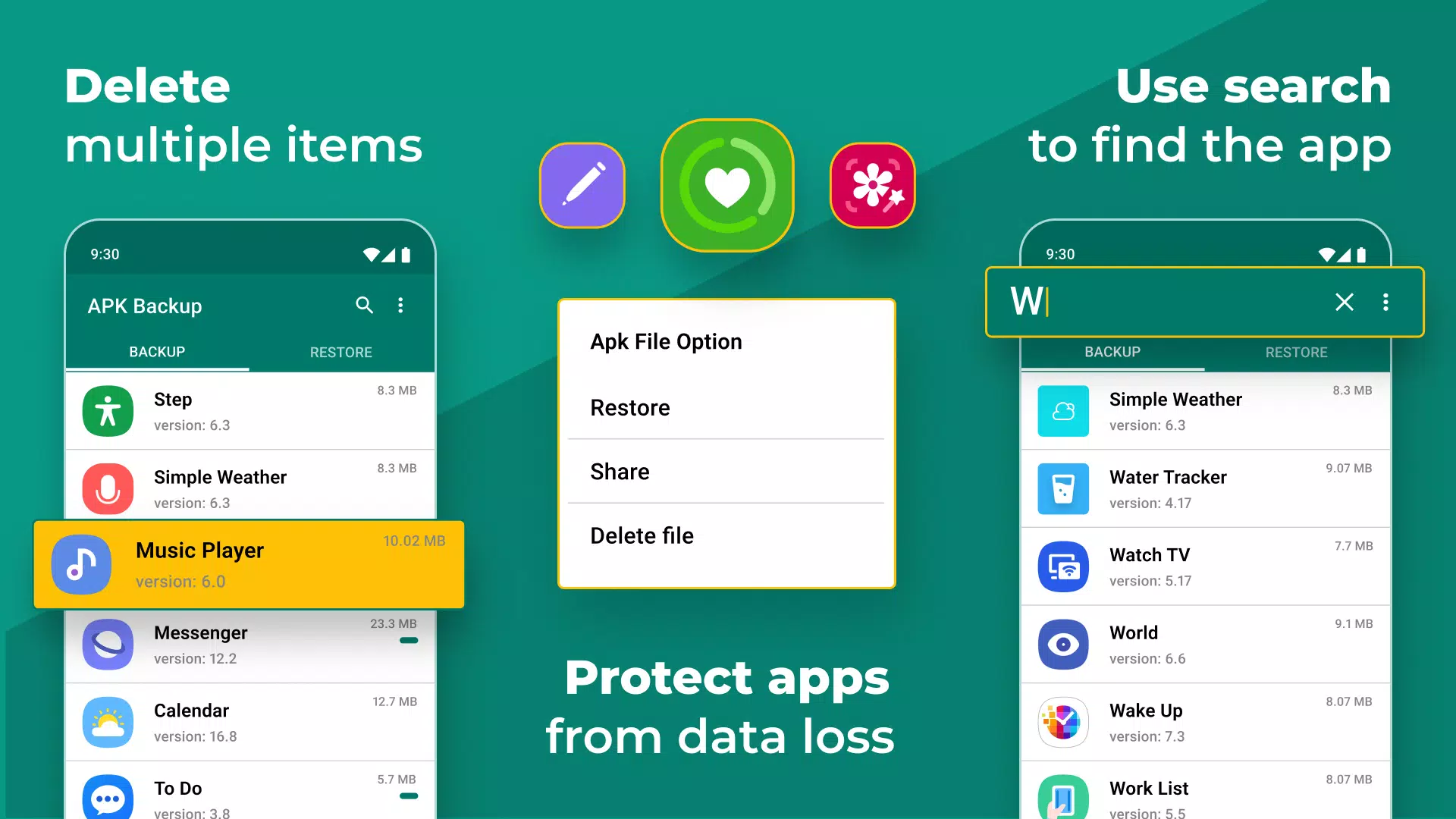
App Recovery: APK Backup offers a comprehensive app management system, allowing you to view and organize all your installed apps.
Fantastic Features of APK Backup - Restore App:
✔️ Backup, recover, transfer, share.
✔️ Backup & Restore to the internal storage of the phone by default.
✔️ Easiest Backup & Restore apps, personal data.
✔️ Transfer & Share Backups.
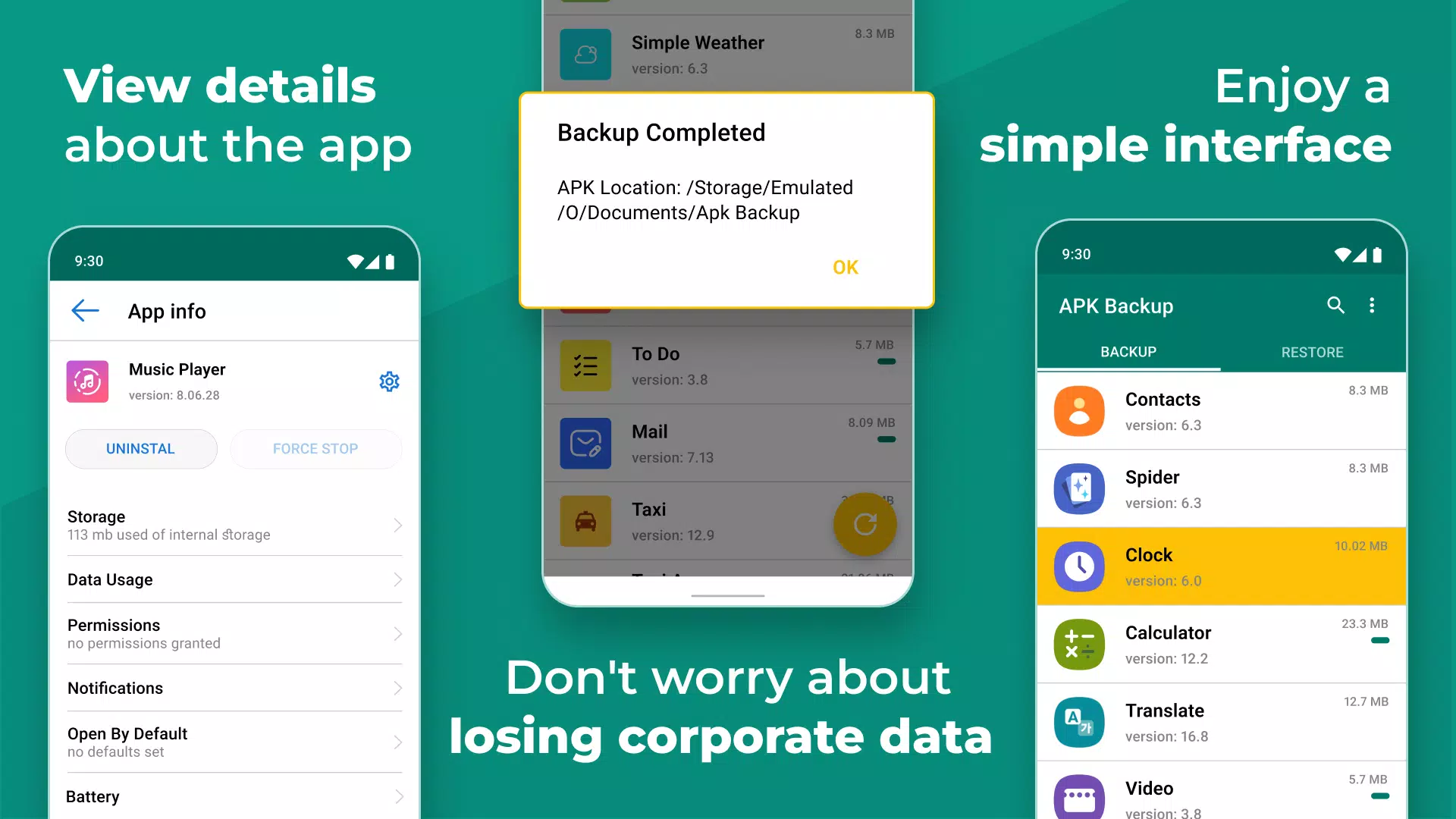
✔️ Hold the App to check the details.
Reliable Data Protection: Your app data is essential, and APK Backup understands that. It ensures that your backups are reliable and secure, giving you peace of mind knowing that your app data is protected.
Customizable Backup Settings: Tailor your backup experience according to your preferences. Choose specific apps to backup, select the backup storage location, and schedule automatic backups to ensure your apps are always protected.
App Recovery: APK Backup is designed to be lightweight, consuming minimal system resources while offering a robust backup and recovery solution. It won't slow down your device or drain your battery.
Never Lose Your Apps Again! Restore Your Deleted Apps Effortlessly with APK Backup.
Multiple Backup Options: Backup your apps to various storage options, including the device's internal storage, SD card, or cloud storage services like Google Drive or Dropbox. Choose the option that suits your needs best.
Download APK Backup and App Recovery Tool Now and experience the ease of app backup, recovery, and management. Take control of your apps and never worry about losing them again!
What's New in the Latest Version 3.2.2.1
Last updated on Feb 17, 2024
Code improvement