Unleash your creativity with Postershop, the ultimate app designed for effortless poster creation, photo editing, and professional design. With its user-friendly interface and a suite of powerful tools, Postershop empowers you to craft stunning visuals that stand out from the crowd.
Whether you're a seasoned designer or just starting out, Postershop offers a seamless experience that puts you in complete control of your creations. From posters and typography to quotes and logos, this app is your one-stop shop for all things design.
Dive into a world of endless possibilities with our extensive range of features:
- Start Your Design:
- Choose from 39 smart, customizable templates.
- Begin with a vibrant colored canvas.
- Design directly on your own photos from the gallery.
- Opt for a transparent canvas for ultimate flexibility.
- Add Objects:
- Text with advanced styling options.
- Images from your gallery.
- Shapes like rectangles, circles, and custom polygons.
- Freehand drawing with a brush tool.
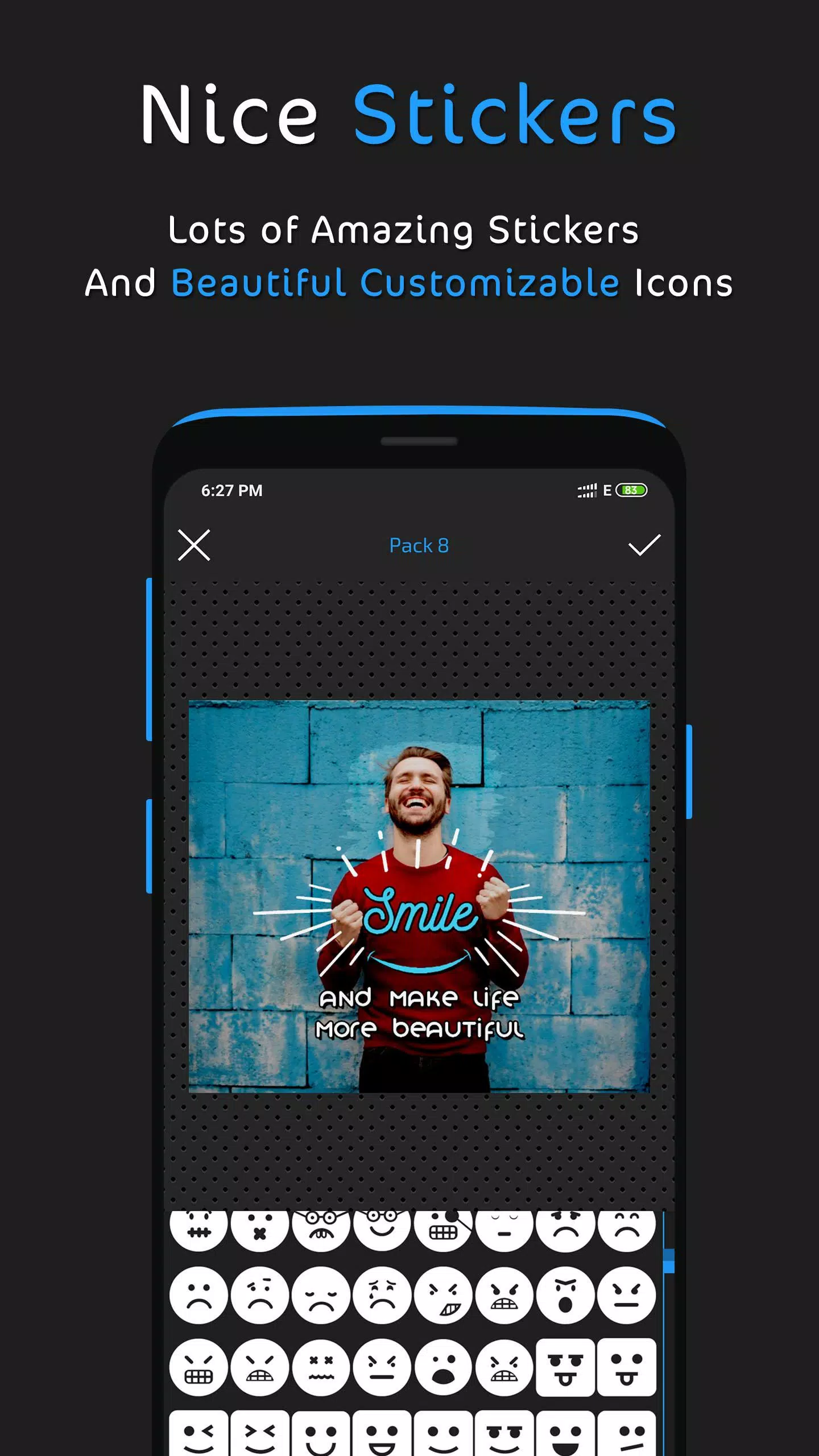
- Modifiable icons and stickers for added flair.
- Text Tools:
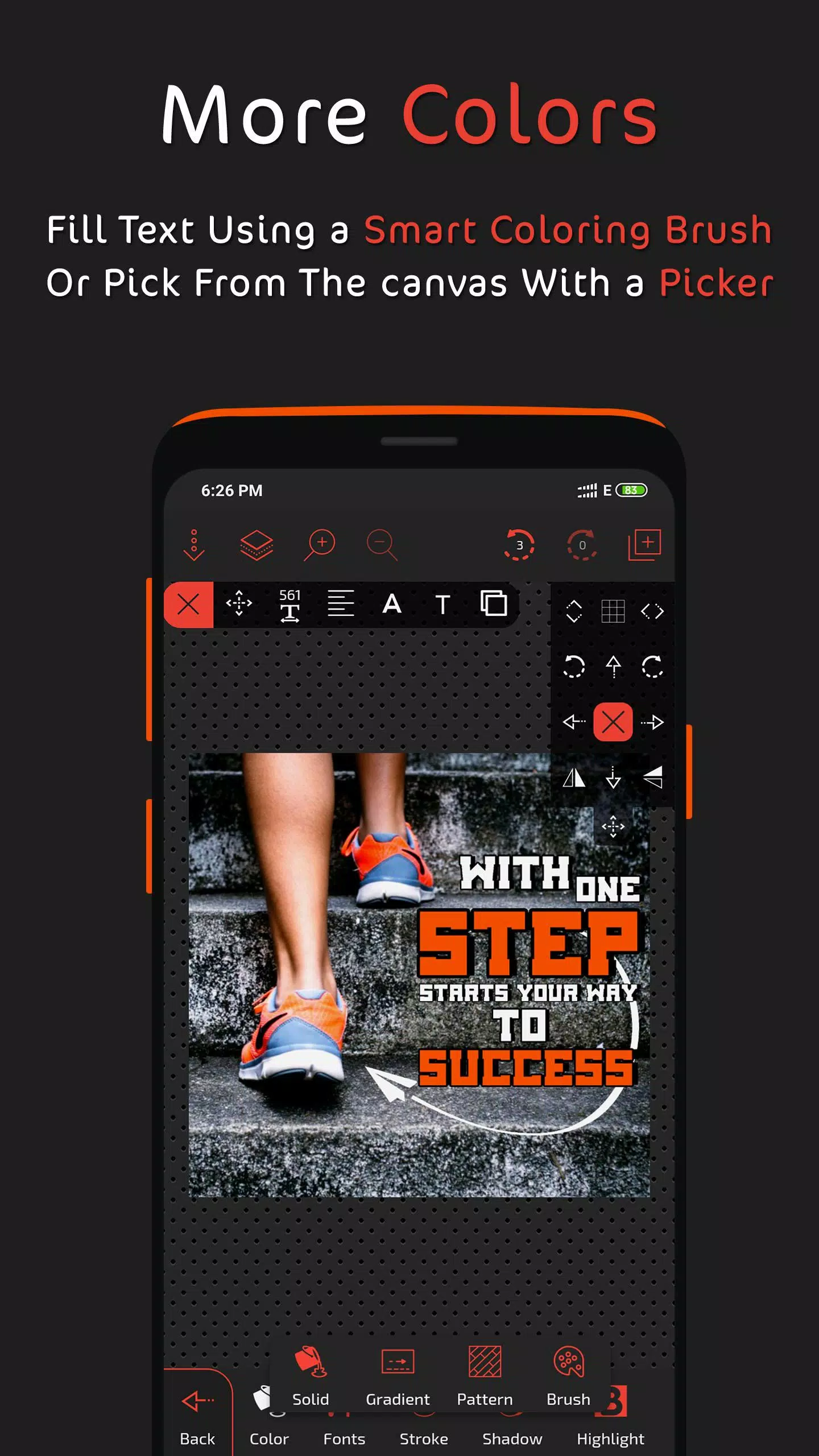
- Multiple fill options including gradients and patterns.
- Extensive font library with custom font support.
- Opacity, stroke, shadow, highlight, reflection, and more.
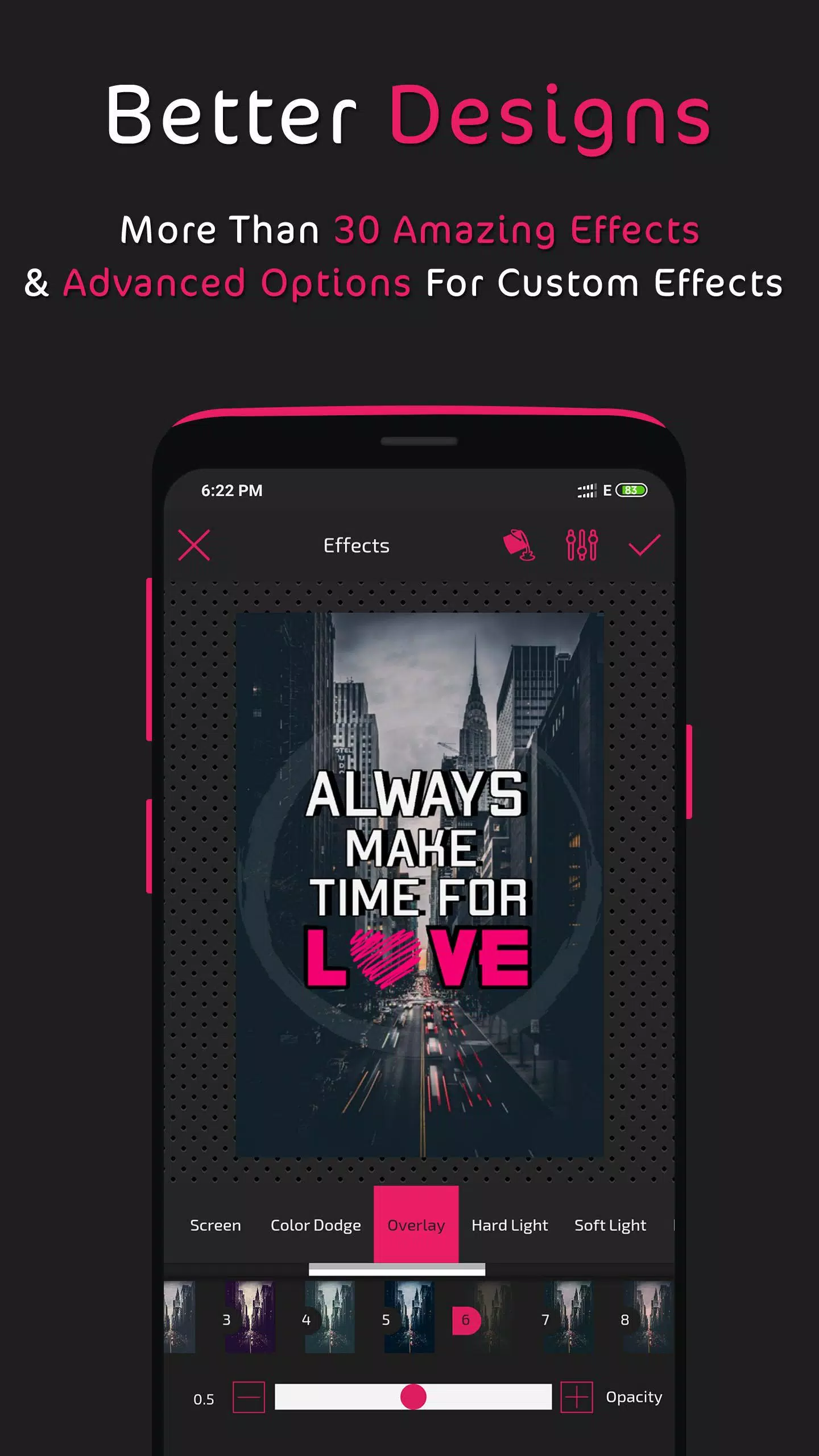
- Layer blending modes and filters for unique effects.
- Layers Management:
- Reorder, clone, lock, hide, or delete layers.
- Center or expand layers as needed.
- Apply blending modes for creative layer interactions.
- Fill Options:
- Solid colors, gradients, patterns, and image fills.
- Color picker and wheel for precise color selection.
- Photo Editing:
- Crop, rotate, and apply AI-powered background removal.
- Use eraser brush, effects, filters, and custom effects.
- Add borders, control image radius, and more.
- Save and Export:
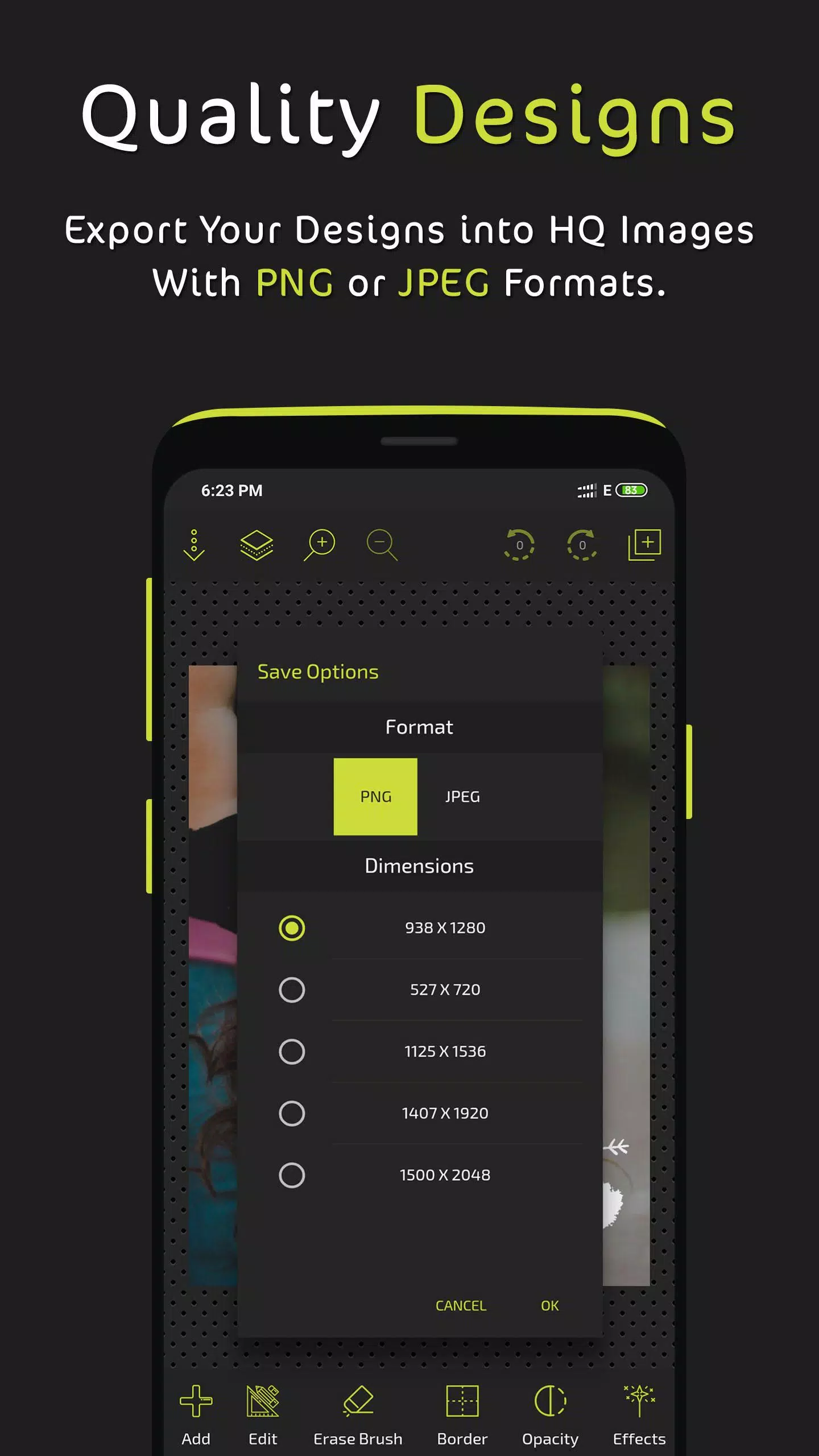
- Export as PNG or JPEG with various resolution options.
- Save designs for future edits with auto-save feature.
- Additional Features:
- Draw with customizable brushes.
- Group and ungroup elements for better control.
- Add dashes to strokes and borders.
- Zoom, grid, pixel movement, and tool shortcuts.
- Share your creations directly from the app.
Explore even more features and let your creativity soar with Postershop. We continuously update the app based on user feedback, so keep your suggestions coming!
Connect with us and showcase your designs on social media at www.facebook.com/postershopeditor.
What's New in Version 3.2
Last updated on Aug 30, 2024
- Added AI-powered background remover tool.
- Fixed issues with imported fonts.