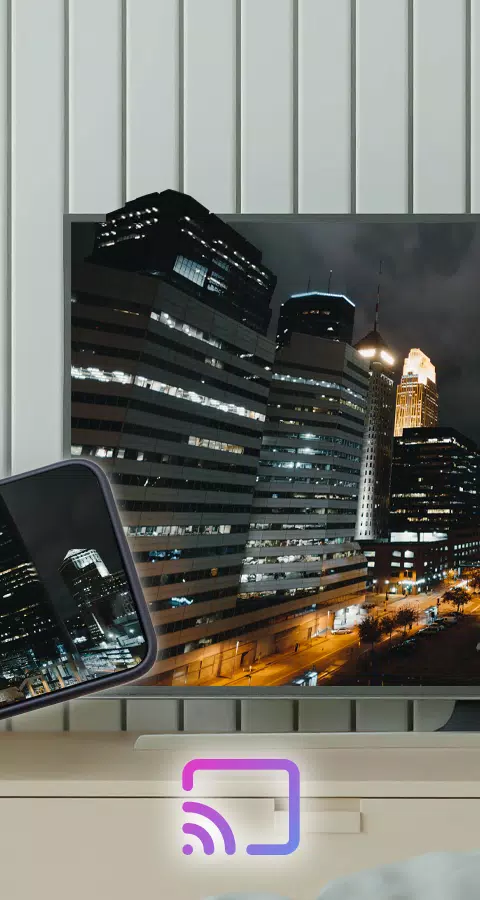
With the Wireless Display feature, connecting your phone to your TV has never been easier, thanks to the Connect Phone To TV App. While small smartphone and tablet screens are handy when you're on the move, why settle for less when you can enjoy your content on your TV's expansive screen from the comfort of your living room? The app makes sharing your phone's screen with your television a breeze.
Using the app is a snap—just select your media and hit play to instantly enjoy it on your TV. Whether you're at home or elsewhere, you can stream your favorite photos, videos, and music from any device with a wireless display feature, sharing special moments with friends and family on your WiFi-connected phone.
Features:
- Cast your Android screen to your TV screen (ensure your Smart TV supports Wireless Display/Miracast).
- Discover devices that support screencasting within your current WiFi network.
- Enjoy the custom curve of your phone's corner and quick access to the app from the notification bar.
To get started, simply open the app, tap "Start WiFi Display," and sync your device to the display you wish to mirror your screen onto. This app will help you scan and reflect your phone's or Android tablet's screen onto your TV/display (which must be MiraCast enabled) or wireless dongles/adapters.
Follow these steps to display your mobile screen on your TV:
- Ensure your TV and phone are connected to the same WiFi network.
- Enable Miracast Display on your TV.
- Enable the Wireless Display option on your phone.
- Click the "Select" button and choose your TV.
- Sit back and enjoy!
Screen Mirroring is compatible with all Android devices and versions.
What's New in the Latest Version 23.0
Last updated on Sep 12, 2024
Minor bug fixes and improvements have been made. Install or update to the newest version to experience these enhancements!