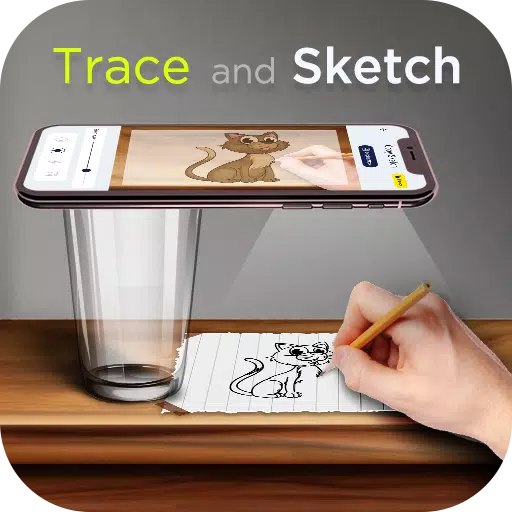
AR Drawing: Learn to Sketch, Trace, Paint, and Create Stunning Masterpieces!
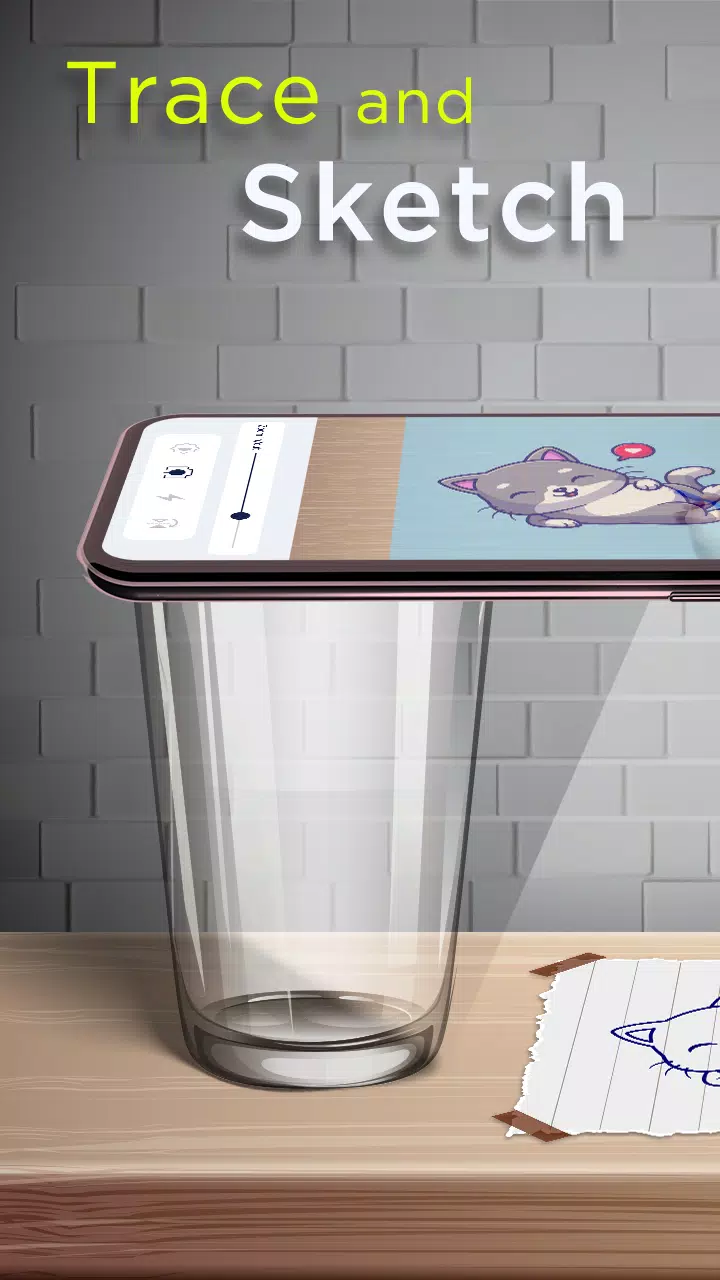
The AR Drawing app revolutionizes the way you learn to draw and create stunning artworks with its cutting-edge AI Drawing technology. Whether you're a seasoned artist or just beginning your journey, this app offers a unique opportunity to unleash your creativity and explore new artistic horizons. With AR Drawing, you can transform any surface into your canvas by using your phone's camera to trace projected images onto paper and then color them to life!
Jumpstart your artistic skills and learn to draw in just three days! The AR Drawing Trace to Sketch app is designed to cater to artists at every skill level, providing a perfect platform for learning and practicing drawing. The app simplifies the process of tracing images, making it accessible for everyone to start creating their masterpieces.
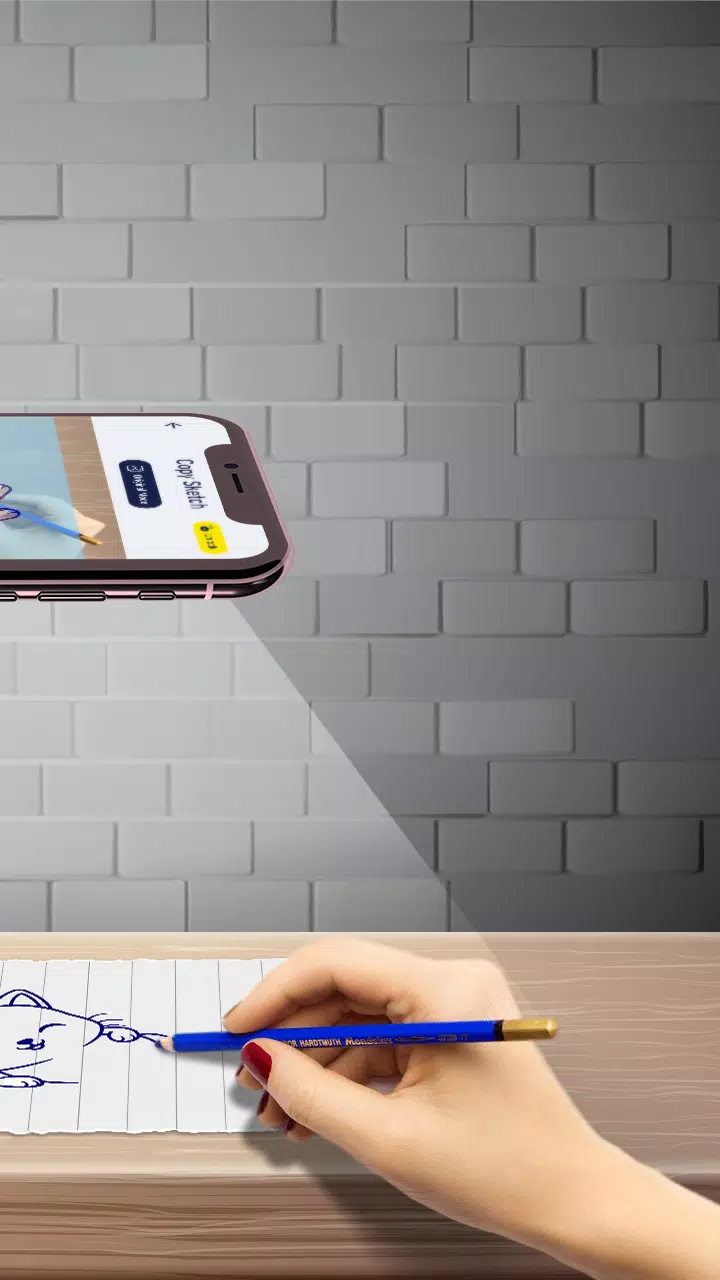
To begin, select an image from the Trace Drawing app or your gallery, and apply a sketch filter to make the image traceable. Position your phone approximately one foot above your paper, look through the camera, and start drawing on your paper. It's that simple!
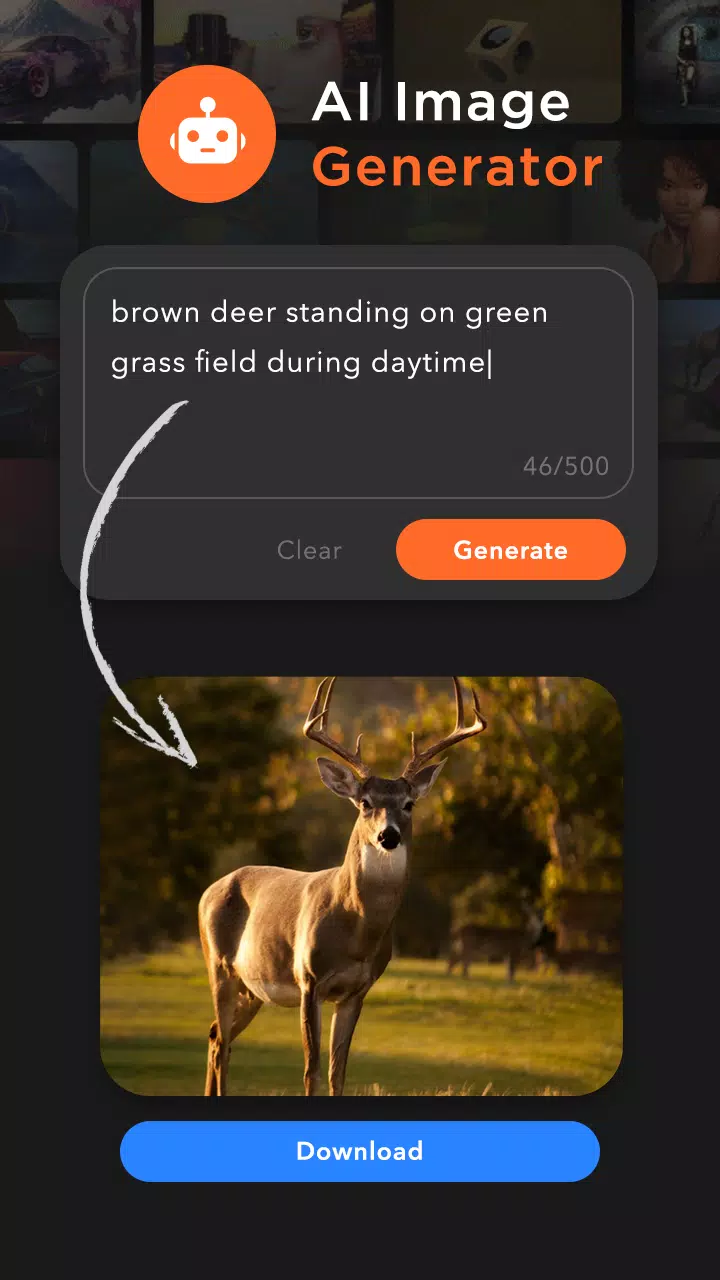
Enhance your creativity further with the AI Image Creator. Just type in a description of the image you're looking for, and the AI will generate the perfect image for you. Once downloaded, convert it into a sketch form and you're all set to trace and create.
The app offers a wide range of image categories and over 200 built-in sketches, including:
- Cartoon
- Flowers
- Vehicles
- Food
- Animals
- Objects
- Outline Images
- Others
Features of Trace to Sketch App:
- AI Image Generator: Enter your text, download the AI-generated image, and start tracing.
- Copy Sketch: Choose from in-built images or your phone's storage, and trace the image using the camera. Use a tripod to position your phone about one foot above the paper, and draw while looking at your phone.
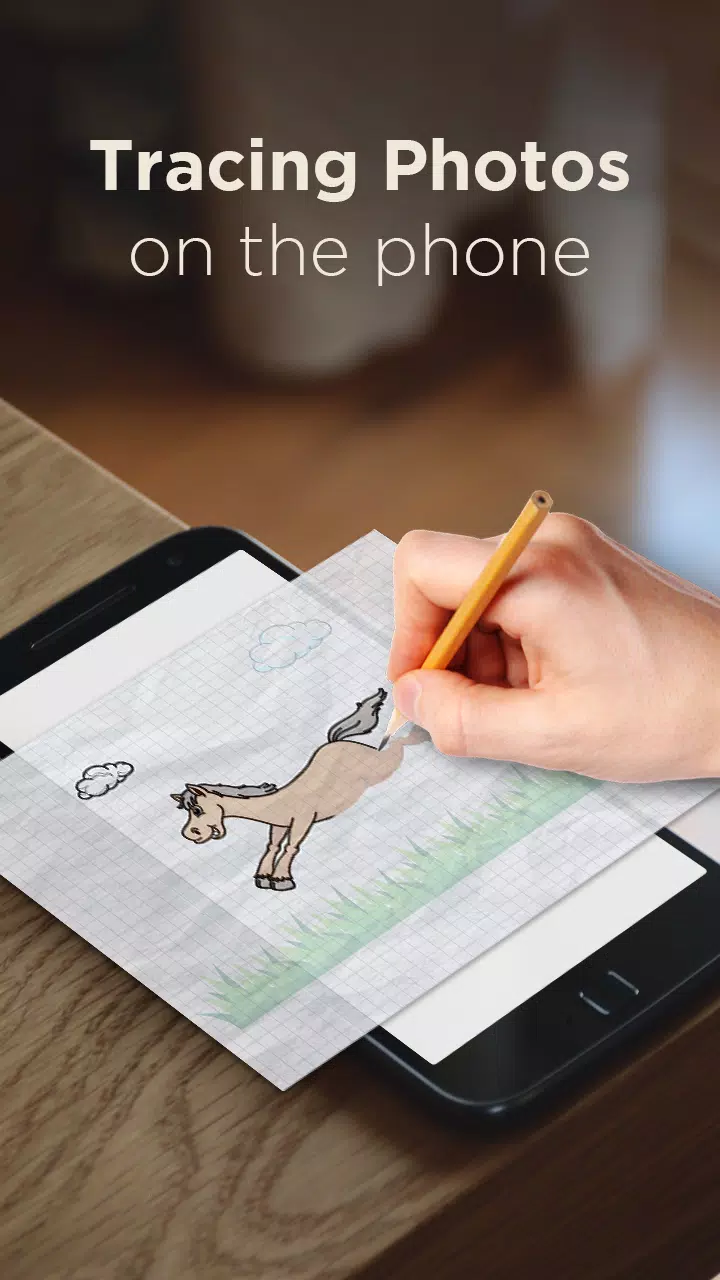
- Trace Sketch: Draw on paper by viewing a transparent image on your phone.
- Image to Sketch: Convert any color image into a sketch with various sketch modes.
- Drawing Pad: Quickly sketch your creative ideas in your sketchbook.
- Tracing Features:
- Select any sample image provided and draw in your sketchbook.
- Convert any image from your gallery into a tracing image and sketch on blank paper.
- Adjust image transparency or convert to line drawing to create your art.
- Use your phone's camera to draw.
- Utilize the built-in flashlight for better visibility.
- Sketch and then paint your creations.
- Share your results with friends.
- My Creations: View all your sketchbook creations and AI-downloaded images. Create sketches and share them with others.
Download the "AR Drawing: Paint & Sketch" app today and embark on your journey to create your own masterpieces. Sketch, paint, and create like never before!
What's New in the Latest Version 3.6
Last updated on Nov 7, 2024
Minor Bugs Fixed.