Home Apps Communication Status Saver for Whatsapp
Status Saver for Whatsapp

Status Saver for Whatsapp

4.5
Application Description

Status Saver for Whatsapp is a handy app that simplifies saving WhatsApp statuses to your Android device. Follow these easy steps:

  1. Open WhatsApp: Launch the WhatsApp app and navigate to the "Statuses" tab.
  2. View the Status: Open the specific status you wish to save. This is crucial, as you cannot save a status without viewing it first.
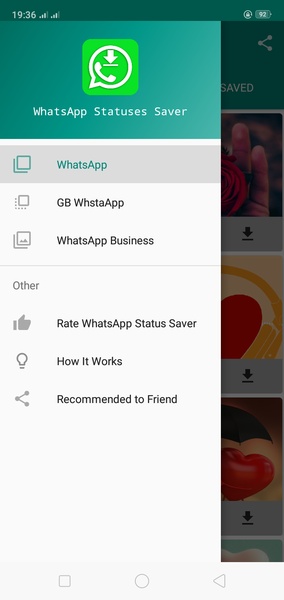
  3. Open Status Saver for Whatsapp: Now, open the Status Saver for Whatsapp app. You'll find all the statuses you've previously viewed displayed on the screen.
  4. Select and Save: Simply choose the status you want to save and it will be stored on your device.

Status Saver for Whatsapp provides a user-friendly way to preserve WhatsApp statuses on your Android device for future access.

Requirements (Latest version):

Android 5.0 or higher is required.

Screenshot
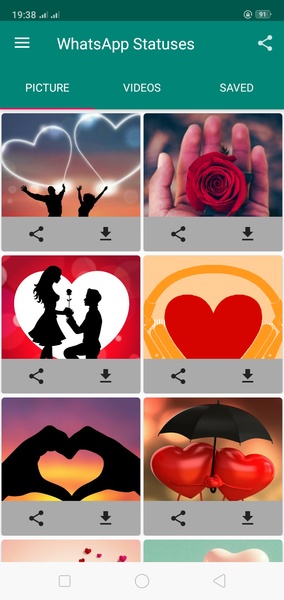
  • Status Saver for Whatsapp Screenshot 0
  • Status Saver for Whatsapp Screenshot 1
  • Status Saver for Whatsapp Screenshot 2
  • Status Saver for Whatsapp Screenshot 3
Reviews Post Comments
Latest Articles
  • P-Studio Head Confident in Fresh Persona 4 Revival

    ​Atlus confirmed at yesterday's Xbox Game Showcase that a remake of Persona 4 is indeed in the works: Persona 4 Revival. However, the 40-second reveal trailer left some fans underwhelmed.Critics pointed to the visual presentation, citing issues with t

    by Bella Dec 27,2025

  • Shadow Hunter Offline: 10 Combat Mastery Tips | Bluestacks

    ​Shadow Hunter Offline Games (also called Demon Hunter: Shadow World) is a stylish 2D action RPG where skill and strategy matter just as much as flashy combat moves. Beyond the cool animations and dark aesthetic lies gameplay that rewards mastery—ever

    by Claire Dec 27,2025

Latest Apps