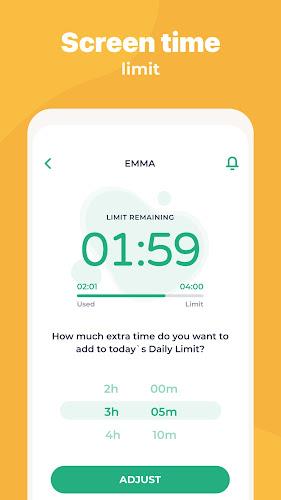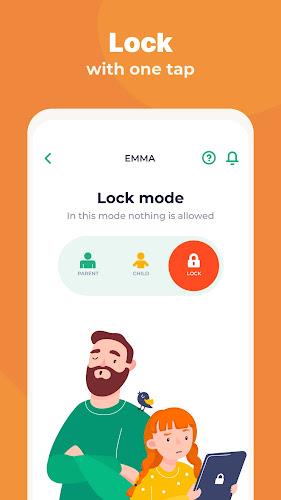
Introducing Kidslox, the secure parental control and screen time tracker app. Take control of your child's screen time, track their location, block apps, and monitor app usage with ease. Set screen time schedules, daily time limits, and even reward your child for completing tasks. Monitor their activities, block inappropriate apps, and stay informed with location tracking. Kidslox is available for Android, iOS, Windows, and Mac, ensuring parental controls on all platforms. Download the app now for a 3-day free trial and start managing your child's phone use in line with your desired parenting style. Learn more about Kidslox at .
Features of the Kidslox Parental Control App:
- Screen Time Control: Allows parents to set limits on the amount of time their child spends on their device and specific apps.
- App Blocking: Parents can block specific apps on their child's device remotely, ensuring that they only have access to appropriate content.
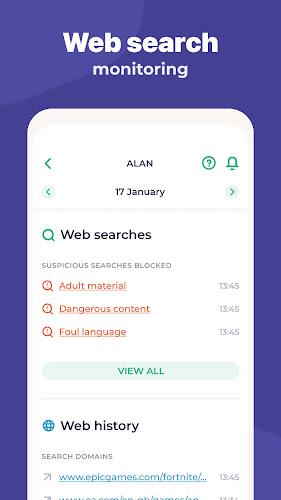
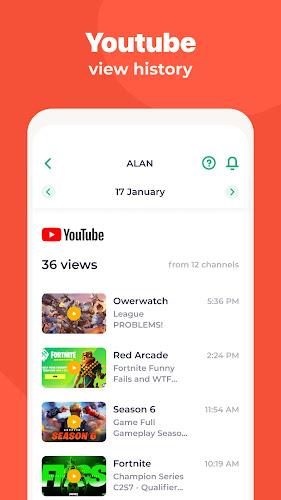
- App and Web Activities Monitoring: Provides parents with the ability to monitor their child's app usage, web surfing activities, and sites visited.
- Location Tracking: Parents can track their child's location using GPS tracking, receive notifications when they enter or leave specific zones, and view location history.
- Content Blocking: Filters out adult content, blocks in-app purchases, and enables safe search on search engines.
- Family Parental Controls on all Platforms: The app is available for Android devices, iPhones, iPads, Windows, and Mac, providing complete control over screen time management on all devices.
Conclusion:
Kidslox Parental Control App offers a comprehensive set of features for parents to control and manage their child's screen time. With the ability to set time limits, block apps, monitor activities, track location, and block inappropriate content, parents have great control over their child's device usage. The app is available on multiple platforms, ensuring that parents can regulate screen time on all devices. Additionally, the app offers a 3-day free trial and a user-friendly interface, making it a reliable choice for parents looking for effective parental control software. Explore more about Kidslox on their website at Parental Control - Kidslox.