Bedrock Together: Seamlessly Join Any Bedrock Server on Xbox/PS
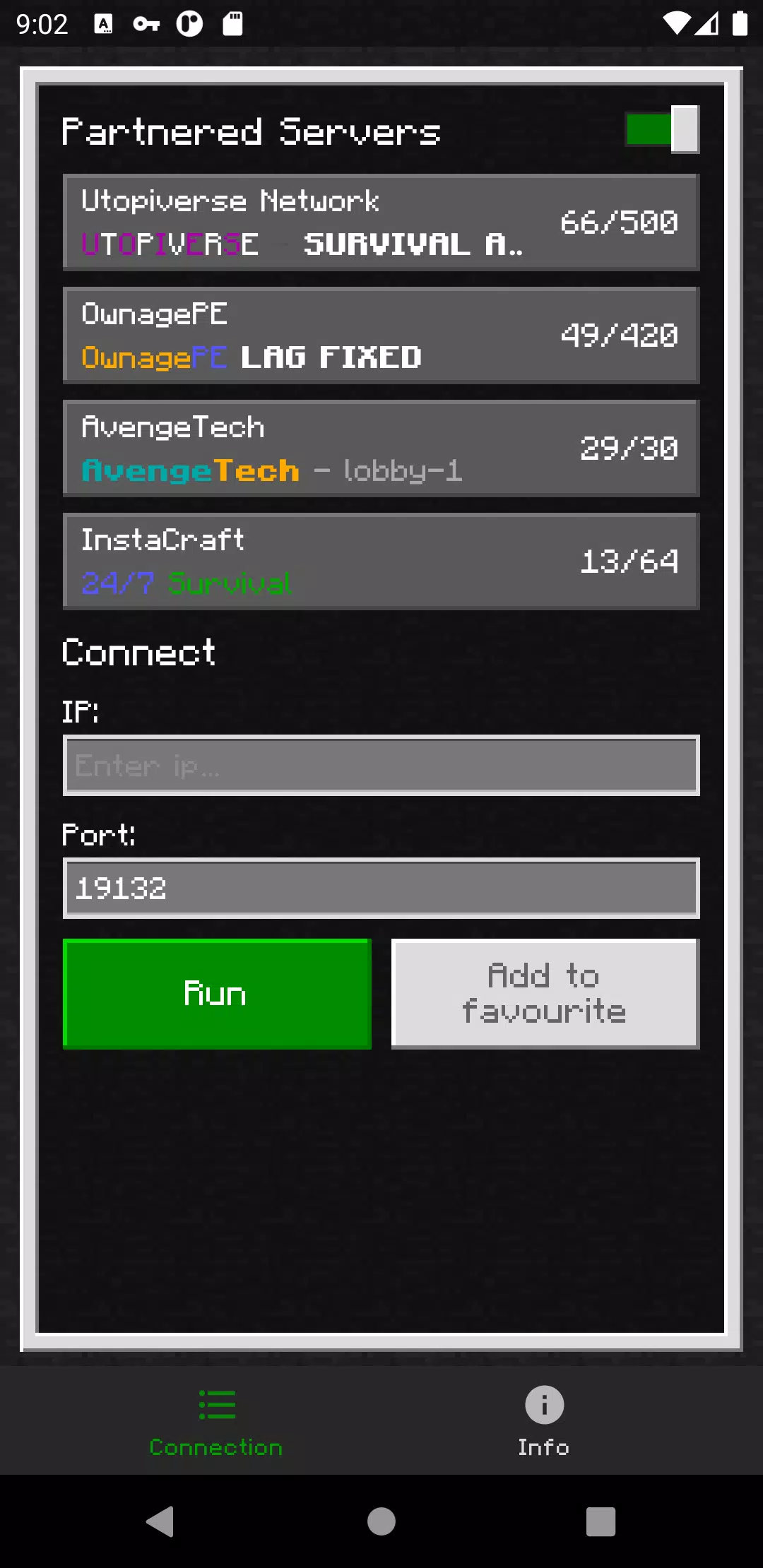
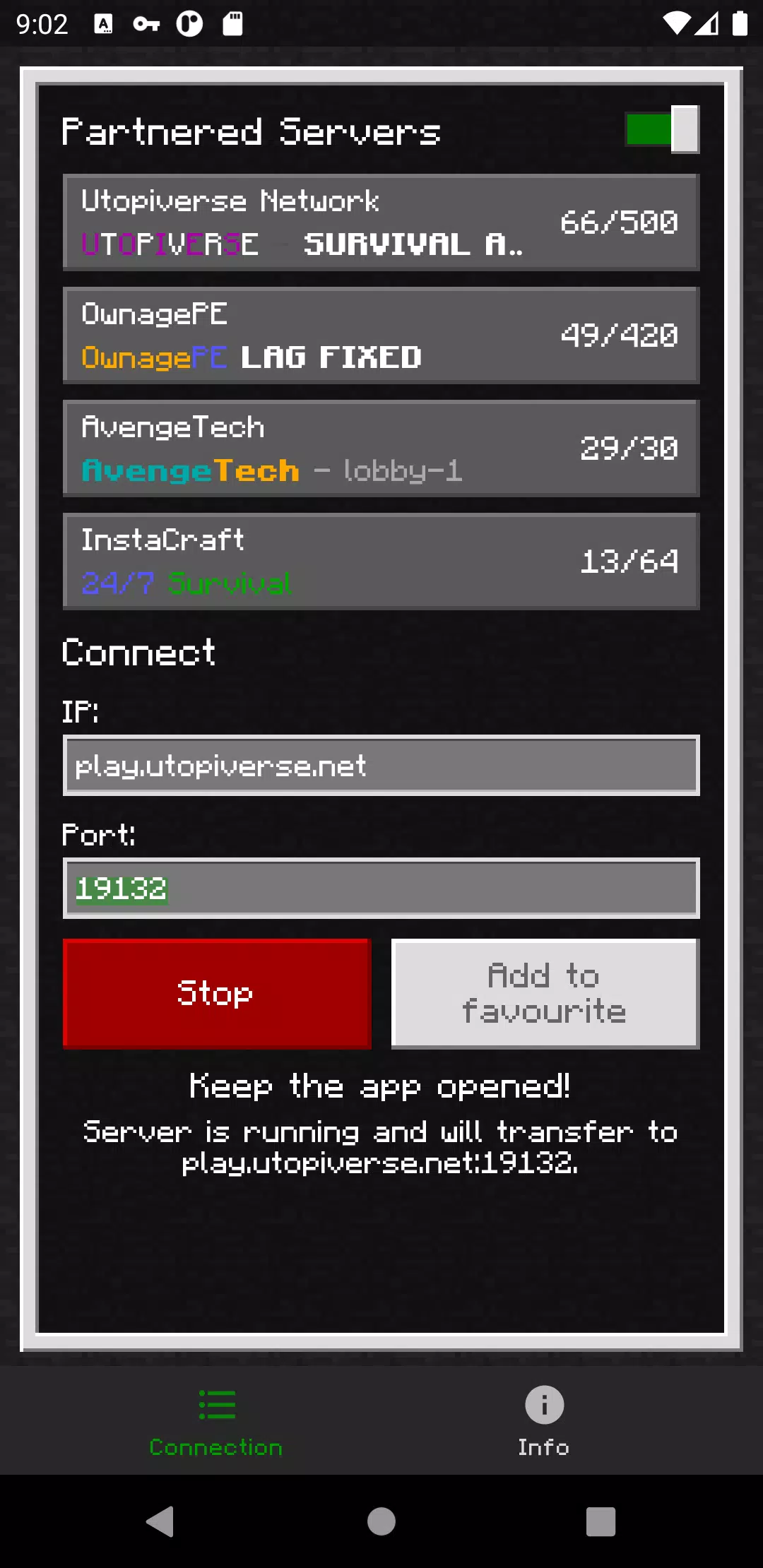
BedrockTogether revolutionizes your Minecraft Bedrock Edition experience by allowing any Bedrock server to appear as a LAN server on your Xbox or PlayStation. This innovative tool eliminates the need for complex DNS rerouting, making server connections straightforward and user-friendly.
Please note that while using Bedrock Together, Realms and Nintendo Switch compatibility are not currently supported.
How to Connect:
- Enter your desired server IP and port.
- Click the “Run” button.
- Open the game and navigate to the “Friends” tab.
- Connect to the server using the LAN tab.
- Close the Bedrock Together app after the client has successfully joined the server.
Troubleshooting:
To ensure a smooth connection, make sure that:
- Your gaming console and mobile device are connected to the same LAN network.
If you encounter any bugs, please report them on the Discord server in the #bugs channel. You can join the community at https://discord.gg/3NxZEt8 or via Telegram at t.me/extollite.
The application icon was crafted by nataliagemel.pl.
Disclaimer: BedrockTogether is a third-party application and is not affiliated with, nor endorsed by, Minecraft, Mojang AB, Microsoft, Xbox, or Xbox Live.
What's New in the Latest Version 1.21.40
Last updated on Oct 20, 2024
- Support for 1.21.40