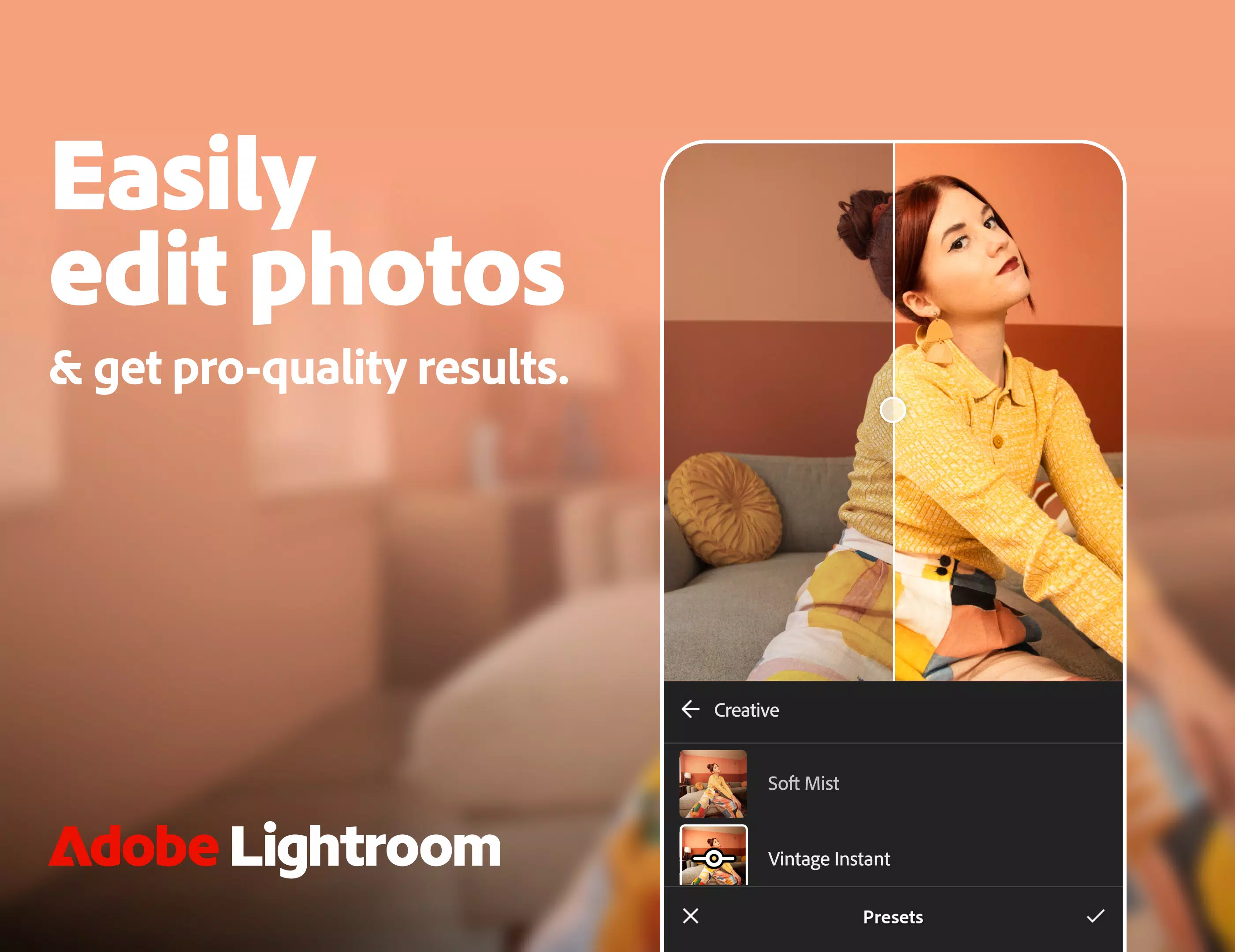
Adobe Photoshop Lightroom stands as a formidable tool for both photo and video editing, enabling users to effortlessly capture and enhance stunning visuals. The application is equipped with an extensive array of presets and filters, alongside advanced editing capabilities, making it an essential resource for photographers and videographers alike.
Key Features of Lightroom:
Extensive Library of Presets and Filters: Lightroom boasts over 200 exclusive Premium Presets crafted by professional photographers, allowing users to instantly enhance their photos with professional-grade adjustments. The app also introduces an AI adaptive preset that intelligently suggests the most suitable presets for your photos. Users have the flexibility to create and save their own presets, ensuring a personalized touch to their editing process.
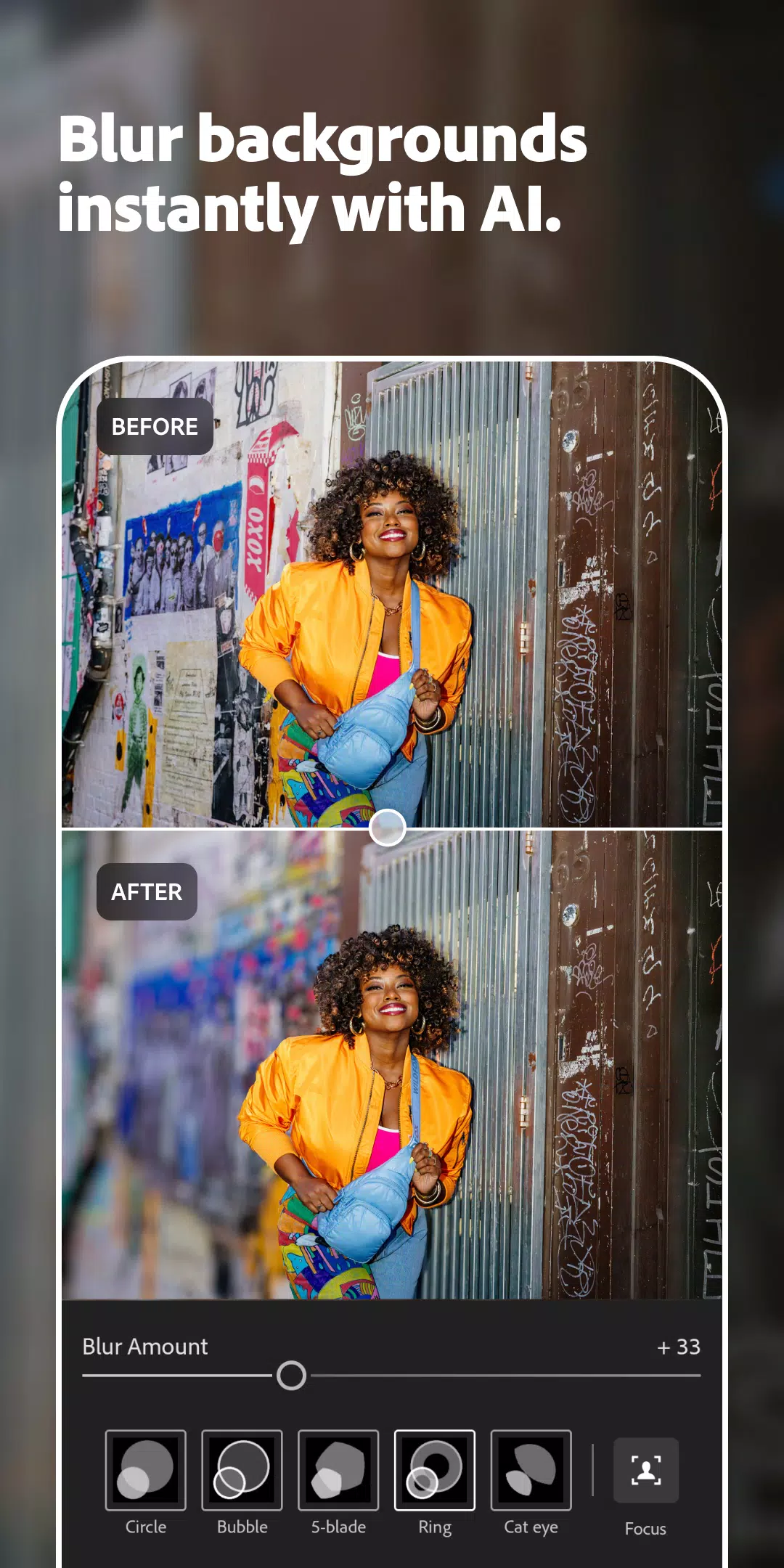
Advanced Photo Editing and Camera Tools: Lightroom's auto photo editor provides instant improvements to your images, while precision sliders allow for meticulous adjustments to light settings such as contrast, exposure, highlights, and shadows. The app's toolkit is further enriched with advanced features like the color mixer, color grading tools, curves photo editor, and exposure timer, catering to the needs of both novice and professional editors.
Powerful Video Editor: The video editing capabilities of Lightroom are equally robust, enabling users to apply presets, edit, trim, retouch, and crop videos with precision. Adjustments to contrast, highlights, vibrance, and more can be fine-tuned with ease. Premium members gain access to advanced tools including the Healing Brush, masking, geometry adjustments, and cloud storage, enhancing their video editing experience.
What's New in the Latest Version 10.0.2
Last updated on Oct 24, 2024
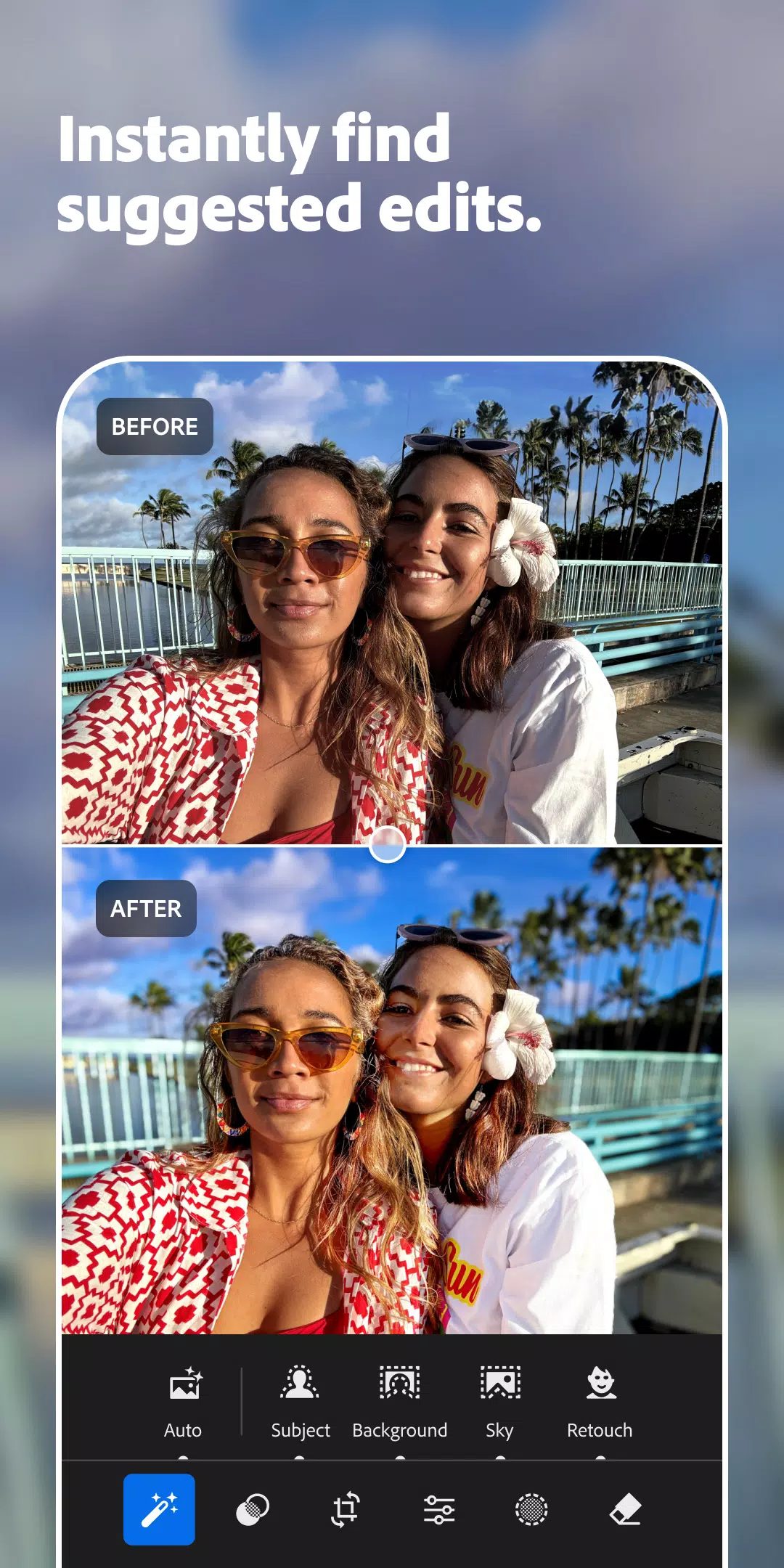
- [Early access] Get suggested edits with Quick Actions: Utilize AI to receive editing suggestions that streamline your workflow.
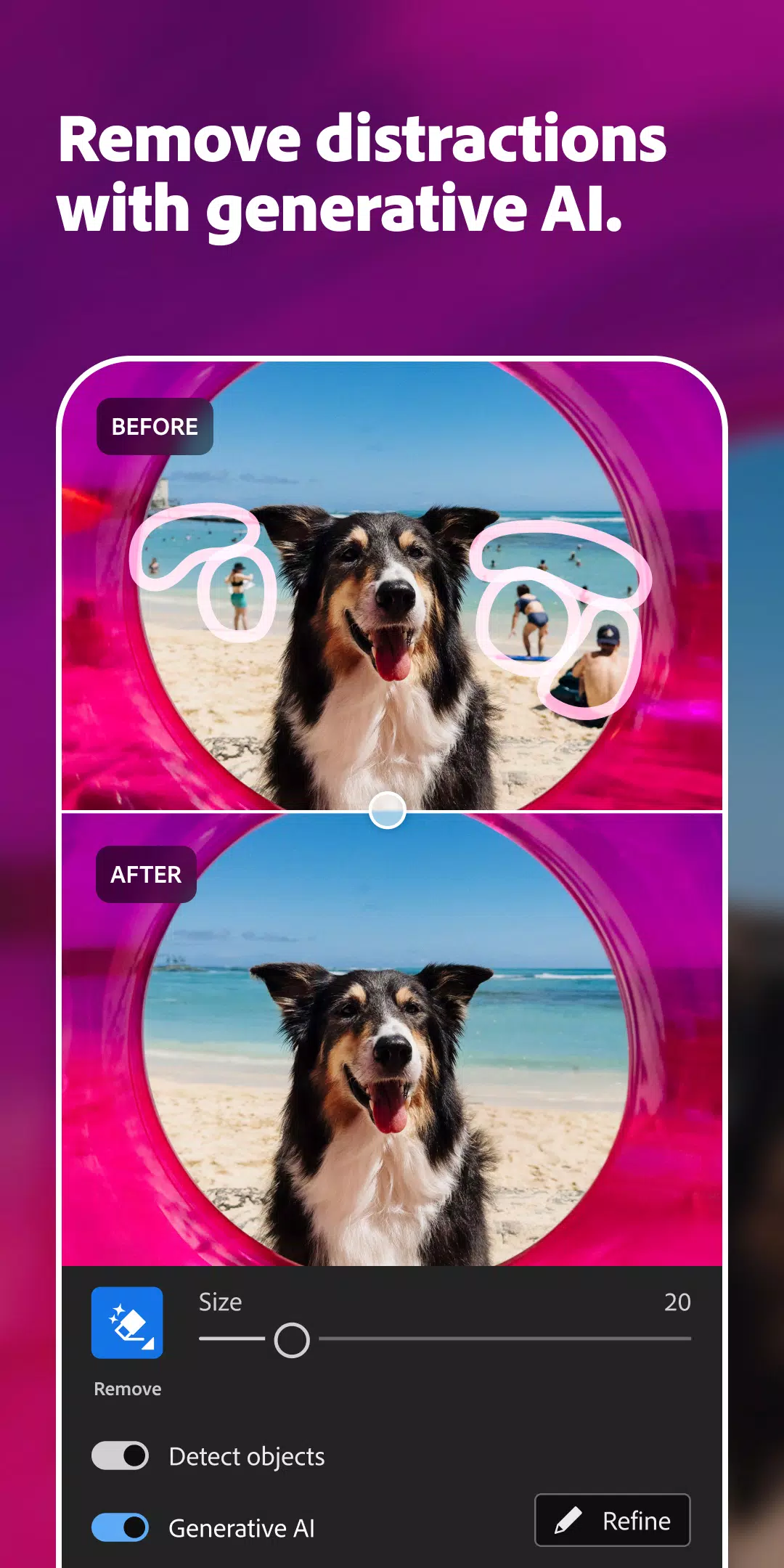
- Detect objects in Generative Remove: Easily remove unwanted objects from your photos with improved detection capabilities.
- 7 new adaptive presets: Expand your creative options with these newly added, AI-driven presets.
- Edit in HDR on Pixel 9: Experience enhanced dynamic range editing on the latest Pixel 9 devices.
- New camera & lens support: Stay updated with the latest camera and lens compatibility at adobe.com/go/cameras.
- [Early access] Choose to attach your digital signature when exporting JPEGs: As part of the Content Authenticity Initiative, add a digital signature to your exported images for verification purposes.
- Bug fixes & stability improvements: Enjoy a smoother and more reliable editing experience with these updates.
By integrating these new features, Adobe Lightroom continues to push the boundaries of what's possible in photo and video editing, offering users cutting-edge tools to achieve professional results.