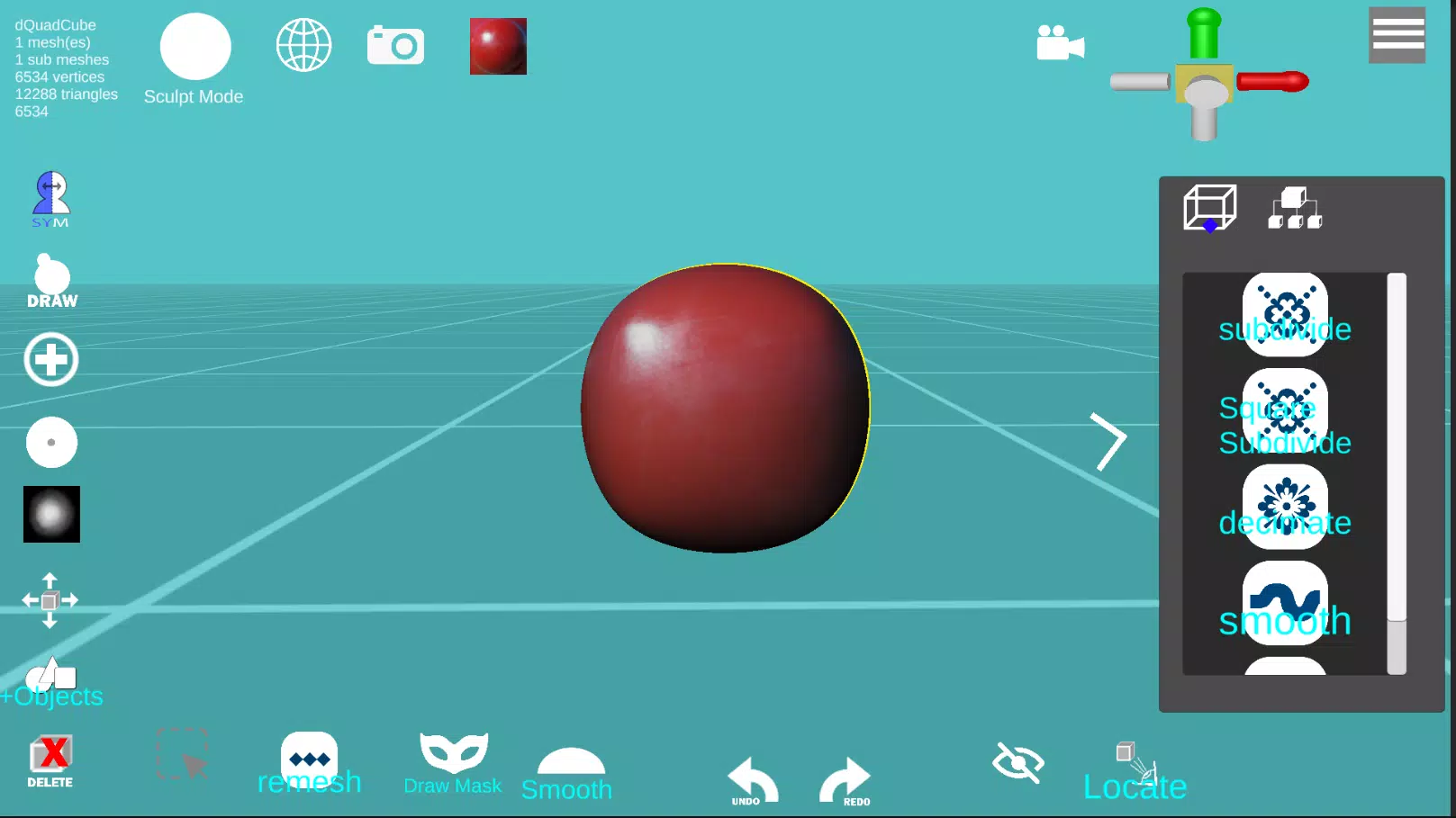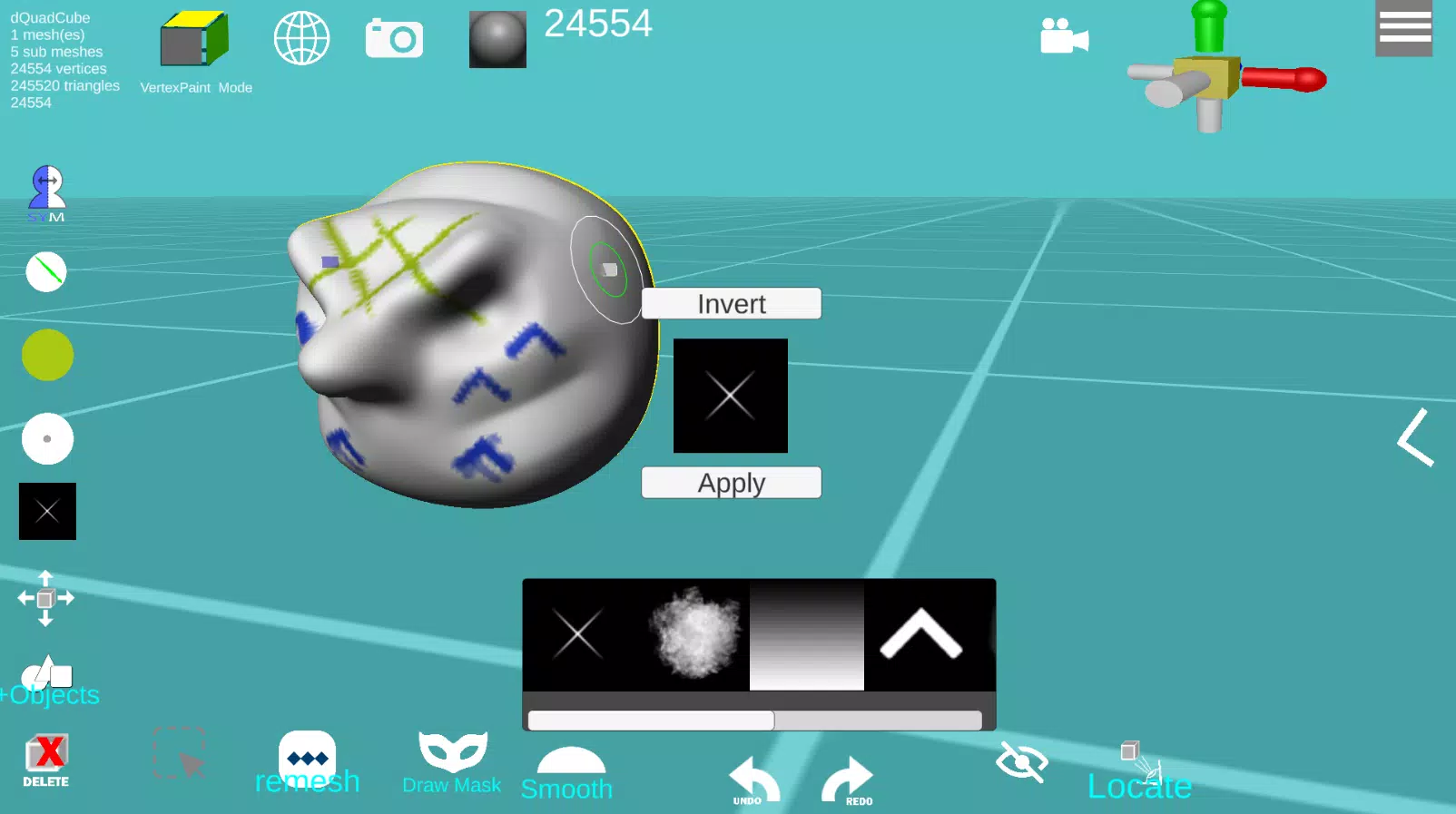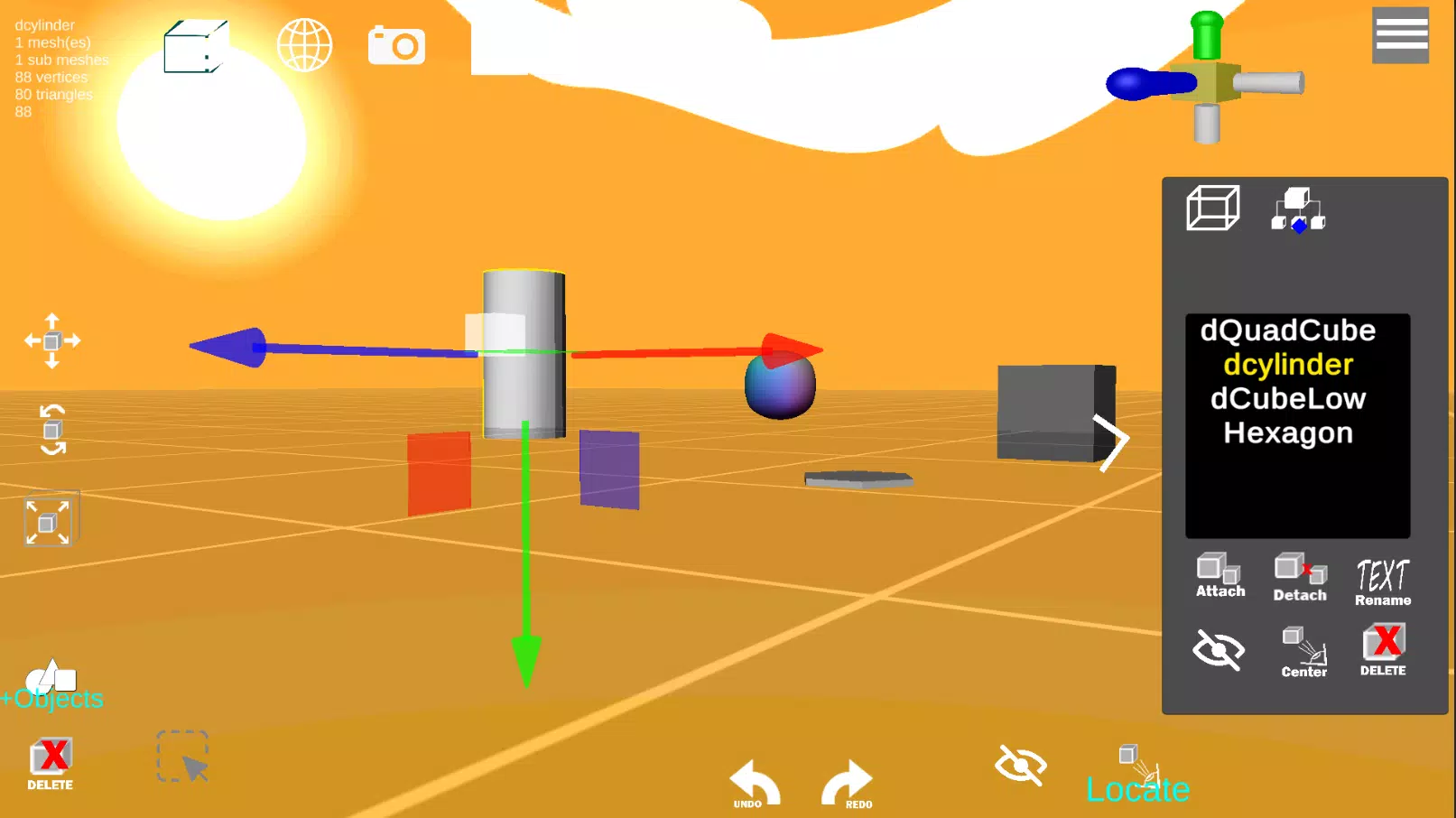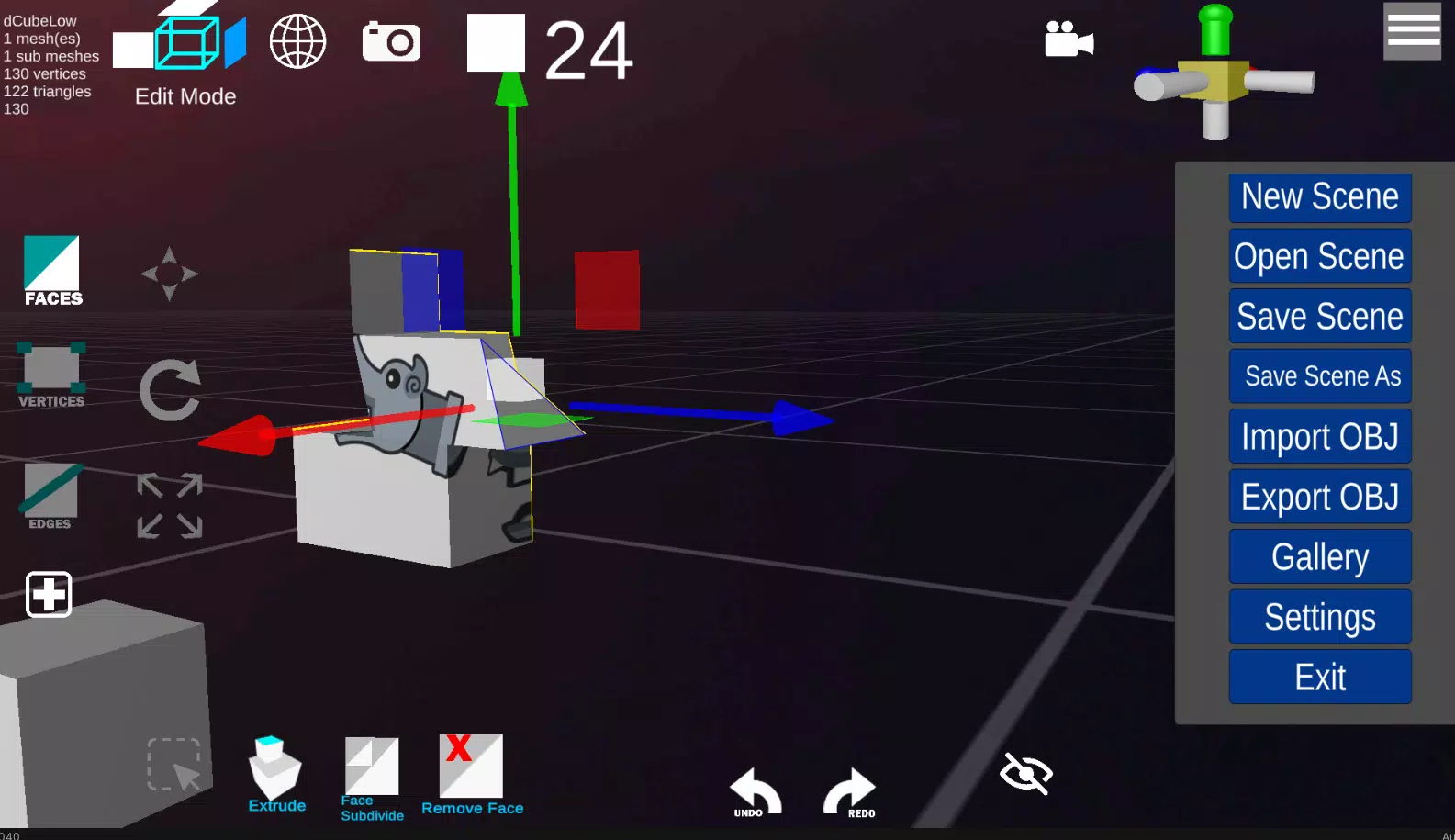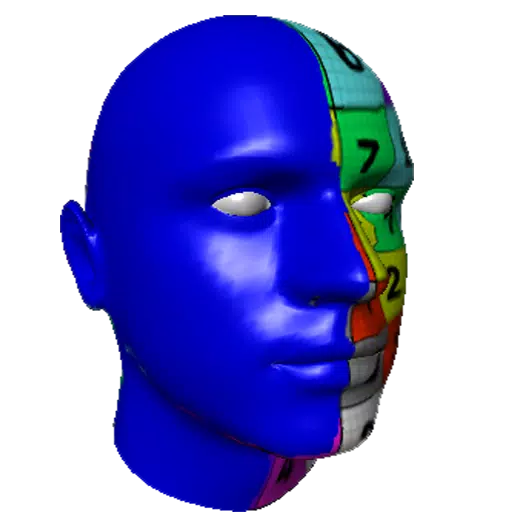
d3D Sculptor is a powerful digital sculpting tool that seamlessly integrates 3D modeling, texturing, and painting into one comprehensive platform. With d3D Sculptor, artists can manipulate digital objects with the same ease as working with real-life materials like clay. The software allows users to push, pull, extrude, move, rotate, stretch, and more, providing a highly intuitive sculpting experience. Additionally, users can tweak UV coordinates with options to scale, rotate, translate, and revert to the original state at any point. For those looking to enhance their projects, d3D Sculptor supports importing OBJ files for further detailing or texturing, and exporting OBJ files to load into other 3D design programs.
Key Features of d3D Sculptor
- Import and Export Formats: Supports OBJ for universal compatibility.
- Face Extrude and Intrude: Allows for detailed manipulation of model surfaces.
- Modify Vertices, Faces, and Edges: Offers precise control over model geometry.
- Dynamic Topology: Enables real-time mesh adjustments for seamless sculpting.
- Sculpt with Alpha Textures: Enhances sculpting detail with texture-based tools.
- Paint and Texture: Includes options to export textures for further use.
- Custom MatCaps: Load your own material capture files for unique visual effects.
- UV Editor: Features an Unwrap Modifier with AI-powered UV unwrapping for efficient texturing.
- Boolean Operations: Supports intersect, subtract, and union operations for complex model creation.
- Subdivide Options: Subdivide by edge, center, or curve to refine model detail.
- Decimate Model: Reduce polygon count to optimize model performance.
- Draw Mask: Create masks to isolate areas for focused sculpting.
- Share Creations: Showcase your work in the d3D Sculptor gallery.
Free Version Limitations
The free version of d3D Sculptor offers unlimited exports for models with up to 65,000 vertices, but it comes with a limit of 5 undo and redo actions. This provides a robust starting point for users to explore the capabilities of the software before considering an upgrade to the full version.