FRITZ!App Media: Stream Your Media Effortlessly
With the FRITZ!App Media app, you can say goodbye to the days of juggling multiple devices to access your media. This powerful yet user-friendly app lets you effortlessly stream and control your photos, videos, and music from your media server to any device on your home network.
Whether you're using a FRITZ!Box media server, NAS, XBMC, Plex, or Windows Media Server, FRITZ!App Media has you covered. Stream your media to local playback devices, UPnP/DLNA-enabled TVs, receivers, Chromecast, Amazon Fire TV, WiFi speakers, Sonos, XBMC, WDTV Live, and Medion Streaming clients – the choice is yours. Simply select your media, hit play, and let FRITZ!App Media transform your Android device into a convenient remote control for your home network.
Features of FRITZ!App Media:
- Access Media from Various Sources: Choose your media from your FRITZ!Box media server, NAS, XBMC, Plex, Serviio, or Windows Media Server. Easily select and play your favorite photos, videos, and music from different storage devices.
- Playback on Multiple Devices: Enjoy your multimedia content on various devices throughout your home network, including local devices, UPnP/DLNA-compatible TVs, receivers, Chromecast, Amazon Fire TV (with a proper UPnP/DLNA-App installed), WiFi speakers, Sonos, XBMC, WDTV Live, and Medion Streaming clients.
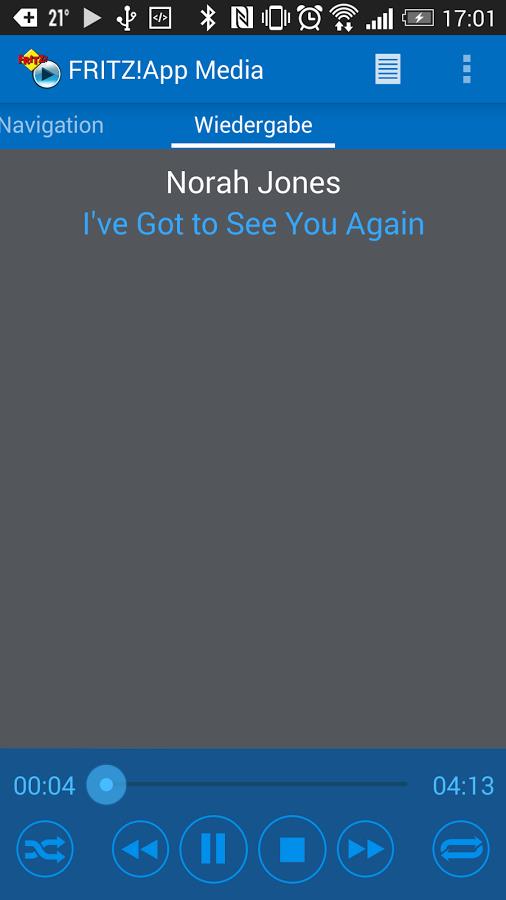
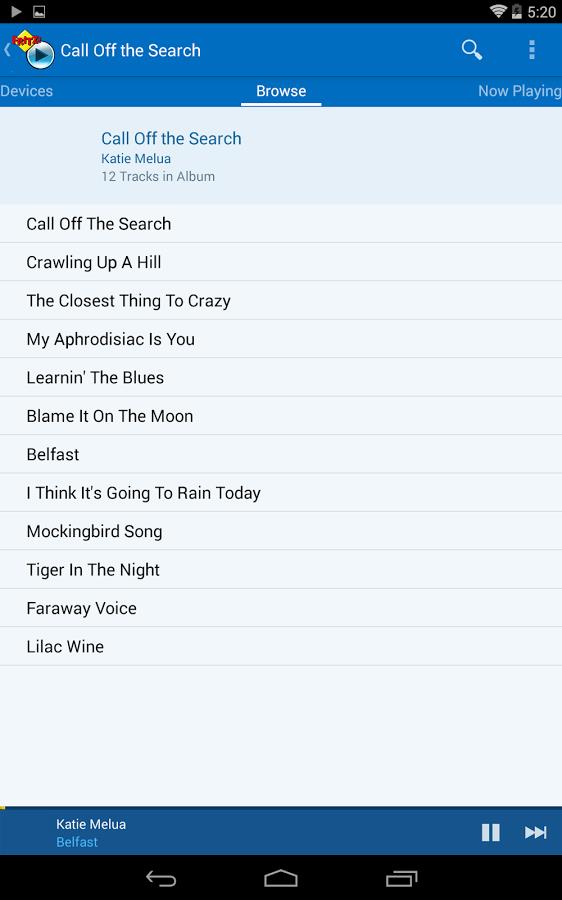
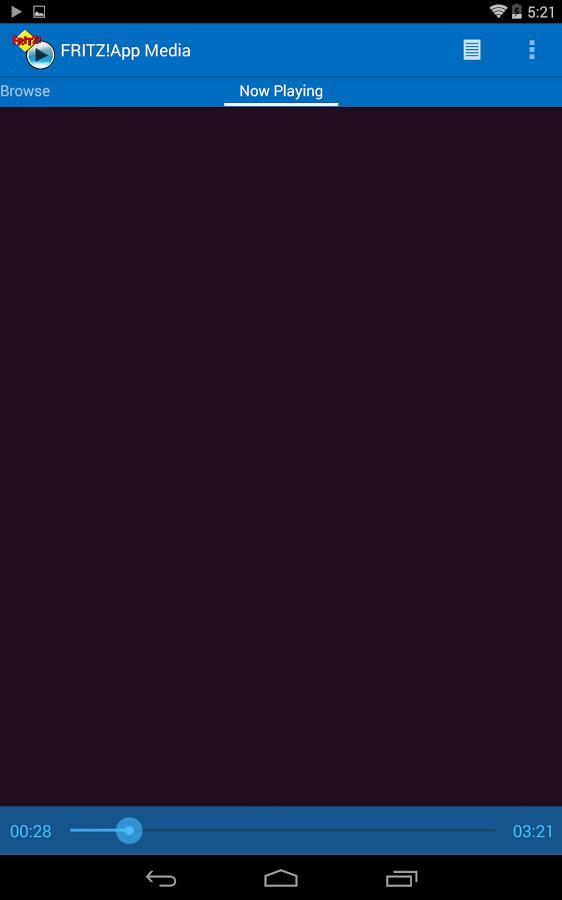
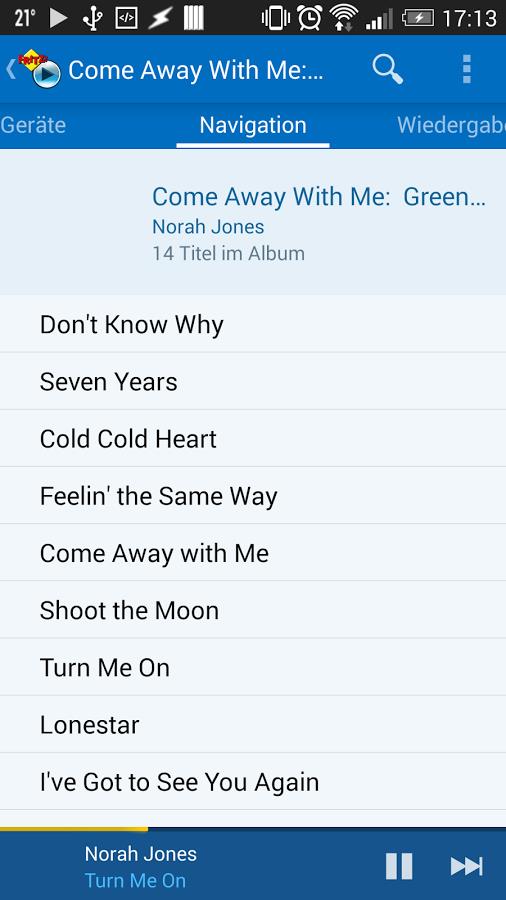
- Simple and Functional Interface: Navigate through your media files and select what you want to play with ease. The intuitive and user-friendly interface makes it convenient for everyone to control and stream media from their devices.
- Remote Control for Your Home Network: Turn your Android device into a remote control for your home network. Control the playback of music, videos, and pictures on your networked television or home theatre system. This adds convenience and flexibility to your home entertainment setup.
Tips for Users:
- Ensure Your Media Server is Set Up Properly: Before using the app, make sure your media server, such as FRITZ!Box, XBMC, Plex, or Windows Media Server, is properly set up and connected to your network. This will ensure smooth access and playback of your media files.
- Connect Your Playback Devices to Your Network: To use the app, make sure your playback devices, such as TVs, receivers, or WiFi speakers, are connected to your home network. This will allow seamless streaming and playback of your media files from your Android device.
- Use the App as a Remote Control: Take advantage of the app's remote control feature to control the playback of media on your networked television or home theatre system. Use your Android device to select the desired device for playback and enjoy your favorite music or videos on a larger screen.
Conclusion:
FRITZ!App Media is a simple and functional app that allows you to control and stream your photos, videos, and music from various media servers to different devices in your home network. With its easy-to-use interface and support for different media sources and playback devices, it offers convenience and flexibility in accessing and enjoying your multimedia content. Whether you want to listen to music, watch videos, or view photos on your networked television or home theatre system, the app provides a seamless and user-friendly solution. Download the app now and enhance your home entertainment experience.