Unlock the full potential of your device with Keymapper! This powerful tool allows you to remap various hardware buttons, tailoring your device's functionality to your unique preferences. You can remap fingerprint gestures on compatible devices, volume buttons, navigation buttons, and even buttons on connected Bluetooth or wired keyboards. Additionally, buttons on other connected devices can be remapped, but remember, only hardware buttons are eligible for remapping. There's no guarantee that all buttons will work, as your device's OEM/vendor might restrict some from being remapped. Keymapper isn't designed for controlling games, so keep that in mind.
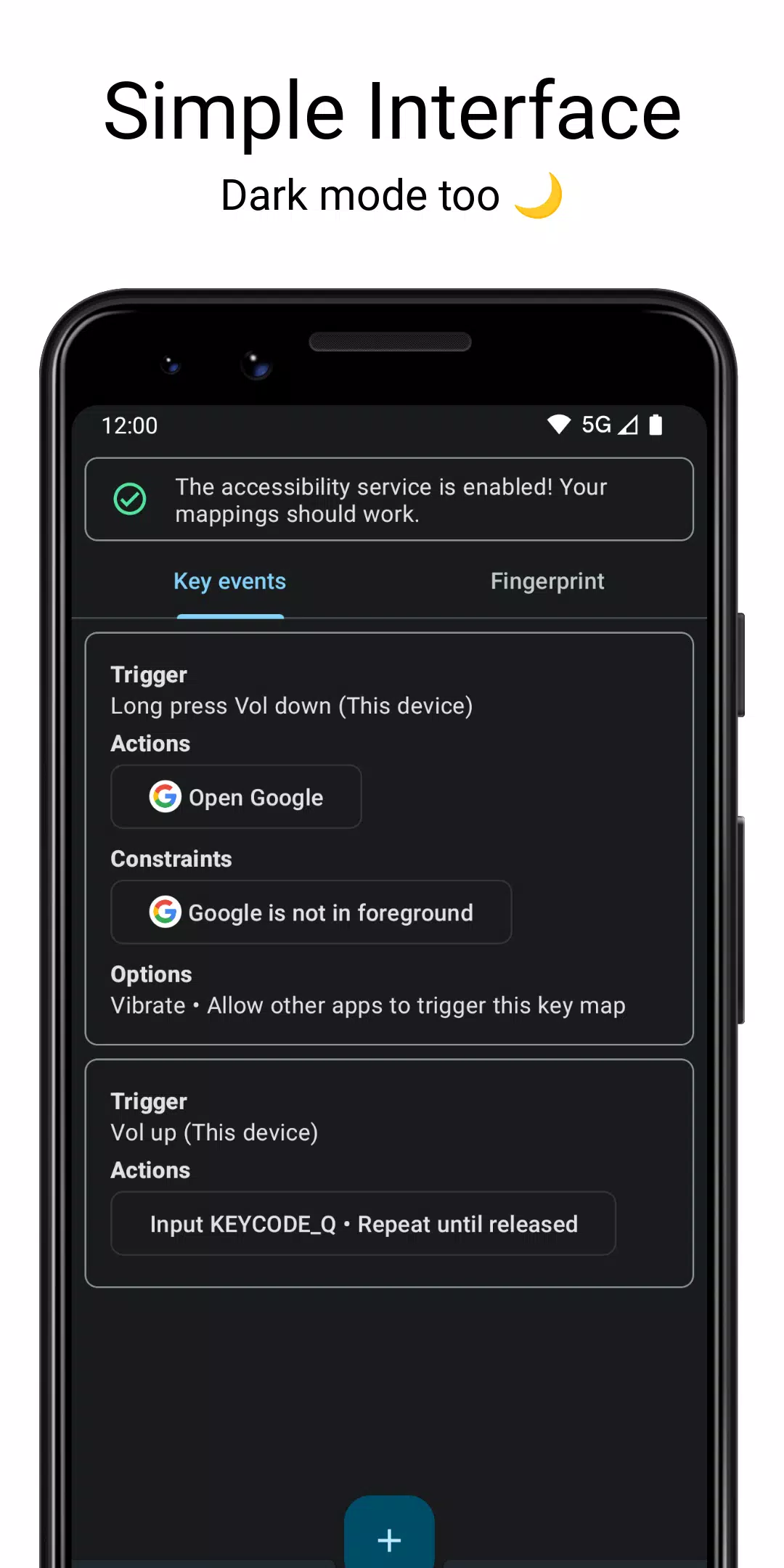
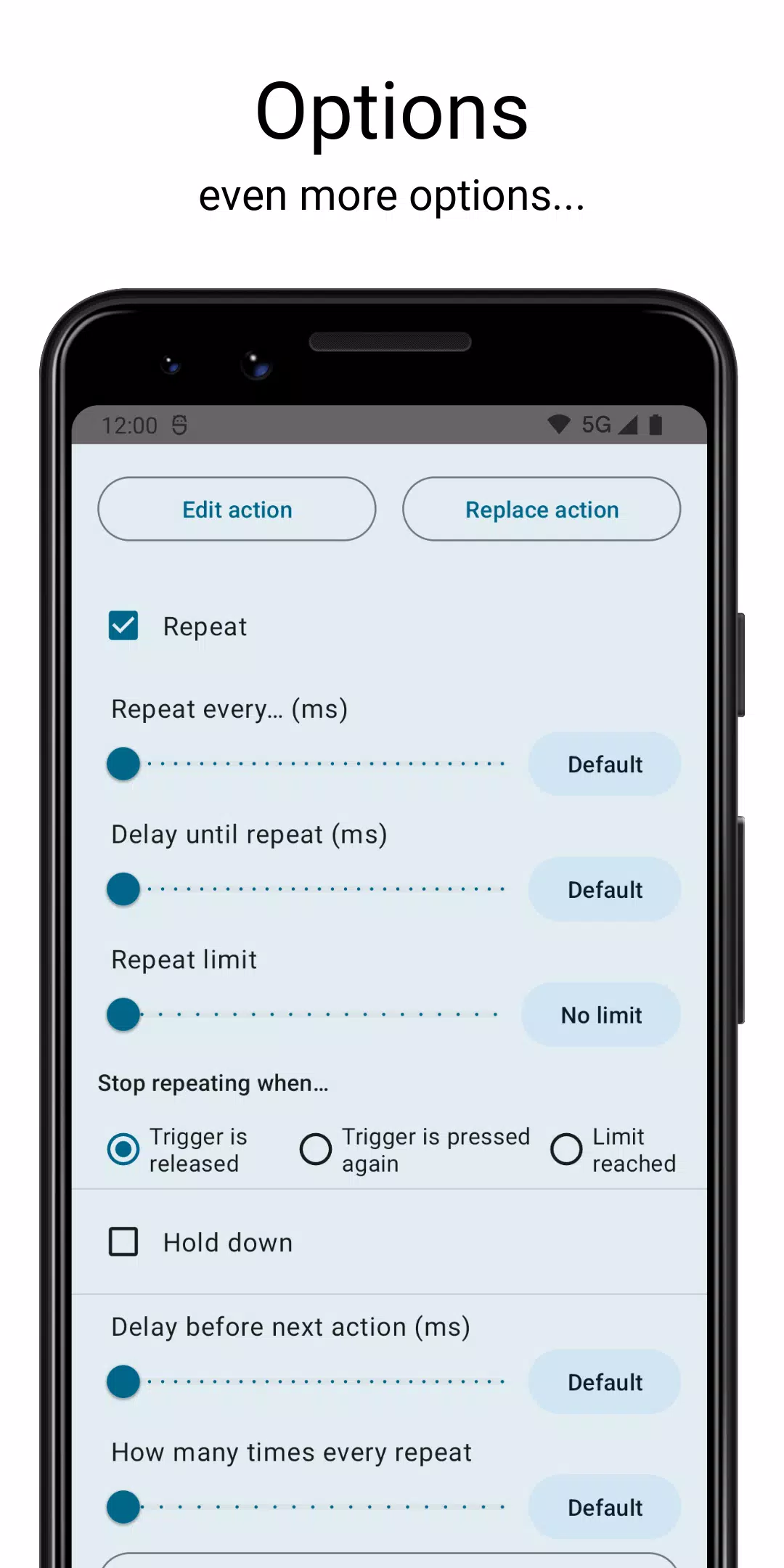
You can create "triggers" by combining multiple keys from a single device or across different devices. Each trigger can execute multiple actions, and you can choose whether the keys are pressed simultaneously or sequentially. Customize your experience further by setting keys to activate on short presses, long presses, or double presses. Additionally, you can set "constraints" on your keymaps to ensure they only activate under specific conditions.
However, not all buttons can be remapped. The power button, Bixby button, mouse buttons, and game controller components like the D-pad, thumb sticks, or triggers are off-limits. Also, be aware that your key maps won't function if the screen is off due to Android limitations, and there's nothing the developers can do about it.
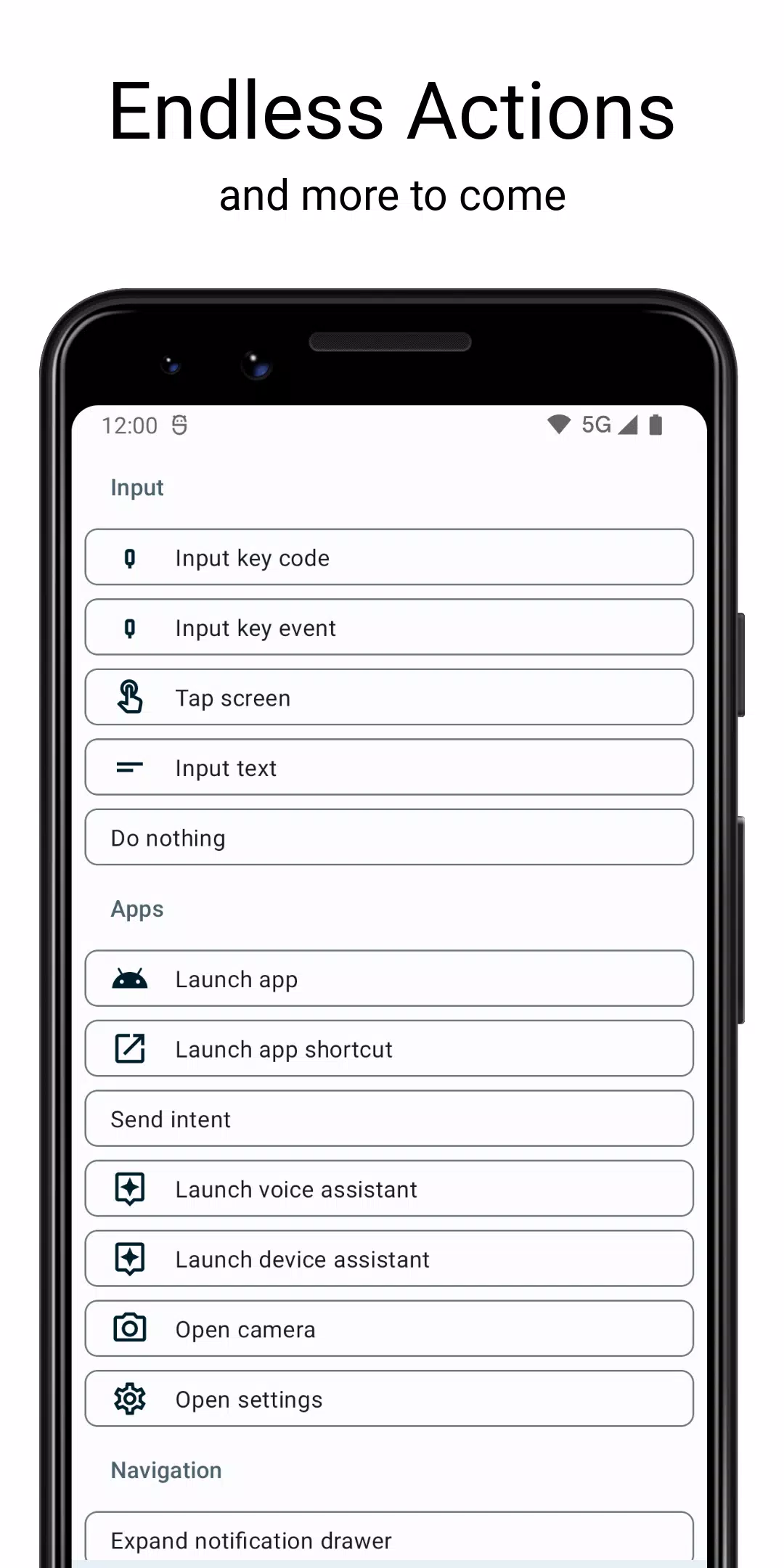
With Keymapper, you can remap your keys to perform a variety of actions. Some advanced actions may require a rooted device and are specific to certain Android versions. For a comprehensive list of actions, visit the detailed user guide at https://docs.keymapper.club/user-guide/actions.
Permissions are necessary for Keymapper to function correctly, but you don't need to grant all of them. The app will notify you if a permission is required for a specific feature. The Accessibility Service is essential for remapping to work, as it allows the app to listen to and block key events. Device Admin permissions are needed to turn off the screen, Modify System Settings for adjusting brightness and rotation, and Camera permissions for flashlight control. Note that enabling the Accessibility Service may disable "enhanced data encryption" on some devices.
Stay connected with the Keymapper community via Discord at www.keymapper.club, and for more detailed information, visit the official website at docs.keymapper.club.
What's New in the Latest Version 2.6.2
Last updated on Sep 12, 2024
Keymapper now supports Android 14 and includes numerous bug fixes. For a detailed list of changes, see the changelog.