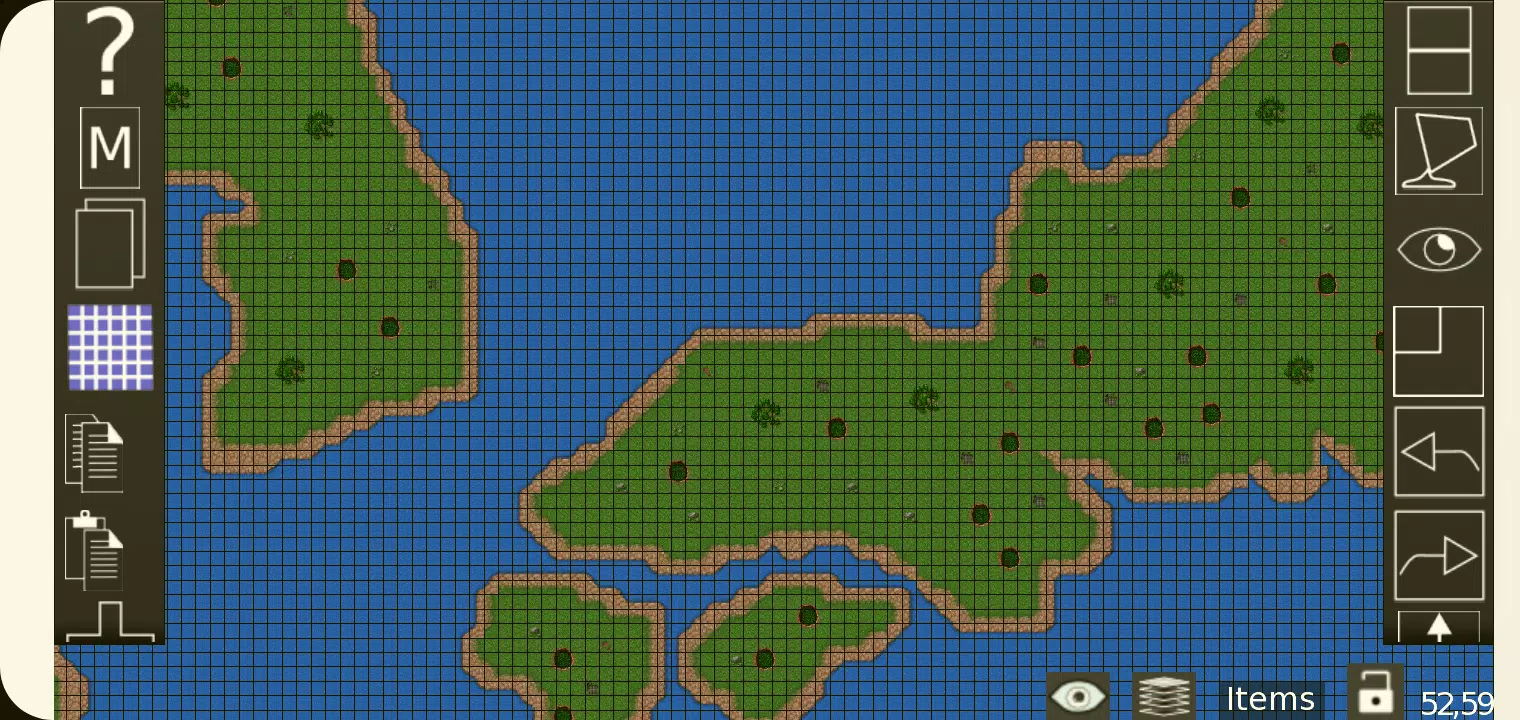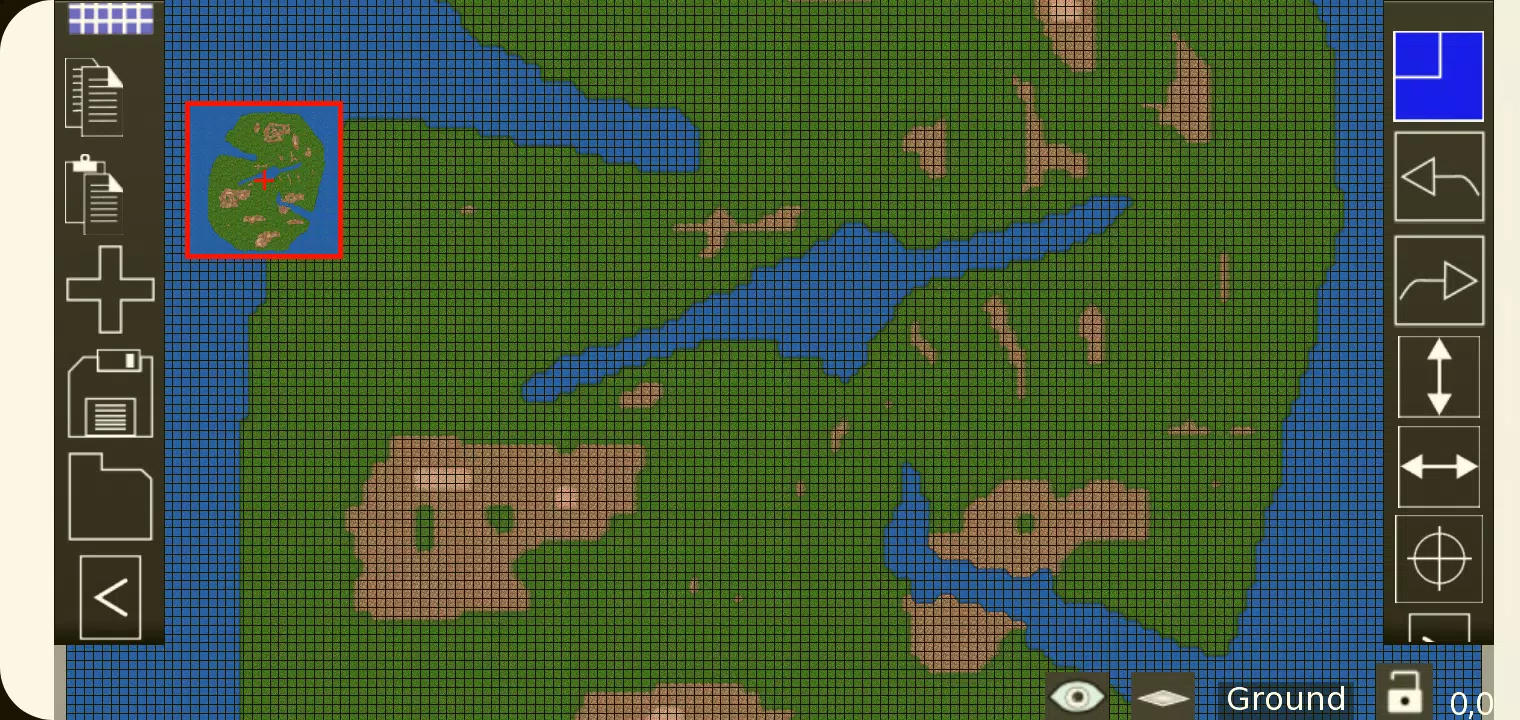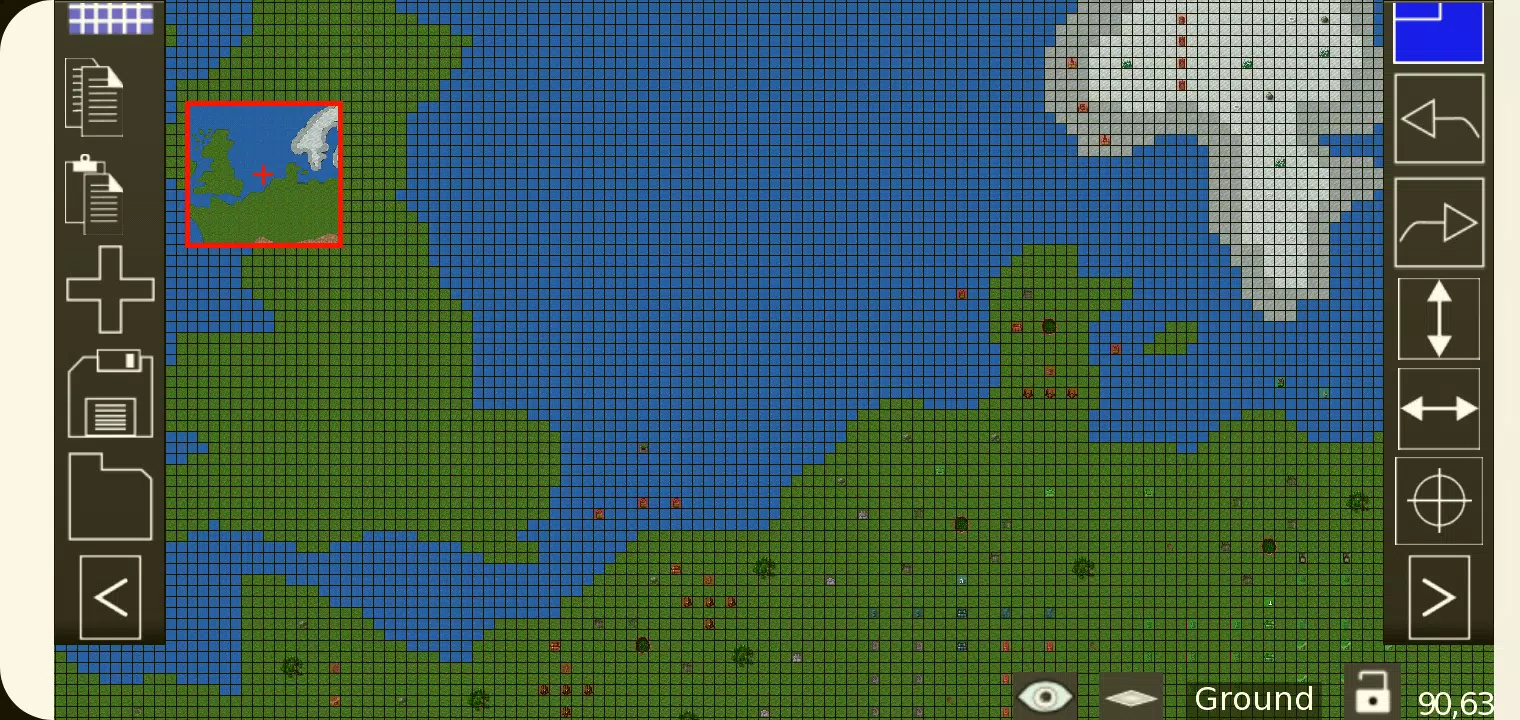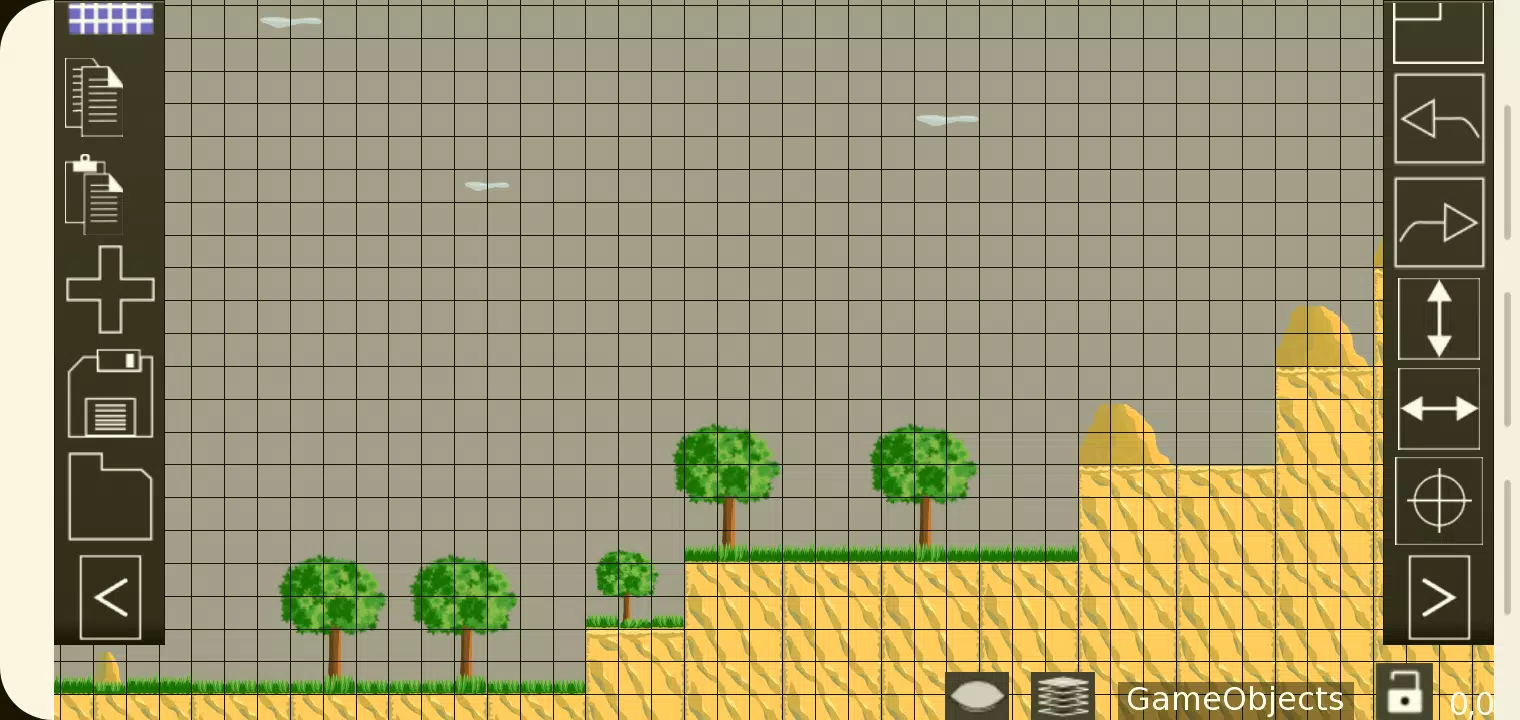
The Tiled Map Editor (TMEditor) is an essential tool for game developers crafting 2D games. This powerful, free software simplifies the process of creating intricate map layouts. TMEditor's versatility extends beyond simple map design, enabling users to define abstract elements like collision areas, enemy spawn points, and power-up locations. All this information is conveniently stored in the standardized .tmx format, making it easy to integrate into your game engine.
How Does TMEditor Work?
Creating maps with TMEditor follows a straightforward process that enhances productivity:
- Choose your map size and base tile size - Set the dimensions of your game world and the size of individual tiles.
- Add tilesets from image(s) - Import your graphics to use as tiles within the map editor.
- Place the tilesets on the map - Arrange your tiles to form the visual layout of your game environment.
- Add any additional objects to represent something abstract - Include elements like collision zones or spawn points.
- Save the map as a .tmx file - Store your map in the .tmx format for easy game integration.
- Import the .tmx file and interpret it for your game - Use the saved map data within your game engine to bring your design to life.
Features
TMEditor is packed with features that cater to a wide range of 2D game development needs:
- Orthogonal and Isometric Orientation - Supports both traditional and angled perspectives for your maps.
- Multiple Tilesets - Use several tilesets to add variety and detail to your maps.
- Multiple Object Layers - Organize different types of objects on separate layers for better management.
- Multi-layer Editing - Offers eight layers to include intricate details in your maps.
- Custom Properties - Define custom attributes for maps, layers, and objects to enhance game logic.
- Editing Tools - Includes Stamp, Rectangle, and Copy Paste functionalities for efficient editing.
- Tile Flip - Easily flip tiles for added visual variety.
- Undo and Redo - Currently available for tile and object mapping to correct mistakes quickly.
- Supported Objects - Can handle rectangles, ellipses, points, polygons, polylines, text, and images.
- Objects on Isometric Maps - Place objects on maps with an isometric view.
- Background Image - Add a background to your map for context and visual appeal.
- Export Options - Export your maps in various formats including XML, CSV, Base64, Base64-Gzip, Base64-Zlib, PNG, and Replica Island (level.bin).
What's New in the Latest Version 1.0.27
The latest update, released on October 4, 2024, focuses on bug fixes to enhance the user experience and ensure smoother operation of TMEditor.